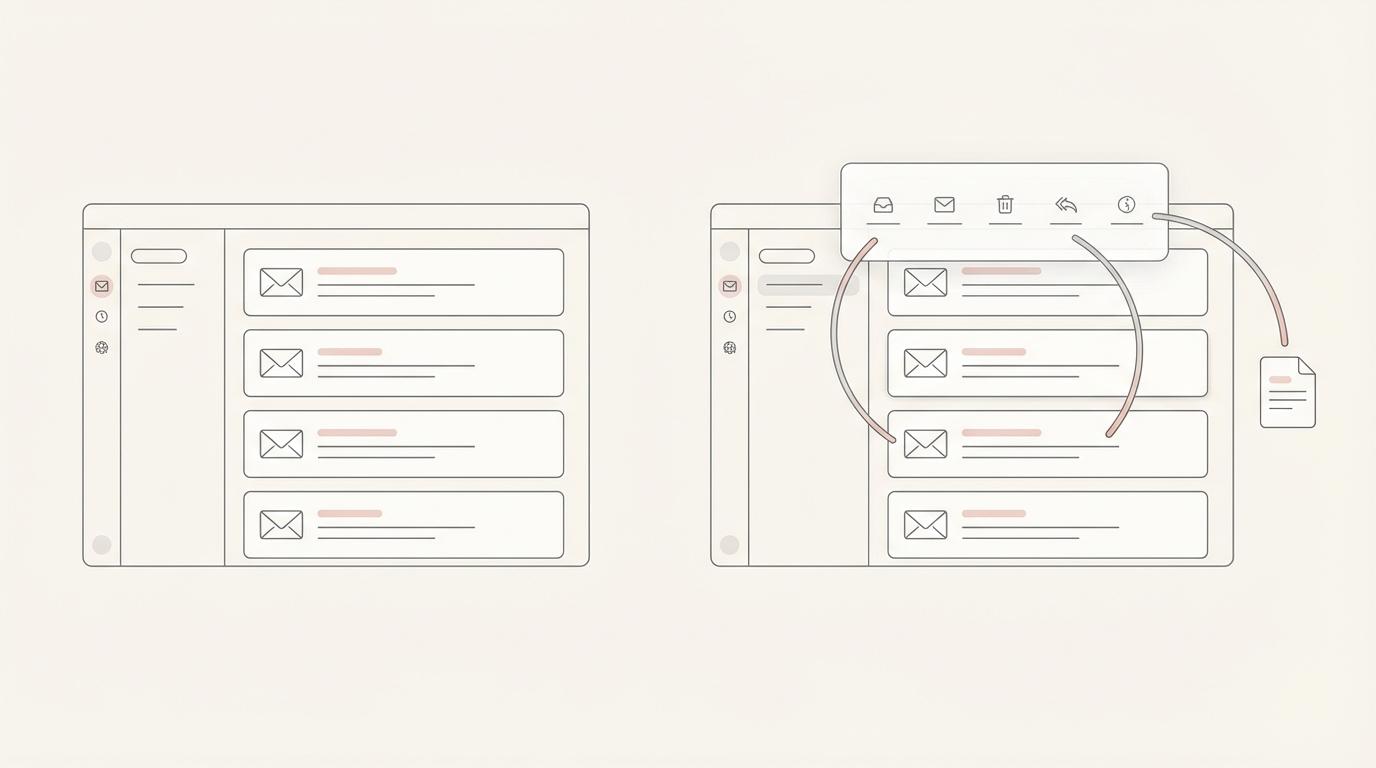
Short answer: Shortwave is an AI-powered email app for Gmail and Google Workspace. You read and send mail in Shortwave's own client, with split inboxes, bundles, todos, team comments and an AI assistant you prompt. Jace is an AI email assistant that works on top of the Gmail or Outlook you already use. It labels incoming mail, writes reply drafts into your normal Drafts folder before you open the thread, and prepares follow-ups. If you want a better Gmail client, Shortwave is the stronger product. If you use Outlook or Microsoft 365, or you want replies prepared without switching clients, Jace is the Shortwave alternative to try.
Product facts below come from Jace's own docs and from Shortwave's public pages and docs, checked on 7 November 2026. Both products change often, so check the linked sources before you buy.
Jace vs Shortwave at a glance
| Jace | Shortwave | |
|---|---|---|
| What it is | AI assistant that works on top of Gmail or Outlook, plus a Jace web app | A separate email app with a built-in AI assistant, on web, Mac, Windows, iOS and Android |
| Email providers | Gmail and Outlook (Microsoft 365 and Outlook.com) | Gmail and Google Workspace. Microsoft 365 and Exchange are not supported. Outlook.com, Yahoo and others only by forwarding into a Gmail account |
| Do you change email client? | No. Labels and drafts sync back, so Gmail, Outlook and their mobile apps keep working | Yes. You work in Shortwave's app |
| AI reply drafts | Automatic drafts for the labels you choose (for example Needs Reply), plus "Draft a reply" on any thread. Uses the full thread, attachments, your calendar and connected tools | Instant AI replies and the AI assistant write drafts when you ask, in your writing style. Background auto-drafting is offered through Shortwave's sister product, Tasklet |
| Sorting | AI labels (Needs Reply, Waiting, FYI, To Do, Promotion) plus your own labels, described in plain English | Splits, bundles, AI filters (3, 10 or 50 depending on plan), todos and delivery schedules |
| Follow-ups | Threads in Waiting get a follow-up draft after 3 days without a reply | Follow-up reminders, read statuses and link tracking |
| Automations | Rules, and Flows: "if emails like this arrive, then draft, create a calendar event or update a connected tool" | AI filters, saved prompts and AI memory. 24/7 automation through Tasklet |
| Integrations | Slack, Google Drive and OneDrive built in. Notion, HubSpot, Salesforce, Asana, Linear and others through MCP, plus your own remote MCP servers | HubSpot, Notion, Slack, Asana, Linear, Zapier and web browsing, plus custom MCP servers |
| Team features | Seats on one team with pooled credits. No shared threads or comments | Shared live threads, private team comments, assignees, shared labels and channels |
| Mobile | No native app yet. Jace's labels and drafts appear in the Gmail or Outlook mobile app | Native iOS and Android apps |
| Sending | Never sends on its own by default. You can switch on auto-send for a specific label or Flow | You send from the Shortwave app |
| Price (per user per month) | Plus $20 billed yearly ($25 monthly), Pro $40 yearly ($50 monthly). 7-day free trial | Free plan. Pro $18, Business $30, Premier $45, Max $120 per seat per month. 14-day free trial |
Jace prices are from the Jace pricing page. Shortwave prices and plan features are from shortwave.com/pricing and provider support from Shortwave's docs, both on 7 November 2026.
What Shortwave does well
Shortwave is a full email client, and a well-made one. Splits divide your inbox into tabs for important mail, specific senders or labels. Bundles group promotions, newsletters and updates so you can clear them in one go. You can turn emails into todos, set delivery schedules so mail arrives when you want it, and see read statuses and link clicks on what you send (Shortwave).
Its AI assistant sits in a sidebar on every platform. You can ask it to organize your inbox, find an email by describing it, answer questions across your email history, check your calendar and write scheduling emails, or draft a reply. Shortwave says its writing feature learns your style from the emails you send (AI assistant guide). AI filters label, archive or star new mail based on a plain-English prompt.
Shortwave is also built for teams on Google Workspace. You can share a live thread with a teammate, discuss it in private comments, assign it to an owner and build shared labels that the whole team can search (team guide). There is a free plan, and one paid plan covers all the Gmail accounts you sign in on the same device (billing guide).
What Jace does differently
Jace doesn't ask you to move to a new client. It does the reply work in the background and leaves you in the inbox you already use.
- Gmail and Outlook. Jace connects to Gmail and to Outlook, both Microsoft 365 and Outlook.com. Labels sync as Gmail labels or Outlook categories and folders, and drafts land in your normal Drafts folder (Outlook setup). Shortwave's docs say Microsoft 365 and Exchange are not supported, and Outlook.com mail can only be forwarded in, without sending from that address.
- Drafts waiting before you open the thread. Any label can draft replies automatically, with extra instructions. When Jace drafts, it reads the full thread and its attachments, checks your calendar for scheduling, looks in connected tools when that helps, and applies your rules, writing style and signature (Drafting docs, Labels docs).
- Follow-ups you don't track by hand. When you send an email and the thread sits in Waiting for three days with no reply, Jace prepares a follow-up draft. You can turn this off.
- Flows. A Flow is an "if this, then that" automation written in plain English. For example: "emails from new clients asking for a call: draft a reply with three times from my calendar and create a placeholder event." Drafts are the default. Automatic sending is a separate switch (Workflow docs).
- Several inboxes in one place. Pro connects up to 8 Gmail or Outlook accounts, and you can mix providers (Multiple accounts).
The trade-off: Jace is not a full email client with Shortwave's splits, bundles, todos and read statuses. There is no native mobile app yet (Mobile docs), Jace's plans are paid after a 7-day free trial rather than offering a free tier, and Jace has no equivalent to Shortwave's shared threads, team comments or assignees.
When to pick Shortwave instead
Choose Shortwave if:
- Your whole team is on Google Workspace and you want a new email client, not an assistant on top of the old one.
- You want inbox tools in the client itself: splits, bundles, todos, delivery schedules, read statuses and link tracking.
- Your team discusses emails together. Shared threads, comments, assignees and shared labels are core Shortwave features.
- You want a native mobile app with the AI assistant built in.
- You want to start free. Shortwave has a free plan, and its Pro plan is $18 a month.
When Jace is the better Shortwave alternative
Choose Jace if:
- You use Outlook or Microsoft 365, or you have a mix of Gmail and Outlook accounts.
- You want to keep Gmail or Outlook, including their mobile apps, and still find drafts waiting when you open a thread.
- You want drafting to happen automatically for the emails that need a reply, rather than prompting an assistant thread by thread.
- Your replies depend on context: long threads, attached contracts or proposals, calendar availability, or notes in Slack, Drive, Notion or your CRM.
Jace fits professional-services work that runs on email. Law firms juggle matter threads and documents (Jace for lawyers). Consultants and agencies keep several clients moving at once (Jace for consultants).
Switching from Shortwave to Jace
Shortwave works on top of your Gmail account, so there is no mailbox to migrate. Sign in to Jace with the same Google account, let the import run (recent mail first, then older history), confirm your signature, and turn your saved prompts and AI filters into Jace rules, labels or Flows. If your mail reached Shortwave through forwarding from Outlook, you can connect the Outlook account to Jace directly instead. The Gmail setup guide and Outlook setup guide have the steps.
FAQ
Is Jace a good Shortwave alternative? It is if what you want from Shortwave is AI help with replies and follow-ups, or if you need Outlook support. If you mainly want a better Gmail client with splits, bundles and team comments, Shortwave remains the better fit.
Does Shortwave work with Outlook? Not natively. Shortwave's docs say Microsoft 365 and Exchange are not supported, and Outlook.com mail only works by forwarding it to a Gmail account, without sending from the Outlook address. Jace connects to Gmail and Outlook (Microsoft 365 and Outlook.com) directly.
Do I have to leave Gmail or Outlook to use Jace? No. Jace connects to your Gmail or Outlook account. Labels and drafts sync back, so you can keep using Gmail, Outlook or their mobile apps, and use the Jace web app when you want chat and search.
Does Jace send emails without me? Not by default. Jace creates drafts for you to review and send. You can turn on automatic sending for a specific label (Jace shows a warning first) or for a Flow.
How much does Jace cost compared with Shortwave? Jace Plus is $20 per month billed yearly ($25 monthly) and Pro is $40 billed yearly ($50 monthly), with a 7-day free trial. Shortwave lists a free plan, then Pro at $18 and Business at $30 per seat per month, with Premier and Max above that. See Jace pricing for credits and plan limits.
Is my email used to train AI models? Jace's security page says it never trains AI models on your email content. Shortwave's security page says your data will never be used to train third-party models.
Try Jace on your own inbox
Jace's 7-day trial connects to the Gmail or Outlook account you already use, so you can see its drafts on real threads before you decide. Start your free Jace trial, or compare Jace's plans first.
Also comparing other tools? Read Jace vs Superhuman, Jace vs Fyxer, Jace vs Lindy and Jace vs Gmelius. Or see all 8 AI email assistants compared.
Sources (checked 7 November 2026)
- Shortwave product overview: shortwave.com
- Shortwave plans, trial and pricing FAQ: shortwave.com/pricing
- Shortwave provider support: Use Shortwave with other email providers
- Shortwave AI assistant and Tasklet: AI assistant guide
- Shortwave team features: Collaborate with your team
- Shortwave billing and security: Billing, Security & Privacy
- Jace plans: jace.ai/pricing. Jace features: Drafting, Labels, Rules, Flows, Integrations, Multiple accounts, Security