Jace vs Lindy: Inbox Agent vs Prompt-Driven Assistant
Why the difference between responding to prompts and reducing decisions changes everything for founder productivity.
TL;DR (At-a-glance)
What Lindy is best for:
- Users seeking a general-purpose agent platform for broad automation across various applications.
- Building custom, multi-step workflows that require explicit triggers or complex logic.
- Tasks that extend beyond the primary scope of email and calendar management.
- Teams that prefer a prompt-driven interface for handling ad-hoc requests and custom builds.
What Jace is best for:
- Founders who want an agent that works directly on top of their existing Gmail or Outlook.
- Reducing decision fatigue through label-triggered drafting (e.g., "Needs Reply").
- Managing complex threads with deep context from history and attachments (PDFs, docs).
- Closing loops automatically with the "Waiting" label and follow-up drafts.
Who should choose what:
- Choose Lindy if you are looking for a general automation platform to build custom, prompt-driven workflows across various apps.
- Choose Jace if your primary bottleneck is email overload and you need a proactive agent to handle thread context, drafting, and scheduling.
The Real Inbox Problem
It is 4:00 PM on a Thursday. You are a solo founder, and your inbox has become a graveyard of half-finished decisions.
In one thread, a high-stakes sales lead has just sent a redlined proposal PDF. They have three objections buried in the text, and you need to recall a conversation from four months ago before you can even begin to draft a reply. In another tab, a support escalation is heating up; a long-time client is frustrated, and the thread is now 15 messages deep with multiple stakeholders CC’d. Meanwhile, a vendor is asking for a signature on a contract you haven't had time to read, and your calendar is a jigsaw puzzle of conflicting time zones for a board meeting you need to schedule.
This is email overload. It isn't just about the volume of messages; it's about the cognitive weight of the decisions required for each one. Without a system, things slip. You forget to nudge the lead. You miss the nuance in the support thread. You spend your evening reconstructing thread history instead of building your company.
Core Thesis
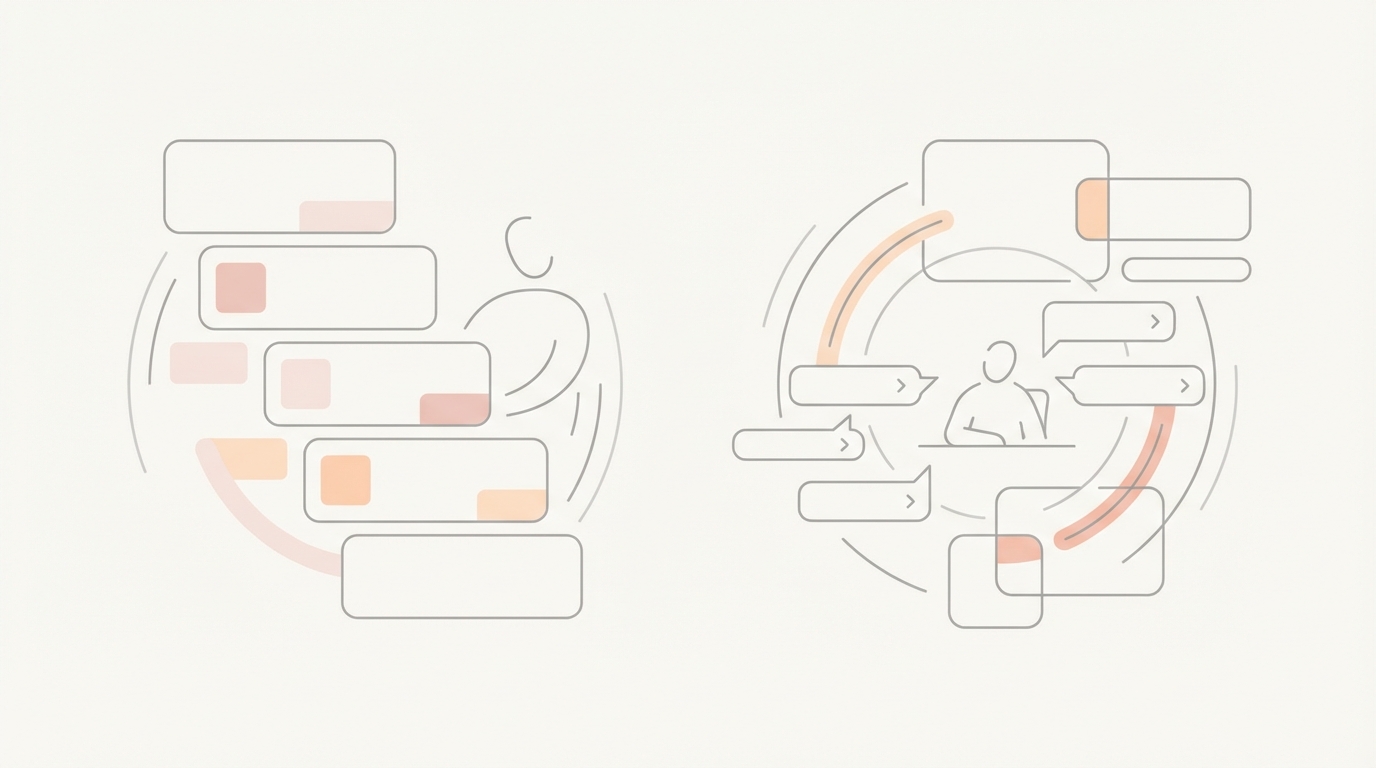
The fundamental difference between these two platforms lies in how work begins. A prompt-driven assistant responds when you ask it to; an inbox agent reduces the number of decisions you have to make per thread by working proactively on top of your existing labels and rules.
Definitions
Prompt-Driven Assistant (Lindy)
Operationally, a prompt-driven assistant functions as a general agent platform. It typically requires the user to provide explicit prompts or build specific workflows to execute tasks. It is designed to be a versatile tool that can be directed to handle a wide range of automations across different software environments, acting as a flexible "builder" for custom agentic behavior.
Inbox Agent on top of Gmail/Outlook (Jace)
Jace is an inbox agent that lives where you already work. It does not replace Gmail or Outlook; it syncs with them in real time. It functions via label triggers and natural language rules to produce reviewable drafts. By reading full threads and supporting attachments, it prepares the "next step" for the user, maintaining a review-first boundary where the human remains the final decision-maker.
Head-to-Head Comparison
| Feature | Jace (Inbox Agent) | Lindy (Prompt-Driven) | Who it favors |
|---|---|---|---|
| Primary Interface | Works on top of Gmail/Outlook | Standalone platform / Workflow builder | Jace (for email-first users) |
| Trigger Mechanism | Label-based (e.g., "Needs Reply") | Prompt-driven or custom triggers | Jace (for proactive drafting) |
| Drafting Behavior | Review-first drafts by default | Workflow-dependent execution | Jace (for human-in-the-loop) |
| Thread Context | Reads full threads + 3yr history | Context provided via prompt/workflow | Jace (for deep history) |
| Attachments | Supports PDFs, .docx, images, text | Generic attachment handling | Jace (for document analysis) |
| Calendar | Drafts events for approval | Workflow-based scheduling | Jace (for safe scheduling) |
| Rules | Natural language behavior rules | Custom logic/workflow building | Lindy (for complex custom logic) |
| Auto-Send | Opt-in, label-based only | Configurable via workflow | Jace (for safety/control) |
| Setup Effort | Low (syncs with existing labels) | Variable (requires workflow building) | Jace (for rapid deployment) |
| Integrations | Slack, Notion, Drive, OneDrive | Broad, general-purpose integrations | Lindy (for multi-app breadth) |
| History Import | Up to 3 years of email history | Typically starts from connection | Jace (for historical recall) |
| Mobile Access | Via Gmail/Outlook apps | Platform-specific mobile access | Jace (for native mobile use) |
Philosophy Breakdown
Lindy: The Workflow Builder
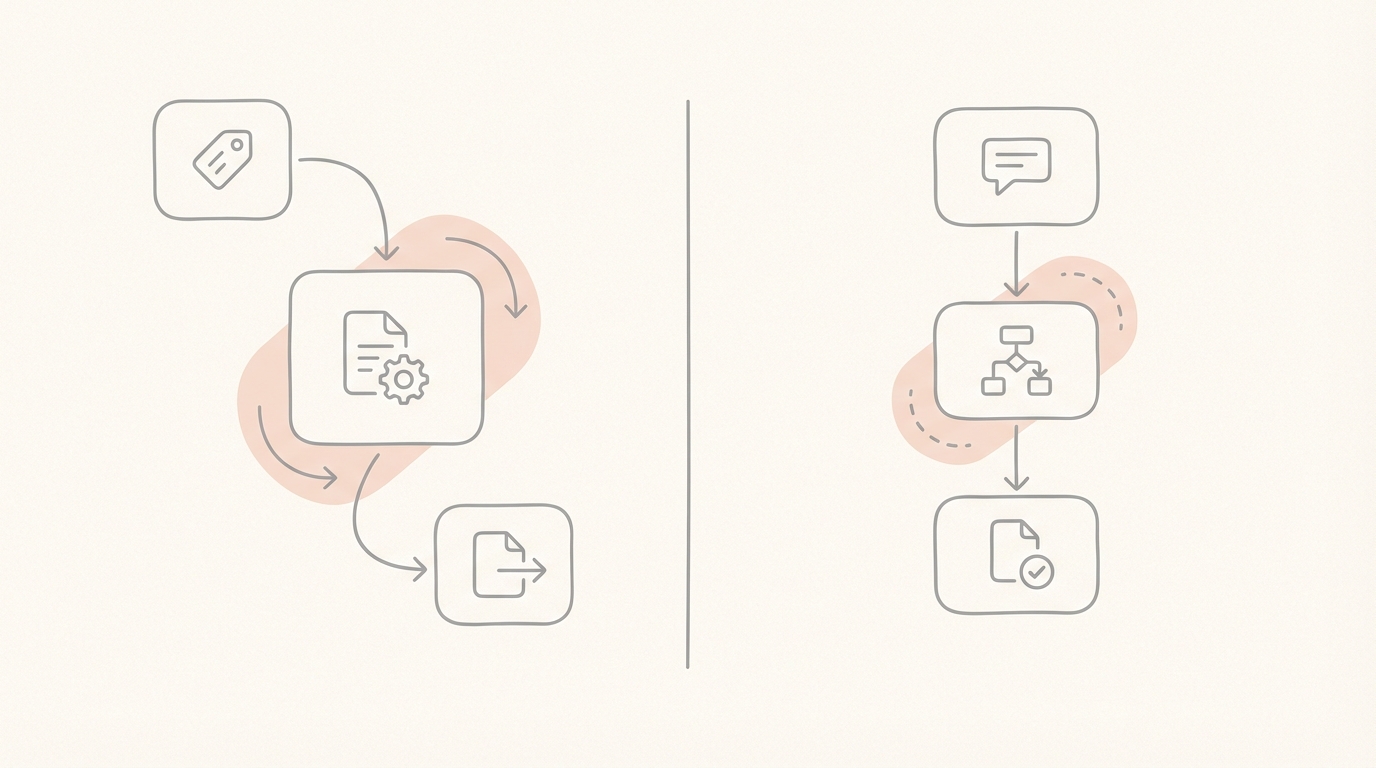
The philosophy behind a prompt-driven assistant is one of infinite flexibility. Work starts with a prompt or a pre-defined workflow. If you need to automate a specific, repetitive task that spans multiple applications, you build a "Lindy" to handle it. It is a platform for those who want to architect their own automations from the ground up.
The Scene: You have a specific process for onboarding new vendors that involves five different apps. You build a workflow that triggers when a specific form is filled out, directing the assistant to move data and send notifications. You are the architect; the assistant is the builder.
Jace: The Proactive Partner
Jace’s philosophy is built around reducing the friction of the existing inbox. It doesn't ask you to build a workflow; it asks you to define how you want your emails handled. By using labels like "Needs Reply" or "Call Jace automatically," you trigger an agent that already understands your history and your documents.
The Scene: You apply the "Needs Reply" label to a complex thread. Jace reads the 10 previous messages, analyzes the attached PDF contract, checks your calendar for Friday, and prepares a draft that addresses the client's concerns and proposes a meeting time. You open your Drafts folder, review the work, and hit send.
Where Each Wins
Jace Wins on Context and Control
Jace is the clear winner for founders who live in their inbox. Because it imports up to 3 years of history and reads full threads (including quoted replies), its drafts are grounded in reality. The "review-first" default ensures that you never have to worry about an AI sending something hallucinated or off-tone without your eyes on it.
Lindy Wins on Custom Breadth
Lindy is the choice for teams that need to build custom agents for tasks that live outside the inbox. If your primary goal is to create a bespoke automation for a non-email process, the prompt-driven, workflow-builder approach provides the necessary canvas.
Choose Jace if your bottleneck is the cognitive load of reconstructing thread history and making decisions on complex deals.
Day-in-the-Life Workflows
A) The High-Stakes Sales Thread
The Scenario: A lead responds to a proposal with a PDF attachment containing several redlined clauses and a list of objections regarding the implementation timeline.
- Moment of Failure: In a manual or prompt-only system, you have to download the PDF, read it, find the previous email where you discussed the timeline, and then start typing. This is where "I'll do this later" happens, and the lead goes cold.
- Moment of Leverage: You label the thread "Needs Reply." Jace reads the PDF, identifies the objections, cross-references the previous timeline discussion in your history, and drafts a response that addresses each point.
- Limitation: For Jace, this requires the PDF to be text-based (no OCR). For Lindy, this would typically require a manual prompt to "read this attachment and compare it to the thread."
B) The Support Escalation
The Scenario: A long-term client sends a frustrated email about a recurring issue. The thread is 15 messages deep and includes a screenshot of the error.
- Moment of Failure: You lose 20 minutes just trying to remember what was promised in message #4 and what the developer said in message #9.
- Moment of Leverage: Jace analyzes the full thread history. It sees the screenshot and the previous technical explanations. It prepares a draft that acknowledges the history and provides a status update based on your rules.
- Limitation: Jace cannot read encrypted PDFs or XLSX files. Lindy’s cost is the time required to prompt the assistant to "summarize this specific history" before drafting.
C) Vendor Contract + Scheduling
The Scenario: A vendor sends a contract (.docx) and asks for a quick call to finalize the details.
- Moment of Failure: You have to read the contract and then switch to your calendar to find a time that isn't blocked by your existing board meetings.
- Moment of Leverage: Jace reads the .docx, summarizes the key terms in the draft, and checks your calendar. It creates a draft event in Jace for you to approve.
- Limitation: Jace’s calendar invites only go out after you approve the draft event. Both approaches are limited if the vendor uses a scheduling tool that requires manual link clicking.
When Jace is a Good Fit
Jace is designed for the "solo-operator" or founder who is the primary bottleneck in their own company. If you find yourself spending more than two hours a day in your inbox, or if you frequently "star" emails to deal with later because they require too much thinking, Jace is the right fit. It is built for those who need the "first draft" done for them so they can focus on the final 10% of the decision.
When Jace is NOT a Good Fit
Jace is not a replacement for a CRM or a dedicated project management tool. If your primary need is a database to track leads through a pipeline, Jace is an assistant to that process, not the process itself. Additionally, if your workflow relies heavily on scanned documents (OCR) or complex Excel spreadsheets, Jace’s current attachment support (PDF, docx, images, text) may not meet those specific technical requirements.
FAQ
Does it send emails automatically? No. Jace is review-first by default. It produces drafts for your review in your native Drafts folder. While auto-send is an available feature, it is strictly opt-in, label-based, and must be explicitly enabled by the user.
Does Jace replace Gmail/Outlook? No. Jace works on top of your existing email provider. You can use it via the standalone web app or as a Chrome extension directly within the Gmail interface.
How do labels trigger drafts? Drafting is triggered by specific labels: "Needs Reply," any label you have configured with the "Call Jace automatically" rule, or the "Waiting" label, which triggers a follow-up draft after 3 days of inactivity.
How do rules work? Rules in Jace are written in natural language and define behavior (e.g., "If a vendor asks for a discount, mention our standard 10% volume policy"). Rules are not retroactive, do not apply labels themselves, and any proposed rule requires your approval before it becomes active.
How does it handle attachments? Jace supports text-based PDFs, Word documents (.docx), images, and plain text files. It does not currently support XLSX files, encrypted PDFs, or scanned PDFs that require OCR.
How does calendar scheduling stay safe? Jace creates draft events or updates within the Jace interface. Calendar invitations are only sent to participants after you have reviewed and approved the draft.