Brand Usage
Guidelines
Contents
Tone of Voice
Write like Jace: clear, human, and empowered advice on messages and formats.
DOs and DON'Ts
Always say jace.ai, not "Jace"
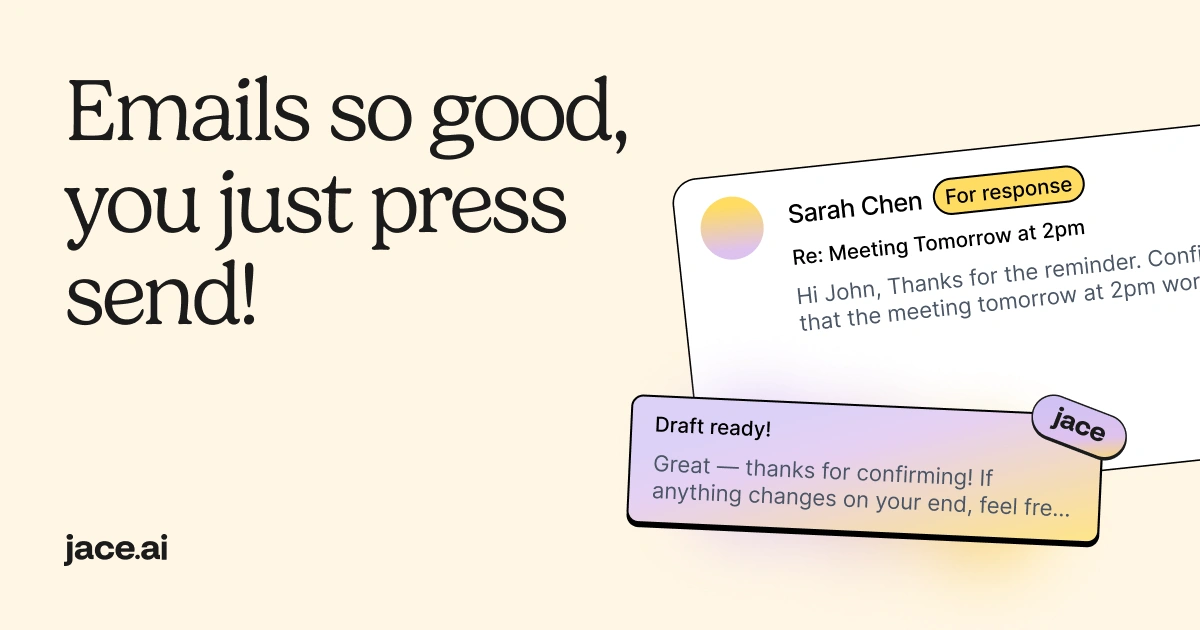
Make it clear that jace.ai drafts emails – it does not send anything automatically
Emphasize user control: the agent prepares, the human decides
What Jace.ai is
A true email agent that understands your inbox, finds context, and drafts top-quality replies for you
A tool that labels, organizes, and prepares your inbox so you always know what matters
An AI workflow engine that reacts to your emails (for example: "if an invoice arrives, summarize it", "if a partner replies, prepare a draft")
A way to save time by letting the agent handle searching, context-gathering, and writing while the human stays fully in control
What Jace.ai is not
Not "just a UI" like Superhuman – jace.ai actually does the work: searching, labeling, thinking, and drafting inside your inbox
Not a human assistant service like Fyxer – jace.ai has real AI workflows and an agent loop, so tasks happen instantly and at scale, with significantly higher-quality drafts
Not a simple drafting tool – it doesn't just rewrite text; it gathers real context from emails, attachments, and calendar entries to produce accurate drafts
Not an automation that sends things on its own – jace.ai drafts and suggests, but you make the final call
Not a narrow point solution – it's a full "inbox brain" that watches your email, understands patterns, and helps you act faster
Logo
Use our logo correctly: full marks, clear space, and retain its jace and AI atomic texture.


Icon
Jace icon usage: standalone symbol guidelines and downloadable assets.



Colours
Typography
Font styles, weights, and how to apply Jace's typography in design
Images
Branded imagery for social sharing. How to use them and where to download.