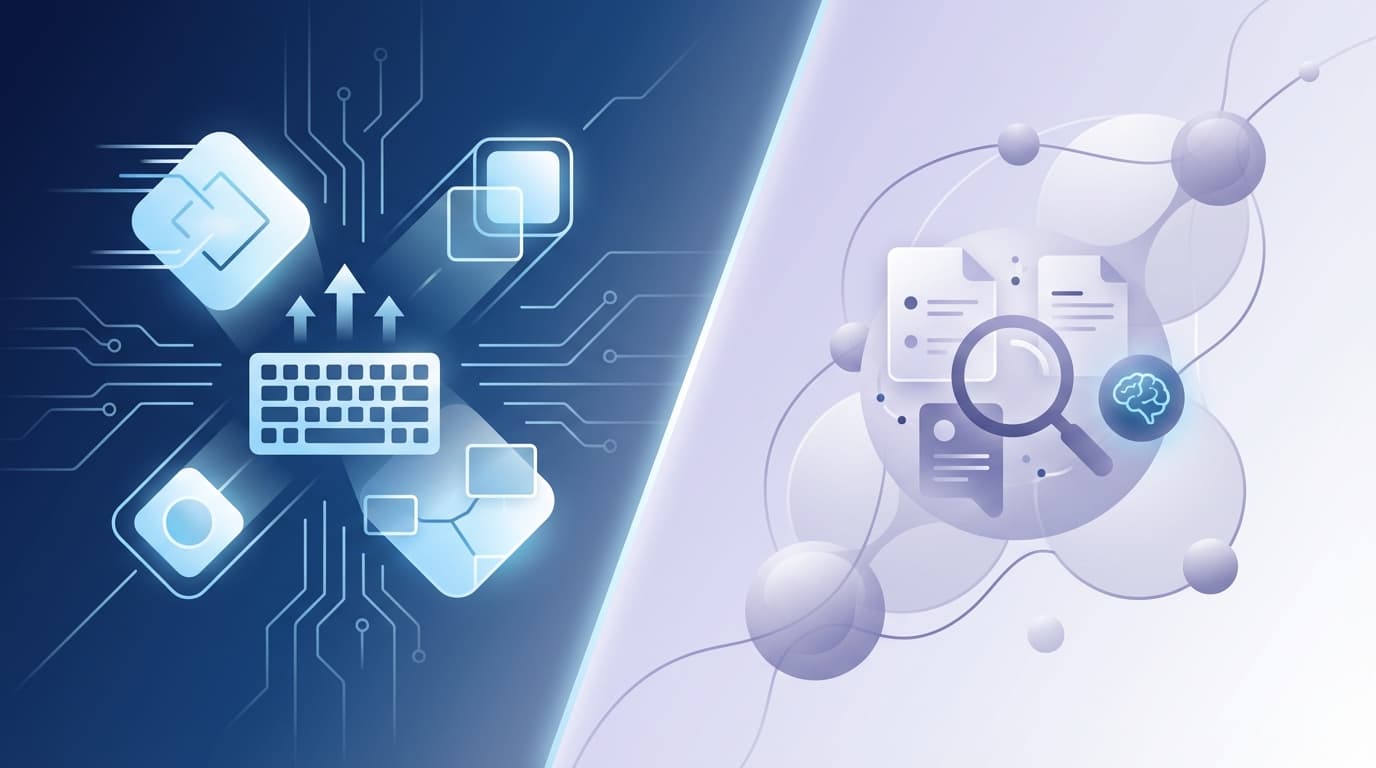
Jace AI vs Superhuman: Who Helps You Hit Inbox Zero Faster?
 Inbox zero: fast UI vs inbox agent workflows.
Inbox Zero Is a Decision Problem, Not a Volume Problem
Most founders and operators view a bloated inbox as a volume issue. They see 300 unread messages and assume the solution is simply moving faster. But the true bottleneck isn't the number of emails; it's the decision cost associated with every single thread. Each message requires you to parse intent, recall history, check external data, and formulate a response. When you have dozens of these micro-decisions to make before lunch, decision fatigue sets in, and the inbox remains full.
Consider a typical Monday morning for a startup founder. You open an email from a key investor asking for a specific metric from last quarter. Another is from a lead asking if you can meet on Thursday. A third is a vendor dispute regarding an invoice from three months ago. Even if you are the fastest typist in the world, you cannot "type" your way out of the fact that you need to find a board deck, check your calendar, and dig through a PDF invoice. This is the reality of email overload. It is a cognitive tax, not a mechanical one.
The Two Paths: Type Faster vs Decide Faster
To solve this, the market has diverged into two distinct philosophies. The first path focuses on the operator: making you move through the inbox with maximum mechanical efficiency. This is the path of the high-speed email client, where the goal is to reduce the friction between your brain and the "Send" button.
The second path focuses on the work itself: using an email agent to handle context assembly and decision preparation before you even open the app. In this model, the goal is to reduce the number of decisions you have to make from scratch. One path helps you type faster; the other helps you decide faster. This distinction defines the choice between Superhuman and Jace.
What Superhuman Optimizes (and What It Doesn’t)
Superhuman is built for the "keyboard warrior." Its primary optimization is UI responsiveness and keyboard-driven flow. By removing the need for a mouse and ensuring every interaction happens in under 100 milliseconds, it allows users to enter a "flow state" of triage.
This approach is exceptionally effective for clearing out the "noise" of an inbox. For example, if you have 40 newsletters, notifications, and simple "Thanks!" emails, Superhuman allows you to archive or delete them in seconds using single-key commands. Similarly, for short transactional emails, like a quick "Yes, that works" to a colleague, the speed of the interface ensures that the mechanics of the reply never slow you down. It turns inbox triage into a high-speed game of clearing the board.
However, Superhuman does not solve the "blank page" problem. It makes the window faster, but it doesn't write the words or find the data. You are still the one reading the thread, remembering the context, and composing the response.
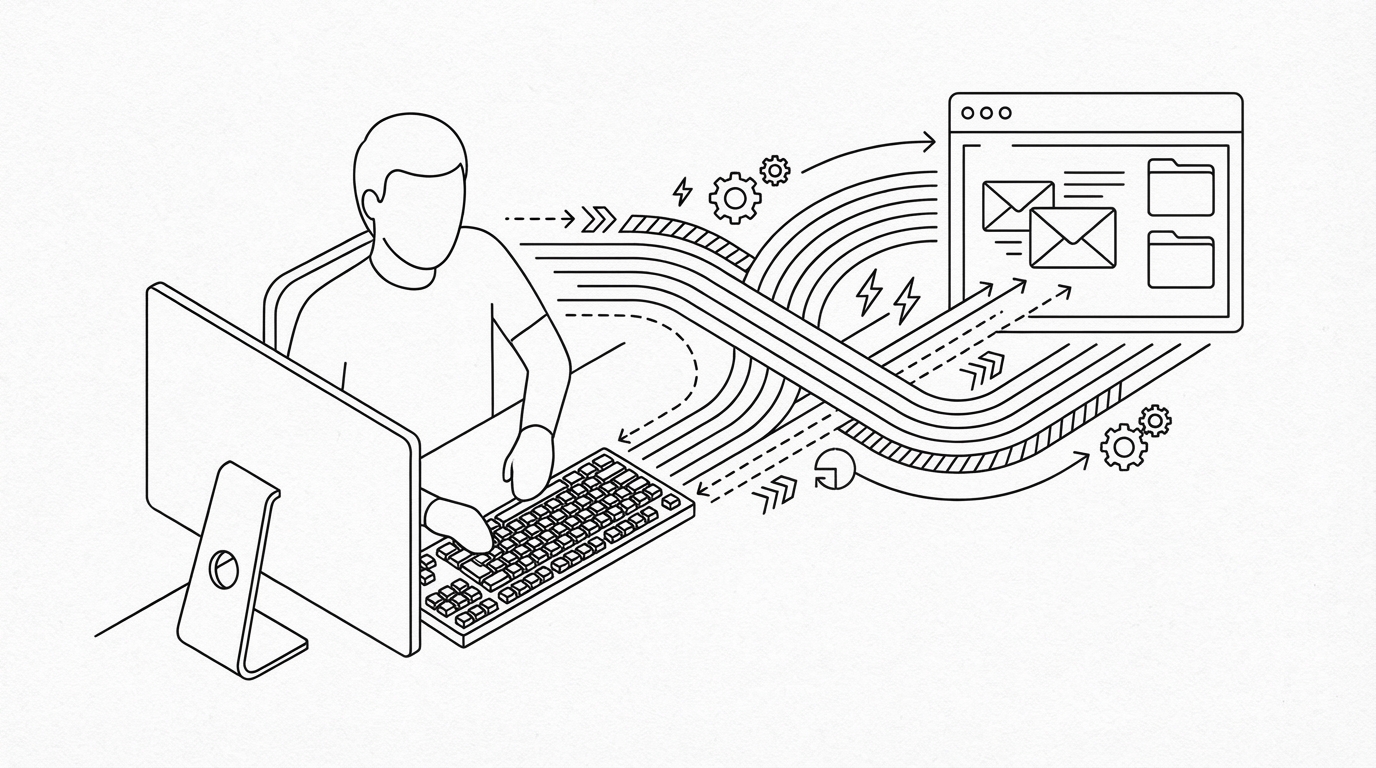 Fast navigation reduces friction, not the thinking.
What Jace Optimizes (and What It Doesn’t)
Jace is an AI email assistant designed to handle the cognitive work. Instead of just giving you a faster way to type, Jace reads the full history of your threads and analyzes attachments like PDFs, spreadsheets, and images. It then prepares a decision-ready draft based on that context.
The core philosophy is simple: Jace drafts; you decide. When you open your inbox, you aren't starting with a blank reply box. You are reviewing a draft that already incorporates the data from the previous five emails in the thread and the terms of the attached contract. Jace also enables persistent behavior through email labels and rules. If you label a thread as "Waiting," Jace can be configured to automatically prepare a follow-up draft if no reply arrives within three days.
The trade-off is that Jace is not a "set and forget" automation. Because it is an inbox agent acting on your behalf, you still must review sensitive threads. It is a human-in-the-loop system by default, ensuring that while the agent does the drafting, you retain the final authority.
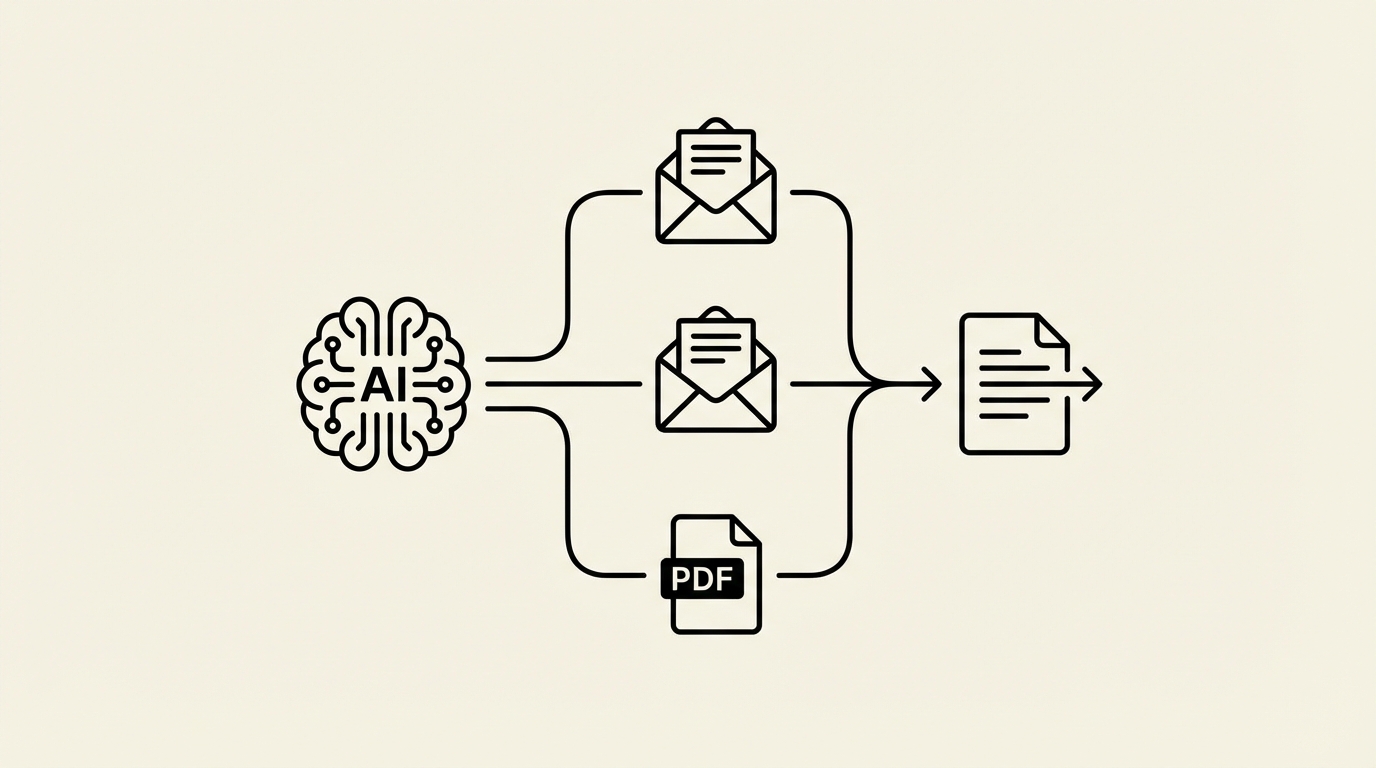 Context assembly becomes a decision-ready draft.
A Realistic Speed-to-Reply Benchmark (With Assumptions)
To understand the impact on your workday, we can look at a typical batch of 10 emails. These aren't just "Delete" or "Archive" tasks; they are substantive threads requiring context and thought.
| Task | Superhuman (Manual Speed) | Jace (Agent Assisted) |
|---|---|---|
| Reading & Context | 12–18 minutes | 3–5 minutes (Reviewing summaries) |
| Deciding & Drafting | 15–25 minutes | 5–8 minutes (Editing/approving) |
| Navigation/UI | 2–3 minutes | 1–2 minutes |
| Total Time | 29–46 minutes | 9–15 minutes |
Disclaimer: These ranges are illustrative and vary based on thread complexity, user typing speed, and specific workflow habits.
Context IQ: Threads, Attachments, and ‘What Did We Promise?’
The most significant drain on productivity is context assembly, the act of hunting for information needed to reply. In a traditional workflow, this involves manual search and constant tab switching. You search for a proposal PDF, open it in a new tab, find the pricing, and then switch back to the email to type it out.
Jace changes this by surfacing that context directly in the draft. Because it reads attachments, it can see that a proposal PDF mentions a "10% discount for early signing" and include that detail in the draft reply to a lead. It can also summarize email threads to give you the "TL;DR" of a 20-message conversation, helping you prioritize which threads need your immediate attention. This level of email prioritization ensures you aren't just moving fast, but moving on the right things.
Rules, Templates, and Their Ceiling
Many users attempt to solve email overload with rigid rules or snippets. These are helpful for static situations, but they fail as soon as the context changes. A template for "Meeting Request" works until the recipient asks for a specific time that conflicts with your calendar or asks a follow-up question the template didn't anticipate.
Traditional rules are binary; they can move an email, but they cannot understand it. This is how Jace differs from rules-based tools. Jace uses LLMs to understand the intent behind the words, allowing it to handle the nuance of a negotiation or a complex support request that a simple "if-this-then-that" rule would miss.
Feature-by-Feature Comparison (The Table You Actually Need)
| Dimension | Superhuman | Jace AI |
|---|---|---|
| Primary Value | UI Speed & Triage | Decision Prep & Drafting |
| Speed Model | Faster Operator | Faster Context Assembly |
| Drafting | Manual (with Snippets) | AI-Generated (Human-in-the-loop) |
| Thread Context | Manual Reading | Full Thread & Attachment Analysis |
| Attachments | Manual Review | Reads & Uses (PDF, Docs, Images) |
| Follow-ups | Manual Reminders | Auto-drafted via Rules/Labels |
| Labels/Rules | Basic Filters | Persistent AI Behavior Rules |
| Multi-account | Yes | Up to 8 on Pro |
| Integrations | Basic | GCal, Slack, Notion, Drive, OneDrive |
| Approval Flow | N/A (You send) | Review -> Approve -> Send |
| Risk Control | User Error | Human-in-the-loop Review |
| Best Fit | High-volume transactional | Context-heavy executive work |
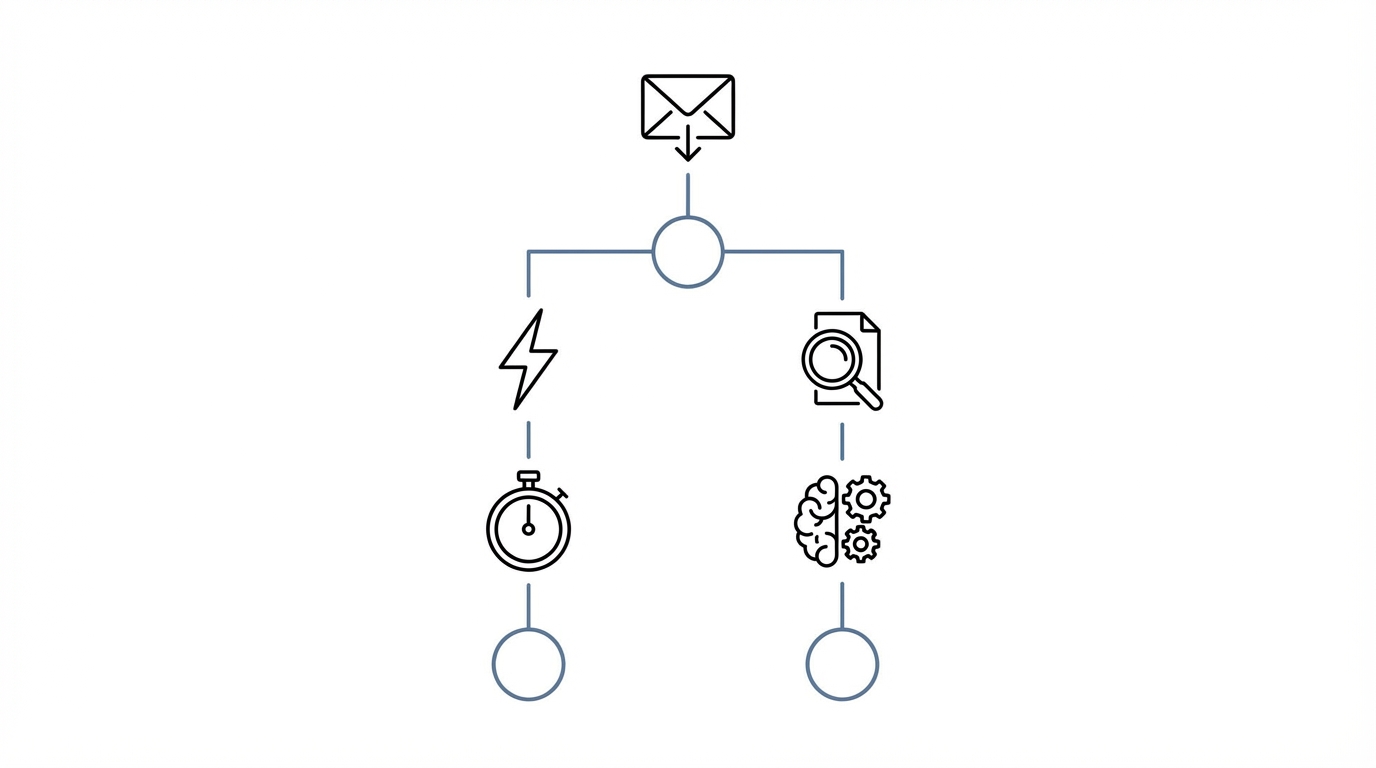 Choose the tool that matches where your time actually goes.
The use of email labels in Jace goes beyond organization; they act as triggers for the agent to take specific actions, such as monitoring a thread for a response.
Three Mini Case Studies (Founder, Sales, Support)
The Founder: The Investor Update
A founder receives an email from an investor asking for the "hiring plan" mentioned in a previous board meeting. Superhuman: The founder searches their sent folder, finds the deck, opens the PDF, finds the hiring slide, and types a reply. Jace: Jace has already indexed the previous board deck. It drafts a reply: "As mentioned in the Q3 deck (attached previously), we are looking to hire 4 engineers by year-end." Takeaway: Jace eliminates the "search and find" tax on executive time.
Sales: The "Waiting" Label
A sales rep sends a proposal and labels the thread "Waiting." Superhuman: The rep must manually check their "Waiting" folder every few days or set a calendar reminder to follow up. Jace: A rule is set: "If no reply to 'Waiting' threads after 3 days, draft a follow-up." On day four, a polite, context-aware follow-up draft appears in the rep's queue instead of manual follow-up reminders. Takeaway: Jace ensures no lead gets missed without manual tracking.
Support: The Contract Dispute
A customer claims they were overcharged based on a specific clause in their service agreement. Superhuman: The agent reads the long thread, opens the attached agreement, finds the clause, and drafts a careful response. Jace: Jace reads the attachment, identifies the relevant clause, and drafts a response that acknowledges the specific terms mentioned by the customer. Takeaway: Jace handles the complex reading required for document-heavy support.
Can You Use Superhuman and Jace Together?
It is possible to use both, though they serve different parts of the workflow. You might use Superhuman as your primary interface for its fast search and triage of low-stakes emails. Meanwhile, Jace works in the background, preparing drafts for your most important threads. Because Jace drafts sync back to your Gmail or Outlook drafts folder via OAuth, you can review and send them from within the Superhuman interface. For many, however, Jace provides enough triage capability that a separate high-speed client becomes redundant.
Safety, Trust, and Control (What You Should Be Skeptical About)
Entrusting an AI with your professional communication requires a high bar for safety. Jace is built on a human-in-the-loop model. It does not send emails on its own by default. Every draft it produces is a suggestion that requires your review. Any sending automation is strictly opt-in and must be explicitly configured by you for specific, low-risk scenarios.
From a security perspective, Jace is SOC 2 Type 1 compliant and has achieved CASA Tier 3 certification. This ensures that your data, and your clients' data, is handled with security. When reviewing drafts, you should always verify specific data points (like dates or dollar amounts) before hitting send, especially in high-stakes negotiations.
Which One Gets You to Inbox Zero Faster?
To decide which tool fits your workflow, ask yourself these five questions:
- Do I spend more time typing or thinking about what to say?
- Does my email require frequent referencing of past threads or attachments?
- Do I manage more than three separate email accounts?
- Is my primary bottleneck the speed of the UI or the weight of the context?
- Do I want to be a faster operator, or do I want an assistant to do the prep work?
If your bottleneck is navigation and volume, Superhuman is the fastest option available. If your bottleneck is context and decision-making, Jace is the solution. Inbox zero isn't just about an empty list; it's about less time spent reconstructing context.
FAQ
1) Does Jace send emails automatically by default? No. Jace is a human-in-the-loop system. It prepares drafts for your review and approval. You maintain full control over every message that leaves your outbox.
2) Can Jace read attachments and long threads? Yes. Jace is designed to analyze full email histories and can parse various attachment types, including PDFs, documents, and images, to ensure drafts are contextually accurate.
3) Does Jace work with Gmail and Outlook? Yes. Jace connects securely via OAuth to both Gmail and Outlook accounts, supporting up to 8 accounts on the Pro plan.
4) How do follow-up drafts work without risky automation? You define the logic. By using AI labels like "Waiting," you can set a rule for Jace to prepare a follow-up draft only after a specific number of days of silence. These drafts still require your approval before sending.
5) Should I use Superhuman and Jace together? You can. Jace drafts sync directly to your native drafts folder, meaning you can use Jace for the "thinking" and Superhuman for the "sending" if you prefer that specific UI.
