Short answer: most client email in a law practice repeats a handful of messages. You welcome the client, ask for documents, report progress, answer "any news?" and chase replies. Each one should name the matter, say what happened or what you need, and give the next date. A short update on a fixed day beats a long one that arrives late.
Below are 9 email templates for lawyers and their support staff. They are starting points, not legal advice. Adapt the wording to your jurisdiction, your engagement letter and your firm's policies, and never put privileged strategy in an email you would not want forwarded.
Why a template library helps
The ABA's Model Rule 1.4 asks lawyers to keep clients reasonably informed about the status of their matter and to promptly comply with reasonable requests for information (ABA Model Rule 1.4). State rules differ in detail. Regular, predictable updates help meet that expectation, and templates make them quick to send.
9 email templates for lawyers
1. Welcome email to a new client
Subject: [Matter name]: welcome and next steps
Dear [Name],
Thank you for instructing [Firm] on [matter]. I'm [your name], and I'll lead your matter. [Colleague name] will support me and is copied here.
What happens next:
- [First step, such as "We'll review the documents you sent by Friday 15 November."]
- [Second step]
Your engagement letter is attached. Please sign and return it by [date]. For anything urgent, call me on [phone].
Kind regards, [Your name]
2. Document request
Subject: [Matter name]: documents we need by [date]
Dear [Name],
To move [matter] forward, we need the following by [date]:
- [Document]
- [Document]
- [Document]
You can [reply with attachments / upload them to our portal at link]. If you can't find something, tell me and we'll work out an alternative.
Kind regards, [Your name]
Number the items. A client can then reply "attached 1 and 3, still looking for 2", and nothing is missed.
3. Reminder for outstanding documents
Subject: Re: [Matter name]: documents we need by [date]
Dear [Name],
Thank you for [the documents received]. We are still missing [item 2]. Without it we can't [consequence, such as "file the response by the 22nd"].
Could you send it by [date]?
Kind regards, [Your name]
4. Matter status update
Subject: [Matter name]: update for [week / month]
Dear [Name],
A short update on [matter]:
- Done: [what happened since the last update]
- Next: [next step and expected date]
- From you: [anything you need, or "nothing at the moment"]
I'll send the next update on [date], or sooner if anything changes.
Kind regards, [Your name]
5. Reply when a client asks for news
Subject: Re: [their subject]
Dear [Name],
Thanks for checking in. [Where things stand in one or two sentences.] We are waiting on [other side / court / registry], and I expect to hear by [date].
I'll update you as soon as I do.
Kind regards, [Your name]
Answer the question in the first line. A client who writes "any news?" wants to know whether something changed.
6. Following up with opposing counsel
Subject: Re: [Matter name / case reference]
Dear [Name],
I refer to my email of [date] regarding [issue]. Please let me have your client's position by [date].
Yours sincerely, [Your name]
7. Confirming advice or instructions after a call
Subject: [Matter name]: confirming our call on [date]
Dear [Name],
Thank you for your time today. To confirm what we discussed:
- [Point]
- [Your instruction to us: "You asked us to proceed with X."]
Please reply to confirm this is correct, or tell me what I've got wrong.
Kind regards, [Your name]
Written confirmation after a call protects both sides when memories differ later.
8. Fee or invoice reminder
Subject: [Matter name]: invoice [number] now due
Dear [Name],
Our invoice [number] for [amount], dated [date], was due on [date]. A copy is attached. Payment details are on the invoice.
If you have questions about any item, I'm happy to go through it with you.
Kind regards, [Your name]
9. Closing the matter
Subject: [Matter name]: matter closed
Dear [Name],
[Matter] is now complete. [One-line outcome.] We will keep your file for [period] in line with our retention policy, and the original documents are [returned / enclosed / held at our office].
Thank you for choosing [Firm]. If anything else comes up, please get in touch.
Kind regards, [Your name]
Practical rules for legal client email
Put the matter name in every subject line. It keeps one thread per matter and helps your document management and billing teams file it.
Separate facts from advice. Status updates are routine. Advice belongs in a reviewed letter or a clearly marked email.
Check the recipients before you send. Autocomplete can put a client with a similar name in the To line, and reply-all can copy the other side. Read the To and Cc lines last.
Watch privilege when forwarding. Ask clients not to forward advice to third parties, and say so in your engagement letter if your practice requires it.
Saving these templates in Gmail and Outlook
In Gmail, enable Templates under Settings, Advanced, then save a draft as a template (Google's steps). In Outlook, open My Templates from a new message (Microsoft's steps). If your firm's document management or practice management system has its own precedent library, store the approved versions there.
How Jace helps lawyers with client email
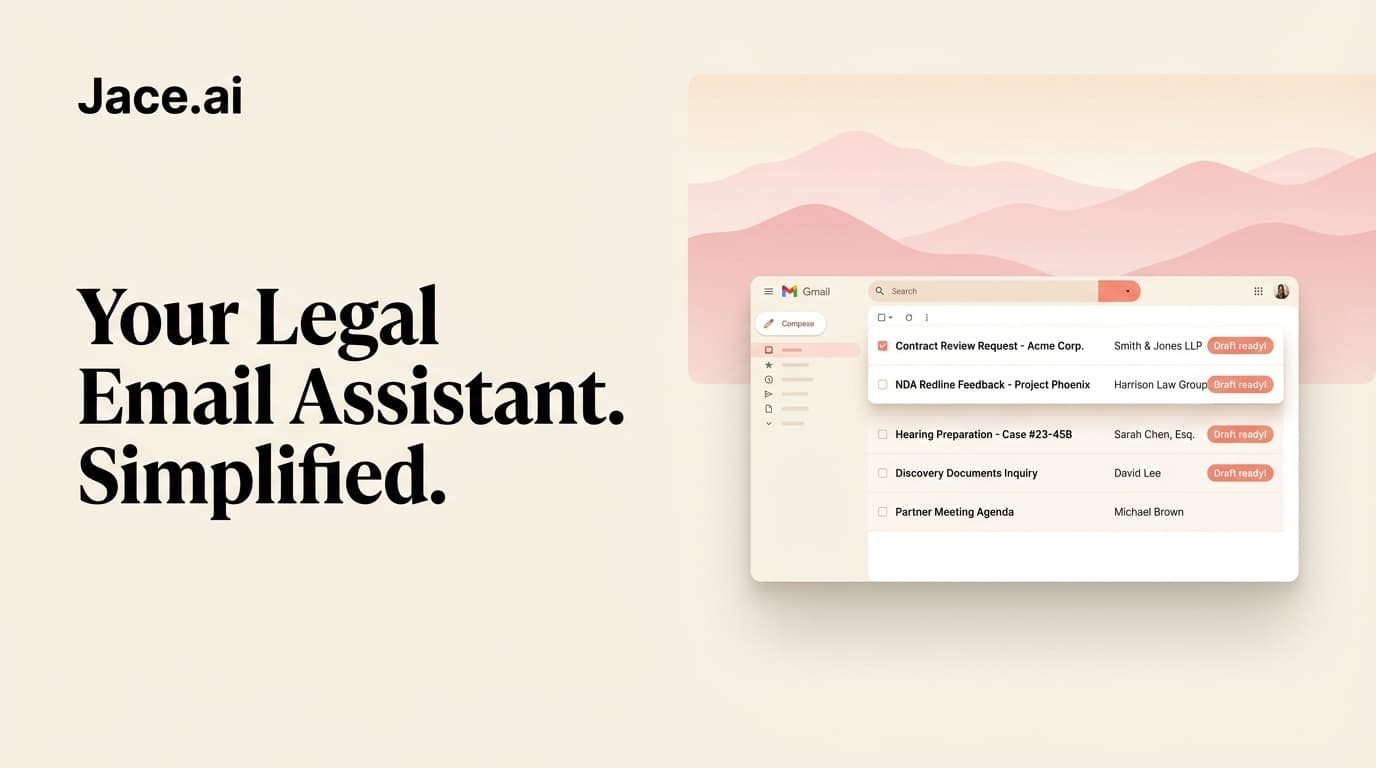
Jace is an AI email assistant for Gmail and Outlook. It drafts replies from the full matter thread, and a lawyer reviews every draft before it goes out.
- Drafts from the whole thread. When a client asks for news, Jace reads the thread and its attachments, such as PDFs and Word documents, so the draft reflects what was actually said and sent. You check it, edit it and send it.
- A label per matter or client. AI labels group email by matter, so threads for one client are easy to find (labels).
- Follow-ups on threads waiting on the other side. When a thread is in the Waiting label and nobody has replied 3 days after your last email, Jace prepares a follow-up draft, such as a reminder for outstanding documents.
- Your firm's style. Rules such as "sign off with Kind regards" or "never give advice on costs by email" apply to every draft. The Polite & Professional preset suits formal correspondence (writing style, rules).
- Nothing is sent without you. Drafts sit in your Drafts folder. Auto-send is off by default.
Jace is not a practice management, billing or document management system, and it does not give legal advice. Read how it handles data in what Jace sees and stores and the security docs. The full picture for firms is on Jace for lawyers and in email management for legal teams.
Related templates
- Follow-up email after no response
- Payment reminder email templates
- Meeting request email templates
- All email templates by role
FAQ
How often should a lawyer update a client? There is no single interval. Agree one with the client at the start, such as every two weeks or at each milestone, and send an update when something important happens. ABA Model Rule 1.4 asks lawyers to keep clients reasonably informed about the status of their matter.
What should a lawyer's status update email include? The matter name, what has happened since the last update, the next step and its expected date, and anything you need from the client. Keep advice separate.
How do I ask a client for documents by email? List the documents as a numbered list, give a deadline, explain how to send them and say what happens if something is missing. Follow up in the same thread.
Is it safe to use email templates for confidential matters? Templates themselves hold no client data. Fill them in with care, check recipients before sending, and follow your firm's rules on encryption and privileged content.
Does Jace send emails to clients on its own? No, not by default. Jace prepares drafts that a lawyer reviews and sends. Auto-send exists as an opt-in setting per label, with a warning before you turn it on.
Does Jace work with law firm email in Outlook? Yes. Jace works with Microsoft 365 and Outlook.com as well as Gmail and Google Workspace. See Jace for Outlook.
Try it on your matters
Start a free 7-day Jace trial on your own inbox. Plans are on the pricing page.
Sources (checked 7 November 2026)
- ABA: Model Rule 1.4, Communications
- Jace: Drafting and follow-ups, Labels, Writing style, Rules, Security, Pricing
- Google: Create a template in Gmail
- Microsoft: Create email templates in Outlook