AI email assistant for Outlook
Connect your Microsoft 365 or Outlook.com account. Jace drafts replies from the full thread, sorts new mail with categories and tracks what's waiting on an answer. Drafts land in your Outlook drafts folder, and you review and send.
- Without
- With Jace
How Jace works with Outlook
Replies saved to your Outlook drafts
Labels that become Outlook categories
Flows for emails you get again and again
Follow-ups on threads waiting for a reply
Your Outlook rules keep working
Answers from your email history
Setting up Jace with Outlook
Sign up with Microsoft
Create your account at app.jace.ai with your Microsoft work, school or personal account.Approve the permissions
Microsoft's consent screen lists the permissions below. Accept them to connect your mailbox. If your organization requires admin approval for apps, Microsoft tells you so and your admin approves Jace first.Let the import run
Jace imports mail from the last 45 days first, then the last 90 days and the last year. Pro continues to 3 years. You can work while it runs, and new mail arrives in real time through Microsoft Graph notifications.Paste your signature and make it yours
Outlook signatures aren't synced, so paste yours once in Settings → Signature & time zone and check your time zone. Then add rules, AI labels or a Flow, and more inboxes if you need them (2 on Plus, 8 on Pro, Outlook and Gmail mixed).
Microsoft permissions Jace asks for
- openid, profile, email, User.Read
- Sign you in and read your basic profile: name and email address.
- offline_access
- Keep the connection working in the background without asking you to sign in again.
- Mail.ReadWrite
- Read and sync your mail, folders and categories, apply categories, and create and update drafts.
- Mail.Send
- Send the replies you send from Jace, and replies from labels or Flows only if you turn on automatic sending.
- Calendars.ReadWrite
- Check your availability and create events when you or a Flow asks.
- Contacts.Read
- Read your contacts so people's names show up correctly. Read-only.
- MailboxSettings.Read
- Read mailbox settings such as your time zone, so drafts and proposed times line up. Read-only.
Outlook limits worth knowing
- Your mailbox has to be in Microsoft's cloud: Microsoft 365 (Exchange Online) or Outlook.com. Jace connects through Microsoft Graph, which doesn't reach mailboxes on an on-premises Exchange server or in-place archives. There's no IMAP option.
- Outlook signatures aren't synced. Paste yours into Jace once so drafts match what you send from Outlook.
- Jace runs in the browser. There's no native iOS or Android app yet; on your phone, Jace's drafts and categories show up in the Outlook app.
- History import depends on your plan: 1 year on Plus, up to 3 years on Pro. New mail always syncs in real time.
- Applying or removing a category on a thread syncs almost instantly. A brand-new folder or category created in Outlook can take up to a day to appear in Jace.
- Microsoft 365 admins can stop users from approving third-party apps. If yours has, an admin has to approve Jace before you can connect.
- Jace doesn't train AI models on your email and doesn't sell your data. Email is encrypted in transit and at rest.
Jace compared with Copilot in Outlook
Where you use it
JaceA separate web app at app.jace.ai. Drafts and categories sync back to Outlook on every device.Copilot in OutlookInside Outlook for Microsoft 365 on Windows, Mac, the web, iOS and Android.Drafting
JaceDrafts replies from the whole thread and its attachments, saved as Outlook drafts. Can prepare drafts on its own for threads labelled Needs reply.Copilot in OutlookDraft with Copilot writes a draft from your prompt using the thread. Coaching by Copilot suggests tone and clarity fixes.Organizing
JaceAI labels from plain-language descriptions, applied to new mail and synced as Outlook categories.Copilot in OutlookPrioritize my inbox marks mail high, normal or low priority with a reason. Copilot chat can create Outlook rules and pin, flag, archive or delete mail.Automation
JaceFlows: when matching emails arrive, draft a reply, create a calendar event or use a connected tool.Copilot in OutlookMostly on request through Copilot chat and buttons in Outlook, plus inbox prioritization as mail arrives.Accounts
JaceMicrosoft 365, Outlook.com and Gmail accounts in one app: up to 2 on Plus, 8 on Pro.Copilot in OutlookYour primary mailbox plus shared and delegate mailboxes, on Exchange Online. Not group mailboxes. Chat in Outlook needs a work or school account.Cost
JacePlus or Pro subscription with a 7-day free trial. See pricing.Copilot in OutlookComes with Microsoft 365 plans that include Copilot, or as the Microsoft 365 Copilot add-on. Some features, like chat in Outlook, are for work accounts only.
| Topic | Jace | Copilot in Outlook |
|---|---|---|
| Where you use it | A separate web app at app.jace.ai. Drafts and categories sync back to Outlook on every device. | Inside Outlook for Microsoft 365 on Windows, Mac, the web, iOS and Android. |
| Drafting | Drafts replies from the whole thread and its attachments, saved as Outlook drafts. Can prepare drafts on its own for threads labelled Needs reply. | Draft with Copilot writes a draft from your prompt using the thread. Coaching by Copilot suggests tone and clarity fixes. |
| Organizing | AI labels from plain-language descriptions, applied to new mail and synced as Outlook categories. | Prioritize my inbox marks mail high, normal or low priority with a reason. Copilot chat can create Outlook rules and pin, flag, archive or delete mail. |
| Automation | Flows: when matching emails arrive, draft a reply, create a calendar event or use a connected tool. | Mostly on request through Copilot chat and buttons in Outlook, plus inbox prioritization as mail arrives. |
| Accounts | Microsoft 365, Outlook.com and Gmail accounts in one app: up to 2 on Plus, 8 on Pro. | Your primary mailbox plus shared and delegate mailboxes, on Exchange Online. Not group mailboxes. Chat in Outlook needs a work or school account. |
| Cost | Plus or Pro subscription with a 7-day free trial. See pricing. | Comes with Microsoft 365 plans that include Copilot, or as the Microsoft 365 Copilot add-on. Some features, like chat in Outlook, are for work accounts only. |
A good fit if
- You work in Outlook on Microsoft 365 or Outlook.com and spend a big part of the day replying to threads that need earlier context.
- You want a first draft waiting in Outlook for every email that needs a reply, and you'd rather review than write from scratch.
- You run more than one inbox, for example a Microsoft 365 work account plus a Gmail client account.
Probably not the right tool if
- Your mailbox is on an on-premises Exchange server.
- Your organization doesn't allow third-party apps to access mailbox content.
- A team needs to work one shared inbox with assignments and an audit trail. A shared-inbox tool fits that better.
When to pick Copilot in Outlook instead
- Your organization already pays for Microsoft 365 Copilot, and you want AI inside Outlook on every device.
- You work mainly from shared or delegate mailboxes, which Copilot in Outlook supports.
- Your IT team wants email AI to stay inside Microsoft 365 rather than approving another app.
- You want the same assistant across Word, Excel and Teams, not just email.
Sources
Let Jace draft. You review and send.
Watch how Jace transforms a chaotic inbox into an organized, productive workspace.
Connect your email
Securely link your email inbox to get started.

Jace onboards itself
Jace uses your email context to prepare drafts in your voice. Check the wording and details before sending.

Review and send
Review the prepared drafts, edit as needed, and send when ready.

Write less, achieve more
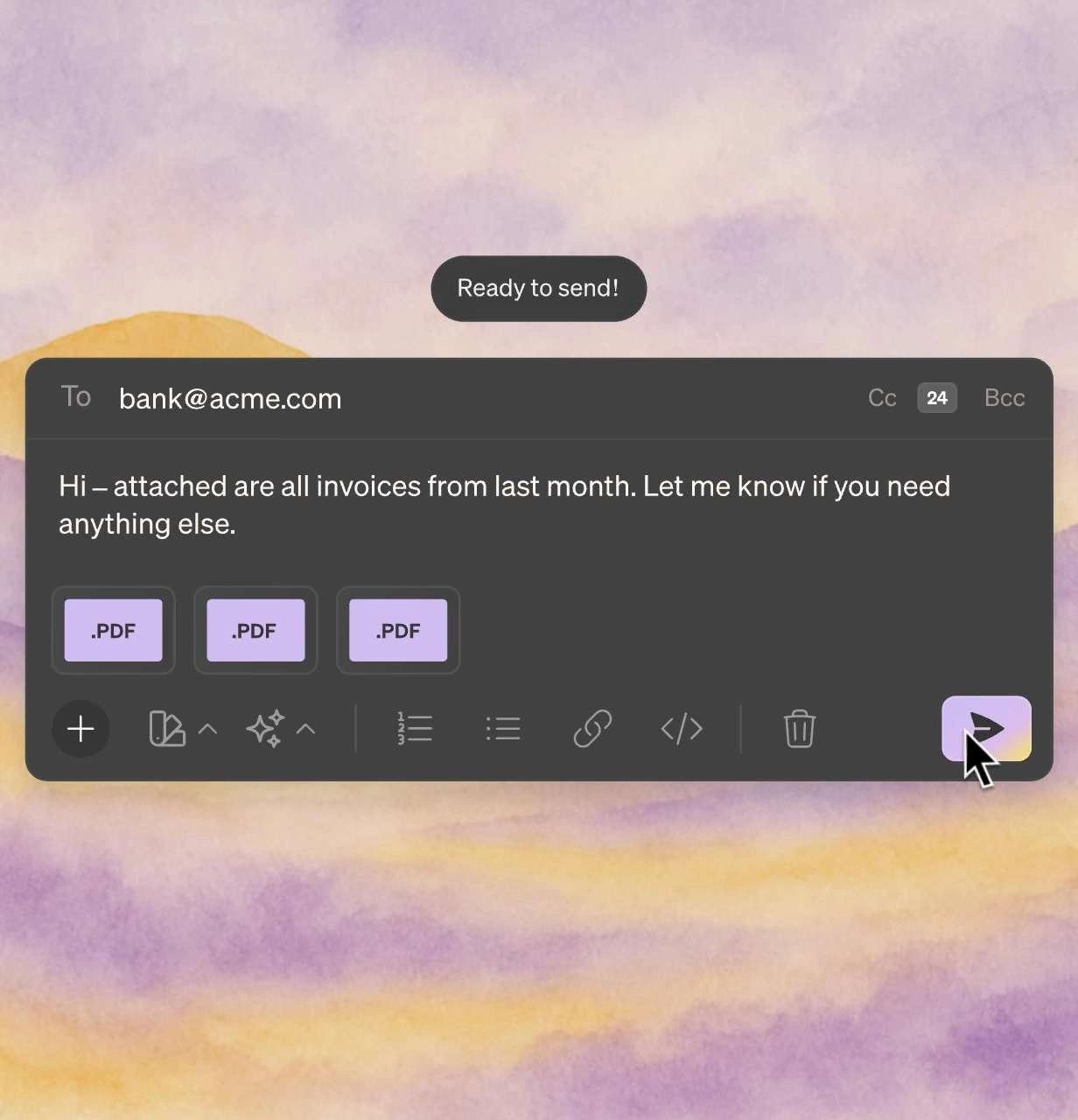
AI Email Drafts
Reply drafts in your voice, ready for your review
Review the draft, check the details, then send.
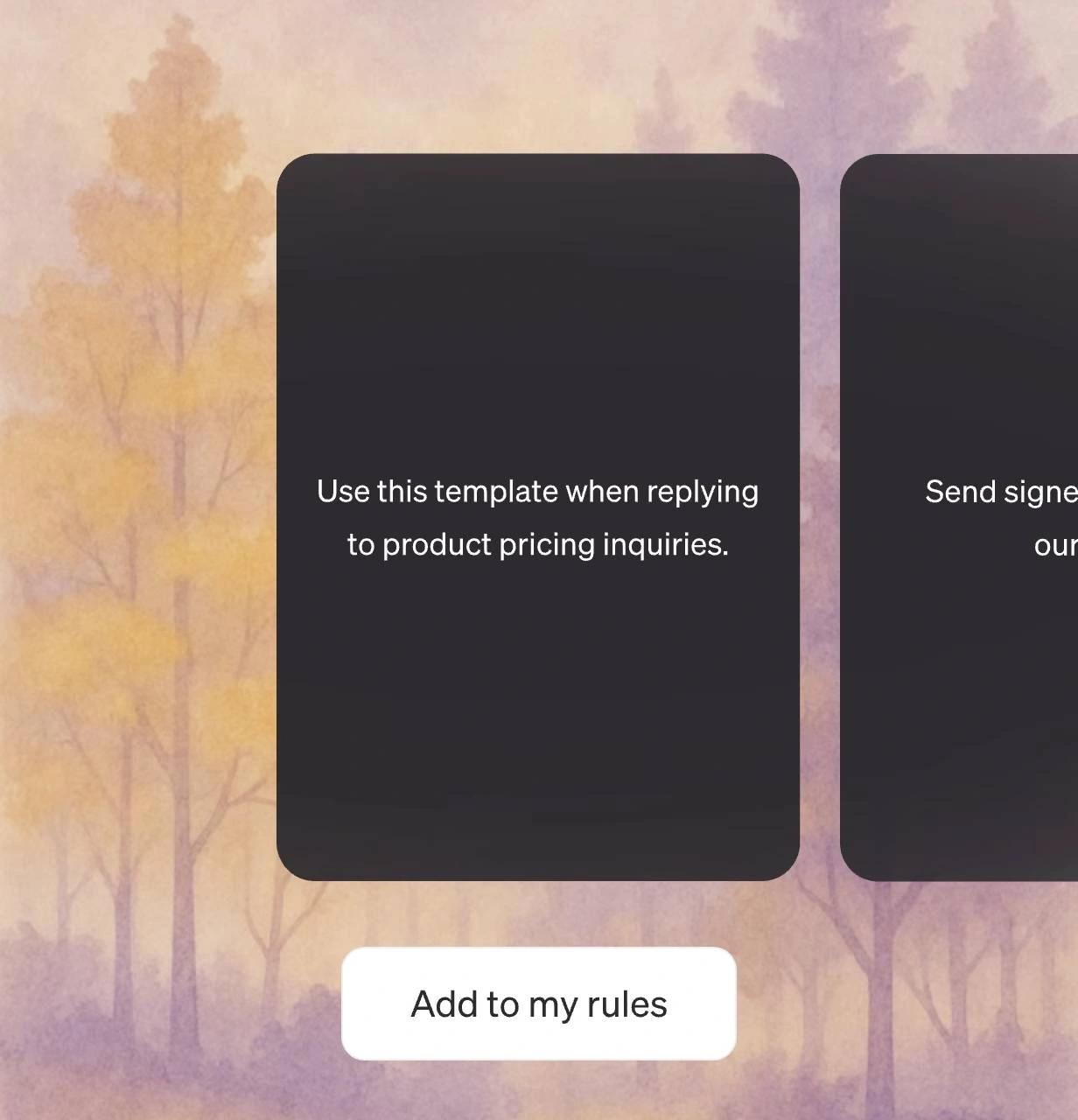
Smart Rules
Your personal email assistant.
Always CC my manager when we close finalize contracts.
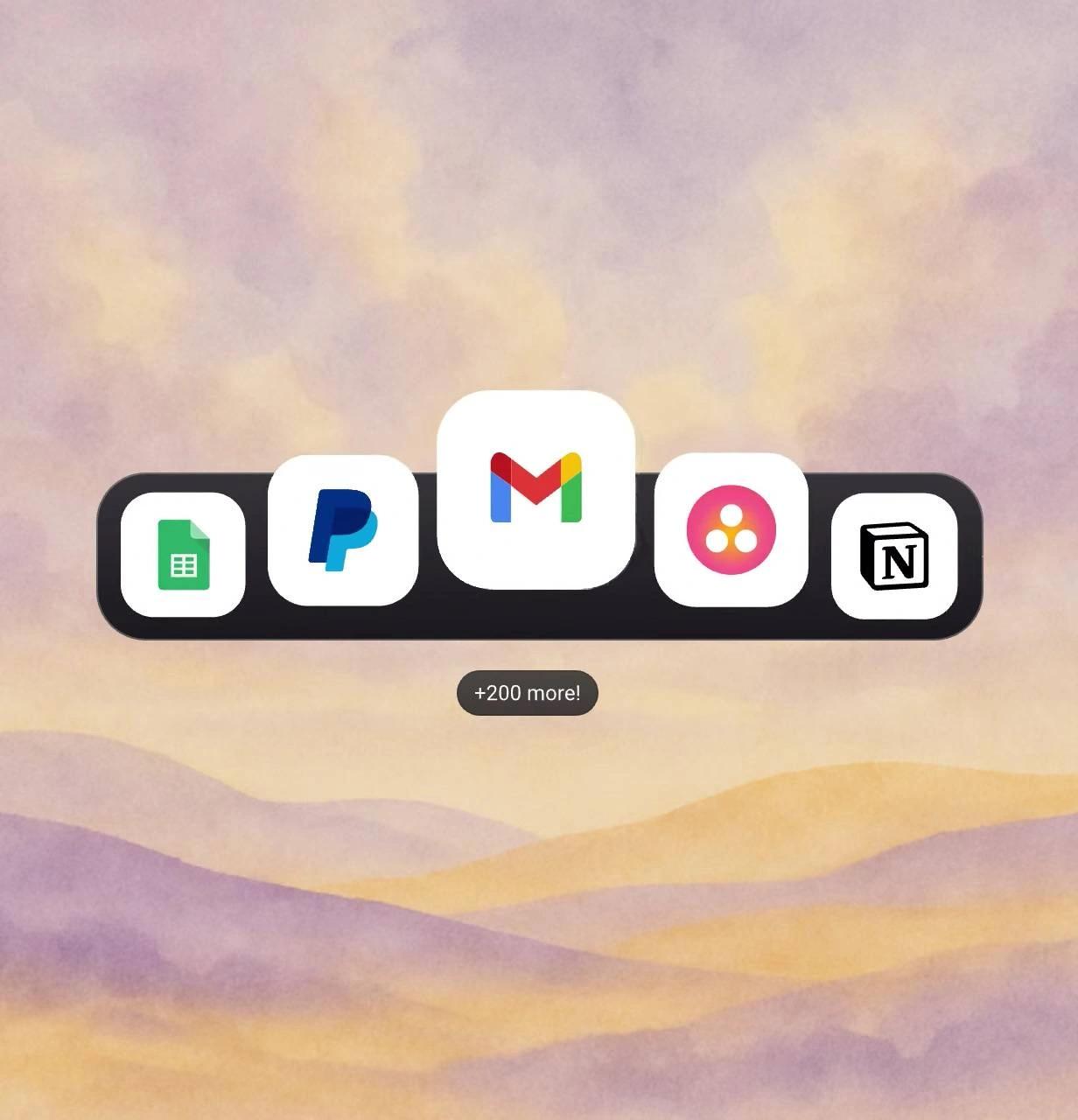
Business Integrations
Email in. Task done.
Complete work across all your tools without leaving email.
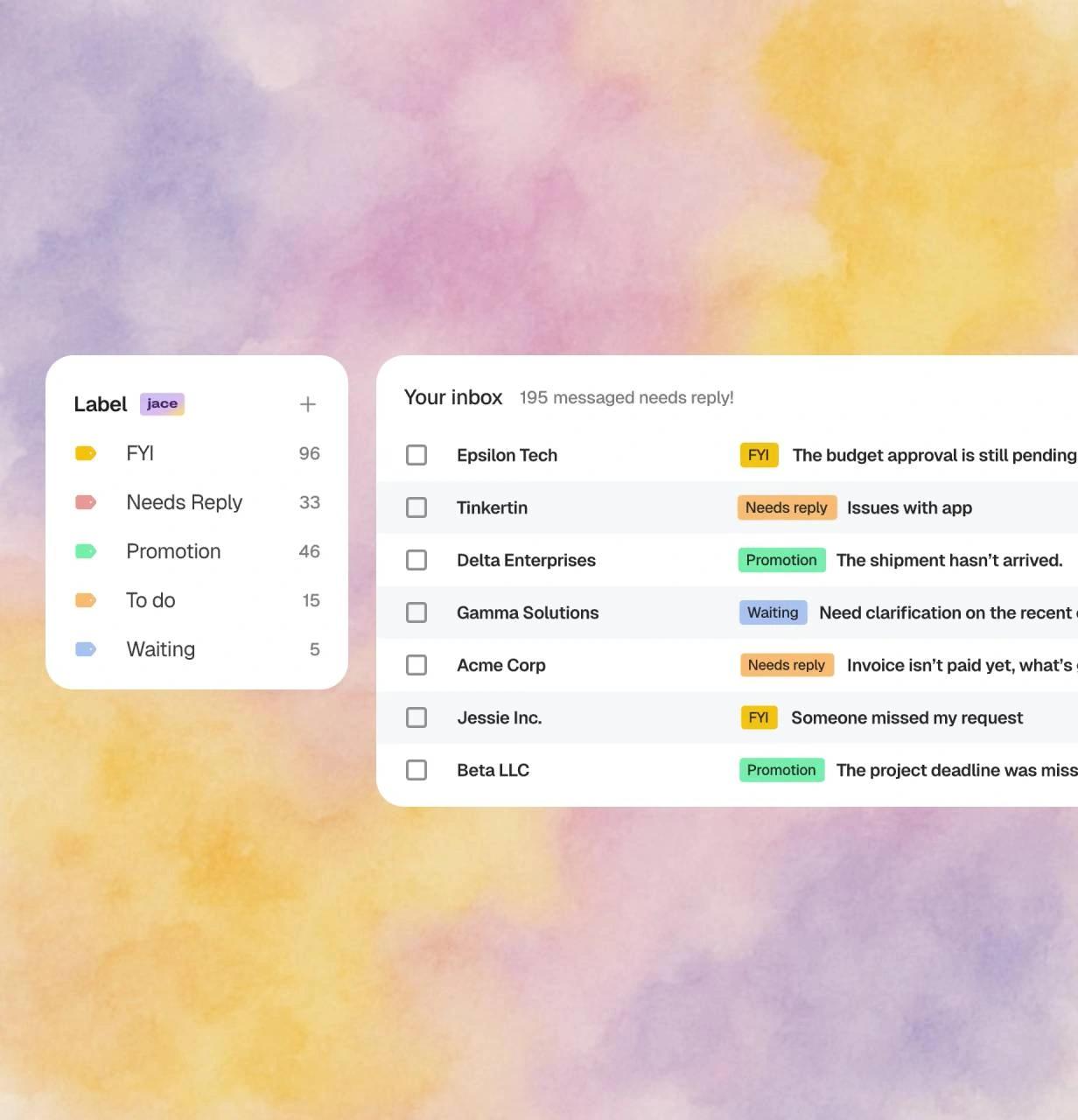
AI Labels
See what matters instantly.
Focus on what's important without reading every subject line.
AI Chief of Staff
Ask anything. Get it done.
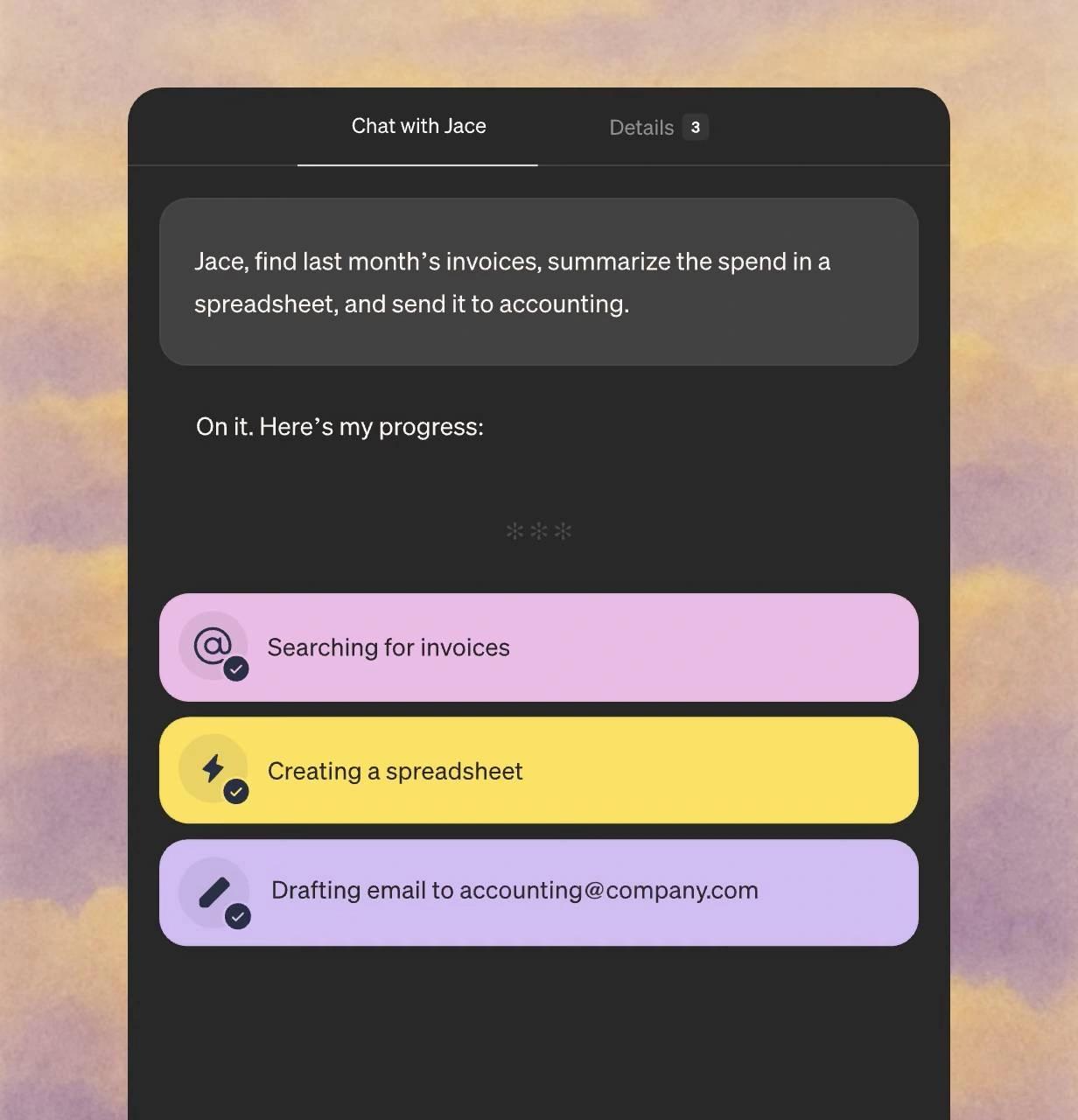
Chat with Jace to fetch data, create docs, and automate tasks.
See Jace in action
Watch how Jace handles an email in the example below.
Jace has entirely reshaped the way I approach email. It saves me over an hour a day - and the feature list keeps growing. Additionally, I use Superwhisper to chat with the email agent, so I rarely have to touch my keyboard.
I'm impressed by how good the generated replies are. It's just like myself. And I hardly ever need to edit them. I'm saving hours a week on email.
I love how Jace adapts to my unique tone, allowing for a truly personalized experience. The custom instructions feature is powerful, letting me fine-tune how Jace responds.
Start free, then scale with monthly credits
$50 $40
20,000 credits monthly included
Higher credit tiers available up to 2,400,000 credits monthly (pricing varies)
Connect up to 8 inboxes with unlimited calendars
Chat with 3 years of email history
Custom integrations and MCPs
$25 $20
Connect up to 2 inboxes with unlimited calendars
Chat with 1 year of email history
Drafts ready when you open your inbox
Auto-label and organize every email effortlessly
Get in touch
Reach out to discuss advanced features for bigger teams
White-glove setup
Usage-based pricing
Dedicated Account Manager
Replace 4 tools with one intelligent assistant
Stop paying for multiple subscriptions. Jace consolidates your email workflow into one powerful platform.


Bank-level security for your peace of mind
SOC2 Type 1
We’ve completed SOC 2 Type 1 examination, independently audited for security, availability, and confidentiality.
Encryption
Your emails are encrypted in transit and at rest
Enterprise-Grade Infrastructure
Built on secure cloud infrastructure
Privacy First
We never train AI models on your data. Your information stays yours.
Secure. Private. Encrypted.
With CASA Tier 3 compliance and industry-leading encryption, your emails stay private, secure, and protected—always.