Email to Slack with Jace
Turn the emails that matter into a short Slack update for the right channel or teammate. Jace reads the whole thread, drafts the message, and posts it through the Jace app after you approve. It can also search Slack for what your team said before it drafts an email reply.
- Without
- With Jace
How Jace connects email and Slack
Share an email thread in Slack
Email-triggered Slack alerts with Flows
Slack context in your email replies
A heads-up to one person
You decide what posts on its own
Works from Gmail and Outlook
Setting up Slack in Jace
Connect your inbox
Sign up at app.jace.ai and connect Gmail or Outlook first. Slack is an add-on to your email workflow, not a replacement for it.Connect Slack
Open Settings → Integrations, find Slack and click Connect. Slack shows the permissions listed below; approve them for your workspace. If your workspace requires admin approval for apps, an admin has to approve Jace first.Invite Jace to private channels
Public channels work straight away. For a private channel, type /invite @Jace in that channel first, or Jace can't post there.Try it, then automate
Ask Jace to post a summary of one thread and approve it. Then add a Flow for the emails you want flagged in Slack every time, and a rule such as "Slack summaries: three bullets, the customer name first, link the next step."
Slack permissions Jace asks for
- chat:write, chat:write.customize, channels:join, im:write, mpim:write (app)
- Post the messages you approve to channels and direct messages, and join a public channel when it needs to post there.
- search:read, channels:history, im:history, mpim:history (your account)
- Search the Slack messages you can see for context when Jace drafts a reply.
- channels:read, groups:read, im:read, mpim:read, users:read, users:read.email, users.profile:read, usergroups:read
- Find channels and people by name, so a message goes to the right place and @mentions resolve to the right person.
- app_mentions:read, files:read
- Let the Jace app see when it is mentioned, and see files shared in conversations it can access.
- chat:write, groups:write, mpim:write, usergroups:write (your account)
- Also part of the user-level request in Jace's code. Approved Slack messages are posted by the Jace app, not from your own account.
Slack limits worth knowing
- Jace doesn't forward every email to Slack. It posts the messages you ask for or a Flow prepares.
- It doesn't bring Slack messages into your inbox, and it doesn't reply to emails from inside Slack.
- Messages are posted by the Jace app, labelled with your name (for example "Dana Lee's Jace"), not from your own Slack account.
- Private channels need /invite @Jace first. Public channels work without an invite.
- Search only covers messages your Slack account can see, and a summary can miss a detail. Read the draft before you approve it.
- Drafting and searching use Jace credits, like any other AI work.
- Jace doesn't train AI models on your email and doesn't sell your data.
Jace compared with Slack's own email-to-Slack options
What lands in Slack
JaceA short message written from the thread: summary, decision, next step, @mentions.Slack email address or add-onThe email itself, forwarded or sent to the channel.Which emails
JaceOnes you ask about, or ones a Flow matches by sender, subject or meaning.Slack email address or add-onWhatever you forward, or every email sent to the channel address.Review before it posts
JaceYes, by default. You can switch it off per tool.Slack email address or add-onNo review step: it posts when the email arrives or you send it.Slack context in replies
JaceSearches Slack when drafting your email reply.Slack email address or add-onNo.Cost
JacePart of a Jace subscription, with a 7-day free trial. See pricing.Slack email address or add-onChannel email addresses need a paid Slack plan; add-ons and the forwarding address work on all plans.
| Topic | Jace | Slack email address or add-on |
|---|---|---|
| What lands in Slack | A short message written from the thread: summary, decision, next step, @mentions. | The email itself, forwarded or sent to the channel. |
| Which emails | Ones you ask about, or ones a Flow matches by sender, subject or meaning. | Whatever you forward, or every email sent to the channel address. |
| Review before it posts | Yes, by default. You can switch it off per tool. | No review step: it posts when the email arrives or you send it. |
| Slack context in replies | Searches Slack when drafting your email reply. | No. |
| Cost | Part of a Jace subscription, with a 7-day free trial. See pricing. | Channel email addresses need a paid Slack plan; add-ons and the forwarding address work on all plans. |
A good fit if
- Customer, vendor or deal updates arrive by email, but your team works in Slack and needs the gist, not the whole thread.
- You want specific emails, such as outages, signed contracts or escalations, flagged in a channel without forwarding everything.
- Your email replies often depend on what someone said in Slack.
Probably not the right tool if
- You want every email to a shared address mirrored into a channel. Slack's channel email address does that.
- You want to read and answer email from inside Slack.
- Your Slack admins don't allow third-party apps.
When to use Slack's own email features instead
- You want a whole mailbox or alias, such as alerts@, copied into a channel as it arrives.
- You only forward an email to Slack now and then and don't need a summary or an email assistant.
- You need the original email and attachments in Slack, not a summary.
Sources
Let Jace draft. You review and send.
Watch how Jace transforms a chaotic inbox into an organized, productive workspace.
Connect your email
Securely link your email inbox to get started.

Jace onboards itself
Jace uses your email context to prepare drafts in your voice. Check the wording and details before sending.

Review and send
Review the prepared drafts, edit as needed, and send when ready.

Write less, achieve more
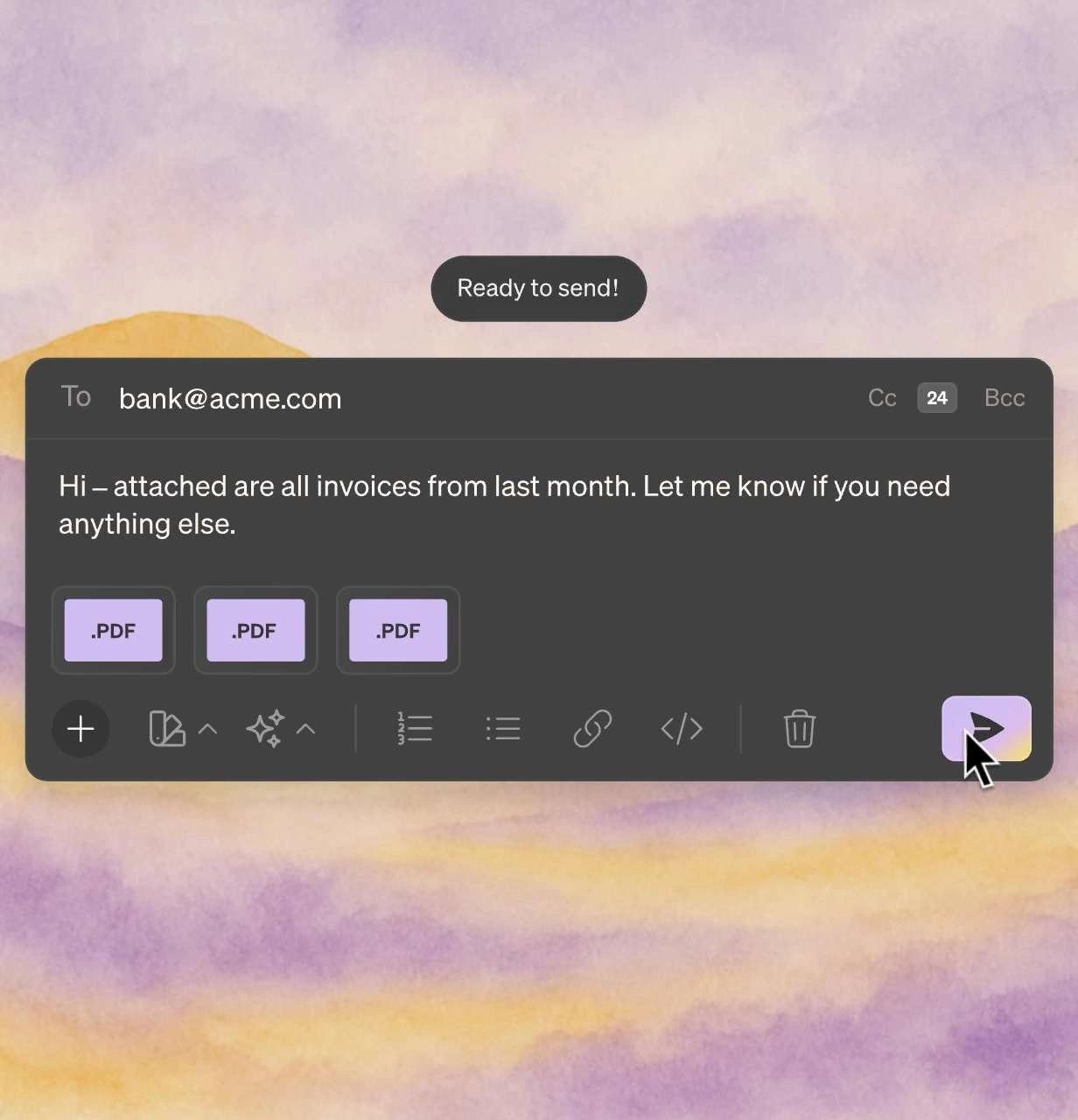
AI Email Drafts
Reply drafts in your voice, ready for your review
Review the draft, check the details, then send.
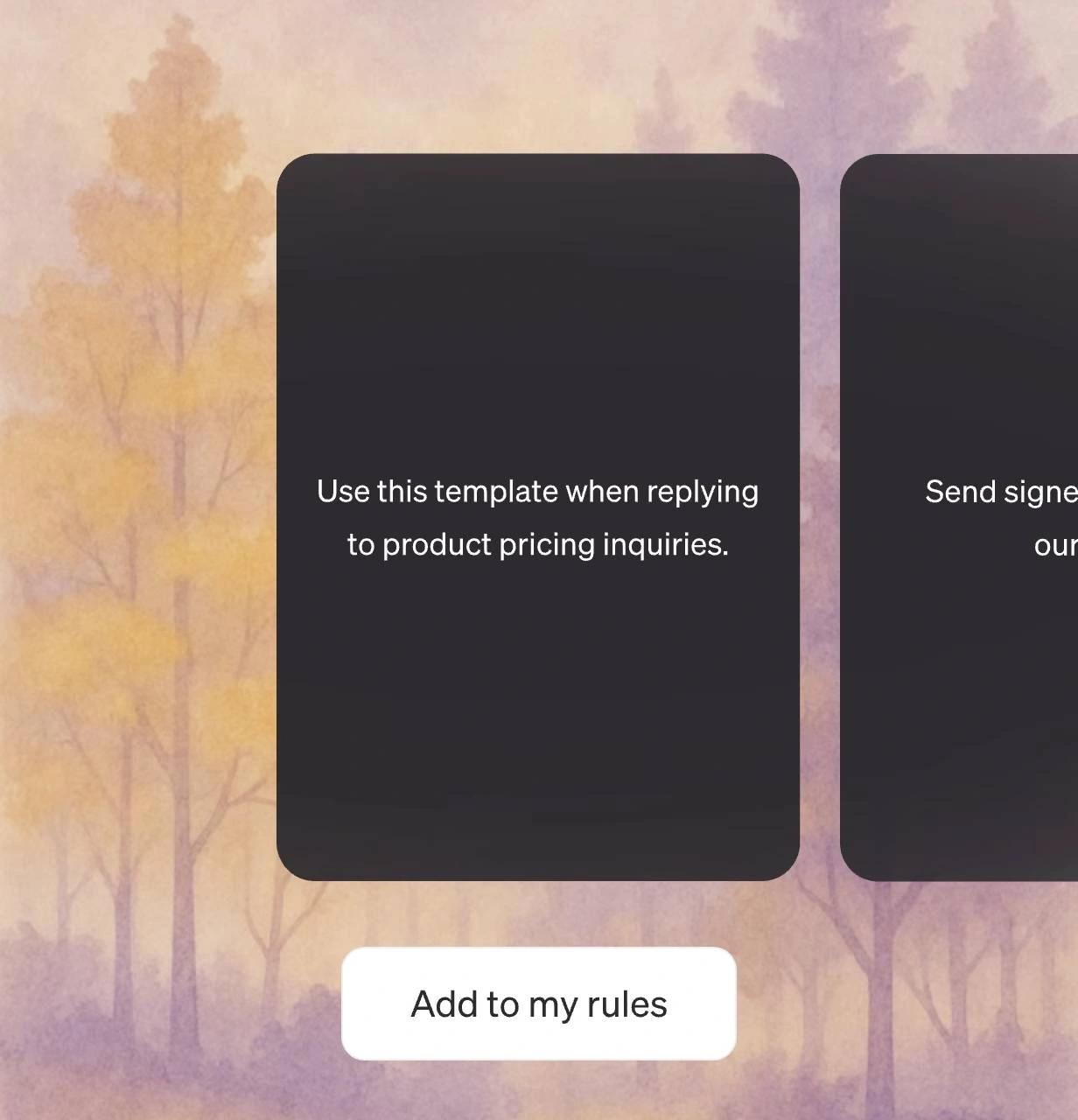
Smart Rules
Your personal email assistant.
Always CC my manager when we close finalize contracts.
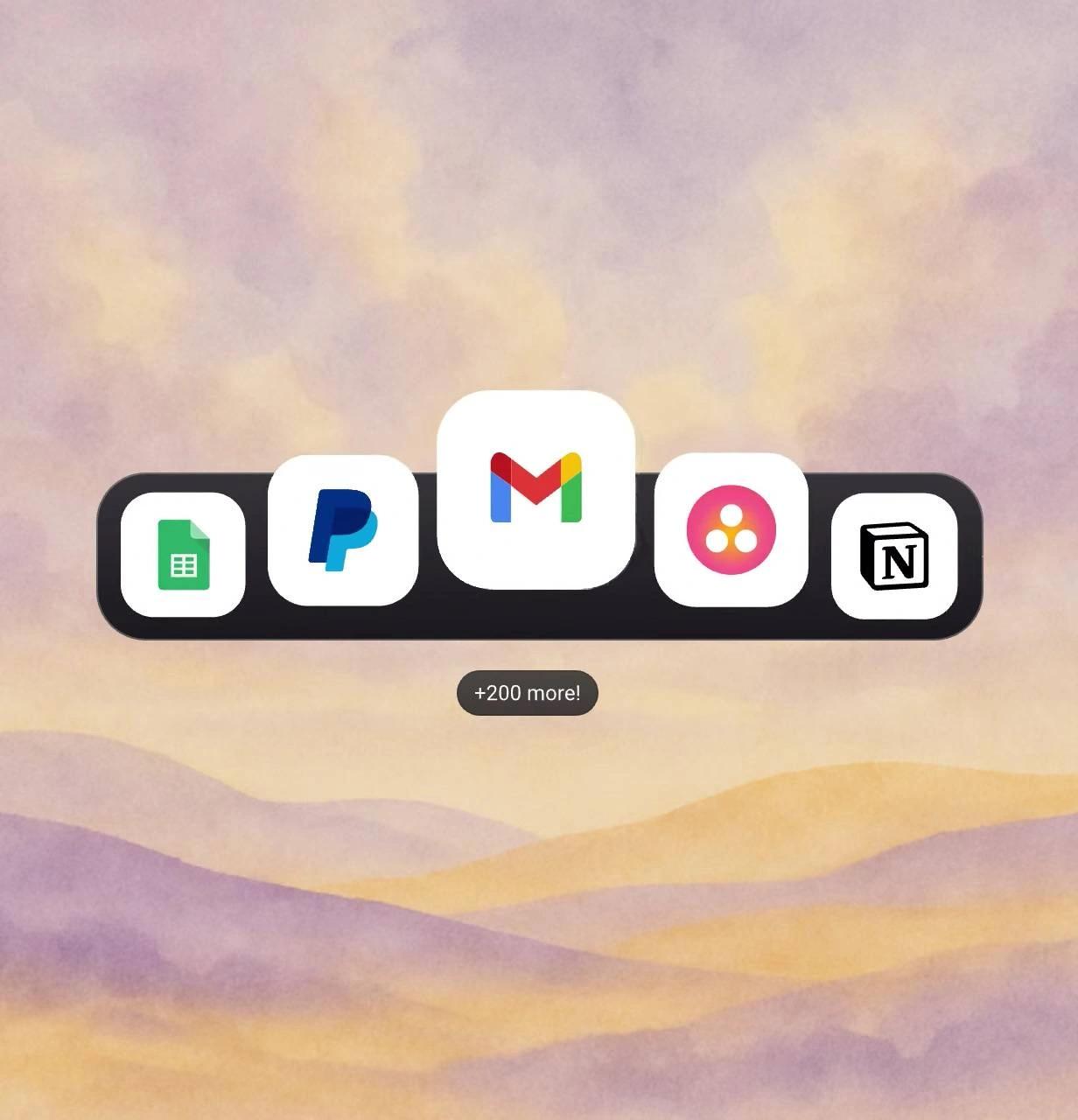
Business Integrations
Email in. Task done.
Complete work across all your tools without leaving email.
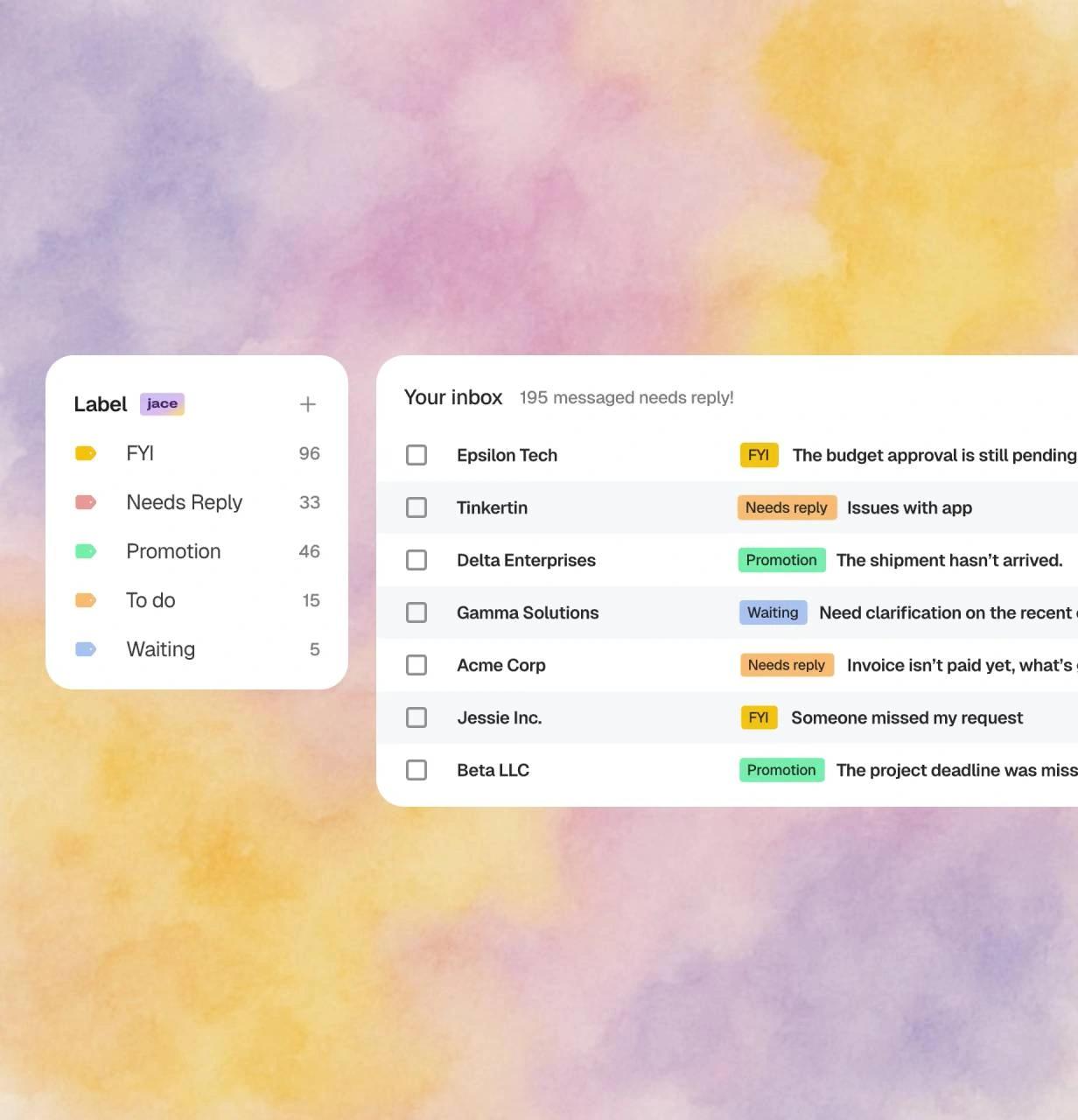
AI Labels
See what matters instantly.
Focus on what's important without reading every subject line.
AI Chief of Staff
Ask anything. Get it done.
Chat with Jace to fetch data, create docs, and automate tasks.
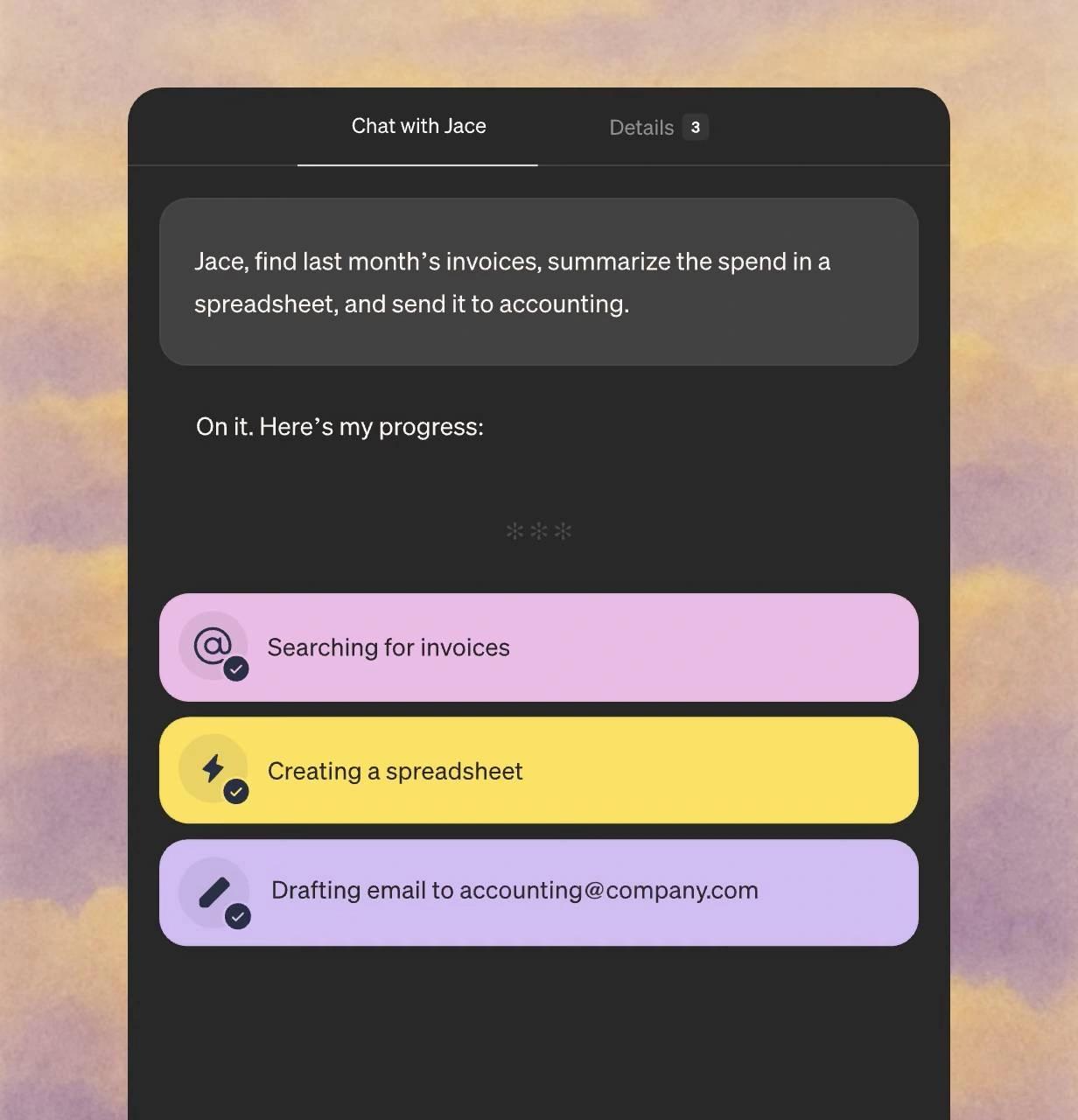
See Jace in action
Watch how Jace handles an email in the example below.
Jace has entirely reshaped the way I approach email. It saves me over an hour a day - and the feature list keeps growing. Additionally, I use Superwhisper to chat with the email agent, so I rarely have to touch my keyboard.
I'm impressed by how good the generated replies are. It's just like myself. And I hardly ever need to edit them. I'm saving hours a week on email.
I love how Jace adapts to my unique tone, allowing for a truly personalized experience. The custom instructions feature is powerful, letting me fine-tune how Jace responds.
Start free, then scale with monthly credits
$50 $40
20,000 credits monthly included
Higher credit tiers available up to 2,400,000 credits monthly (pricing varies)
Connect up to 8 inboxes with unlimited calendars
Chat with 3 years of email history
Custom integrations and MCPs
$25 $20
Connect up to 2 inboxes with unlimited calendars
Chat with 1 year of email history
Drafts ready when you open your inbox
Auto-label and organize every email effortlessly
Get in touch
Reach out to discuss advanced features for bigger teams
White-glove setup
Usage-based pricing
Dedicated Account Manager
Replace 4 tools with one intelligent assistant
Stop paying for multiple subscriptions. Jace consolidates your email workflow into one powerful platform.


Bank-level security for your peace of mind
SOC2 Type 1
We’ve completed SOC 2 Type 1 examination, independently audited for security, availability, and confidentiality.
Encryption
Your emails are encrypted in transit and at rest
Enterprise-Grade Infrastructure
Built on secure cloud infrastructure
Privacy First
We never train AI models on your data. Your information stays yours.
Secure. Private. Encrypted.
With CASA Tier 3 compliance and industry-leading encryption, your emails stay private, secure, and protected—always.