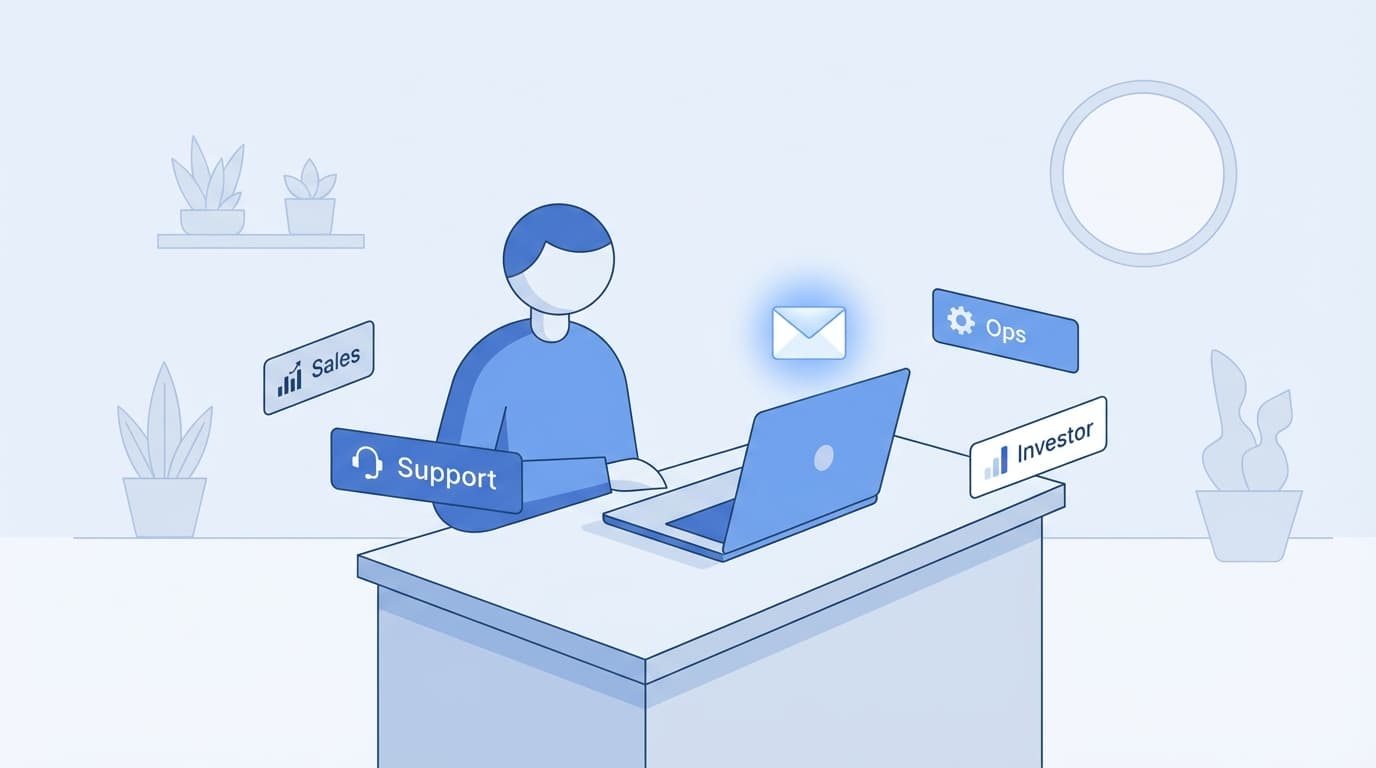
Short answer: a small business owner who answers their own email should look for an AI assistant that works inside the Gmail or Outlook account they already use. It should sort new mail by what needs a reply and draft answers to customer questions, quotes and invoices for you to check. It should also chase the threads where nobody answered. Jace does this for $20 a month billed yearly, with up to 2 inboxes, so a business and a personal address can share one plan. Superhuman's Email Assistant is cheaper at $12 a month, and Fyxer adds meeting notes at $37. If your team shares one support inbox with assignments, a shared-inbox tool such as Gmelius fits better than any of these.
Prices and features come from each vendor's own pages, opened on 9 November 2026 and linked at the end. Jace facts come from Jace's pricing page and docs. We make Jace.
What small business email looks like
Most small businesses run on one or two inboxes that the owner reads. The same inbox holds a customer asking about delivery, a supplier invoice, a quote request, a booking change and a dozen newsletters. Nobody filters it first, and the replies that bring in money compete with everything else for the same hour.
That shapes what helps. An owner rarely needs team analytics or a new email app. They need the inbox sorted into "needs me" and "can wait", a first draft for routine answers, and a reminder when a quote or an unpaid invoice gets no reply.
Options for small business owners, compared
| Tool | Best for | Works with | Price, billed yearly |
|---|---|---|---|
| Jace | Owners who answer their own customer email and want drafts, follow-ups and simple automations | Gmail, Google Workspace, Outlook (Microsoft 365 and Outlook.com) | $20 per user per month, up to 2 inboxes. $25 monthly |
| Superhuman Email Assistant | The lowest price for labels, drafts and reminders | Gmail and Outlook | $12 per member per month. $15 monthly |
| Fyxer | Owners who spend much of the day in calls and want meeting notes too | Gmail and Outlook | $37 per person per month. $49 monthly |
| Gemini in Gmail | Businesses already on Google Workspace who draft one email at a time | Gmail | Included in Workspace plans from $7 per user per month |
| Copilot in Outlook | Businesses already paying for Microsoft 365 Copilot | Outlook | Microsoft 365 Copilot Business from $18 per user per month |
| Gmelius | Small teams that share one inbox, such as support@ | Gmail and Google Workspace | $19 per user per month. $21 monthly |
For the full price breakdown, see how much an AI email assistant costs.
How Jace works for a small business
Sorting. Jace labels new mail as Needs Reply, Waiting, FYI, To Do or Promotion, and you can add labels in plain English, such as "quote requests" or "supplier invoices" (Labels). Labels show in Gmail and as categories in Outlook, so they also appear in your phone's mail app.
Drafts. For the labels you choose, Jace writes a reply draft in your voice and leaves it in your Drafts folder. It reads the whole thread and its attachments, so a reply to a quote request can use the PDF the customer sent. When someone asks to meet, Jace checks your calendar and proposes times in the draft (Drafting).
Follow-ups. When you send a quote or a payment reminder and hear nothing for 3 days, Jace prepares a follow-up draft. The follow-up guide shows how that works, and the payment reminder templates give wording to start from.
Simple automations. Flows let you write rules such as "when a supplier invoice arrives, save the PDF to Google Drive and draft a short acknowledgement" (Flows). Slack, Google Drive and OneDrive are built in, and HubSpot connects through MCP.
Control. Jace sends nothing by default. Auto-send is an opt-in setting for a single label, shown with a warning. Most owners keep it off for customer email.
Two inboxes on one plan. Plus covers up to 2 connected inboxes and Pro up to 8, so you can connect a business and a personal address, or two businesses, under one login (multiple accounts).
What Jace doesn't do
- No shared inbox with assignments. If three people answer support@ and need to see who owns each ticket, use a shared-inbox tool.
- No native mobile app yet. You work in the Jace web app, and drafts and labels show in the Gmail or Outlook app on your phone.
- Gmail and Microsoft's cloud Outlook only. No IMAP providers and no on-premises Exchange.
- No meeting recording. Fyxer includes a notetaker if you need one.
Picking the right tool for your business
One owner, one or two inboxes, lots of customer email: Jace or Superhuman's Email Assistant. Jace adds Flows, integrations and inboxes on one plan. Superhuman costs less.
Owner who lives in sales calls: Fyxer, for meeting notes next to email drafts.
Small team sharing support@: Gmelius, or a shared-inbox app.
Already paying for Google Workspace or Microsoft 365 Copilot: try Gemini or Copilot first, and add an assistant if you still write most replies from scratch.
Professional services firms have their own pages: Jace for lawyers and Jace for consultants. Setup guides: Jace for Gmail and Jace for Outlook.
FAQ
What is the best AI email assistant for a small business? For an owner who answers their own email in Gmail or Outlook, look at Jace ($20 a month billed yearly) or Superhuman's Email Assistant ($12). For a team sharing one inbox with assignments, look at a shared-inbox tool such as Gmelius.
How much does an AI email assistant cost for a small business? Between $12 and $50 per user per month in November 2026. Jace Plus is $20 a month billed yearly or $25 monthly, with a 7-day free trial and up to 2 inboxes.
Can Jace manage two email addresses? Yes. Jace Plus connects up to 2 inboxes under your own login and Pro up to 8. Each one connects with Google or Microsoft sign-in, and the inboxes share your credits.
Will Jace reply to customers on its own? Not by default. Jace writes drafts for you to review. Automatic sending is an opt-in setting per label, shown with a warning.
Does Jace work with Google Workspace and Microsoft 365? Yes. Jace works with Gmail and Google Workspace, and with Outlook on Microsoft 365 and Outlook.com.
Does Jace train AI on my customers' emails? No. Jace's security page says it never trains AI models on your email content.
Try Jace on your business inbox
The 7-day trial labels your mail and drafts replies for Needs Reply, with auto-send off. Count how many drafts you send with small edits during that week. Start your free Jace trial, or compare Jace's plans first.
Sources (checked 9 November 2026)
- Jace: pricing, Labels, Drafting, Flows, multiple accounts, Security
- Superhuman: plans, Email Assistant
- Fyxer: pricing
- Google: Google Workspace pricing
- Microsoft: Microsoft 365 Copilot pricing
- Gmelius: pricing