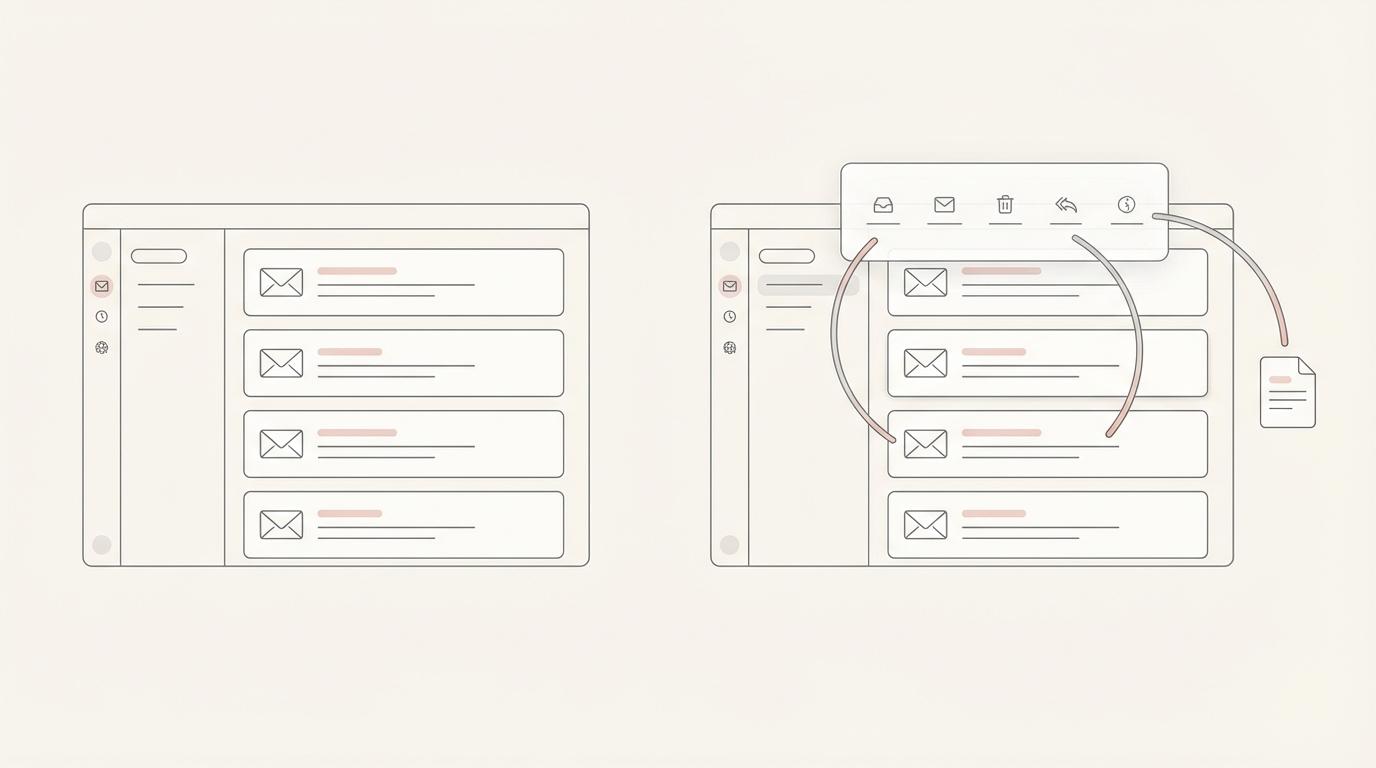
Short answer: on 3 November 2026 Superhuman launched Email Assistant by Superhuman Mail, an AI assistant that runs inside your existing Gmail or Outlook. It labels new mail, drafts replies in your voice, brings back threads where nobody replied and archives low-priority email. It costs $12 per month billed yearly or $15 billed monthly. For those four jobs at a low price, with no chance of it sending, it is a strong pick. Jace does the same core jobs. It adds Flows, which are plain-English "if this arrives, then do that" automations. It also connects to tools such as Slack, Google Drive and HubSpot, and lets you switch on auto-send per label. Jace costs more: $25 per month, or $20 billed yearly.
This post was written on 9 November 2026, six days after the launch. We make Jace. Superhuman facts come from its launch post, its Email Assistant page and its plans page, all opened on 9 November 2026. We have not run timed tests on either product.
If you want the comparison with Superhuman's full email app instead of the new assistant, read Jace vs Superhuman Mail.
What Superhuman launched
Until now, getting Superhuman's AI mostly meant moving into Superhuman Mail, a separate email client. The launch post says many people want to stay in the inbox they already use. Email Assistant is the answer to that. You connect a Gmail or Outlook account, and it works in the background there with no new app and no prompting.
Superhuman lists four features:
- Auto Labels sorts mail as it arrives. It marks what needs a reply, separates FYIs and tracks threads where you are waiting to hear back.
- Auto Drafts writes reply drafts in your voice, adapted to each recipient. Drafts can use context from other emails, insert your and your team's availability and research online. Superhuman says it updates drafts as your schedule changes.
- Auto Reminders brings back threads where you got no reply, with a follow-up draft attached.
- Auto Archive moves cold pitches and marketing out of the inbox, along with notifications. You get a daily recap, and archived mail stays searchable in an Auto Archive folder.
You can tune each one in settings for Personalization, Auto Drafts, Auto Archive and Auto Reminders. Superhuman's FAQ says you can add it to several Gmail and Outlook accounts. It learns your style from the emails you have already sent.
Superhuman Email Assistant pricing
| Plan | Billed yearly | Billed monthly | Includes Email Assistant |
|---|---|---|---|
| Superhuman Free | $0 | $0 | No |
| Superhuman Pro | $12 per member per month | $15 per member per month | Yes |
| Superhuman Business | $33 per member per month | $40 per member per month | Yes, plus Superhuman Mail |
Prices from Superhuman's plans page and Email Assistant FAQ, checked 9 November 2026. The FAQ says one price covers all the Gmail and Outlook accounts you add. For a whole team, the launch post asks you to contact sales.
What Superhuman says about safety and sending
Two points stand out, both in Superhuman's own words:
- It never deletes anything, and archived mail stays findable.
- It does not send for you. The FAQ says Email Assistant "prepares draft replies and leaves them waiting in the thread. You review, edit, and send. Nothing goes out without your approval."
Superhuman also states that Email Assistant is SOC 2 Type 2 certified and GDPR compliant. It says your email is never used to train external AI models. See its Trust Center for details.
The launch post also gives usage figures. For the average customer, Auto Archive clears half the inbox. Almost half of Auto Drafts are sent without edits, and each sent Auto Draft saves 9 minutes on average. Those are Superhuman's own numbers and we have not checked them.
What Email Assistant does not do
Based on the launch post and product page as of 9 November 2026:
- It never sends on its own. Good for caution. If you want routine replies to go out on their own, it has no switch for that.
- No custom automations are described. You tune the four features. The pages do not describe rules like "when this email arrives, do these steps".
- No actions in other tools are described. Drafts draw on your inbox and calendar, plus web research. The pages don't mention updating a CRM, a project tool or a calendar from an email.
- No chat about your inbox is described for Email Assistant itself. Superhuman's chat assistant, Go, is a separate product in its suite.
- No team rollout without sales. Teams go through Superhuman's sales team.
Check Superhuman's current pages before you rely on this list.
Superhuman Email Assistant vs Jace
| Superhuman Email Assistant | Jace | |
|---|---|---|
| Where it works | Inside Gmail and Outlook | Inside Gmail and Outlook (Microsoft 365 and Outlook.com), plus the Jace web app |
| Sorting | Auto Labels: needs reply, FYI, waiting | Labels such as Needs Reply, Waiting, FYI, To Do and Promotion, plus your own labels described in plain English |
| Reply drafts | Automatic, in your voice, per recipient. Uses inbox and calendar, plus web research | Automatic for the labels you pick, or "Draft a reply" on any thread. Uses the full thread, attachments, your calendar, connected tools, your rules and writing style (Drafting) |
| Follow-ups | Auto Reminders with a follow-up draft | Threads in Waiting get a follow-up draft after 3 days without a reply |
| Clutter | Auto Archive with a daily recap | Low-priority mail gets labels such as Promotion |
| Automations | Settings for the four features | Flows: "if emails like this arrive, then draft, create a calendar event or update a connected tool" (Flows) |
| Other tools | Calendar and web research for drafts | Slack, Google Drive and OneDrive built in. tools such as Notion and HubSpot through MCP (Integrations) |
| Sending | Never sends. You review and send | Drafts by default. Auto-send is off until you switch it on for a label or Flow, after a warning |
| Price | $12 per month billed yearly, $15 monthly | Plus $20 per month billed yearly or $25 monthly (2 inboxes). Pro $40 or $50 (8 inboxes). 7-day trial (pricing) |
Where Jace differs
Flows. A Flow is an automation you write in plain English. A consultant might write: "when a client sends a signed SOW, draft a kickoff reply with open times and add the client to HubSpot". A lawyer might write: "when opposing counsel sets a new deadline, draft a holding reply and add the deadline to my calendar". Superhuman's pages describe tuning its four features, not building steps like these.
Approval you can loosen per label. Both products start with you approving every send. Jace lets you switch on auto-send for one label or one Flow, such as routine scheduling replies. All else waits for you. Superhuman Email Assistant has no such switch. Does your firm need a hard rule that nothing leaves without a person? Superhuman's design enforces that. Jace does it through settings.
Context from your other tools. Jace drafts can read attachments and pull from connected tools. That helps when the answer sits in a Drive file or a CRM record.
Where Superhuman is the better pick
- Price. $12 a month billed yearly is less than Jace Plus at $20. If the four features cover what you need, Superhuman costs less.
- You want a hard "never sends" line. Email Assistant cannot send, by design.
- Automatic archiving with a daily recap is built in. Jace sorts low-priority mail into labels such as Promotion and does not advertise a daily archive recap.
- You plan to move to a full email client. Superhuman Business includes both Email Assistant and Superhuman Mail.
- You need a SOC 2 report today. Superhuman states SOC 2 Type 2 certification. Jace does not claim a SOC 2 certification. Read our AI email assistant privacy guide for what Jace sees and stores.
Superhuman Email Assistant vs Fyxer
Fyxer also drafts replies in your tone and labels mail inside Gmail or Outlook. It adds meeting recording and notes. On 9 November 2026, Fyxer's pricing page lists a Free plan and a 14-day trial. Pro is $37 per seat per month billed yearly or $49 monthly. Team is $64 billed yearly or $99 monthly. Email Assistant is cheaper for email alone. Fyxer makes more sense if you want meeting notes in the same product. Our Jace vs Fyxer comparison goes deeper.
Who should pick which
- Pick Superhuman Email Assistant for the four basics above at a low price. It suits you if nothing should ever send on its own and you need no rules across tools.
- Pick Jace if your email turns into work elsewhere: matters, client projects, CRM records, calendars. Flows handle those steps, and you approve the sends. That is common for lawyers and consultants who answer their own client email.
- Pick Fyxer if meeting notes matter as much as email.
- Pick Superhuman Mail if you want to leave Gmail or Outlook for a faster client.
For the wider field, see the best AI email assistants in 2026.
FAQ
What is Superhuman Email Assistant? An AI assistant from Superhuman, launched on 3 November 2026, that works inside Gmail and Outlook. It labels incoming mail, drafts replies in your voice, brings back threads with no reply and archives low-priority email, without you prompting it.
How much does Superhuman Email Assistant cost? $12 per month billed yearly or $15 billed monthly, through the Superhuman Pro plan, according to Superhuman's pages on 9 November 2026. One price covers all the Gmail and Outlook accounts you add.
Does Superhuman Email Assistant send emails for me? No. Superhuman says it leaves drafts in the thread and you do the sending, and that it never deletes anything.
Is Superhuman Email Assistant the same as Superhuman Mail? No. Email Assistant runs inside Gmail or Outlook. Superhuman Mail is a separate email app, included in the Business plan.
What is a good Superhuman Email Assistant alternative? Jace for Flows, connected tools and optional auto-send per label. Fyxer if you also want meeting notes. Gemini in Gmail or Copilot in Outlook if your plan already includes them and you only want help when you ask.
Does Jace work with Gmail and Outlook like Superhuman Email Assistant? Yes. Jace connects to Gmail and to Outlook (Jace for Gmail, Jace for Outlook). Its labels and drafts show up in those apps, on your phone too.
Try Jace on your own inbox
Jace's 7-day trial connects to your current Gmail or Outlook account with auto-send off. Compare its drafts with Superhuman's on real threads. Start your free Jace trial, or compare Jace's plans first.
Sources (checked 9 November 2026)
- Superhuman: Introducing Email Assistant by Superhuman Mail (3 November 2026), Email Assistant, plans, Trust Center
- Fyxer: pricing
- Jace: pricing, Drafting, Flows, Integrations, Security