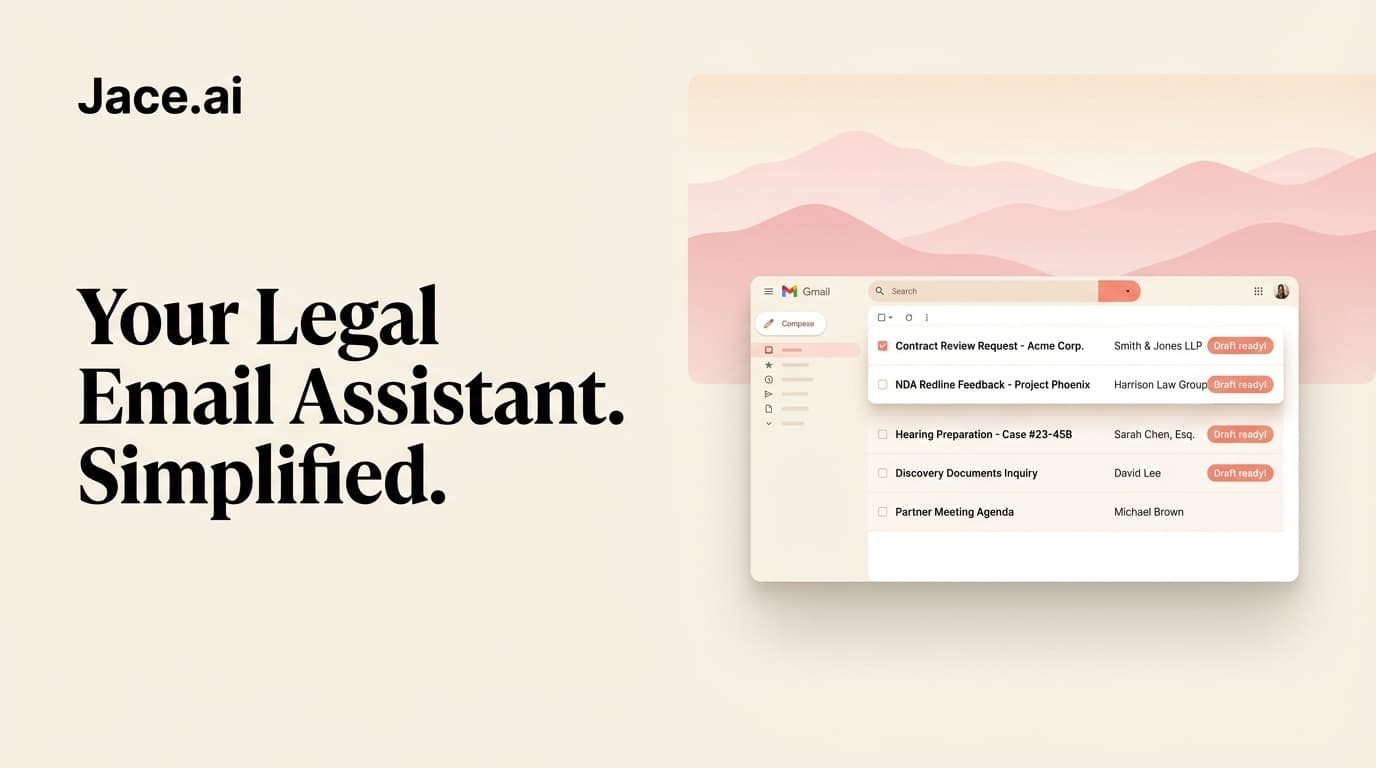
Short answer: yes, lawyers can use an AI email assistant, but recent bar guidance says you have to vet the tool first. On 5 Nov 2026 the New York County Lawyers Association (NYCLA) Committee on Professional Ethics issued Formal Opinion 755-2026. It says that under New York Rules 1.1 and 1.6 a lawyer "must perform a rigorous pre-deployment assessment of any AI tool." It also gives solo and small firms a checklist for doing that. Below, that checklist becomes questions for any AI email assistant. Then we answer them for Jace from its own pages.
Not legal advice. This sums up public guidance and Jace's own pages. It is not legal advice. Your duties depend on where you practice and on your client terms. Read the texts yourself, and ask your bar's ethics hotline or your own counsel if you are unsure.
What NYCLA Opinion 755 says
NYCLA announced it in a press release on 6 Nov 2026. The release says it covers competence, confidentiality, candor to courts and supervision of staff. It sets out four steps to protect privilege. Legal news site LexCircuit summarised it the next day.
Four points in it matter most for email:
- Vet the tool before you use it. Under Rules 1.1 and 1.6, the assessment should confirm the tool's security protects against waiver of privilege and work-product protection.
- Public tools can waive privilege. NYCLA says putting "sensitive or unredacted client data into an unsecured, public AI tool" is "a voluntary disclosure to a third party."
- Supervision can't be delegated. Rules 5.1 and 5.3 make the supervising lawyer responsible when a junior lawyer, paralegal or contractor uses AI.
- It does not discourage AI. The committee says it is "far from seeking to dissuade attorneys from using AI tools." It also says it won't be the last word.
NYCLA also cites ABA Formal Opinion 512 as broad AI guidance. New York is not alone. Alabama says much the same. Its State Bar's Formal Opinion 2026-01 is summed up in the National Law Review. It says using an AI tool "without basic due diligence on how that tool works and what it can get wrong has not satisfied Rule 1.1." Before client data goes in, it says lawyers should know if prompts are kept and if data trains models. They should also know who can see it, what the vendor promises in its contract and how the data is secured.
Why email is a special case
Most AI ethics guidance is written with research and brief drafting in mind. An email assistant is different in two ways. It needs access to your whole mailbox, not just a pasted prompt, so you can't swap names for "Client A" first, as NYCLA suggests for public tools. It also sits between you and the client. Whether it can send on its own matters as much as where the data goes.
That makes the vendor checks below more important for email tools than for a chatbot you paste text into.
The vetting checklist
NYCLA's Step 1 is a "Privilege Verification Checklist." Lawyers check it against "the software's terms of service and privacy policy." Here it is for an email assistant, plus two items of our own.
- Terms of service. NYCLA asks whether the vendor "explicitly guarantees a confidential relationship and assumes the legal status of an agent of the attorney." Read the contract, not the marketing page.
- Training opt-out. Inputs must "never" be used for public model training, algorithmic reinforcement or vendor review. If the account doesn't allow a complete opt-out, NYCLA treats it as an unsecured public tool.
- Retention and deletion. Find out how long mail is kept and where. Check that it is encrypted in transit and at rest.
- Sub-processors. Find out which third parties (AI model providers, hosting) receive data, and whether the same confidentiality and no-training terms bind them.
- Client consent if a check fails. If the tool falls short and you still want it, NYCLA says you must get the client's informed consent in writing under Rule 1.4.
- Sending control (email-specific). Can the tool send, forward or delete without you? Is that off by default?
- Permissions and revocation (email-specific). Which Google or Microsoft permissions does it ask for, and can you cut access in one step?
- A written policy for staff. NYCLA's Step 4 asks firms that use contractors or assistants for a written AI policy. It also suggests logging which matters used AI and reviewing the policy each year. Decide who may connect a firm inbox and who signs off on updates.
How Jace answers the checklist
Everything below comes from Jace's security page and privacy policy (last updated 5 May 2026), checked on 9 Nov 2026. For the full detail, read our AI email assistant privacy guide.
| Checklist item | What Jace's pages say |
|---|---|
| Terms of service | The privacy policy covers data handling. It does not say Jace is your agent for privilege purposes. If your analysis needs that, ask support for contract terms before connecting a client inbox. |
| Training opt-out | The security page says: "We never train AI models on your personal email content." The privacy policy says Jace does not let its AI providers train their general models on your data. It also allows aggregated or anonymised data to be used to improve features. |
| Retention | Mail is stored while you use the service so Jace can draft and search. After you delete your account or disconnect, the policy says deletion usually finishes within 30 days. Data is encrypted in transit and at rest. |
| Sub-processors | The policy names Amazon Web Services, Pinecone and Modal for hosting, and OpenAI, Anthropic, Google Vertex AI or Azure AI for AI features. It says those AI providers use data only to deliver the output and do not retain it or train on it. |
| Sending control | Jace saves replies as drafts in your normal Gmail or Outlook Drafts folder. Auto-send is off unless you switch it on for a label or a Flow, and Jace warns you before you do (how drafting works). |
| Permissions | Jace connects through Google or Microsoft sign-in and lists each permission on its Gmail and Outlook pages. You can disconnect in Settings or revoke access in your Google or Microsoft account. |
| Certifications | The security page says Jace follows CASA Tier 3 and SOC 2 controls. Jace doesn't advertise HIPAA support. |
Two honest gaps. First, Jace keeps a copy of your mail by design, because drafting in your voice and searching old threads depend on it. NYCLA's Step 3 names turning off conversation history as one safeguard. Decide whether the policy terms above meet your standard or whether client consent is the safer route. Second, if your firm needs a signed DPA, a security questionnaire or audit reports, get them from support before you connect anything.
When Jace is not the right choice
- Your firm needs email to stay on its own servers. Jace is a cloud service that uses third-party AI providers.
- Your IT admin blocks third-party apps from reading Google Workspace or Microsoft 365 mail. Check before you try.
- You need a vendor that contractually accepts agent status for privilege purposes and you can't get that in writing.
- Your inbox holds health records or other regulated data that needs a contract Jace doesn't offer.
In those cases, look at Gemini in Gmail or Copilot in Outlook. They may sit under agreements your firm already has with Google or Microsoft. Check with them. Our comparison of AI email assistants covers how each tool handles sending approval.
How to set it up safely
If Jace passes your review, here is the setup we suggest for lawyers. Keep auto-send off and read every draft before it goes out. Give each matter its own label, and note which matters you used it on. Treat Jace like any assistant whose work you sign.
FAQ
What is NYCLA Opinion 755? The New York County Lawyers Association ethics committee issued Formal Opinion 755-2026 on 5 Nov 2026. It sets out ethics duties for using AI, with a focus on solo and small-firm lawyers. It sets out four steps: tool vetting, manual checking of citations, data privacy and a written supervisory policy.
Can lawyers use an AI email assistant? Bar guidance such as NYCLA Opinion 755 and Alabama Formal Opinion 2026-01 does not ban AI. Both say your existing duties still apply. You need to vet the tool and review its output.
Does using an AI email tool waive attorney-client privilege? NYCLA Opinion 755 says putting unredacted client data into an unsecured, public AI tool is a disclosure to a third party. Whether a given tool counts as unsecured depends on its terms. That is why NYCLA asks you to check them. This is not legal advice; ask your bar's ethics hotline about your situation.
Does Jace train AI models on client emails? No. Jace's security page says it never trains AI models on your personal email content. Its privacy policy says its AI providers may not train their general models on your data.
Can Jace send email to a client without my approval? Not by default. Jace writes drafts for you to review. Auto-send only runs if you turn it on for one label or Flow, after a warning.
How much does Jace cost? Plus is $25 a month, or $20 a month billed yearly. Pro is $50 a month, or $40 a month billed yearly. Both start with a 7-day free trial. See pricing.
Try Jace with drafts only
Start the 7-day trial with auto-send off and check every draft before it leaves your inbox. Start your free Jace trial, see Jace for lawyers, or compare plans. For client wording, see our email templates for lawyers.
Sources (checked 9 Nov 2026)
- NYCLA Committee on Professional Ethics, Formal Opinion 755-2026, 5 Nov 2026
- NYCLA, press release on Opinion 755, 6 Nov 2026
- LexCircuit, news story on Opinion 755, 7 Nov 2026
- National Law Review (Jackson Lewis), on Alabama Opinion 2026-01, 4 August 2026
- American Bar Association, Formal Opinion 512
- Jace: security page, privacy policy, drafting and auto-send