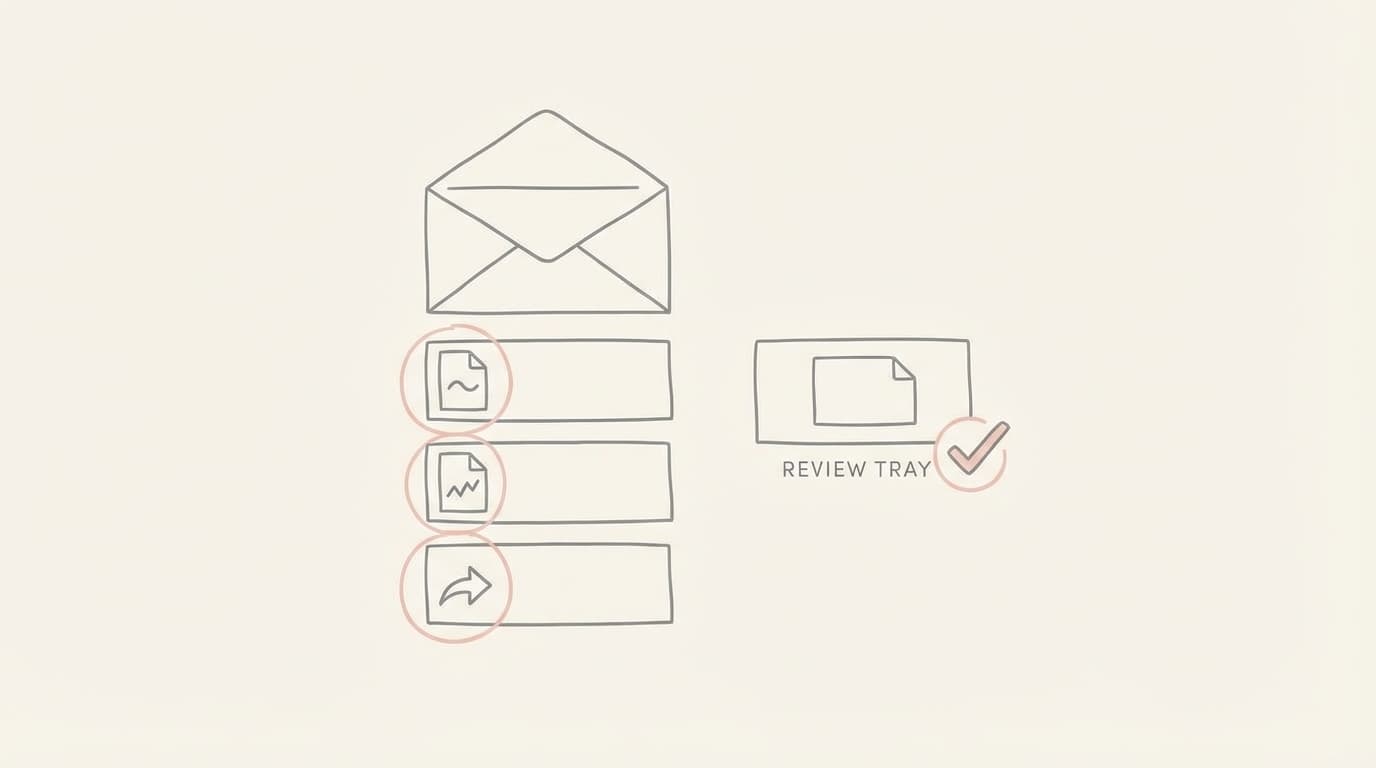
Short answer: It depends on the tool and on how you set it up. The two modes to check are drafting and automatic sending. In draft mode, the assistant writes a reply and saves it, and you press send. In auto-send mode, the assistant sends the reply itself. Jace works in draft mode by default. Its homepage FAQ says: "Automatic sending is a separate opt-in setting, and if you never turn it on, nothing is sent without you."
We make Jace, so keep that in view when you read the Jace parts. This page was checked on 13 November 2026 against the live Jace site. It does not rate other assistants. Their settings change, so check each vendor's own docs before you buy.
Drafts versus auto-send
The question behind "will it send without asking?" is where the send button sits.
Draft mode. The assistant reads a new email, writes a reply and puts it in your drafts folder. Nothing leaves your mailbox until you open the draft and send it. You can edit it, delete it or ignore it. A bad draft still needs correcting before you send it.
Auto-send mode. The assistant writes and sends in one step. This saves the click, but nobody checks the message before the other side reads it. A wrong date, a wrong attachment or a reply to the wrong person goes out as is.
Some tools also mix the two. They send some kinds of mail on their own and draft the rest. That is fine if you chose which kinds. It is a problem if you never knew a rule was there.
How Jace handles it
Jace connects to Gmail, Google Workspace, Outlook.com and Microsoft 365. Here is what the live site says about each step.
Replies. Per jace.ai, Jace prepares a draft for threads it labels Needs reply, or when you click Draft with AI. It "saves the reply to your normal drafts folder. You review, edit and send." Because drafts sit in the normal folder, you can send from Gmail, Outlook, the Jace web app or the mail app on your phone.
Flows. Flows are automations you describe in plain language, such as "when a supplier invoice arrives, draft a reply". The site says: "Flows create drafts for your review unless you change that."
Follow-ups. Threads where you wait on someone get the Waiting label. When a conversation goes quiet, the site says Jace "can prepare a follow-up draft for you to review". The nudge is a draft too.
Auto-send. Per the Jace FAQ, automatic sending is a separate opt-in setting, and if you never turn it on, nothing is sent without you. Check availability and settings in your own account before you rely on it.
There is a limit to be fair about. Draft mode does not make every draft correct. Jace writes from your earlier messages and attachments, but you still need to read the draft. If you skim and send, review gives you less protection.
Questions to ask any assistant before you connect it
These work for Jace and for any other tool you compare.
- Where do replies go by default: drafts, or straight out?
- Is auto-send a setting you turn on, or one you have to find and turn off?
- Can you allow sending for one kind of email only?
- Do follow-ups and automations follow the same rule as normal replies?
- Can you see what was sent, and remove the tool's mailbox access at any time?
If the vendor can't answer the first two clearly, treat that as an answer.
When draft mode fits, and when it doesn't
Draft mode fits people whose replies carry risk. Lawyers answering on a matter, and consultants writing to several clients, usually want to read every word first. Our post on why human review prevents costly email mistakes covers that case.
Auto-send can make sense for a narrow kind of low-risk mail you have checked over time. An example is a plain receipt reply. Start with drafts, read them for a while, then decide where sending on its own is safe.
Jace is a poor fit if your company doesn't allow third-party apps to read mailbox content. It also isn't built for a team working one shared inbox with assignments. The pricing page lists plans and inbox limits. You can try Jace in draft mode and turn nothing else on.
FAQ
Does Jace send emails without my permission? Not by default. Replies, Flows and follow-ups create drafts. Automatic sending is a separate opt-in setting.
What is the difference between a draft and auto-send? A draft waits in your drafts folder until you send it. Auto-send means the assistant sends the message itself, with no review step.
Do I need automatic sending to use Jace? No. Jace prepares drafts by default. You can review and send them yourself without opting in to automatic sending.
Does Jace send follow-ups by itself? Not by default. When a thread under the Waiting label goes quiet, Jace can prepare a follow-up draft for you to review.
Where do I review Jace drafts? In your normal drafts folder in Gmail or Outlook, in the Jace web app, or in the mail app on your phone.
Can I remove Jace's access later? Yes. Per the Jace site, you can remove Jace's access from your Google or Microsoft account at any time.
Sources
- Jace, jace.ai homepage and FAQ, read 13 November 2026