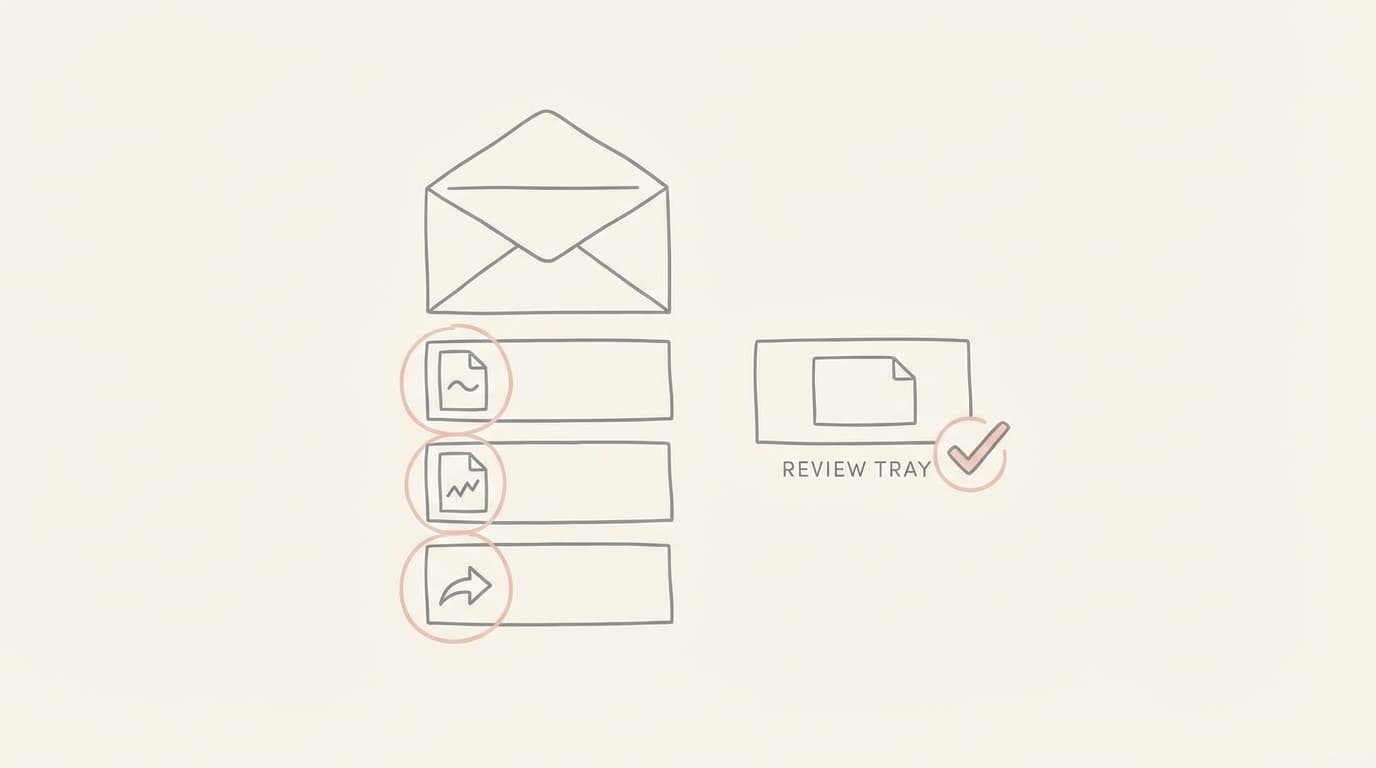
Why Human-in-the-Loop Prevents Costly Email Mistakes
Review-first drafts are a safety boundary for founders handling high-stakes threads. They ensure that automation serves as a powerful assistant without ever bypassing the critical judgment required for finance, legal, and reputation-sensitive communications.
TL;DR (At-a-glance)
- Human-in-the-loop means an agent drafts the response while the human retains the final decision to send.
- Drafts, not auto-send, ensures that every outgoing message is verified for accuracy and intent.
- Mistakes often occur in numerical data, legal terms, recipient lists, and nuanced tone.
- Jace implements review-first by placing drafts in a dedicated UI or syncing them to your native Drafts folder.
- Choose a review-first inbox agent if you manage high-stakes threads where a single error has asymmetric costs.
- Human approval is the control boundary that prevents expensive mistakes in finance and legal contexts.
- Jace works on top of Gmail and Outlook to provide a seamless, supervised drafting experience.
The founder of a solo or micro team often operates without the safety net of an operations department or an executive assistant. Imagine a Tuesday afternoon where you are juggling a vendor invoice PDF with updated payment terms, a contract revision from a new hire, and a sensitive investor update thread. In the rush to clear the inbox, the risk of a typo in a wire transfer amount or a misinterpretation of a legal clause is high. The cost of these mistakes is asymmetric; a few seconds of saved time is never worth the hours or days required to undo a financial or legal error. This is where the boundary between automation and execution must be clearly defined.
Define the framework
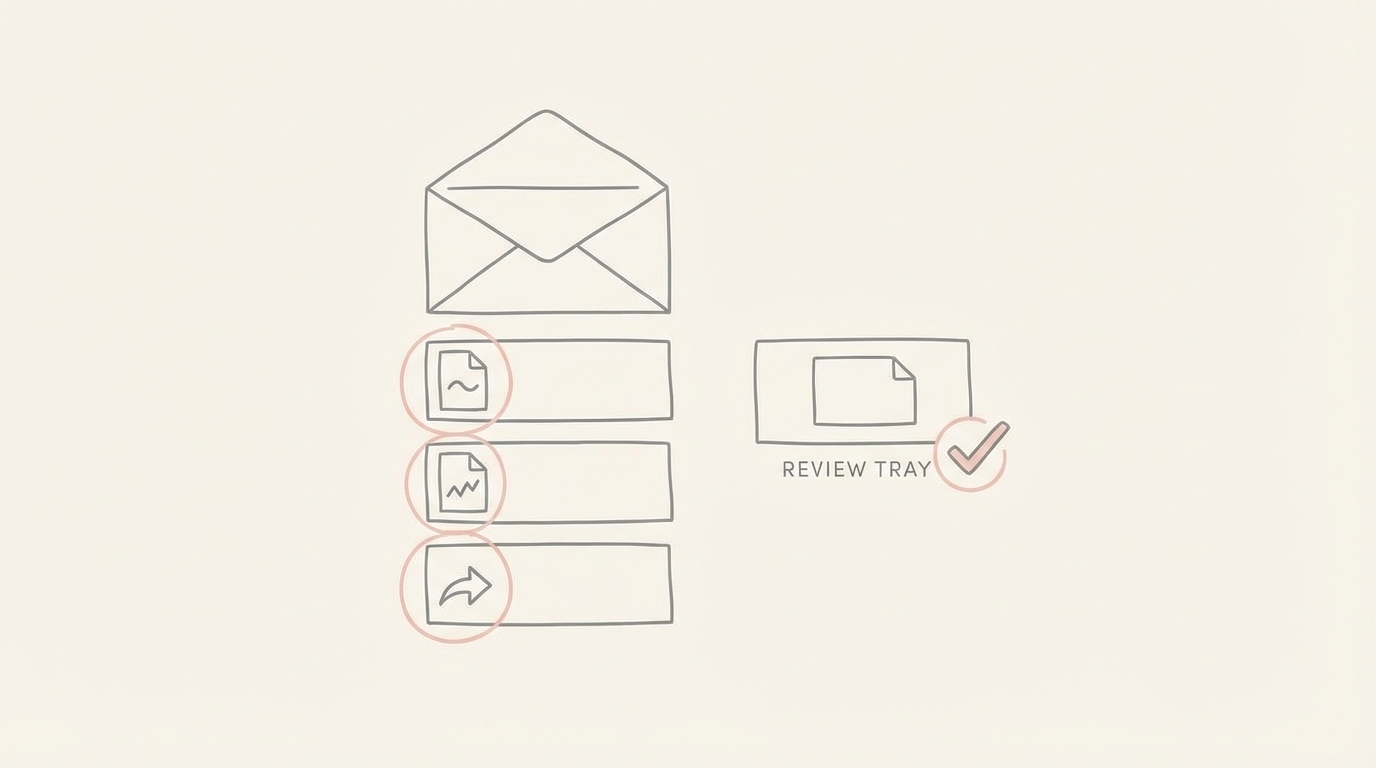
In operational terms, a human-in-the-loop framework means that while an inbox agent can perform the heavy lifting of reading threads, parsing attachments, and structuring a response, it never crosses the line into autonomous sending. A review-first posture treats every AI-generated response as a suggestion that requires a human signature. This setup allows you to leverage the speed of AI for drafting while maintaining the absolute control of a manual send. Automation handles the composition; the human handles the authorization.
Why mistakes happen in email
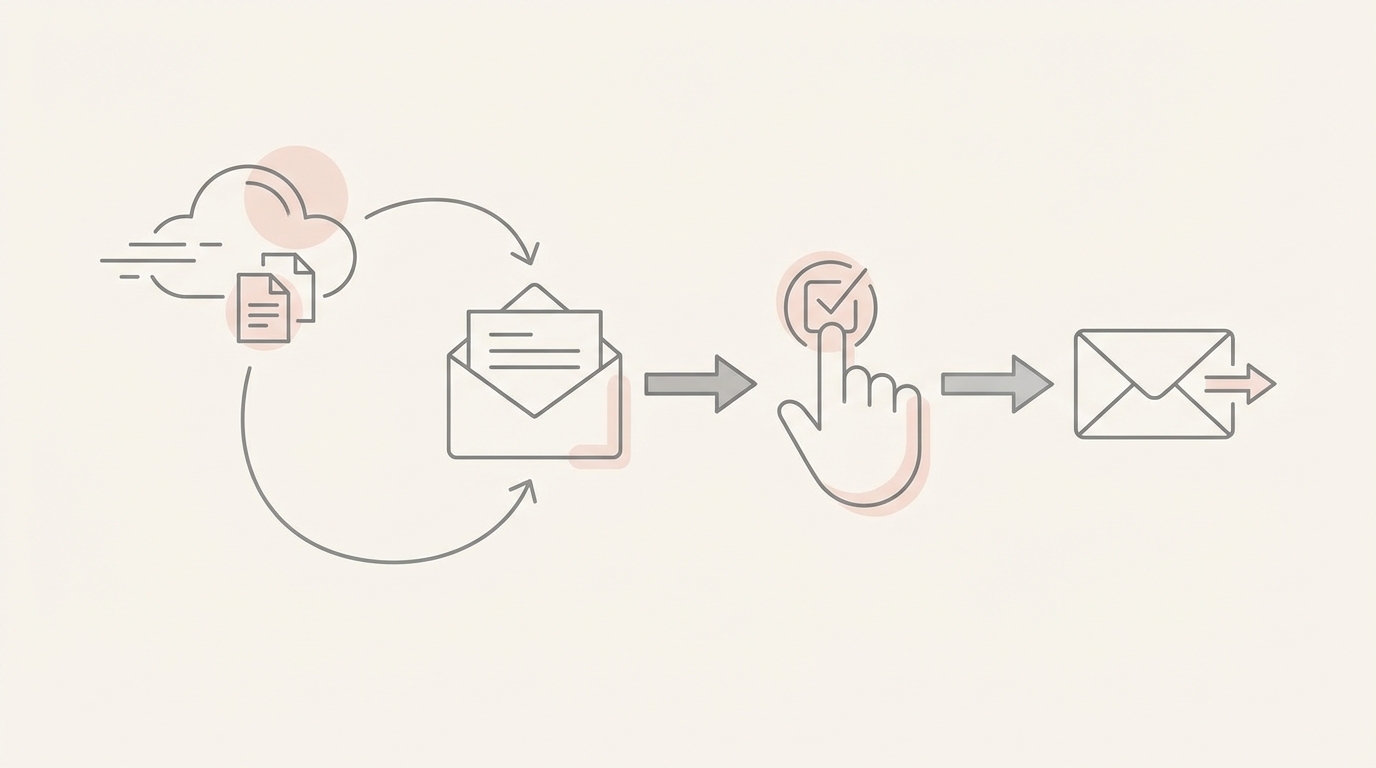
Context loss is the primary driver of email errors. In long threads, critical details are often buried in quoted replies that are easily overlooked during a quick scan. Attachments like PDFs or images often contain the "ground truth" of a deal, specific numbers or terms that aren't repeated in the body of the email. Furthermore, every email carries implicit commitments and deadlines that, if misstated, can lead to broken trust. Finally, the social risk of the recipient list, who is on CC or BCC, adds a layer of complexity where a misplaced reply can escalate a situation unintentionally.
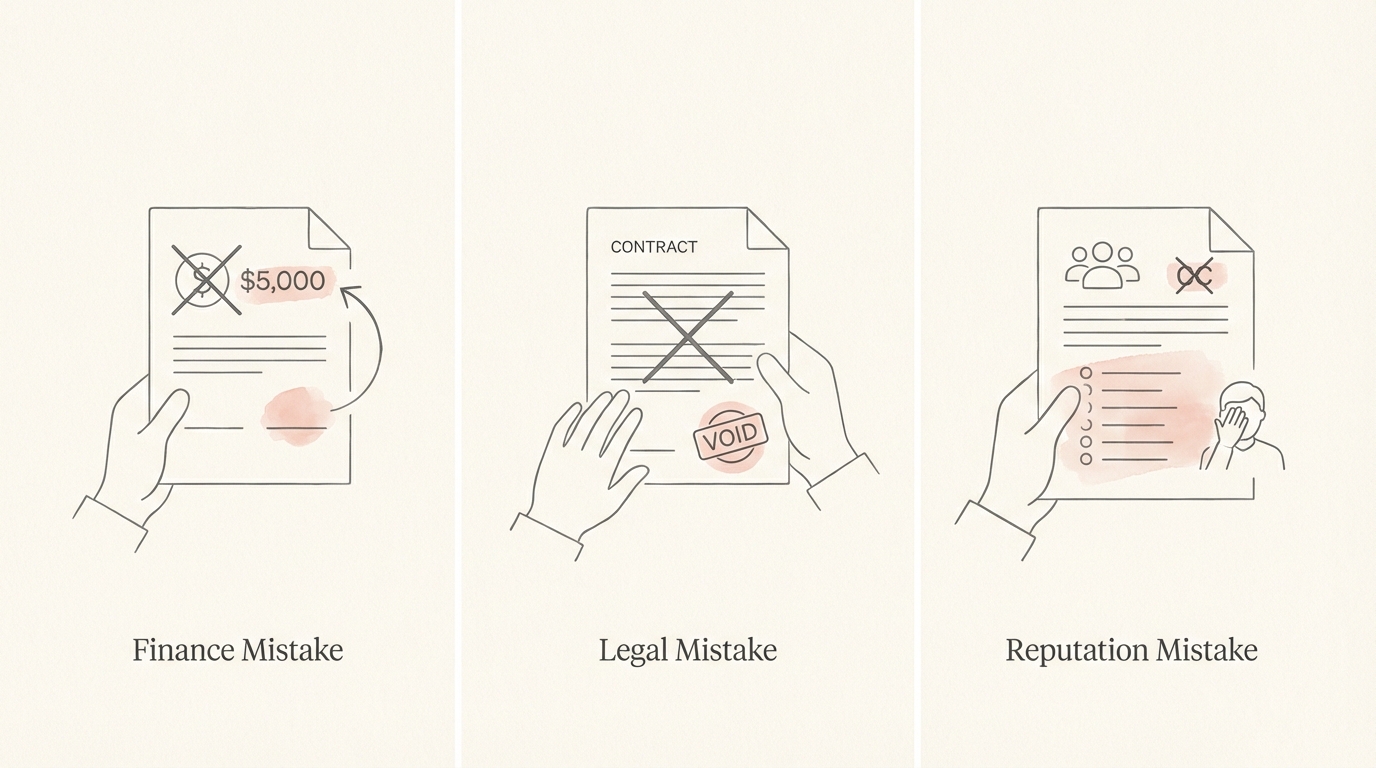
Three categories of costly mistakes
Finance The moment of failure in finance threads usually involves a wrong amount, an incorrect invoice reference, or a promise of payment terms that haven't been fully vetted. A review-first posture provides the moment of leverage where you can verify the currency and the specific figures against the original invoice PDF before the money moves.
Legal In legal contexts, mistakes often stem from a wrong clause reference or an inaccurate summary of a contract PDF. Over-committing to a deliverable or a liability in a quick reply can have long-term consequences. Reviewing a draft allows you to ensure the language matches the actual document attached to the thread.
Reputation Reputational damage occurs through the wrong tone, an accidental escalation by CCing the wrong stakeholder, or misrepresenting prior context. The moment of leverage here is the ability to adjust the "voice" of the email to match the relationship stakes, ensuring that a sensitive customer escalation is handled with the appropriate gravity.
Where automation should stop
The boundary rule is simple: drafting is acceptable, but sending is not. For a founder, "auto-send" is a high-risk feature that offers marginal gains in speed at the cost of significant operational risk. By enforcing a review-first posture, you ensure that the final gatekeeper is always a human who understands the broader business context that an agent might miss. Automation should be used to eliminate the "blank page" problem, not the "final decision" responsibility.
How Jace implements human-in-the-loop
Jace is built specifically to operate within this safety boundary. It works on top of Gmail and Outlook rather than replacing them, and it can function via a Chrome extension for Gmail. Every draft Jace produces appears in the Jace UI for your review. If you prefer your existing workflow, you can enable an optional sync so that these drafts also appear in your native Gmail or Outlook Drafts folder.
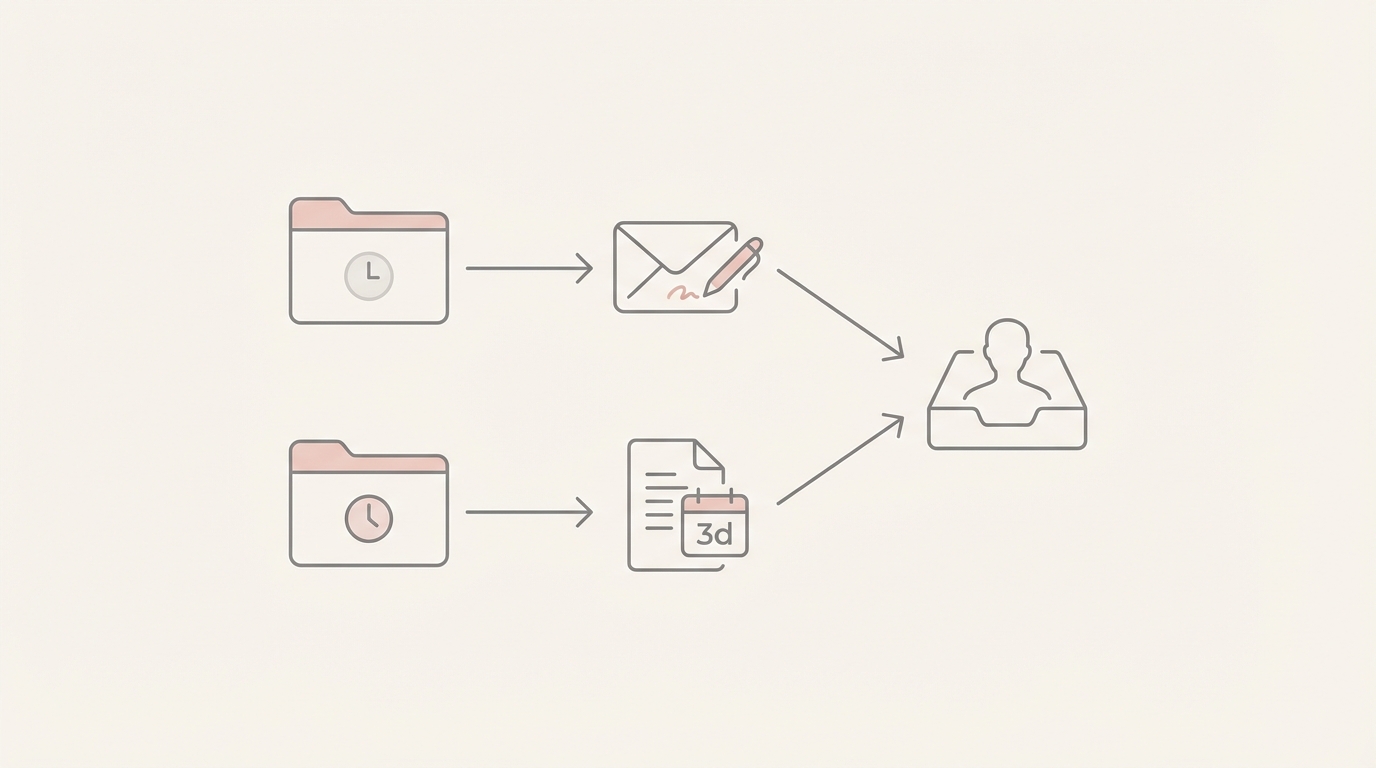
The drafting process is triggered by labels. For example, applying a "Needs Reply" label or any label with "Call Jace automatically" enabled will prompt Jace to create a draft. This is always an opt-in, label-based, and user-controlled process. Even the "Waiting" label, which can trigger a single follow-up draft after 3 days, adheres to this review-first posture. Furthermore, the rules that shape Jace's behavior are created in natural language and require your explicit approval before they are saved. Jace never sends an email without you actively clicking Send.
Practical control levers
To maintain a safe and efficient inbox, you can utilize several control levers:
A) Label gating strategy Decide which labels should trigger drafting. Use "Needs Reply" for standard inquiries, but perhaps keep sensitive "Legal" or "Board" labels manual until you are comfortable with the agent's drafting style for those specific contexts.
B) Rules examples that improve safety
- "When drafting for the 'Investors' label, always use a formal tone and never include specific valuation numbers."
- "If an email mentions a refund, draft a reply asking for the original order number but do not promise a specific date."
- "For any thread with 'Contract' in the subject, ensure the draft references the attached PDF by name."
C) "Directly addressed only" setting As an advanced guardrail, you can configure Jace to only draft replies for emails where you are in the "To" field, preventing the agent from jumping into large CC threads where your input might not be required.
D) Draft surface choice Choose whether you want to review drafts exclusively in the Jace UI or if you want them synced to your provider's Drafts folder. Keeping them in the Jace UI can provide a cleaner separation for your review sessions.
The approval checklist
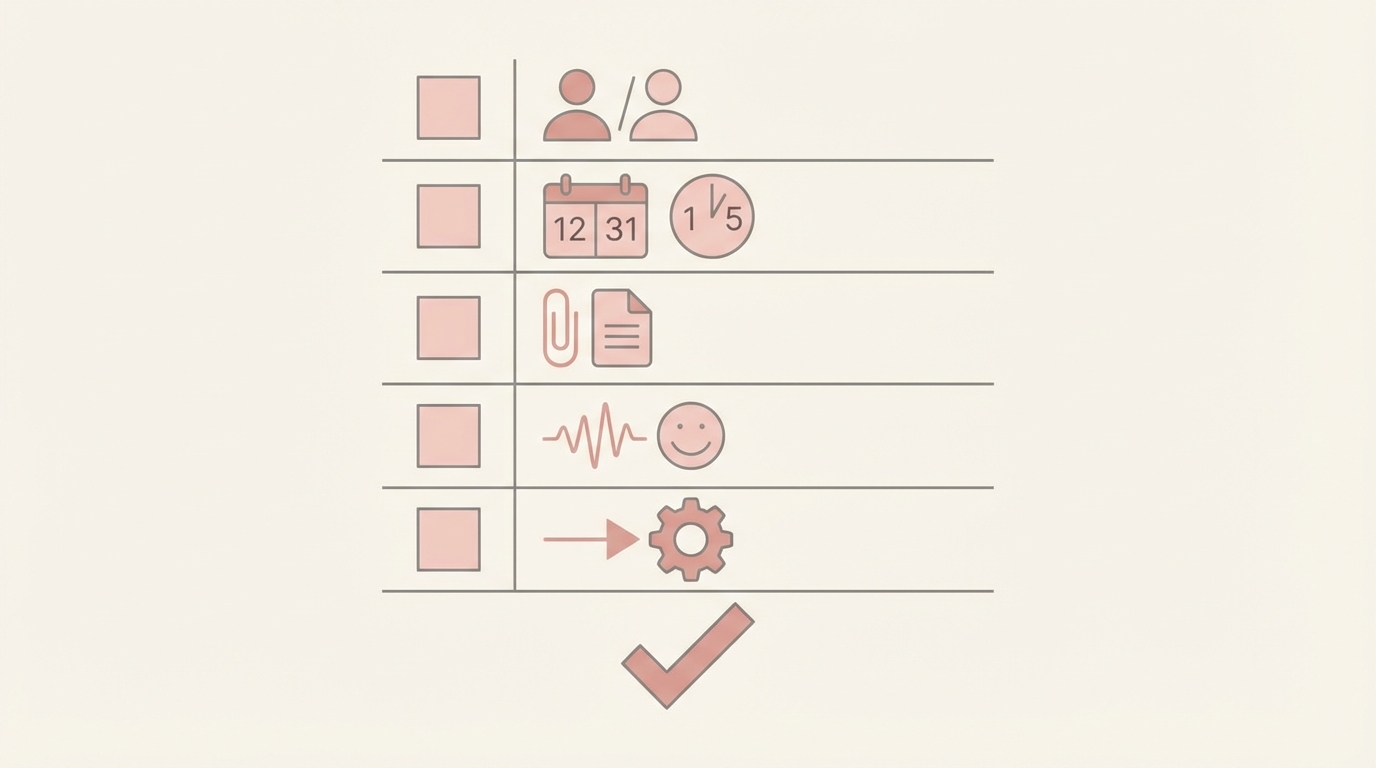
Before you hit send on any AI-generated draft, run through this quick checklist:
- Recipients: Verify the To, CC, and BCC fields are correct.
- Numbers and dates: Double-check amounts, deadlines, and payment terms.
- Commitments: Confirm exactly what you are promising to the recipient.
- Attachment references: Ensure the draft refers to the correct document or image.
- Tone: Does the language match the relationship and the stakes of the thread?
- Next step: Is there one clear ask or decision for the recipient?
By reviewing the draft before sending, you turn a potential liability into a polished professional communication.
Three founder workflows
1) Invoice or payment terms thread A vendor sends a PDF with updated banking details. The moment of failure is a draft that blindly accepts the new details without verification. The moment of leverage is when you see the draft in Jace, open the PDF, and realize the banking details in the text don't match your records. You must still perform the final verification against your bank portal.
2) Contract revision and scheduling A potential hire sends a signed contract PDF and asks for a kickoff meeting. Jace reads the PDF and prepares a reply draft while also proposing a draft calendar event in the Jace UI. The moment of failure would be an auto-invite for a time you are actually busy. The moment of leverage is reviewing the draft event and the reply together, ensuring the start date in the email matches the calendar invite. You must still approve the calendar draft before the invite goes out.
3) High-stakes customer escalation A customer sends a long thread with a screenshot of an error. Jace summarizes the long thread and drafts a technical apology. The moment of failure is a draft that is too casual for a frustrated client. The moment of leverage is adjusting the tone to be more empathetic before sending. You must still provide the specific "human" touch that de-escalates the situation.
Common mistakes when using AI drafts
Assuming perfect accuracy AI can misread a digit or a name. Instead, always scan the draft for specific nouns and numbers.
Assuming OCR for scanned PDFs Jace does not claim to support OCR for scanned or handwritten documents. Instead, read scanned attachments manually before approving a draft that references them.
Forgetting recipients and stakeholder context An agent might not know the internal politics of a CC list. Instead, check the recipient list to ensure you aren't "replying all" to a sensitive group.
Letting summaries become long retellings A draft should be a decision packet, not a transcript. Instead, edit the draft to focus on the next action rather than repeating the whole thread.
Not updating a draft when context changed If you receive a new email while a draft is sitting in your tray, the draft may be stale. Instead, refresh your context or ask Jace for an updated draft if a new message arrives.
FAQ
Does it send emails automatically? No. There is no scenario where Jace sends an email without manual user action. It produces drafts for review based on opt-in, label-based triggers.
Does Jace replace Gmail/Outlook? No, Jace works on top of your existing Gmail or Outlook account. It enhances your workflow rather than replacing your provider.
Where do drafts appear? Drafts appear in the Jace UI. You can also enable a setting to sync them to your native Gmail or Outlook Drafts folder.
How do rules work? Rules are created in natural language and affect agent behavior only. They are not retroactive and require user approval to be saved.
How does it handle attachments? Jace reads PDFs, documents, and images as context for drafting. It does not support XLSX or encrypted files.
How does Calendar scheduling work safely? Jace produces a draft event or draft update in the Jace UI. You must approve it before any invitations are sent to attendees.
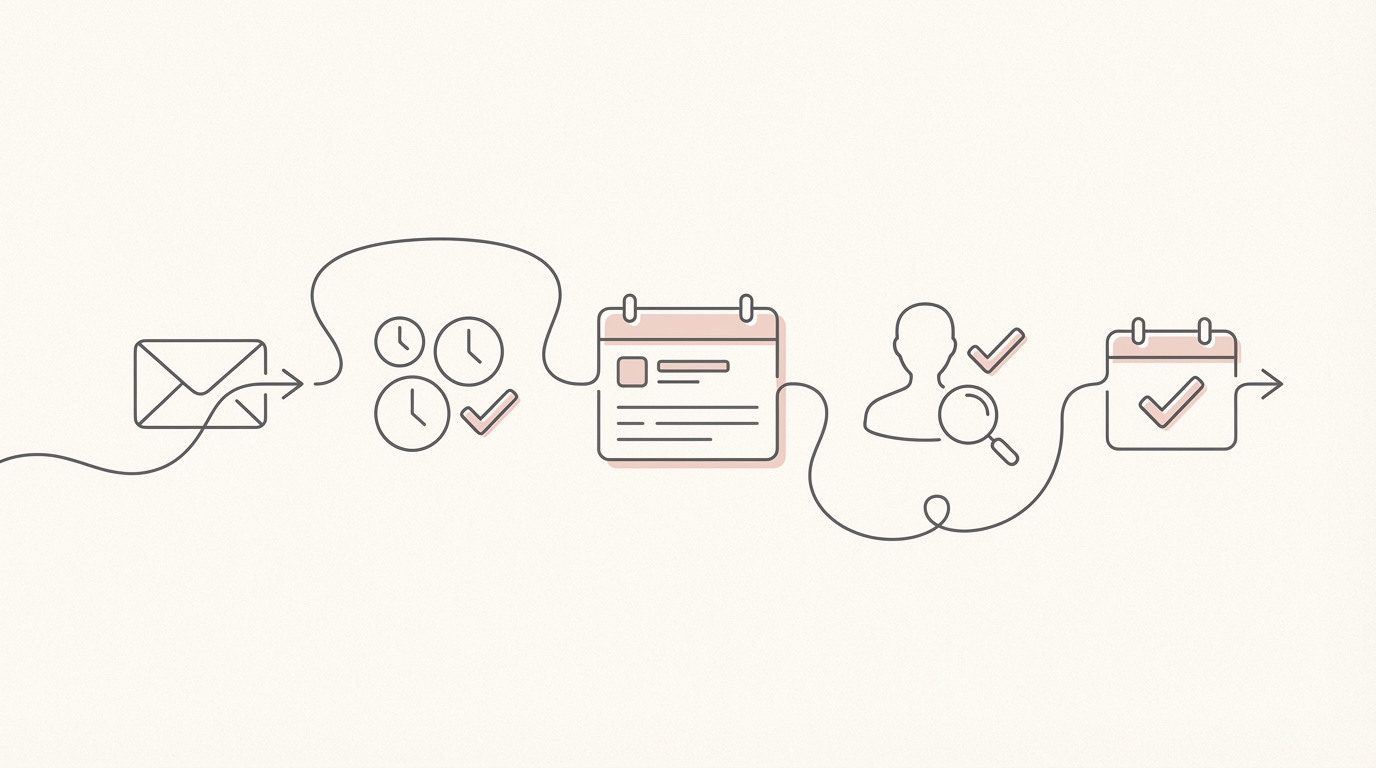
Reviewing your outgoing mail is the ultimate safety boundary for any founder. By using an inbox agent to handle the drafting, you maintain the speed of automation without ever sacrificing the control of a human-in-the-loop workflow.
Try Jace for review-first inbox workflows
