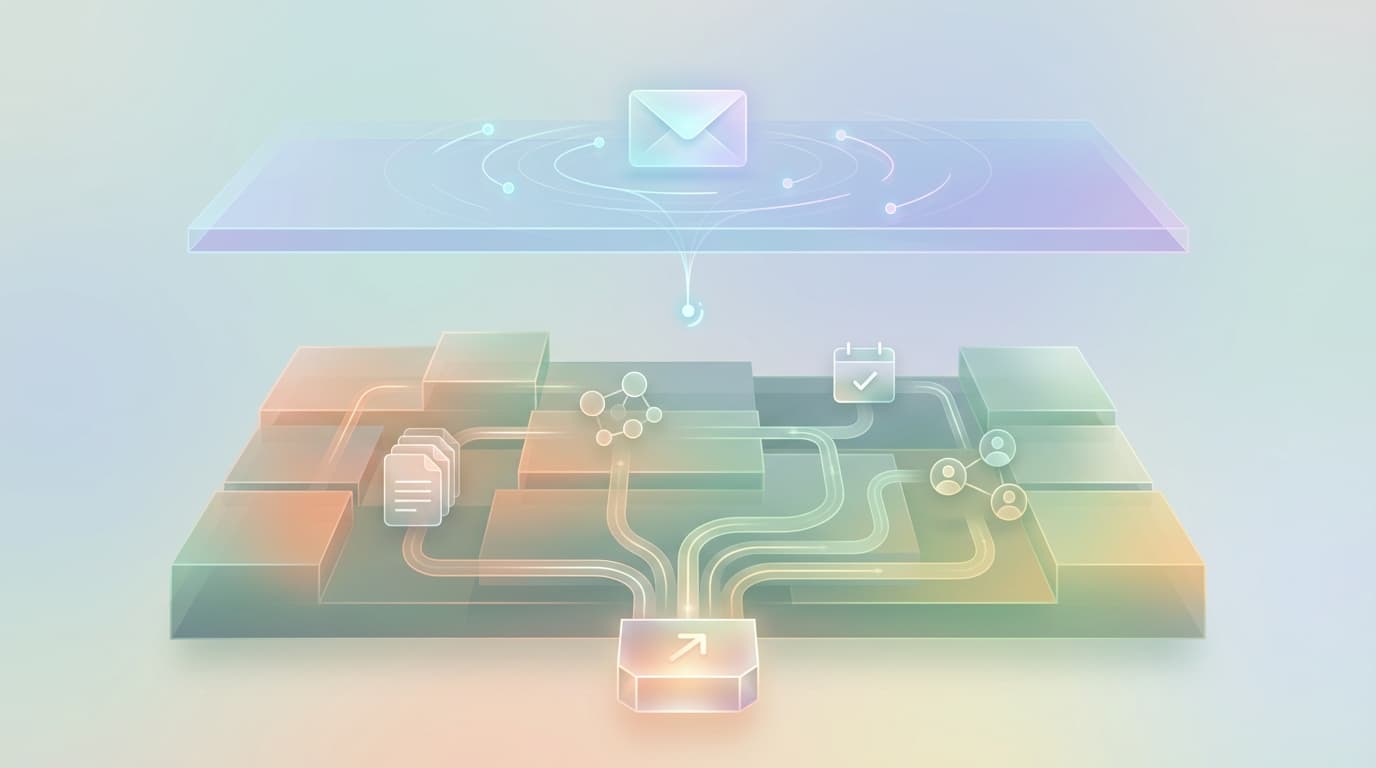
Short answer: Jace imports your history in stages, newest first. Plus goes back one year and Pro goes back three years. Older email stays in Gmail or Outlook, but Jace can't see it. You can use Jace while the import runs.
We make Jace, so weigh the Jace parts accordingly. Every Jace fact below was checked on 27 November 2026 against the live missing emails docs, email sync docs, auto-drafts docs and pricing page.
What the history window decides
An assistant can only answer from email it has. Ask it what a client agreed to last spring and it needs last spring's thread. If that thread sits outside its window, you get a vague answer or none at all.
The same goes for drafts. A reply that matches how you usually talk to a person needs past replies to that person. So the history window decides how much context the assistant has to work with, both for questions and for drafts.
Most buyers check price and inbox count. Fewer ask how far back the assistant reads, and that limit tends to show up only after the trial ends.
Four questions for any vendor
1. How many months or years does it import? Ask for the number on each plan, not just "your history".
2. What comes in first? A big mailbox can take a while. You want recent mail ready on day one.
3. Can I work while it imports? Some tools make you wait.
4. What happens to email outside the window? It should stay where it is in your mail provider, untouched.
How Jace imports your history
When you connect an inbox, the missing emails docs list the stages in order:
- Recent email from the last 45 days, up to 999 threads, so you can start quickly. In Gmail this first pass leaves out the Social, Promotions, Updates and Forums tabs.
- Everything from the last 90 days.
- Everything from the last year.
- On Pro, everything from the last 3 years.
While stages run, a thin bar at the top of the inbox says "Preparing your recent email history...". You can keep working. Older threads fill in as each stage finishes, and big mailboxes take longer.
New mail that arrives while Jace is connected shows up shortly after it lands in Gmail or Outlook. The email sync docs say Jace listens for new mail and changes, so you don't need to refresh.
How far back each plan goes
Plus imports one year of history and Pro imports three years. The pricing page describes it as "Chat with 1 year of email history" on Plus and "Chat with 3 years of email history" on Pro.
Email older than that stays in Gmail or Outlook. It just doesn't appear in Jace. Drafts sitting in your mail provider are never part of the history import.
If you often need threads from two or three years ago, that is a reason to look at Pro. If most of your work lives in the last year, Plus covers it. Pro's price starts higher, so check the pricing page for current numbers before you pick.
History is context, not a reply queue
A common worry: will Jace start drafting replies to a year of old mail? No. The auto-drafts docs say email older than 3 days, including history imported when you connect, doesn't get auto-drafts.
So the import gives Jace context to search and answer from. Fresh mail is what gets drafts.
When something looks missing
Three things usually explain a gap, per the missing emails docs:
- The import is still running. Wait for the bar to finish.
- The email is older than your plan imports. It is still in Gmail or Outlook.
- The mailbox lost its connection. A red banner at the top of the inbox says "Jace has stopped working for" and the address. Click Reconnect and sign in again.
If the progress bar sits in one place for more than a day, one stage probably stopped partway. Email support@jace.ai with the address of the affected inbox and support can restart it. Deleting or moving thousands of threads at once also slows the import, so work in batches of a few hundred.
Who this fits
The window counts most when your work runs on old threads. Lawyers check what was agreed months ago, and consultants pick up a client after months without contact. Count how far back your typical lookup goes before you choose a plan. It works the same with Gmail and Outlook.
For a wider view of what to compare, see what an AI email assistant costs and how Jace handles your data.
You can try Jace free for 7 days, connect an inbox and ask about a thread from last year once the import finishes.
FAQ
How far back does Jace import my email? One year on Plus and three years on Pro. Recent email from the last 45 days comes in first.
Can I use Jace before the import finishes? Yes. You can work while it runs, and older threads fill in as each stage finishes.
What happens to email older than my plan imports? It stays in Gmail or Outlook. It doesn't appear in Jace.
Will Jace draft replies to my imported history? No. Email older than 3 days, including imported history, doesn't get auto-drafts.
Does Jace import my drafts? No. Drafts are never part of the history import.
What if the import seems stuck? If the progress bar hasn't moved for more than a day, email support@jace.ai with the address of the affected inbox. Support can restart the stopped stage.