Why Lawyers Need Full Email Thread Context Not Just the Last Message
Tuesday afternoon. A partner forwards you the latest message in a contract negotiation thread. The client wants to know: can we accept these revised terms?
You scan the email. The opposing counsel's language looks reasonable. You start drafting "yes, we can proceed."
Then you scroll up.
Three messages back, your associate flagged a problematic indemnification clause. Five messages back, the client explicitly said no unlimited liability. Seven messages back, there's an attachment with redlines that contradict the current proposal. And buried in the CC line, you notice outside counsel was added four exchanges ago but never responded.
You delete your draft.
The last message told you almost nothing. The thread told you everything.
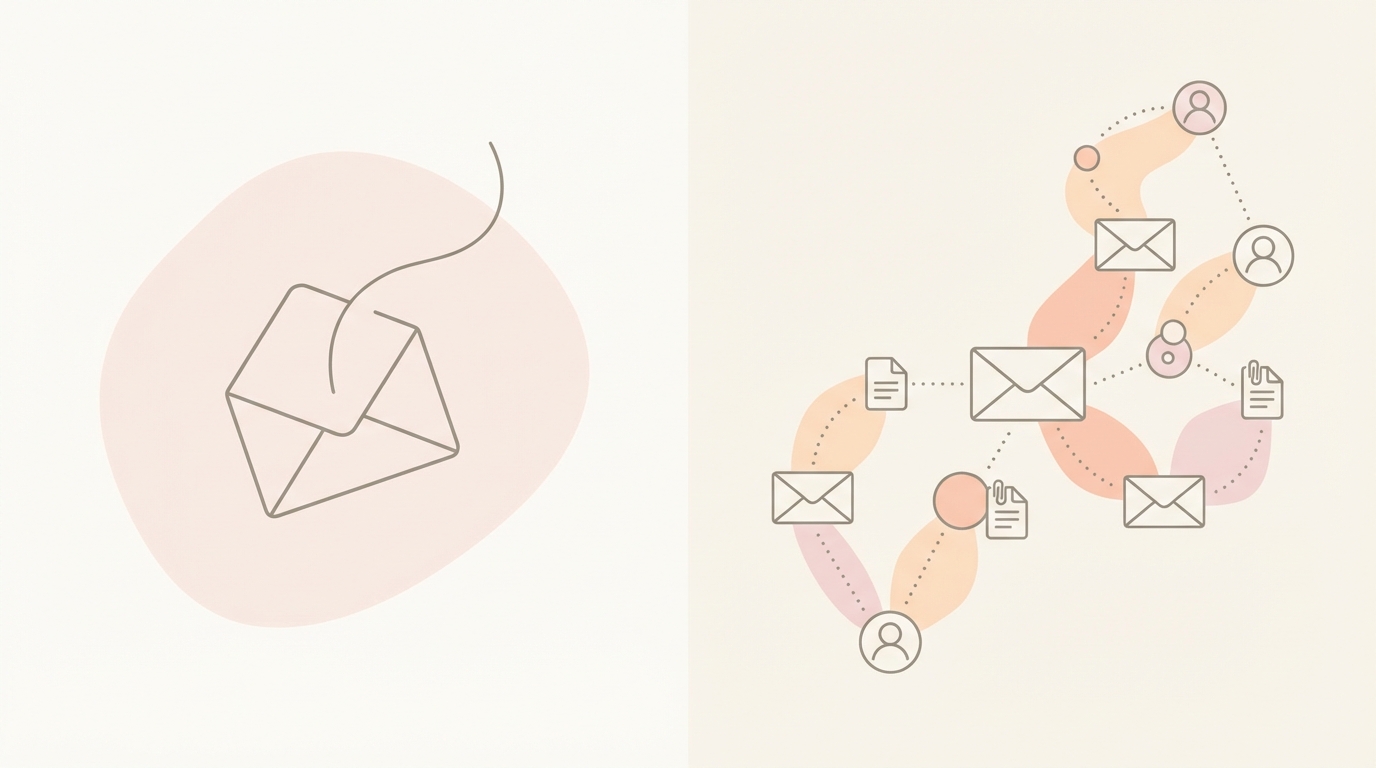 When you reply to just the last message, you're working blind.
TL;DR
Legal email threads contain the decision record, version history, stakeholder changes, and commitment timeline that determine whether your reply is accurate or risky. Replying to just the last message strips away the context that protects you from malpractice exposure, client disputes, and blown deadlines. Full thread review is not optional. It's the baseline for competent legal communication. Jace helps lawyers work on top of Gmail or Outlook with full thread context, attachment awareness, and review-first drafting that never sends without approval.
The Legal Reality Email Is The Record
In most legal matters, email is the record.
Not the final signed agreement. Not the meeting notes. Not the invoice. The email thread that led to those documents.
Courts admit email threads as evidence of intent, notice, agreement, and timeline. Opposing counsel will print your entire thread and highlight the message where you said something different than you're claiming now. Clients will forward your thread to their board and ask why you didn't flag the issue earlier.
Email is not just communication. It's documentation.
And documentation requires context.
When you reply to a legal email without reviewing the full thread, you're creating a record based on incomplete information. You might contradict your prior advice. You might miss a shifted deadline. You might agree to terms the client already rejected. You might address the wrong version of the document.
Every reply you send becomes part of the record. Make sure you know what the record says.
The Four Context Failures That Create Legal Risk
Legal email threads fail in predictable ways. These failures create exposure, confusion, and rework.
1. Commitments Drift
Over the course of a negotiation, people make statements. "We can accept that." "Our client won't agree to unlimited liability." "We need this done by Friday."
These commitments scatter across the thread. They're rarely summarized. When someone new joins the conversation or when enough time passes, the commitments get forgotten or reinterpreted.
You reply based on the last message. But three messages ago, your client drew a red line you're now crossing.
2. Version Confusion
Contracts get revised. Redlines get attached. New drafts replace old drafts. Attachments circulate with names like "Agreement_v3_final_revised.docx."
When you're looking only at the most recent message, you might not realize the attached document isn't the current version. Or you might reference terms from an outdated draft that was already rejected.
Attachment version control lives in the thread. Miss the thread, miss the version.
3. Stakeholder Shifts
Legal threads change participants. Outside counsel gets added. A business lead gets CC'd. Someone from compliance joins mid-conversation.
These changes matter. The new participant might not have visibility into earlier exchanges. Or they might be the decision-maker whose approval you need. Or they might have objected to something three messages ago that you're about to agree to again.
When stakeholders shift, context shifts. You need to know who was in the loop when, and what they said.
4. Timeline Traps
Deadlines appear in email threads. "Let's circle back next week." "We need your response by Wednesday." "The notice period starts when we confirm."
These deadlines rarely get flagged in calendar invites. They live in the body of an email, sometimes buried in a paragraph, sometimes implied in tone.
When you review only the last message, you might miss the deadline that's now two days overdue. Or you might commit to a timeline that conflicts with an earlier promise.
Risk Hotspots To Verify Before You Reply
Before you reply to any legal email thread, verify these elements. They're the points where missing context turns into real risk.
Recipients
- Who's in To/CC/BCC?
- Did anyone get added or removed mid-thread?
- Does everyone on this reply need to be included?
- Is there anyone missing who should see this?
Dates and Deadlines
- Are there explicit deadlines in the thread?
- Are there implied deadlines based on notice periods or prior commitments?
- Did the timeline shift?
- Is this reply happening within the expected window?
Amounts and Terms
- What dollar figures, percentages, or limits were discussed?
- Did the numbers change across the thread?
- Are we talking about the same scope or deliverables?
Attachment Version and Referenced Clauses
- Which version of the document is current?
- Were there prior redlines or drafts attached earlier?
- Does the latest message reference specific sections or clauses?
- Are those references accurate based on the current document?
Explicit Commitment Language
- Did anyone say "we agree," "we accept," "we reject," or "we need to discuss"?
- Did your client or your team make promises you're about to contradict?
- Did opposing counsel confirm something you're now disputing?
 Every reply touches multiple risk points. Miss one, and you're exposed.
A Full Thread Review Workflow
Here's a realistic workflow for reviewing a legal email thread before you reply. This isn't about perfection. It's about reducing risk in the time you have.
Step 1: Read the last message fully
Understand what's being asked or stated. Note any attachments. Note the recipients.
Step 2: Scroll to the start of the thread
Find the first message in the conversation. Skim it for the original question, issue, or request. This gives you the baseline context.
Step 3: Move forward through major decision points
You don't need to read every reply. You need to read the replies where something changed:
- New terms were proposed
- Someone agreed or objected
- A document was attached
- A deadline was set
- A stakeholder was added
These are the pivot points. Highlight them mentally or with your email client's tools.
Step 4: Check for conflicts
Look for places where the current request contradicts an earlier position. If the latest message asks you to accept something your client rejected before, flag it before you reply.
Step 5: Verify attachment currency
If there's an attachment in the latest message, check whether it's the most recent version or if a newer version was sent later in the thread. Confirm which document you're actually working from.
Step 6: Confirm recipient logic
Make sure everyone on your reply list should receive it. If someone was removed from CC earlier in the thread, there might be a reason. If someone new was added, they might need context you're not providing.
Step 7: Draft with the full thread in mind
Write your reply with awareness of what was already said. Reference prior commitments if relevant. Acknowledge version changes if applicable. Clarify any shifted timelines.
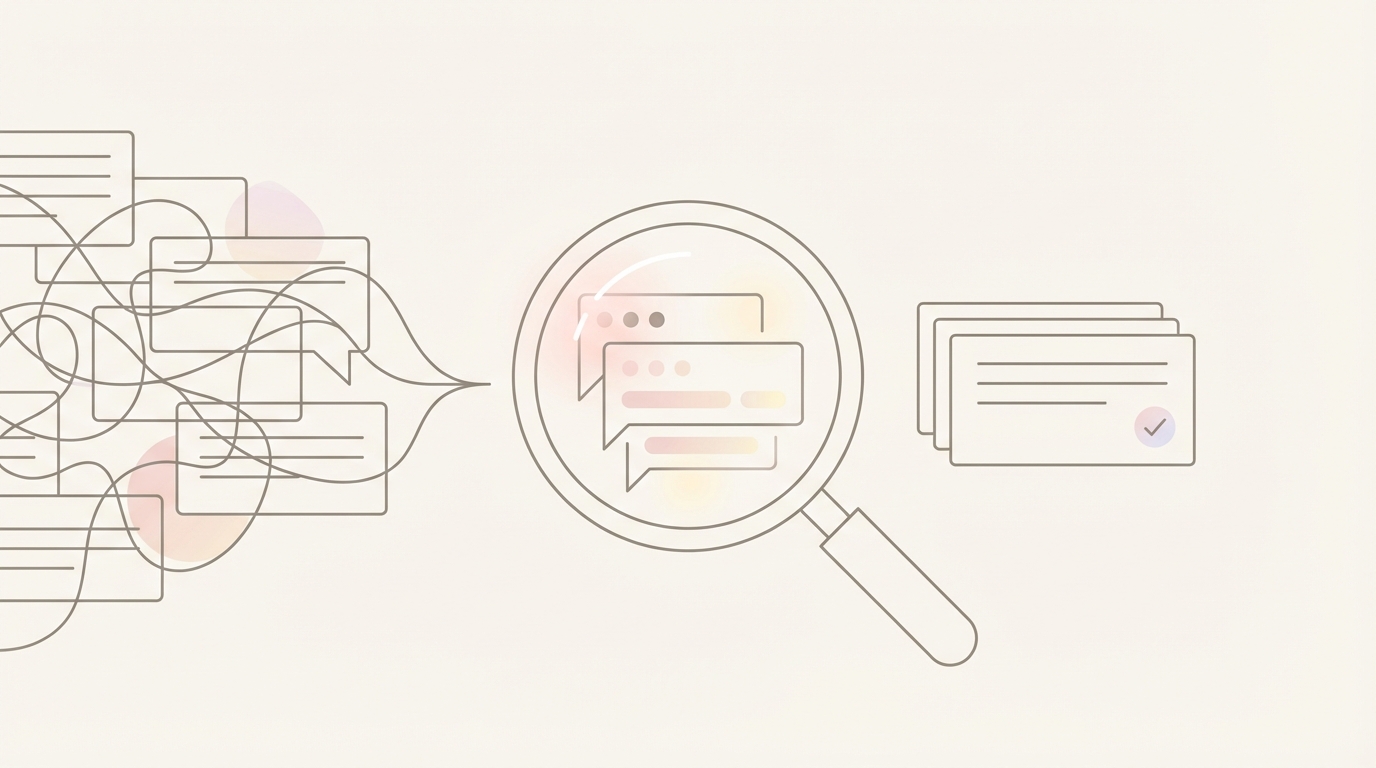 Thread review is a skill. It's also a liability shield.
How This Looks With Jace
Jace works on top of Gmail and Outlook. It's not a replacement email client. It's an operational layer that helps you review threads with full context and draft safer responses.
Here's how it fits into the workflow above.
Full thread reading
Jace reads the entire thread, including quoted replies and prior exchanges. When it drafts a reply, it's working from the full conversation, not just the last message.
This doesn't eliminate your review responsibility. It means the draft is informed by the same context you'd gather manually.
Attachment awareness
Jace reads text-based PDFs, Word docs, images, and text files attached to the thread. If there's a redlined contract in message three and a clean version in message seven, Jace sees both.
When you're drafting a reply, that attachment history is factored in.
Review-first by default
Jace does not send anything without approval. Drafts appear in your inbox for review. You read them, edit them, and decide whether to send.
This is not auto-reply. It's draft assistance with a mandatory review gate.
Rules for structured behavior
You can set rules in natural language to control how Jace drafts. For example:
- "When replying to contract threads, include a summary of key terms discussed and any open questions."
- "Flag any email where the client's stated position conflicts with the current request."
- "Always note which attachment version is being referenced."
These rules shape drafting behavior. They don't apply labels or act retroactively. They're behavioral instructions for the agent.
Label-triggered drafting
You can configure labels like "Needs Reply" to trigger draft generation. When an email gets that label, Jace drafts a response based on thread context and your rules, then holds it for your review.
This is useful for routine threads where you want a starting draft ready when you open the email.
Follow-up drafts for waiting threads
If you apply a "Waiting" label to a thread, Jace drafts a follow-up after three days. The draft sits in your inbox. You decide whether to send it.
This helps you stay on top of threads where you're waiting for a response and need to nudge without manually tracking the timeline.
Three Scenarios Lawyers Will Recognize
Scenario 1: Contract Redlines and Version Control
You're negotiating a service agreement. Opposing counsel sends redlines. You forward them to your client. The client responds with changes. You send a revised draft back to opposing counsel. They send another redline.
Now you have four versions of the document scattered across six messages.
When you draft the next reply, you need to know which version is current, which terms your client accepted, and which terms opposing counsel is still pushing.
With full thread context, you can reference the correct version, acknowledge what changed, and avoid reopening issues that were already resolved.
Without full thread context, you might reference the wrong draft or agree to something your client already rejected.
Scenario 2: Dispute Escalation and Stakeholder Changes
A client dispute starts with you and one contact at the other party. Then their legal counsel gets CC'd. Then your associate joins the thread. Then someone from your client's compliance team is added.
Each new participant shifts the tone and the stakes. What started as a straightforward clarification is now a formal dispute with multiple stakeholders watching every word.
When you reply, you need to know who's been in the conversation from the start, who joined later, and what positions were taken before the thread escalated.
If you treat this like a fresh conversation, you'll miss the context that explains why everyone's on edge.
Scenario 3: Scheduling With Implicit Commitments
A client emails asking for a call to discuss next steps. You suggest Tuesday at 2pm. They counter with Wednesday at 10am. You agree. Then they reply asking if you can also invite your tax specialist.
Now you need to check your tax specialist's availability, confirm Wednesday still works, and send a calendar invite that reflects the correct participant list and agenda.
With full thread context, you know what was agreed to, who needs to be there, and what the call is actually about.
Jace can draft a calendar event based on the thread. The draft requires approval before the invite goes out. You review it, adjust if needed, and send.
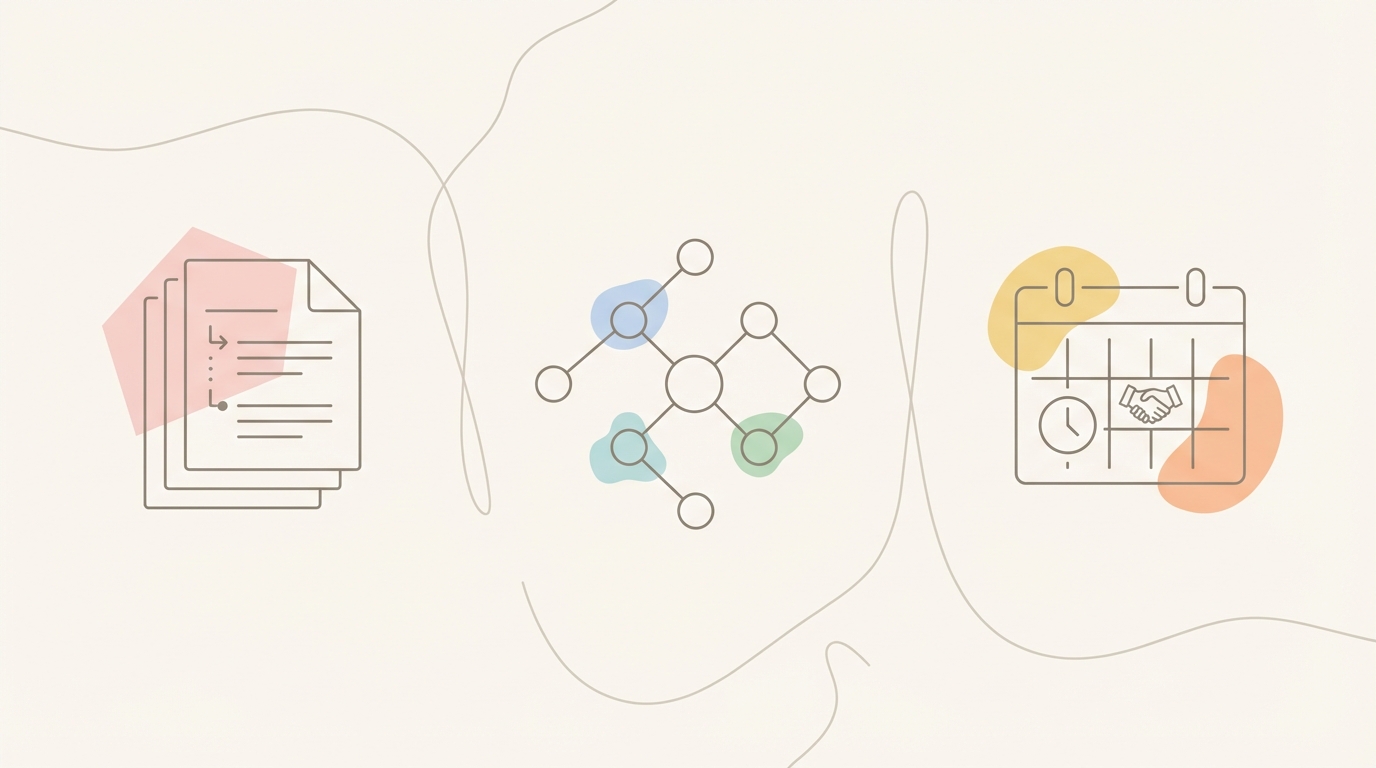 Each scenario has a different risk profile. All of them fail without context.
Common Mistakes In Legal Email Handling
Here are six mistakes lawyers make with email threads, and how to avoid them.
Mistake 1: Replying immediately without scrolling
You see a question, you know the answer, you hit reply.
Instead: Always scroll through the thread first. Even if it takes two extra minutes, it's faster than fixing the problem later.
Mistake 2: Assuming the attachment in the latest message is current
The sender might have re-attached an old version by mistake, or they might not realize a newer version exists.
Instead: Check the thread for other attachments. Confirm which version you're working from before you reference specific terms.
Mistake 3: Ignoring CC changes
Someone gets added or removed mid-thread, and you don't adjust your tone or content accordingly.
Instead: Note who's in the recipient list now versus earlier. If someone new is included, consider whether they need context. If someone was removed, respect that decision.
Mistake 4: Missing implicit deadlines
A client says "we'd like to move quickly on this" and you interpret that as general urgency, not a specific deadline.
Instead: Look for any language that implies timing. "By end of week," "before the board meets," "within the notice period." Treat those as hard deadlines unless you confirm otherwise.
Mistake 5: Contradicting your prior advice
You said one thing three messages ago. Now you're saying the opposite. Maybe the facts changed. Maybe you got new information. But if you don't acknowledge the shift, it looks like you weren't paying attention.
Instead: When your position changes, reference the earlier advice and explain what changed. Clients and opposing counsel notice contradictions.
Mistake 6: Drafting in your email client without reviewing context first
You open the email, click reply, and start typing. The draft is happening in real time while you're still processing the thread.
Instead: Review the thread fully before you start drafting. Use a notepad, a separate doc, or a tool like Jace to draft outside the email client. Then review and send.
FAQ
How do you review long email threads as a lawyer?
Start by reading the last message, then scroll to the first message to understand the original issue. Move forward through the thread and focus on decision points where terms changed, commitments were made, or documents were attached. Skip routine replies. Verify attachment versions and recipient changes. Summarize key points before you draft.
What email mistakes do lawyers make that create legal risk?
Replying without reading the full thread. Referencing the wrong document version. Contradicting prior advice without explanation. Missing deadlines buried in the thread. Ignoring stakeholder changes in CC/BCC. Drafting before gathering context.
Can I use AI to draft legal emails safely?
Yes, if the AI reads the full thread and works in review-first mode. Avoid tools that send automatically or that only see the last message. Look for tools that integrate with your existing email client and require approval before anything goes out. Jace is built for this workflow.
How do I keep track of contract versions in email threads?
Note the attachment name, sender, and date for each version. Create a simple log if the thread is long. Reference the version explicitly in your replies ("per the draft you sent on [date]"). Use tools that can track attachments across the thread for you.
What should I check before replying to a legal email?
Recipients (To/CC/BCC), dates and deadlines, amounts and terms, attachment versions, explicit commitments, and any conflicts with earlier messages. If any of these changed mid-thread, flag it before you reply.
How does Jace help with legal email threads?
Jace reads the full thread including attachments, drafts replies based on complete context, and holds everything for your review before sending. It works on top of Gmail and Outlook, integrates with your calendar, and follows rules you set for how to handle specific types of threads.
Is email legally admissible in court?
Yes. Email threads are routinely admitted as evidence in litigation, arbitration, and regulatory proceedings. Courts treat email as documentation of intent, notice, agreement, and timeline. This is why thread context matters. Your replies become part of the record.
What's the safest way to handle high-stakes email threads?
Read the full thread before replying. Verify all attachments and recipient lists. Flag conflicts or ambiguities before you send. Draft in a separate space and review with fresh eyes. Use tools that require approval before sending. When in doubt, pick up the phone.
Try Jace for Review-First Email Context
If you're managing legal email on Gmail or Outlook and you need full thread context before you reply, Jace works as an operational layer that reads the complete conversation, processes attachments, and drafts responses for your review. Nothing sends without approval. Try Jace at jace.ai.
