Title: The Vendor Thread: 18 Messages, 2 Attachments, 1 Next Step Meta Title: The Vendor Thread: 18 Messages, 2 Attachments, 1 Next Step Meta Description: A realistic vendor email thread case study: recover context across replies and attachments, then produce a decision-ready next step as a draft you can approve. Primary Keyword: vendor email thread Secondary Keywords: inbox agent, email agent, AI email assistant, email overload, inbox triage, email prioritization, summarize email threads, follow-up reminders, email labels Slug: the-vendor-thread-18-messages-2-attachments-1-next-step Featured Image: https://tinyurl.com/DyfE3w3WzmAKvfXgrA-img
The Vendor Thread: 18 Messages, 2 Attachments, 1 Next Step
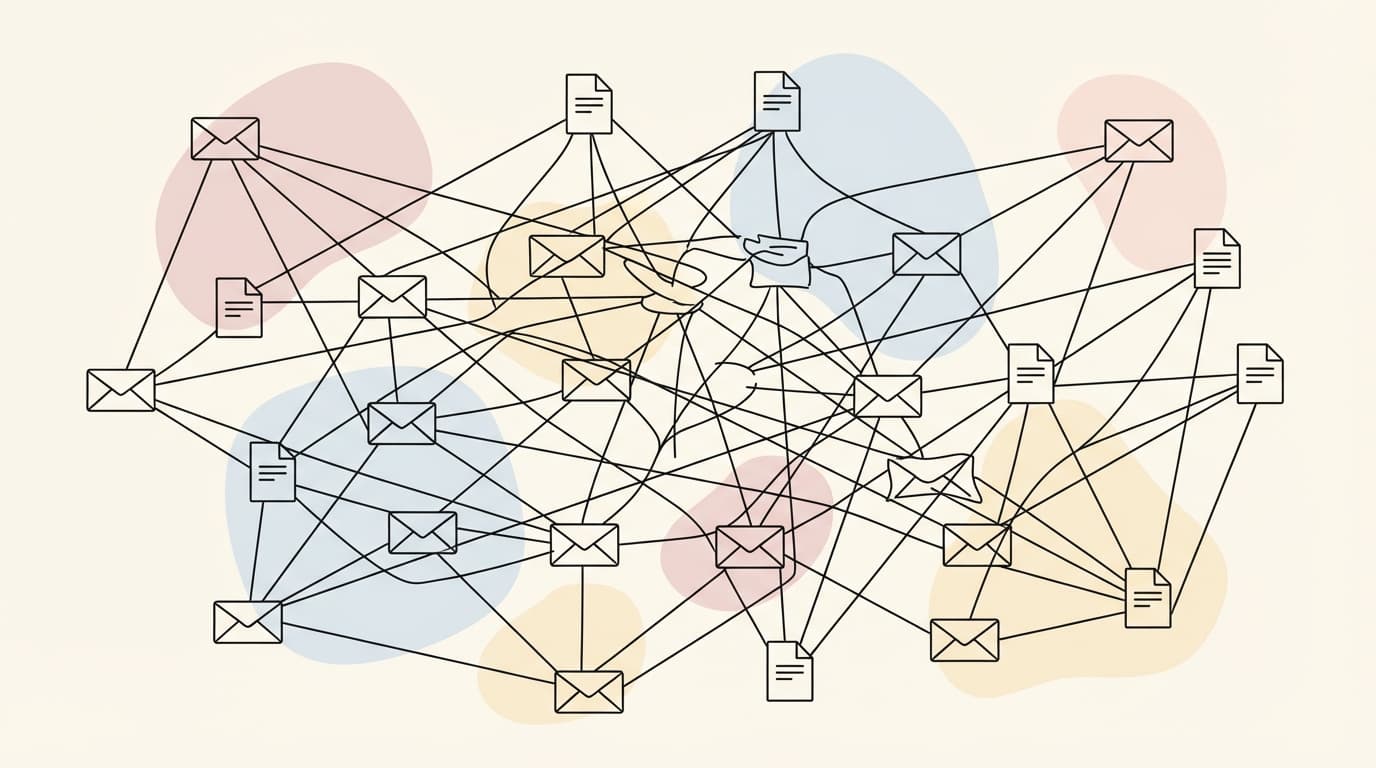
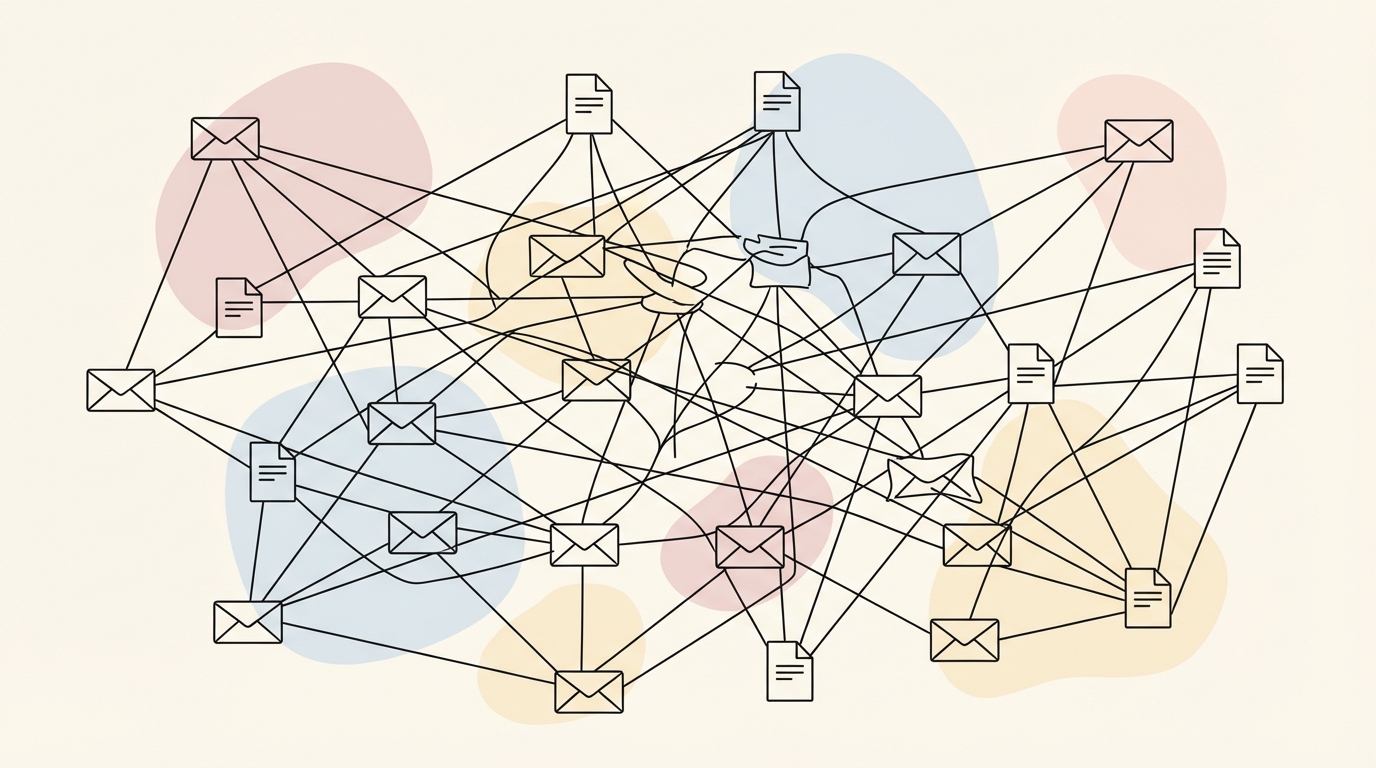 Two attachments. Eighteen replies. One decision that needs to be made.
The vendor thread is where operational momentum goes to die. It starts with a simple inquiry or a quote request. Then comes the first attachment. Then a CC’d colleague. Then a "quick question" about Clause 4.2. By the time you reach message 18, the original context is buried under a mountain of "Thanks!" and "Checking in on this" replies.
This is a case study in how a typical vendor thread breaks and how an inbox agent reconstructs the truth from the noise.
The Thread (What Actually Happened)
In this scenario, we are looking at a negotiation with "CloudScale Logistics" for a new warehouse management integration. The thread spanned three weeks and involved 18 distinct messages. The complexity arose not just from the volume of messages, but from the shifting scope and the financial implications that followed.
| Date/Time | Sender | What Changed | What it Implies |
|---|---|---|---|
| 2025-12-01 09:00 | Sarah (Buyer) | Initial RFP sent | Project kickoff. |
| 2025-12-02 14:20 | Mark (Vendor) | First quote attached | Pricing established at $45,000. |
| 2025-12-04 11:00 | Sarah (Buyer) | Requested 10% discount | Negotiation begins on original scope. |
| 2025-12-05 16:45 | Mark (Vendor) | Agreed to 5% discount | New price for original scope: $42,750. |
| 2025-12-08 10:15 | Sarah (Buyer) | Asked about API limits | Technical scope check. |
| 2025-12-10 09:30 | Mark (Vendor) | Sent SOW Addendum | Scope expanded (+$8,000 API work). |
| 2025-12-12 13:00 | Sarah (Buyer) | CC'd Legal team | Review process slows down. |
| 2025-12-15 15:20 | Legal (Buyer) | Flagged payment terms | Net 30 vs Net 60 conflict. |
| 2025-12-18 11:10 | Mark (Vendor) | Sent Invoice #INV-9902 | Sent for $45,000 (Old price, no discount). |
| 2025-12-20 14:00 | Sarah (Buyer) | Disputed invoice amount | Total confusion on final price ($50,350). |
The thread became a fragmented record of conflicting assumptions. Mark believed the SOW Addendum was accepted at the new valuation, while Sarah assumed the 5% discount still applied to the total, anchoring her expectations to the $42,750 figure. Legal was waiting on a signature that Mark thought he already sent.
Where Vendor Threads Break
Threads break because humans treat email as a stream, but business requires a state. When you have 18 messages, the "state" of the deal is scattered across five different replies. One person is replying to the third message in the thread, while another is replying to the sixteenth.
 When the thread becomes the system of record, context gets expensive.
The cost of this fragmentation is high. It leads to email overload where you spend twenty minutes just re-reading the last five emails to make sure you aren't promising something impossible. This is where inbox triage usually fails; you can't just archive the thread because it's still "active," but you can't act on it because the next step is unclear.
When a thread reaches this level of complexity, the cognitive load required to maintain an accurate mental model of the negotiation becomes a liability. Every "Just following up" email adds a layer of noise that obscures the core commercial facts. This is why many professionals find themselves dreading the vendor folder; it represents a series of unresolved loops that require significant effort to close.
The breakdown often occurs at the intersection of technical scope and commercial terms. In our CloudScale example, the addition of custom API work wasn't just a technical detail; it was a $8,000 shift in the deal's value. Because this was introduced in message 10, but the discount was agreed in message 4, the two facts lived in different "eras" of the thread. Without a way to unify these data points, the parties began operating on two different versions of reality.
Reconstructing Facts: What We Promised, What They Heard
To resolve this, you have to move past the "he said, she said" of the replies. You need to summarize email threads not just by what was written, but by what was committed.
The core conflict was the interpretation of the discount. Mark viewed the 5% as a concession on the initial $45,000 quote to win the business. When the scope expanded by $8,000 for custom API work, he expected that to be billed at the full rate. Sarah, however, assumed the 5% was a blanket discount on the relationship.
Here is how the two parties interpreted the same exchange:
- Mark's Interpretation: "The discount was for the original spec" (Mark, message 14). He believed the discount applied only to the original scope.
- Sarah's Interpretation: "We are getting Net 60 and the 5% applies to everything." She believed the discount applied to the entire deal.
The "true" price, applying the 5% discount to the total expanded scope ($53,000), should have been $50,350. Instead, Mark sent an invoice for $45,000, which was the original price without any discount or the new scope. This created a three-way discrepancy between the vendor's invoice ($45,000), the buyer's expectation ($42,750), and the actual negotiated value ($50,350).
The One Next Step That Clears the Loop
Clarity requires a decision summary. Before drafting a reply, an operator needs to see the delta between the current state and the desired state.
| Item | What we know | What’s missing | Owner | Deadline |
|---|---|---|---|---|
| Pricing Delta | $50,350 vs $45,000 vs $42,750 | Final confirmation on $50,350 | Mark | 2026-01-05 |
| Scope Change | API limits increased | Signed Addendum | Sarah | 2026-01-05 |
| Payment Terms | Sarah wants Net 60 | Finance approval for Net 60 | Mark | 2026-01-06 |
| Legal Clause | Indemnity section flagged | Redlined version from Legal | Legal | 2026-01-07 |
| Delivery Date | Feb 1st target | Confirmation of dev resources | Mark | 2026-01-05 |
| Approval Needed | VP Finance signature | Internal requisition ID | Sarah | 2026-01-08 |
| Invoice Status | INV-9902 is incorrect | Revised invoice # | Mark | 2026-01-09 |
| Contract Status | Draft V2 sent | Final PDF for signature | Sarah | 2026-01-10 |
 Close the loop: decide, draft, and set the next check-in.
This table forces the operator to acknowledge that the "Pricing Delta" isn't just a mistake; it's a missing confirmation. By assigning an owner and a deadline to each item, the thread moves from a conversation to a project plan.
Where an Inbox Agent Helps (Without Autopilot)
An AI email assistant shouldn't just "reply" for you. It should act as an inbox agent that prepares the ground. It reads the 18 messages, parses the two PDFs (the invoice and the SOW addendum), and identifies that the invoice number INV-9902 does not match the negotiated price or the expanded scope.
 Drafting starts from context, not from a blank textbox.
Instead of you staring at a blinking cursor, the agent presents a draft that already accounts for the discrepancy. This is email prioritization at its most effective: focusing your attention on the one decision that unblocks the entire thread. While tools like Shortwave app or Fyxer AI offer ways to organize your day, an agent that understands the underlying contract logic provides a different level of utility.
The agent's role is to surface the "state" of the deal. It notes that message 10 introduced the SOW Addendum and message 18 sent an invoice that ignored it. By highlighting this causal chain, the agent saves the human from having to reconstruct the timeline manually.
Labels, Waiting, and Follow-Up Drafts (Without Risky Sending)
Using email labels effectively allows you to categorize these high-stakes threads. A "Waiting On" label combined with follow-up reminders ensures that if Mark doesn't send the revised invoice by Tuesday, you don't have to remember to ask for it. The agent can prepare a follow-up draft for you to review, keeping the pressure on the vendor without you having to manage a separate task list.
This proactive approach is what separates a standard AI email assistant from a true inbox agent. It’s not just about summarizing; it’s about maintaining the momentum of the deal. If you are looking for a Spark mail alternative or considering Lindy email, the ability to handle multi-step logic across attachments is the key differentiator.
The persistence of these rules is what creates a reliable workflow. If you tell the agent once that "all vendor invoices must match the SOW," it will apply that logic to every future thread. This moves the work from "triage" to "operations."
A Decision-Ready Draft You Can Approve
Here is how that 18-message mess gets resolved with one clear, human-sounding draft that acknowledges the scope expansion while proposing the correct compromise:
Subject: Re: CloudScale Logistics / Warehouse Integration - Invoice & SOW Addendum
Hi Mark,
I’ve reviewed the latest thread and the two attachments (INV-9902 and the SOW Addendum).
There is a discrepancy in the billing. Invoice INV-9902 shows the original $45,000, which doesn't account for the 5% discount we agreed on or the $8,000 API scope expansion in the Addendum.
To get this moving, I propose we apply the 5% discount to the total revised scope ($53,000), bringing the final total to $50,350. If you can send a revised invoice for $50,350 and confirm the Net 60 terms we discussed, I will get the SOW Addendum signed and back to you by Wednesday.
Best, Sarah
Safety and Control (Human-in-the-loop)
The goal of an AI email assistant is not to take the human out of the loop, but to make the loop smaller. Jace works with Gmail and Outlook via OAuth, ensuring a secure connection to your existing workflow. It reads the full thread context and uses attachment data to inform its suggestions, but it never sends a message without your explicit approval. You are the inbox triage officer; the agent is your chief of staff.
Whether you are coming from Superhuman for Gmail or looking for a more robust Canary mail alternative, the focus remains on accuracy. The agent doesn't guess; it reconstructs. It provides the evidence (the "why") behind every draft it creates, allowing you to verify the logic in seconds.
FAQ
Is this like gmail ai or superhuman ai? While tools like Superhuman for Gmail or Canary Mail offer excellent speed and UI enhancements, an inbox agent like Jace focuses on deep context recovery across long threads and attachments to produce decision-ready drafts. It is a more specialized Spark mail alternative for those handling complex vendor negotiations.
Does it work with my existing email provider? Yes, it connects via OAuth to both Gmail and Outlook.
Can it read my PDFs? Yes, it can parse the text within attachments to ensure the drafts it prepares are factually consistent with your invoices and contracts.
Will it send emails automatically? No. Jace is built on a human-in-the-loop philosophy. It prepares drafts for your review and approval.
How does it compare to other tools? Unlike a general-purpose AI email assistant, Jace is designed for high-stakes business context. While you might use Shortwave app for quick triaging or Fyxer AI for scheduling, Jace is built to handle the "Vendor Thread" problem specifically. It offers a more integrated experience than Lindy email for those who need their agent to understand the "state" of a deal.
How many accounts can I connect? On the Pro plan, you can connect up to 8 different email accounts to manage all your threads in one place.
