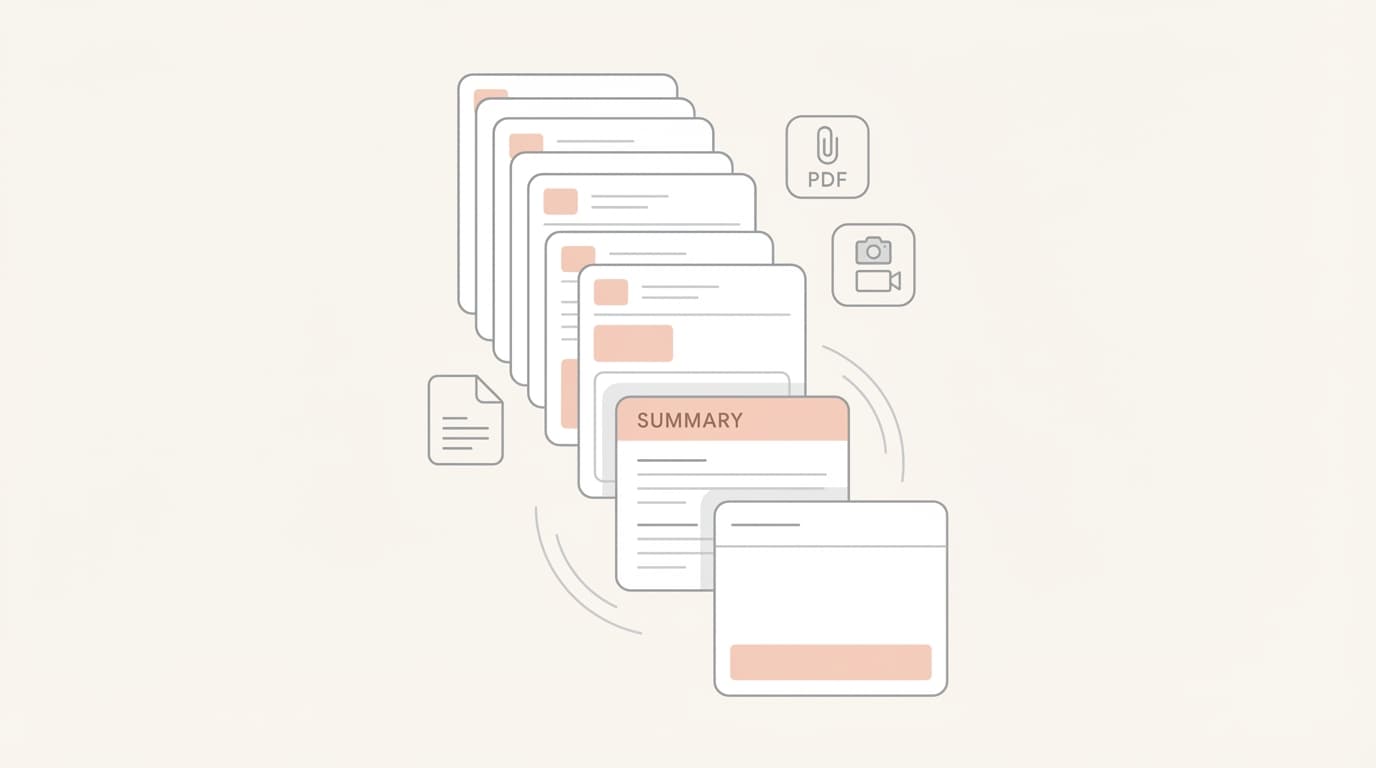
Summarizing Long Email Threads and Attachments (Without Losing Context)
You are deep in a vendor negotiation. The thread is 14 emails long. Somewhere in the middle, a PDF was attached with revised pricing. Two days later, a stakeholder was CC’d who asked a question already answered in email four. You are now looking at a new reply asking for a final decision, but you can’t remember if the latest invoice reflects the discount discussed last Tuesday.
This is the reality for most founders. It isn’t just about the volume of email; it is about the fragmentation of context. When you manage sales, support, and hiring alone, your inbox becomes a graveyard of half-remembered commitments and buried attachments. You spend more time reconstructing the history of a conversation than you do actually moving it forward.
A support escalation arrives with a screenshot of an error message. A sales prospect sends over a proposal PDF that contradicts their initial email. Every time you open these threads, you are forced to perform a mental audit just to ensure you don’t miss a critical detail.
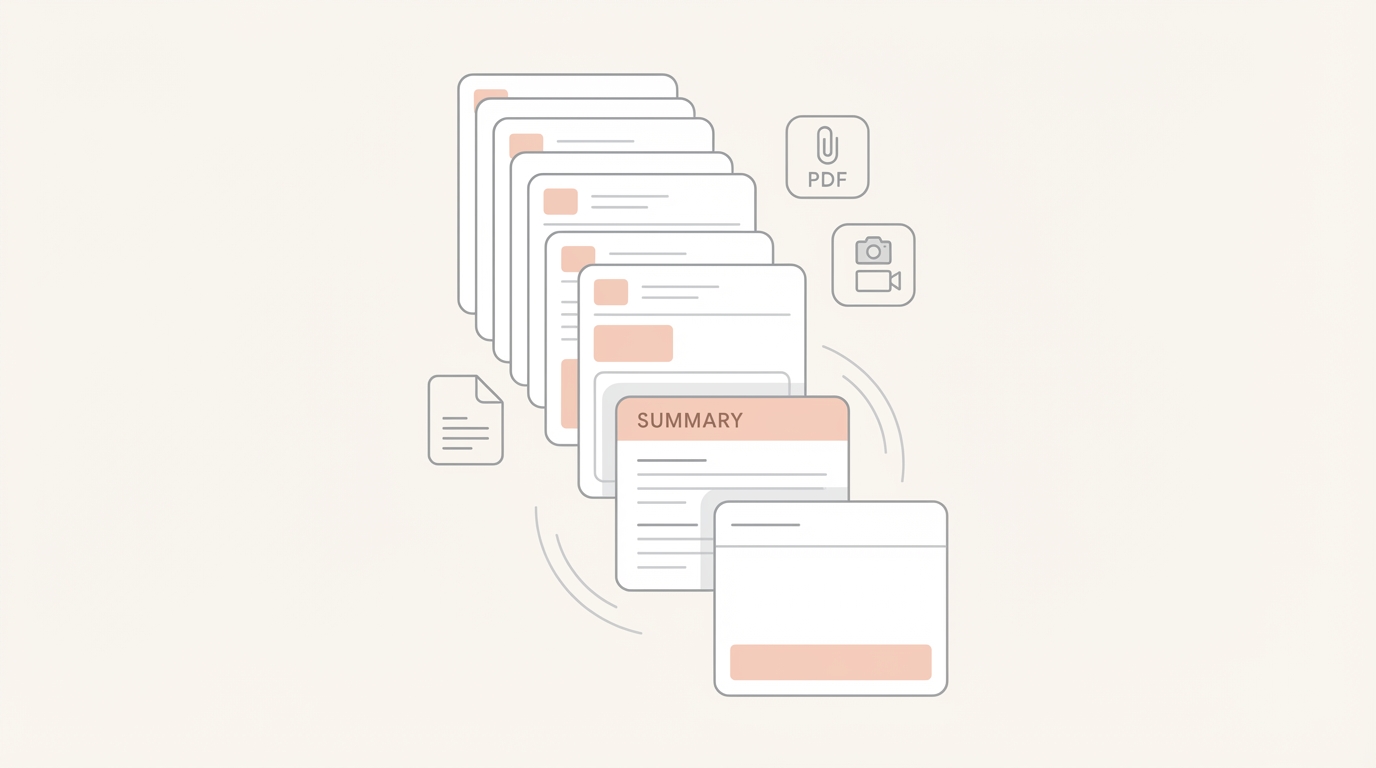
TL;DR: At-a-glance
- The Problem: Founders lose hours reconstructing context in long, attachment-heavy threads.
- Why Context Gets Lost: Critical decisions and data points are often buried in PDFs or quoted replies.
- What a Good Summary Preserves: It captures commitments, constraints, and numbers, not just a general "vibe."
- How Jace Helps: Jace reads full threads and attachments to produce review-first drafts with processed context.
- What to Double-Check: Always verify specific numbers and dates before hitting send.
- Who It’s For: Solo or micro-team founders managing high-stakes, high-context communication.
The One-Sentence Thesis
Summarizing is not about shortening a thread; it is about preserving decisions, commitments, and constraints so you can act without re-reading everything.
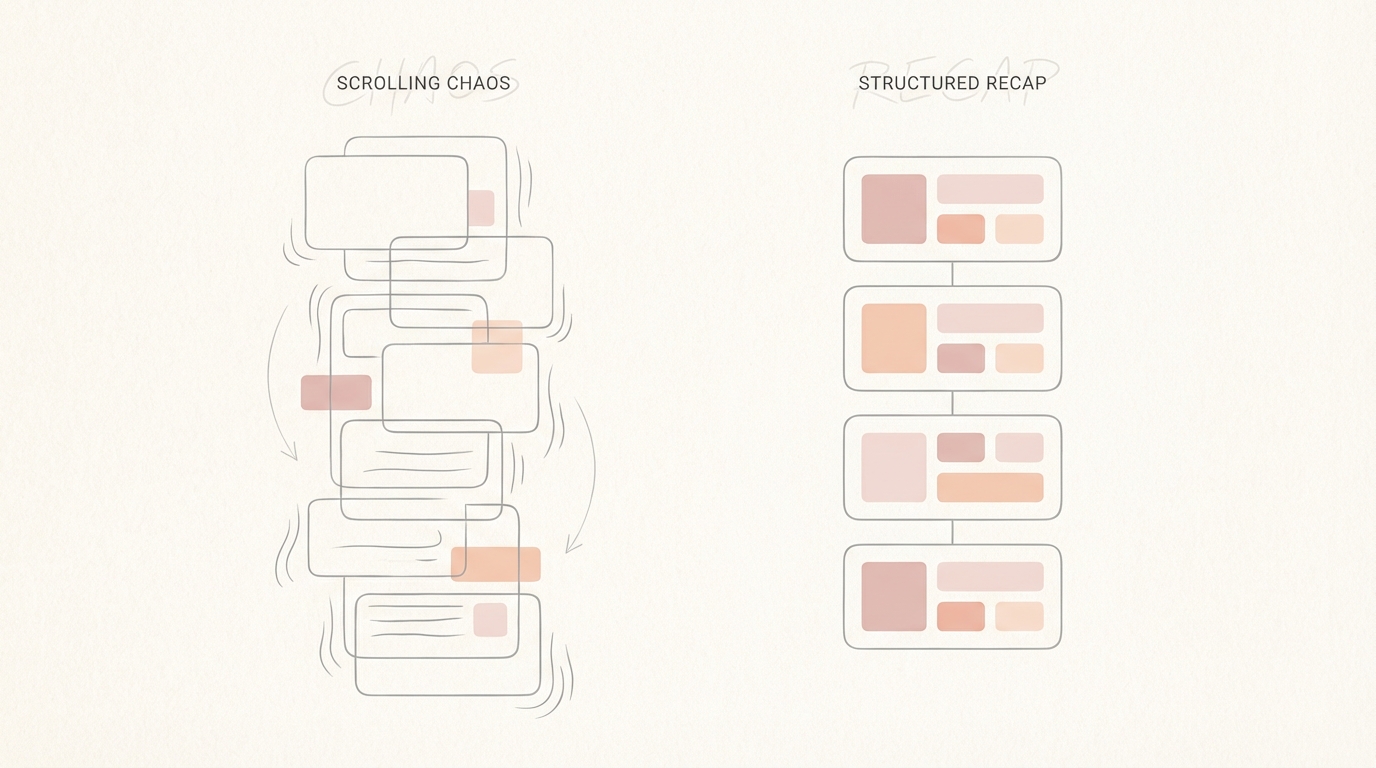
What “Losing Context” Actually Looks Like
When context slips, it rarely happens all at once. It happens in the micro-gaps between replies.
One common failure mode is mixing up who promised what. In a three-way negotiation between you, a vendor, and a contractor, a verbal agreement mentioned in email six might be forgotten by email twelve. Without a clear summary, you might agree to terms that contradict an earlier concession.
Another risk is missing deadlines hidden in attachments. A PDF contract might mention a "net-15" payment term, while the email body simply says "attached is the invoice." If you only skim the text, you miss the constraint.
Tone drift is equally dangerous. A thread that started as a formal partnership inquiry can slowly become casual. If you lose track of the original stakeholders or the CC list, you might inadvertently exclude a decision-maker or shift the tone in a way that feels unprofessional.
A Practical Summary Framework
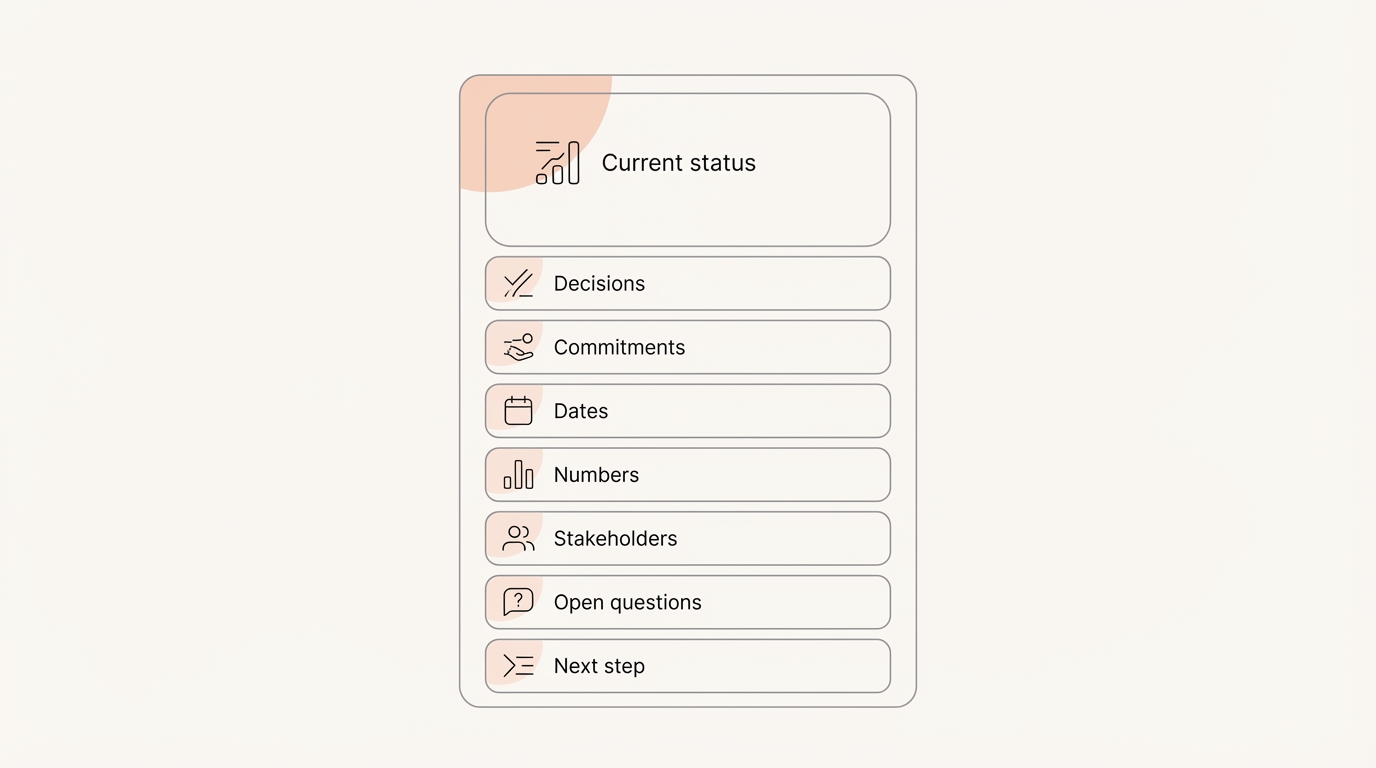
To avoid these traps, you need a consistent way to distill a thread. Whether you are doing this manually or using an agent, this framework ensures nothing critical is left behind:
- Current status: A 1–2 line recap of where the conversation stands right now.
- Decisions: What has already been agreed upon?
- Commitments: Who owes what, and to whom?
- Dates/deadlines: Any specific timing mentioned in the body or attachments.
- Numbers: Pricing, quantities, or specific terms.
- Stakeholders: Who is on the thread, and who is in the CC line?
- Open questions: What is still blocking progress?
- Next step: The single, clearest action required to move forward.
How Jace Helps (Without Replacing Your Inbox)
Jace is designed to solve the context problem by operating as an agent on top of your existing tools. It works with Gmail and Outlook, often via a Chrome extension, so you don't have to switch platforms.
Because Jace reads full threads—including quoted replies—it can see the entire history of a conversation. It can also process attachments like PDFs, documents, and images. This means when Jace prepares a draft, it isn't just guessing; it is using the actual data found in your files and previous messages.
Crucially, Jace follows a review-first philosophy. It produces drafts for your approval rather than sending them automatically. You remain the final filter. If you choose to use opt-in, label-based automation, Jace can trigger these drafts the moment a specific label like “Needs Reply” is applied. This is a user-controlled workflow that ensures you are always in the loop.
Step-by-step: Three ways to summarize with Jace
There are three primary ways to leverage Jace for thread summarization:
A) The “Needs Reply” Flow
This is the most seamless method. You configure a label in Jace to “Call Jace automatically.” When you apply that label to a thread, Jace reads the history and attachments to generate a draft. This draft inherently includes the processed context of the thread, allowing you to see the summary of the situation directly in the reply it has prepared for you.
B) Manual Chat Request
If you are looking at a particularly dense thread and just need a quick recap, you can ask Jace in the chat: “Summarize this thread.” Jace will provide a structured breakdown. You can then follow up with, “Now draft a reply based on that,” and Jace will move that context into a draft in your Gmail or Outlook folder.
C) Rules to Standardize Summaries
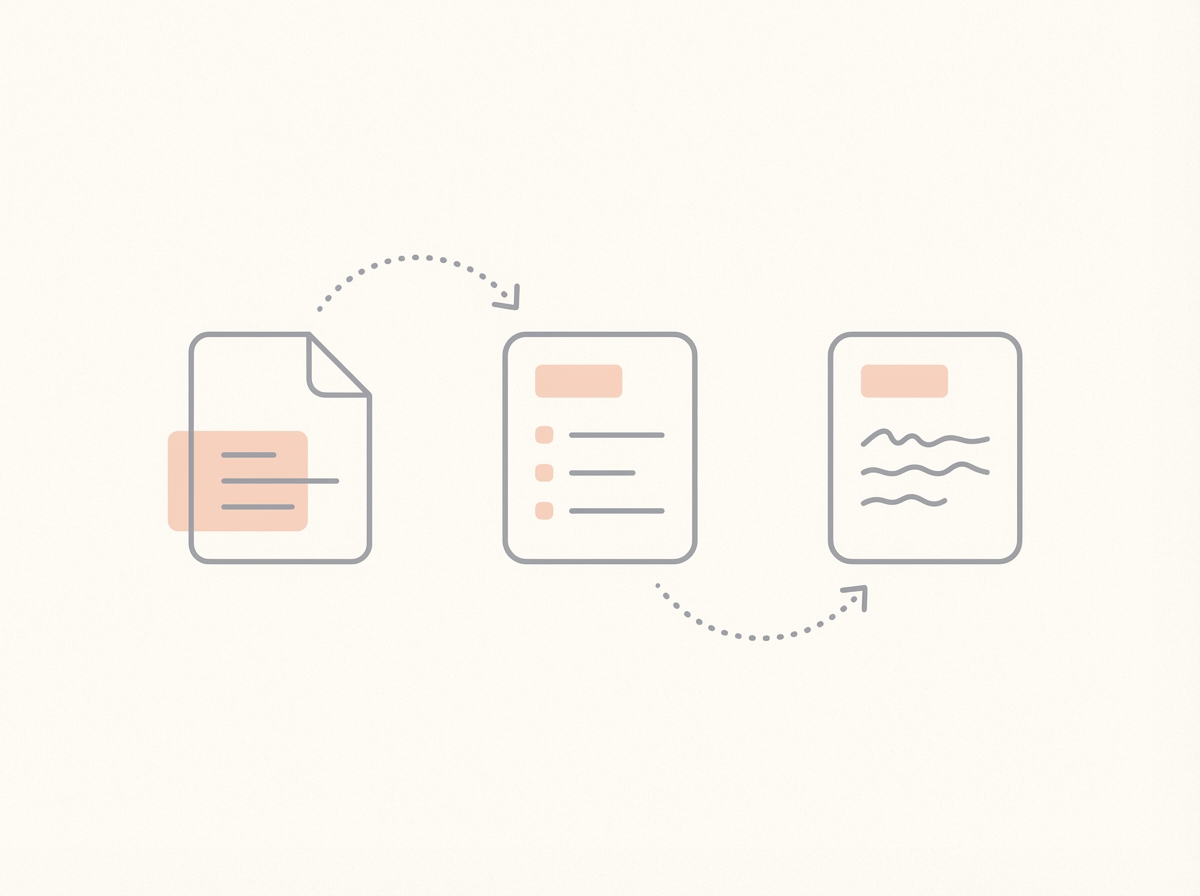
You can define natural language rules to ensure Jace always summarizes information exactly how you want it. These rules affect the agent's behavior for all future messages. For example:
- “When summarizing a thread, include Decisions, Open questions, Deadlines, and Next step.”
- “When summarizing vendor threads, keep tone formal and call out payment terms.”
- “When summarizing support escalations, include the error message from screenshots if present.”
Three Founder Workflows
1. Vendor Negotiation + Contract PDF
The Scenario: You are finalizing a software license. The vendor has sent a PDF contract with several redlines. The Manual Approach: You open the PDF, scroll to the pricing section, compare it against your last three emails, and try to remember if the "onboarding fee" was waived. The Jace Approach: You label the thread “Needs Reply.” Jace reads the PDF and the thread history. It creates a draft that notes the waived fee was missing from the contract and asks the vendor to update it. The Moment of Failure: You miss the waived fee because it was buried in a long email from two weeks ago. The Moment of Leverage: Jace flags the discrepancy in the draft, saving you from overpaying. The Limitation: Jace cannot "sign" the contract for you; you must still review the legal language to ensure it meets your standards.
2. Support Escalation + Screenshot
The Scenario: A high-value customer sends an angry email about a bug, attaching a screenshot of a cryptic error code. The Manual Approach: You look at the screenshot, try to type the error code into your internal docs, and then search your inbox to see if this customer has reported this before. The Jace Approach: Jace identifies the error code from the image and checks the customer's 3-year history (which it can import upon setup). It drafts a reply acknowledging the recurring issue and proposing a technical workaround. The Moment of Failure: You treat it as a first-time issue, frustrating the customer further. The Moment of Leverage: You respond with full context of their history, turning a crisis into a retention win. The Limitation: Jace can identify the error, but it cannot fix the bug in your code.
3. Sales Proposal + Follow-up
The Scenario: You sent a proposal PDF to a prospect. They haven't replied in three days. The Manual Approach: You set a manual reminder to check back, then spend ten minutes re-reading the proposal to make sure your follow-up sounds relevant. The Jace Approach: You label the thread “Waiting.” You have a rule that triggers a follow-up draft after 3 days of silence. Jace prepares a review-first draft that references the specific goals mentioned in your proposal PDF. The Moment of Failure: You forget to follow up, and the lead goes cold. The Moment of Leverage: The follow-up happens on time, with perfect context, without you having to track it manually. The Limitation: This is an opt-in, label-based, user-controlled workflow. Jace will not start a sequence; it creates a single draft that requires your approval.
Common Mistakes (What to Watch For)
Assuming Perfect Accuracy While Jace is highly capable, it is an agent, not a crystal ball. It can occasionally misinterpret a complex nuance in a long thread. Instead, do this: Always perform a quick review of key facts and numbers in the draft before sending.
Assuming OCR for Scanned PDFs Jace can read standard PDFs and documents, but it does not currently support OCR for low-quality scans or handwritten notes. Instead, do this: If a vendor sends a blurry photo of a printed contract, manually verify the details.
Summaries as Long Re-tellings A summary that is as long as the original thread is not helpful. The goal is a decision packet, not a transcript. Instead, do this: Use rules to keep Jace focused on "Decisions" and "Next Steps" rather than a play-by-play history.
Forgetting Stakeholder Context It is easy to focus on the sender and forget the people in the CC line. Instead, do this: Check the "Stakeholders" section of your summary to ensure you aren't accidentally leaking sensitive info to a CC'd third party.
When This is a Good Fit
This workflow is a good fit for founders who deal with high-context threads, frequent attachments, and repeated communication patterns. If you value a review-first preference where you maintain final control, Jace will provide significant leverage.
It is not a good fit for low-context transactional inboxes (like simple e-commerce notifications) or for users who need guaranteed perfect extraction of data without any human review.
FAQ
Does it send emails automatically? No. Jace operates on an opt-in, label-based, and user-controlled basis. It produces drafts that require your explicit approval before they are sent.
Does Jace replace Gmail/Outlook? No. Jace works on top of your existing email provider. You can continue using your preferred interface while Jace works in the background.
Where do summaries show up? Summaries appear inside the drafts Jace prepares for you. You can also request a summary directly in the Jace chat interface. There is no separate "summary box" in your inbox.
Can it read attachments? Yes. Jace can process PDFs, docs, and images to gather context for your drafts.
How far back can it pull context? Jace can import up to 3 years of email history, prioritizing recent and important messages first. Note that there are practical model context limits for extremely long individual threads.
How do I keep summary format consistent? You can use natural language rules and voice presets to teach Jace your preferred style and structure. Every draft remains review-first.
Can Jace summarize threads in languages other than English? Yes, Jace can process and summarize threads in multiple languages, though its primary optimization is for US English.
How do I handle threads with multiple attachments? Jace will attempt to read all supported attachments (PDFs, docs, images) in a thread to build a comprehensive understanding of the context.
Try Jace for thread-based inbox workflows
