
Summarize Email Threads Into an Actionable Summary (Template)
Stop rereading 20-email threads just to find one decision; use this framework to turn fragmented context into a clear, review-ready action plan.
TL;DR: At-a-glance
- The Problem: Founders waste hours reconstructing context from long threads and buried attachments.
- The Solution: An "Actionable Summary" that prioritizes decisions and risks over chronological recaps.
- The Template: A structured format covering Context, Decisions, Open Questions, Risks, and Next Steps.
- How Jace Helps: Jace reads full threads and attachments (PDFs, docs, images) to generate these summaries on demand.
- Review-First Workflow: Summaries are draft-quality; humans must verify critical numbers and dates.
- Operational Edge: Use natural language rules to ensure Jace always follows your specific summary format.
- Who It’s For: Solo founders managing high-stakes sales, vendor, and support threads.
The Real Problem: The "Context Tax"
You are deep in a vendor negotiation. The thread is 14 emails long. Somewhere in the middle, a PDF was attached with revised pricing. Two days later, a stakeholder was CC’d who asked a question already answered in email four. You are now looking at a new reply asking for a final decision, but you can’t remember if the latest invoice reflects the discount discussed last Tuesday.
This is the "context tax." For founders, the inbox isn't just a communication tool; it is a fragmented database of commitments. When you manage sales, support, and hiring alone, you spend more time performing mental audits of old messages than you do moving the business forward. Quoted replies bury the lead, and critical data points hide inside attachments.

The Thesis
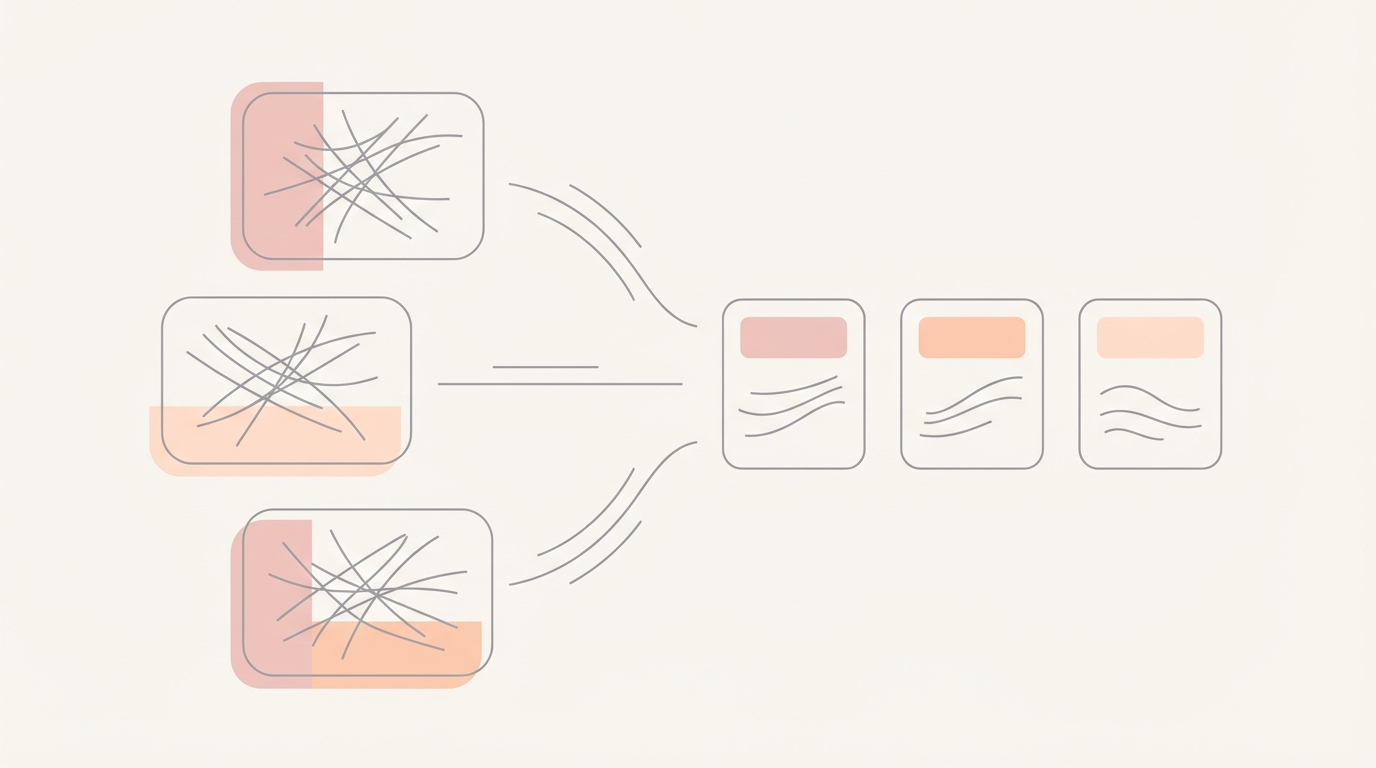
An actionable summary is not a retelling of the conversation; it is a decision packet designed to eliminate the need to reread the thread.
What "Actionable" Actually Means
Most AI summaries are mere recaps. They tell you "who said what" in chronological order. While accurate, this is rarely useful for a founder in a hurry.
An actionable summary distinguishes between a recap and a decision packet. A recap tells you the story; a decision packet tells you the status. It highlights what has been settled, what is still missing, and who needs to act next. It treats the email thread as a source of truth for operations, not just a transcript.
THE TEMPLATE
Copy and paste this structure into your Jace rules or use it as a prompt to ensure every summary you receive is ready for action.
Context: [Briefly, what is this thread about?] Decisions: [What has been agreed upon so far?] Open Questions: [What information is still missing?] Risks: [Are there blockers, missed deadlines, or conflicting terms?] Next Step: [The single most important next action.] Who owns what: [Specific assignments for the founder and the counterparty.]

How to Use the Template in Jace
Jace works on top of your existing Gmail or Outlook account. It doesn't replace your inbox; it adds a layer of intelligence that reads full threads, including quoted replies and attachments like PDFs or Word docs.
1. Direct Prompts
You can trigger a summary at any time by typing into the Jace chat. Try these exact prompts:
- "Summarize this thread using the Actionable Summary template."
- "Read the latest proposal PDF and summarize the open questions in this thread."
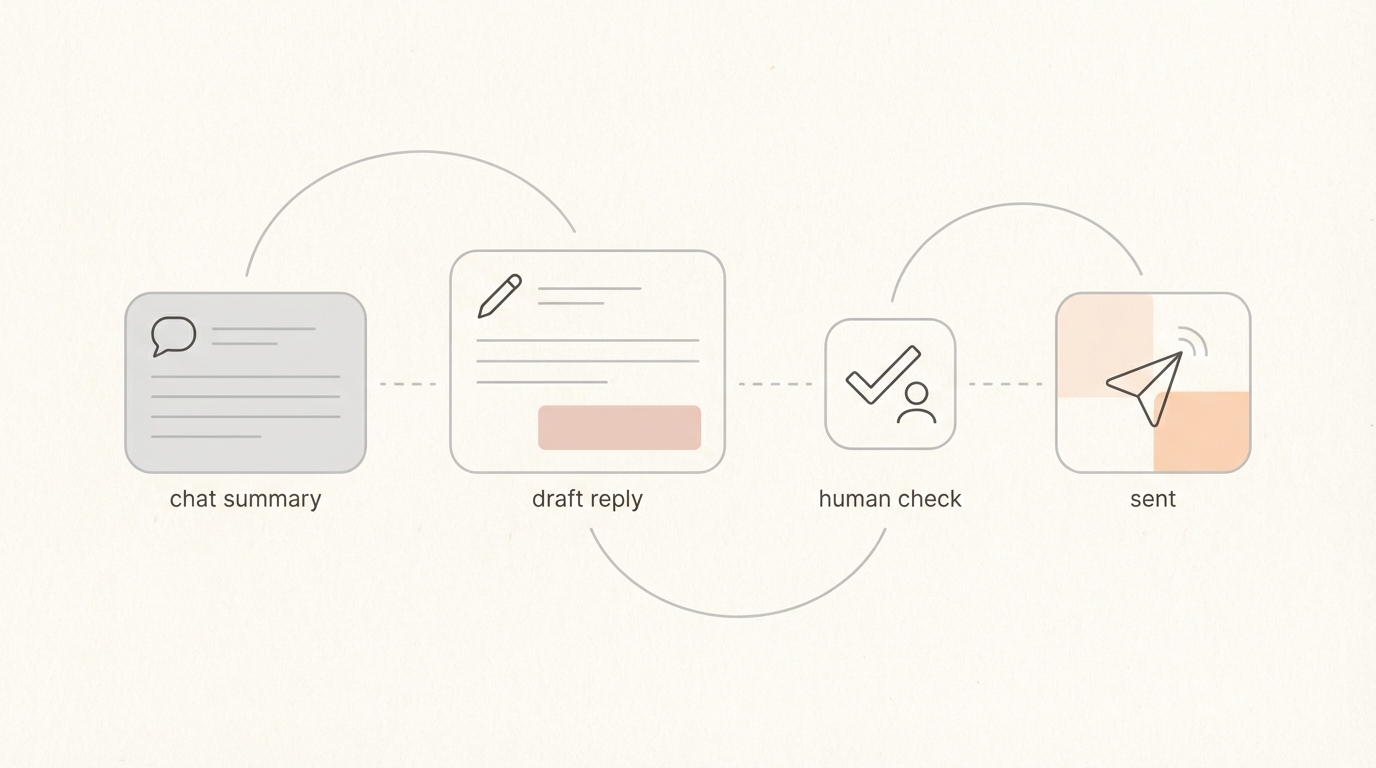
- "Summarize and draft a reply based on the decisions made in the last three emails."
2. Shaping Behavior with Rules
You can use natural language rules to ensure Jace always defaults to this format. Rules are behavior-only and do not apply labels.
- Example Rule: "When I ask for a thread summary, always use the Actionable Summary template with sections for Decisions, Risks, and Next Steps."
3 Founder Examples
A) Sales Thread with a Proposal Attachment
Moment of Failure: A prospect asks for a "quick update" on a thread containing three different versions of a pricing PDF. Moment of Leverage: Jace reads the latest PDF and the thread history to identify that the prospect hasn't confirmed the start date. Actionable Summary:
- Context: Q1 Software Implementation for Acme Corp.
- Decisions: Pricing set at $5k/mo as per the attached 'Proposal_v3.pdf'.
- Open Questions: Prospect has not confirmed the implementation start date.
- Risks: Delay in signing will push the launch past the Q1 deadline.
- Next Step: Send a follow-up asking for the start date confirmation.
- Who owns what: Founder to send draft; Prospect to sign. Note: Human review is required to verify the $5k figure matches the PDF exactly.
B) Vendor Thread with Invoice/Terms Attachment
Moment of Failure: A vendor sends an invoice that seems higher than the initial quote buried in a thread from three weeks ago. Moment of Leverage: Jace imports up to 3 years of history to find the original commitment and compares it to the new attachment. Actionable Summary:
- Context: Annual server hosting renewal.
- Decisions: Original quote was for $1,200; current invoice shows $1,500.
- Open Questions: Why is there a $300 discrepancy?
- Risks: Overpaying due to a billing error.
- Next Step: Draft a reply questioning the invoice amount.
- Who owns what: Founder to approve the inquiry draft. Note: Human review is required to confirm the specific invoice numbers.
C) Support Escalation with a Screenshot
Moment of Failure: A high-value client CCs three stakeholders on a technical bug report with a screenshot attachment. Moment of Leverage: Jace reads the full thread and the image context to see that the user is on an outdated browser version. Actionable Summary:
- Context: Login error reported by CEO of Key Account.
- Decisions: Technical team confirmed this is a browser compatibility issue.
- Open Questions: Has the client tried the latest version of Chrome?
- Risks: Reputation risk if the CEO feels ignored by support.
- Next Step: Draft a reply with the browser update instructions.
- Who owns what: Jace produced the draft; Founder to send. Note: Human review is required to ensure the tone is appropriate for a CEO.
Common Mistakes
Losing "who promised what" Summaries often turn into passive voice descriptions. Instead: Use the "Who owns what" section to explicitly name the person responsible for the next move.
Missing dates A summary without a timeline is just a story. Instead: Always include specific deadlines or "Waiting" periods in the Risks or Next Step sections.
Missing stakeholders/CCs Forgetting who is on the thread can lead to embarrassing replies. Instead: Note when a new stakeholder is added to the thread context.
Summaries becoming retellings Writing a paragraph for every email in the thread. Instead: Focus only on the delta—what has changed or been decided since the last summary.
Skipping review Treating the summary as the final word. Instead: Use the summary as a map to the thread, but always verify key details (numbers, dates, names) before hitting send.
FAQ
Where does the summary appear? Summaries appear in the Jace chat interface when you ask for them. If you use the "Summarize and draft reply" command, you will see the summary in chat and the draft in the reply area.
Do I need to ask for the summary, or is it automatic? Summaries are generated when the user asks. However, you can set up "Needs Reply" labels to trigger auto-drafting, which uses the thread context to prepare your response.
Does Jace replace Gmail/Outlook? No. Jace works on top of your existing email provider. You keep your current address and folders; Jace simply provides the intelligence layer.
How does it handle attachments in summaries? Jace reads text-based PDFs, Word docs (.docx), images, and text files as context. It uses the information inside these files to inform the Decisions and Risks sections of your summary.
How far back can it reference history? Jace can import up to 3 years of email history, prioritizing the most recent and important threads to ensure your summaries have the necessary background.
How do I keep tone consistent? You can create natural language rules that describe your preferred tone and formatting. These rules shape how Jace writes both summaries and drafts.
Closing
Managing a high-volume inbox as a founder doesn't have to mean constant rereading. By shifting from chronological recaps to actionable decision packets, you reclaim the mental bandwidth needed to actually run your business. Jace provides the framework and the processing power; you provide the final approval.
