
Jace.ai vs Superhuman: Inbox Agent vs Speed-First Email
Both tools promise to transform your inbox, but they solve fundamentally different problems. One makes you faster at processing email. The other processes email for you.
TL;DR (At-a-glance)
What Superhuman is best for:
- Users seeking the fastest manual triage interface.
- Power users reliant on keyboard shortcuts and rapid UI transitions.
- Individuals prioritizing "speed-to-reply" through optimized navigation.
- Those preferring a standalone, high-performance email client.
What Jace is best for:
- Founders reducing the cognitive load of complex decision-making.
- Managing threads involving attachments (PDFs, docs) and scheduling friction.
- Automating follow-ups and drafting via natural language rules.
- Users wanting an agent that works on top of existing Gmail or Outlook.
Who should choose what:
- Choose Superhuman if your bottleneck is mechanical interface speed.
- Choose Jace if your bottleneck is the volume of decisions and context required per thread.
The Real Inbox Problem
For a founder, the Monday morning inbox is a minefield of high-stakes decisions, not just a list of messages. A sales thread might contain three pricing objections requiring recall of months of negotiation. A support escalation might involve a technical bug where the full account history is essential before drafting a response.
Then there are the operational hurdles: a 20-page vendor contract PDF needing a summary, or a board meeting scheduling conflict with overlapping availability from three stakeholders. This is email overload in its truest form. The mechanical speed of an email client matters less than the intelligence of the system navigating these complexities. When every thread requires a deep dive into history, attachments, and calendars, you need a partner, not just a faster keyboard.
Core Thesis
Speed-first optimizes the interface; an inbox agent optimizes decisions across threads, labels, rules, and drafts.
Definitions
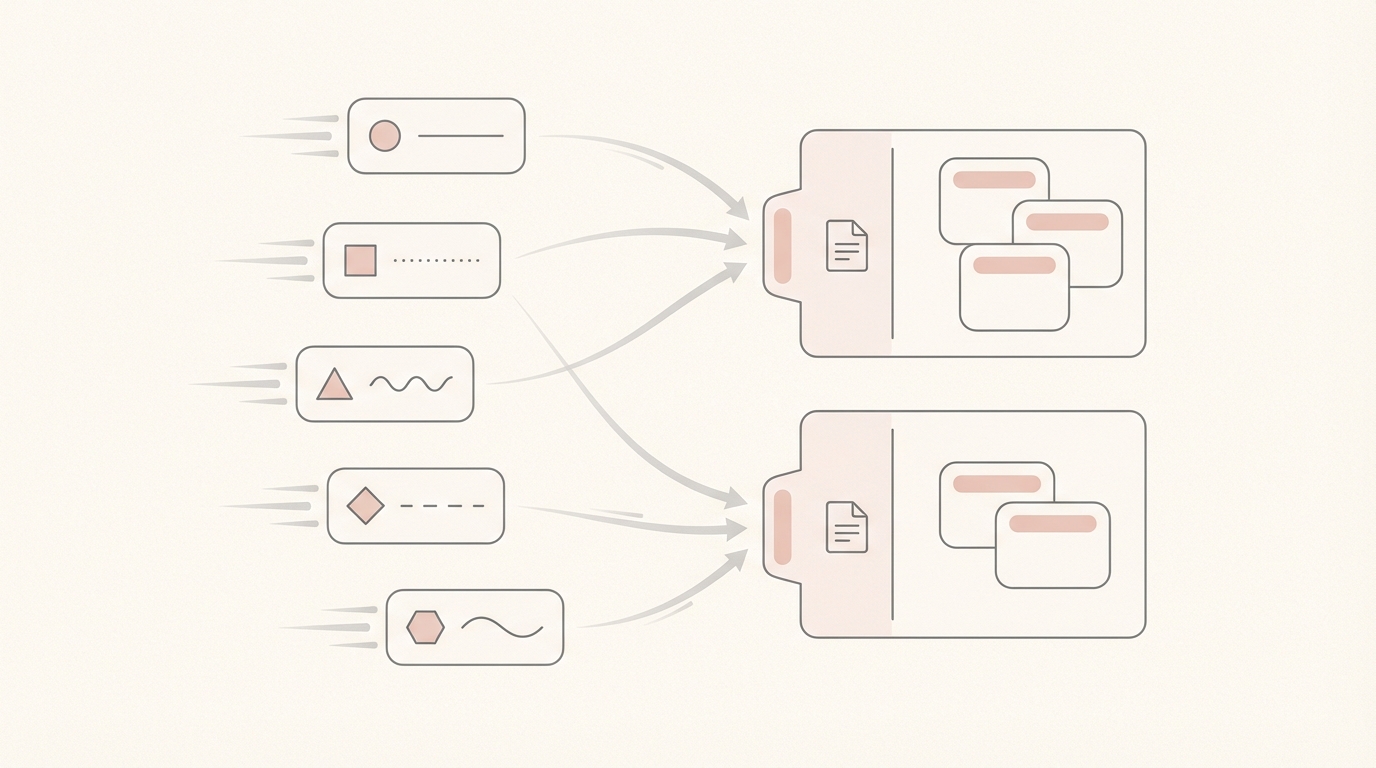
What "speed-first email" means operationally A speed-first client like Superhuman minimizes time spent on mechanical acts: opening, archiving, and replying. It uses a proprietary interface to provide a "blazing fast" experience driven by keyboard shortcuts. The goal is moving through the inbox as quickly as possible.
What "inbox agent on top of Gmail/Outlook" means operationally An inbox agent like Jace is an intelligent layer working on top of your existing provider. It functions via a Chrome extension for Gmail or syncs with Outlook, focusing on thread content, reading history, analyzing attachments, and preparing drafts, so decisions are half-made before you open the email.
Head-to-Head Comparison
| Dimension | Superhuman (speed-first client) | Jace (inbox agent on top of Gmail/Outlook) | Who it favors |
|---|---|---|---|
| Primary Goal | Mechanical speed per action | Decision optimization per thread | Jace for complexity |
| Onboarding | Full migration to new client | Chrome extension for Gmail; no migration | Jace for ease |
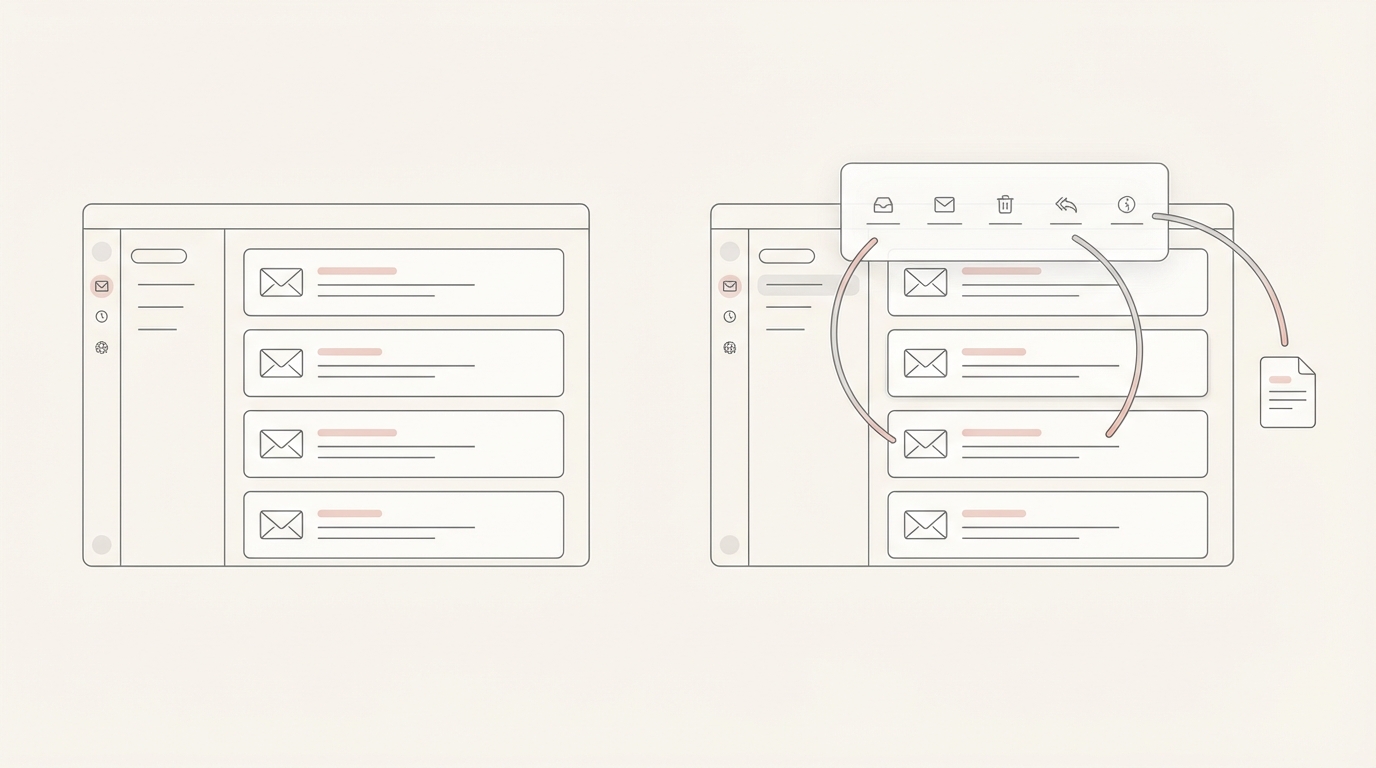
| Interface | Proprietary standalone app | Works on top of Gmail/Outlook | Superhuman for speed |
| Drafting | Manual or AI-assisted snippets | Autonomous drafts for review | Jace for founders |
| Context | Limited to current view [NEEDS VERIFICATION] | Reads up to 3 years of history | Jace for context |
| Attachments | Standard viewing/sending | Reads PDFs/docs/images for context | Jace for ops |
| Scheduling | Integrated calendar view | Drafts events/proposes times for approval | Jace for automation |
| Rules | Basic filters/shortcuts [NEEDS VERIFICATION] | Natural language behavior rules | Jace for flexibility |
| Follow-ups | Manual snoozing/reminders | Automated follow-up drafts (opt-in) | Jace for consistency |
| Mobile | Dedicated mobile app | Mobile-responsive web/sync | Superhuman for mobile |
| Integrations | Basic CRM/Social [NEEDS VERIFICATION] | Manual Slack, Notion, Drive, OneDrive | Jace for ecosystem |
| Philosophy | "I do it faster" | "It does it for me" | Jace for leverage |
Philosophy Breakdown: How Work Actually Happens
Superhuman: Reduce Friction Per Action
Superhuman views the interface as the bottleneck. Every millisecond spent loading or moving to the mouse is a cost. Keyboard shortcuts allow a founder to "fly" through triage. It is a high-performance cockpit for pilots who enjoy manual control.
Jace: Reduce Decisions Per Thread
Jace views the brain as the bottleneck. The cost is the thinking required before the click. Jace uses email labels as triggers. A "Needs Reply" label can prompt Jace to summarize email threads and prepare drafts based on your tone and natural-language rules. Instead of reconstructing vendor history, Jace reads the thread and attachments, placing a draft in your native folder. You move from triaging to approving.
Day-in-the-life Workflows
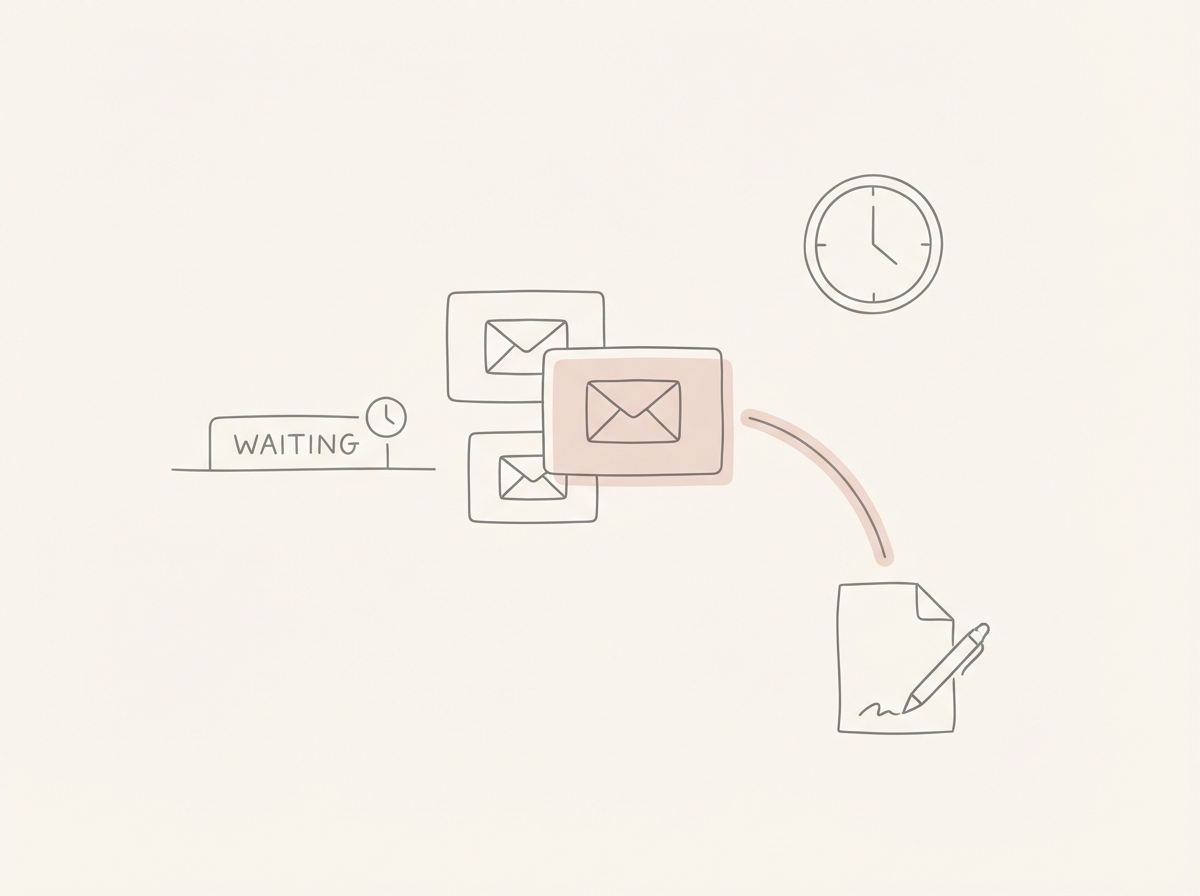
Workflow 1: High-Stakes Sales Thread
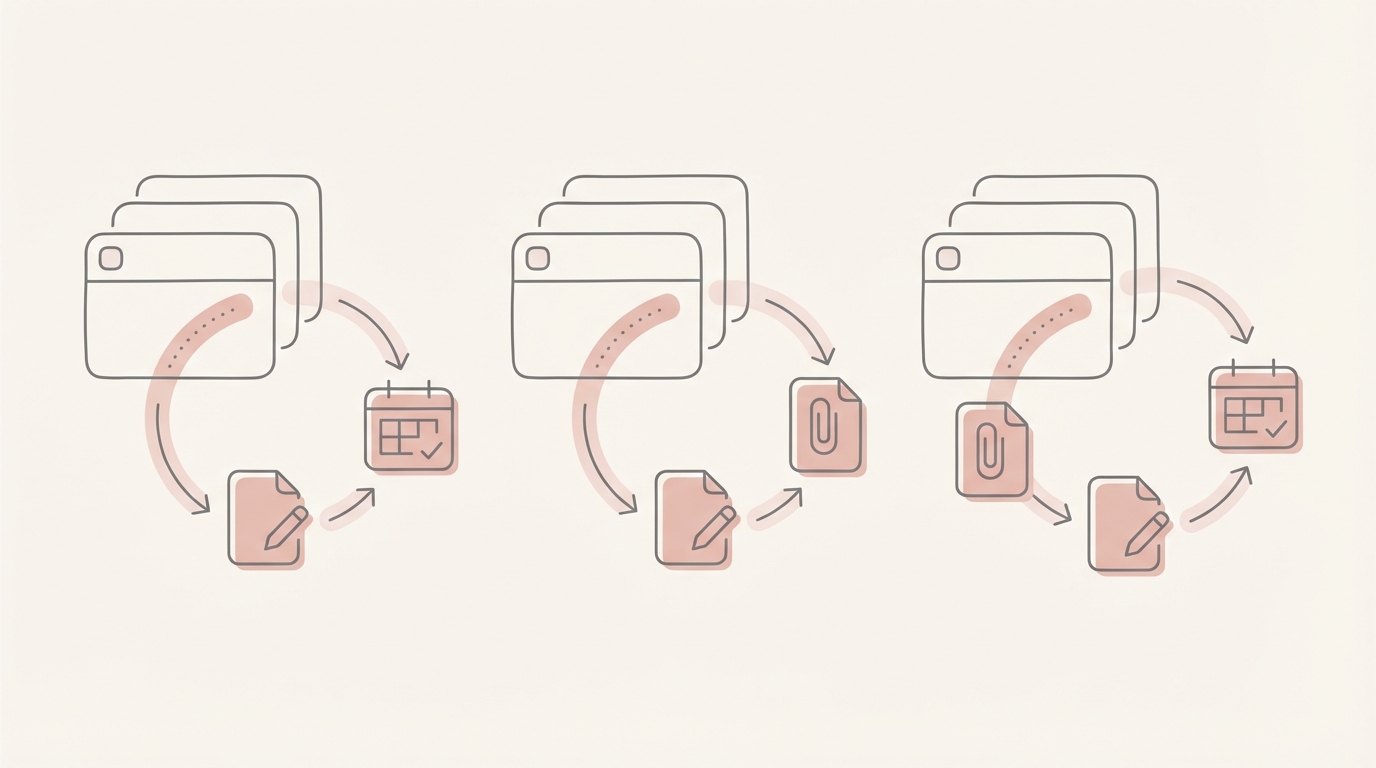
Speed-First Approach: You open the email and use a shortcut to pull a "Pricing FAQ" snippet, manually editing it for the prospect. It's fast, but requires manual context recall. Inbox Agent Approach: Jace recognizes the "Sales" label and thread history. It drafts a reply addressing specific objections by referencing last week's custom quote and sets a follow-up reminder. Trade-off: Superhuman offers total manual control; Jace provides a 90% completed draft for refinement. Moment of Leverage: Reviewing a draft in 30 seconds versus 5 minutes of reconstruction. Limitation/Cost: Superhuman requires constant focus; Jace requires initial rule setup.
Workflow 2: Support Escalation
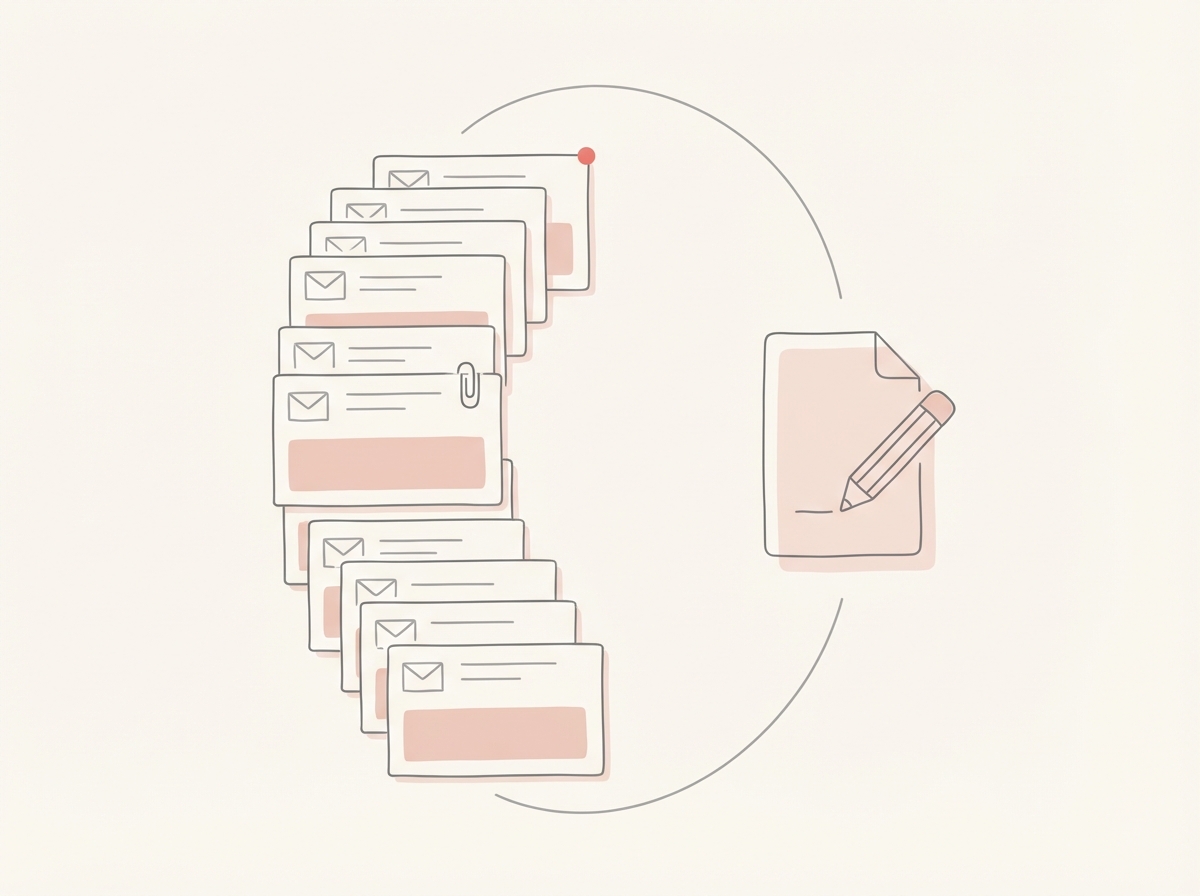
Speed-First Approach: You use "Split Inbox" to isolate support, archiving easy ones and starring escalations for manual history searches. Inbox Agent Approach: Jace uses email prioritization to flag escalations, reading 3 years of history to draft a response acknowledging loyalty while addressing the bug. Trade-off: Superhuman sorts the pile; Jace understands it. Moment of Leverage: Jace provides the "why" behind the email automatically. Limitation/Cost: Superhuman is capped by your reading speed; Jace by accessible history quality.
Workflow 3: Vendor PDF + Scheduling
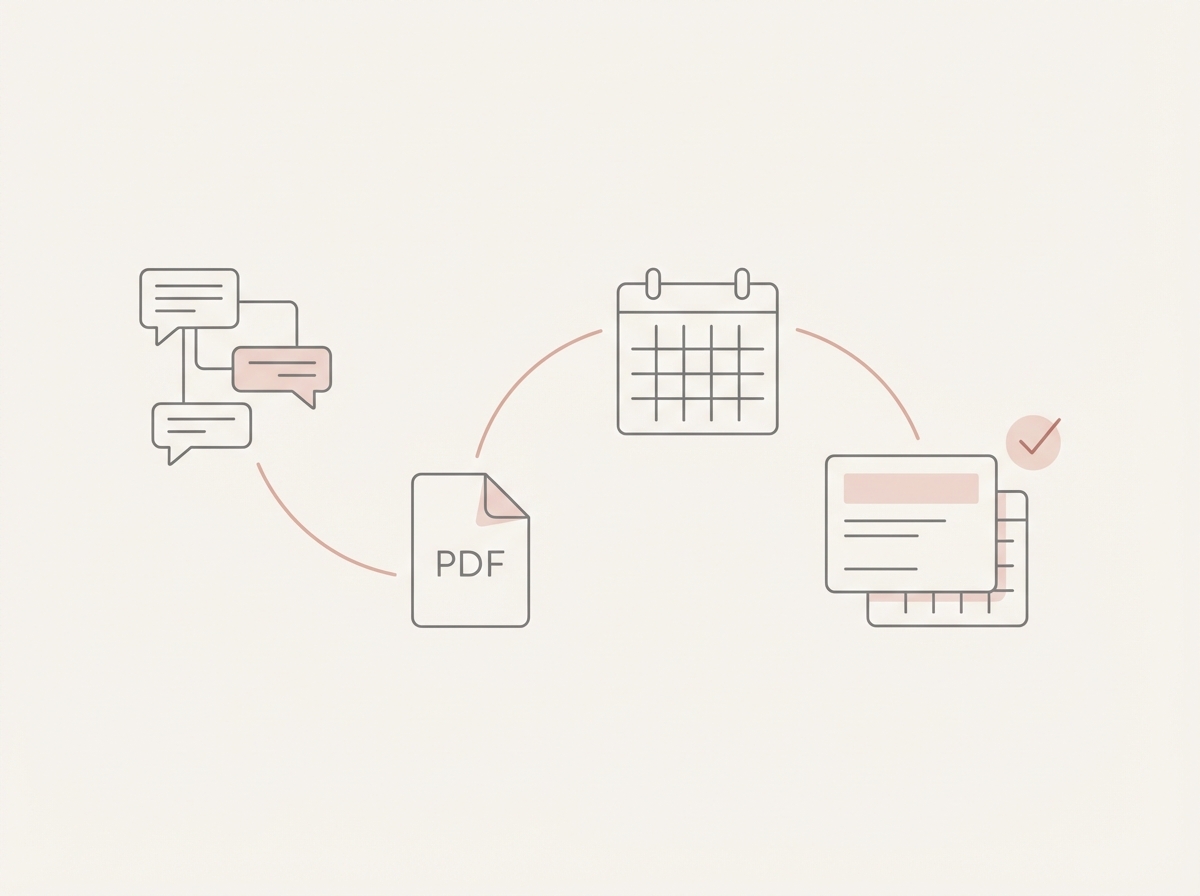
Speed-First Approach: You read the PDF, then switch to a calendar tab to manually type available times. Inbox Agent Approach: Jace reads the PDF, checks your Google Calendar for slots, and drafts a reply with times plus a calendar event for approval. Trade-off: Superhuman smooths the manual process; Jace automates the coordination. Moment of Leverage: The "context-to-calendar" bridge is handled entirely by the agent. Limitation/Cost: Superhuman ignores PDF cognitive load; Jace requires trust in calendar reading.
Where Each Wins
Where Jace Wins:
- Complex Decision Making: Threads with deep history and multiple attachments.
- Operational Automation: Follow-ups and scheduling without manual tracking.
- Zero Migration: Keeping Gmail/Outlook while adding intelligence.
- Contextual Drafting: Drafts that mimic your business logic and tone.
Where Superhuman Slightly Edges Out:
- Triage Speed: Clearing 100+ simple emails rapidly.
- Keyboard Mastery: For users who prefer zero mouse interaction.
- Mobile Experience: Highly optimized native mobile app [NEEDS VERIFICATION].
When Jace is a Good Fit
Jace is for the "Founder-Operator" managing sales, support, and vendors without an assistant. It acts as a digital chief of staff, eliminating the need to re-read threads or manually track "Waiting" items.
When Jace is NOT a Good Fit
Jace isn't for high-volume cold outreach or transactional support with zero context. If your email requires no judgment, agentic power is overkill.
FAQ
Does it send emails automatically? No. Jace uses a review-first posture. It produces drafts for approval. Auto-drafts are opt-in and label-based; every email requires a user checkmark before sending.
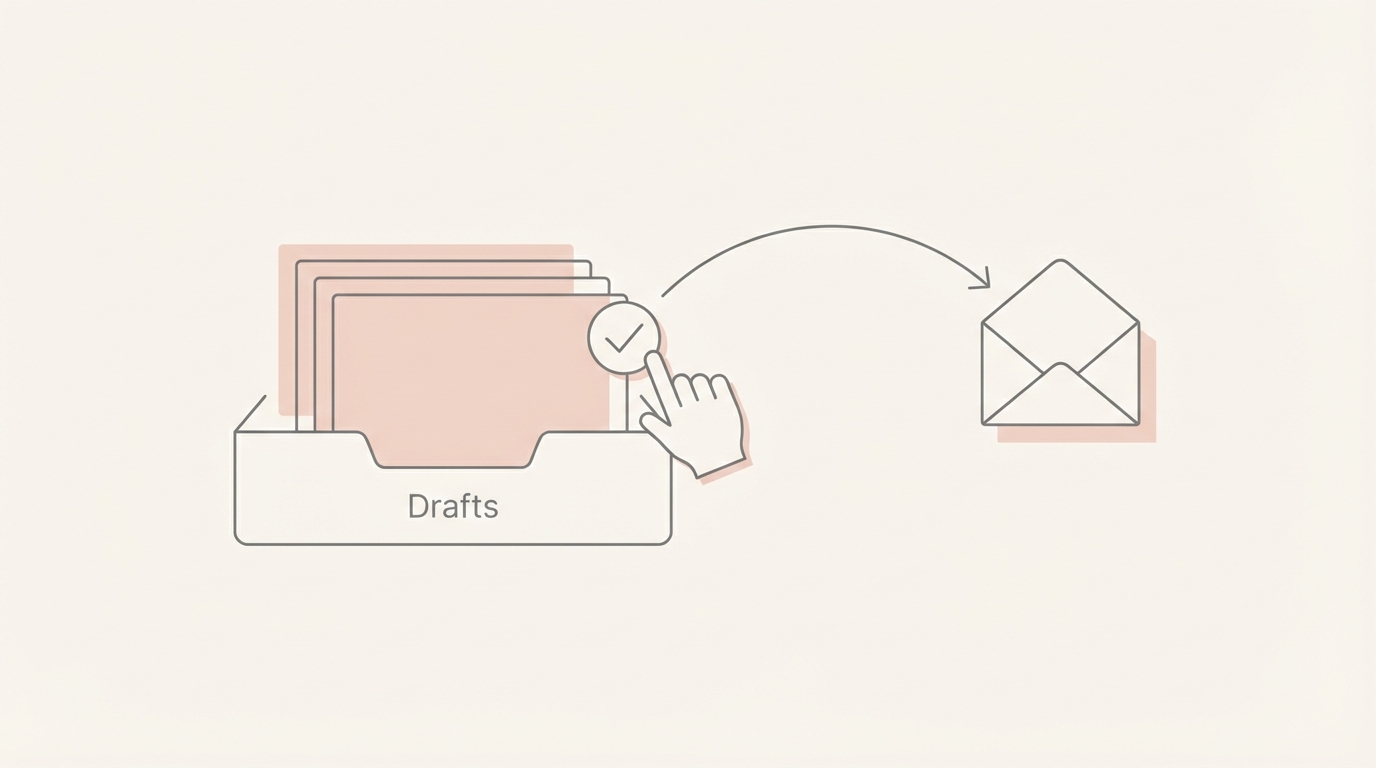
Does Jace replace Gmail/Outlook? No. It works on top of them, syncing in real-time and placing drafts in your native folders.
How does it learn my tone? You teach Jace via sample emails or voice presets to ensure drafts mimic your professional phrasing.
How do rules work? Rules are natural language descriptions of desired behavior (e.g., "Draft a reply for vendor invoices"). You can update or delete them anytime.
How does it handle attachments? Jace reads PDFs, docs, and images to provide context, such as referencing specific clauses in a signed contract.
How does Calendar write work? Jace proposes times or creates events as drafts. You must approve them before invitations are sent.
How much history does Jace use? Jace can import up to 3 years of history to build a comprehensive business knowledge base.
