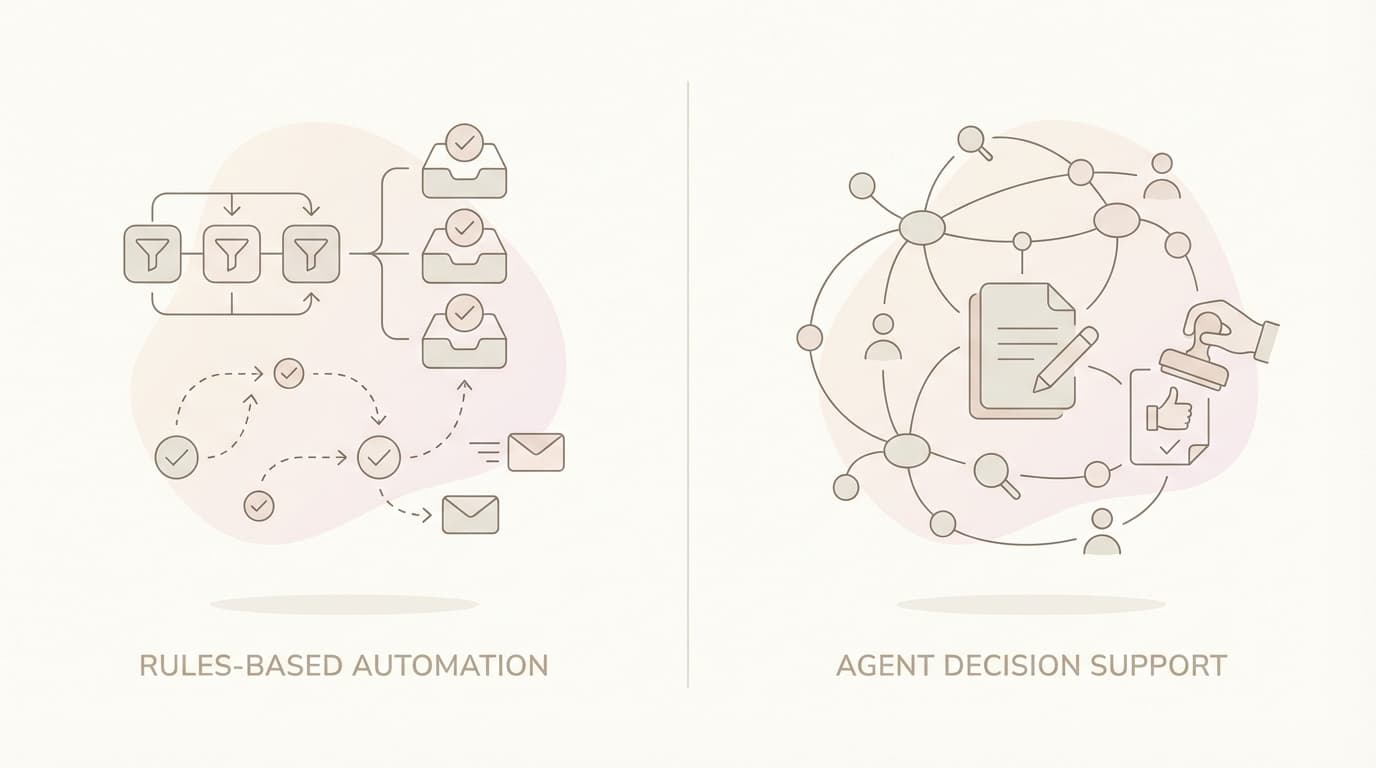
Jace vs Fyxer: Rules Automate Actions - Agents Prepare Decisions
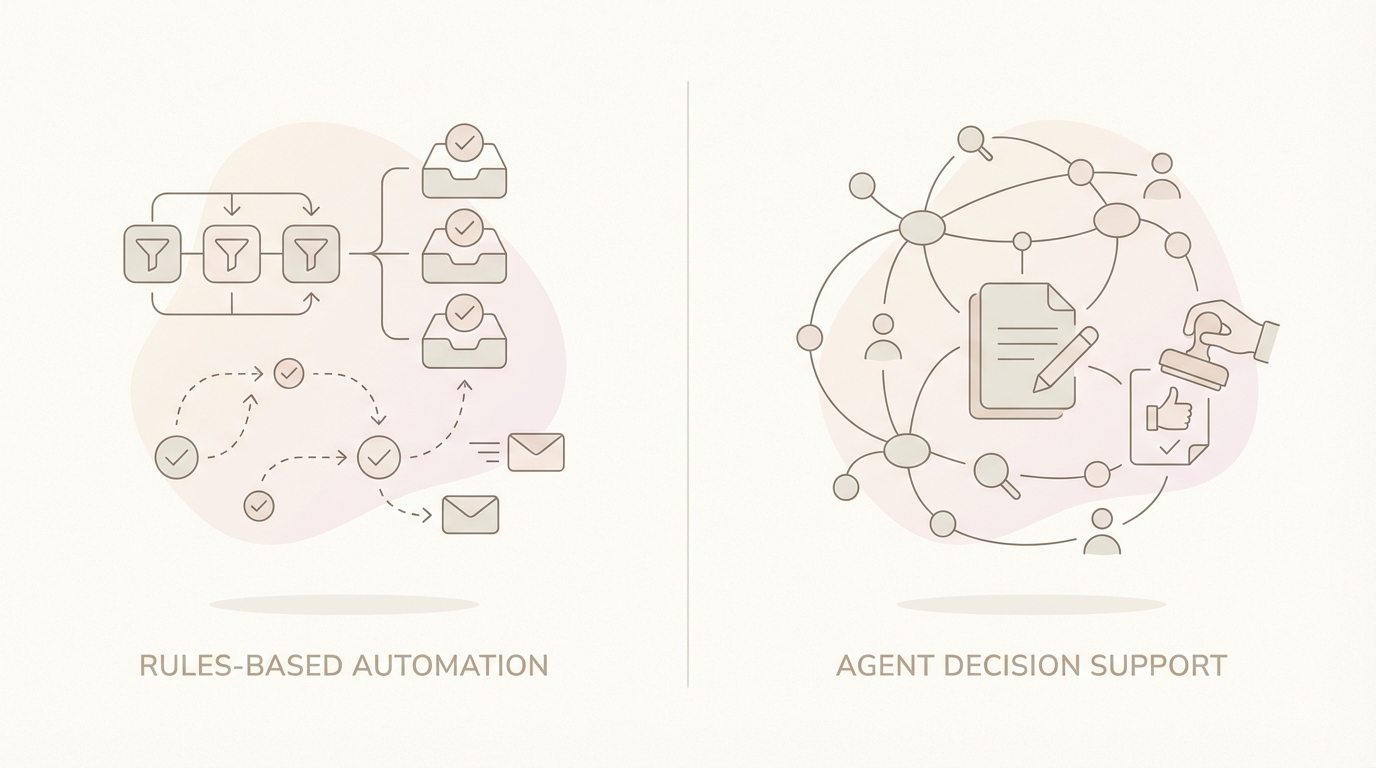
A real inbox situation (not a hypothetical)
It's 8:47 AM on a Tuesday. You're a solo founder running a 6-person agency. Your inbox has 43 unread messages from the weekend. Somewhere in there is an email thread that matters more than the other 42 combined.
The thread has 14 messages. It started nine days ago with a potential client asking about a project scope. Your sales lead replied. The client's legal team got CC'd on message four. Someone attached a PDF contract in message six. A revised version appeared in message eleven with different payment terms. The actual decision - conditional approval pending one clause change - is buried in message thirteen, sent at 11:52 PM on Friday by someone you've never emailed before.
Your job right now: figure out where this deal stands and send the right response before 10 AM, when you have a call with a different client.
But before you can write anything, you need to reconstruct what happened. Which version of the contract are we working from? Who raised the clause issue? Was it resolved? What did the new person actually approve? Is this a yes, a no, or a maybe?
The thread also has an updated project timeline spreadsheet attached in message eight. You don't remember if anyone acknowledged it. You're not sure if the payment terms in message eleven conflict with what you quoted in message three.
This is not a hypothetical. This is a Tuesday.
The question isn't whether AI can help you write a reply faster. The question is whether AI can help you figure out what the reply should say.
The real bottleneck: context + decisions (not typing)
Most email productivity tools focus on the wrong problem.
The bottleneck isn't typing speed. It's cognitive load.
When you open a 14-message thread with attachments, you're not stuck because you can't type fast enough. You're stuck because you need to:
- Reconstruct the context. What was agreed? What changed? Who said what?
- Identify the decision. Is this thread asking for something? Confirming something? Waiting for something?
- Determine the next action. Reply? Forward to someone else? Schedule a call? Wait for them?
- Avoid missing something. Is there a buried question in message seven that you forgot about?
Writing the actual reply takes five minutes. Figuring out what to write takes twenty.
And here's the part that doesn't show up in productivity metrics: scattered attention. You start reading the thread, get halfway through, realize you need to check the attachment, open the PDF, compare it to the earlier version, lose your place in the thread, start over, get interrupted by another email, come back, forget where you were.
The real cost of email overload isn't time. It's fragmented decision-making.
This is why "write emails faster" doesn't fix the core problem. If you save three minutes on typing but still spend twenty minutes reconstructing context, you haven't solved anything.
The bottleneck is context assembly and decision clarity. Everything else is optimization around the margins.
What rules-based automation does well
Before comparing tools, let's be fair about what rules-based email sorting actually accomplishes.
Rules are excellent for predictable, repeatable classification:
- Newsletters from specific senders go to a "Read Later" folder
- Notifications from project management tools get labeled and archived
- Emails from a specific domain route to a specific label
- Spam and low-priority marketing messages get filtered out
This baseline inbox organization matters. A well-sorted inbox reduces visual noise. You can batch-process newsletters instead of seeing them mixed with client emails. Notifications don't clutter your primary view.
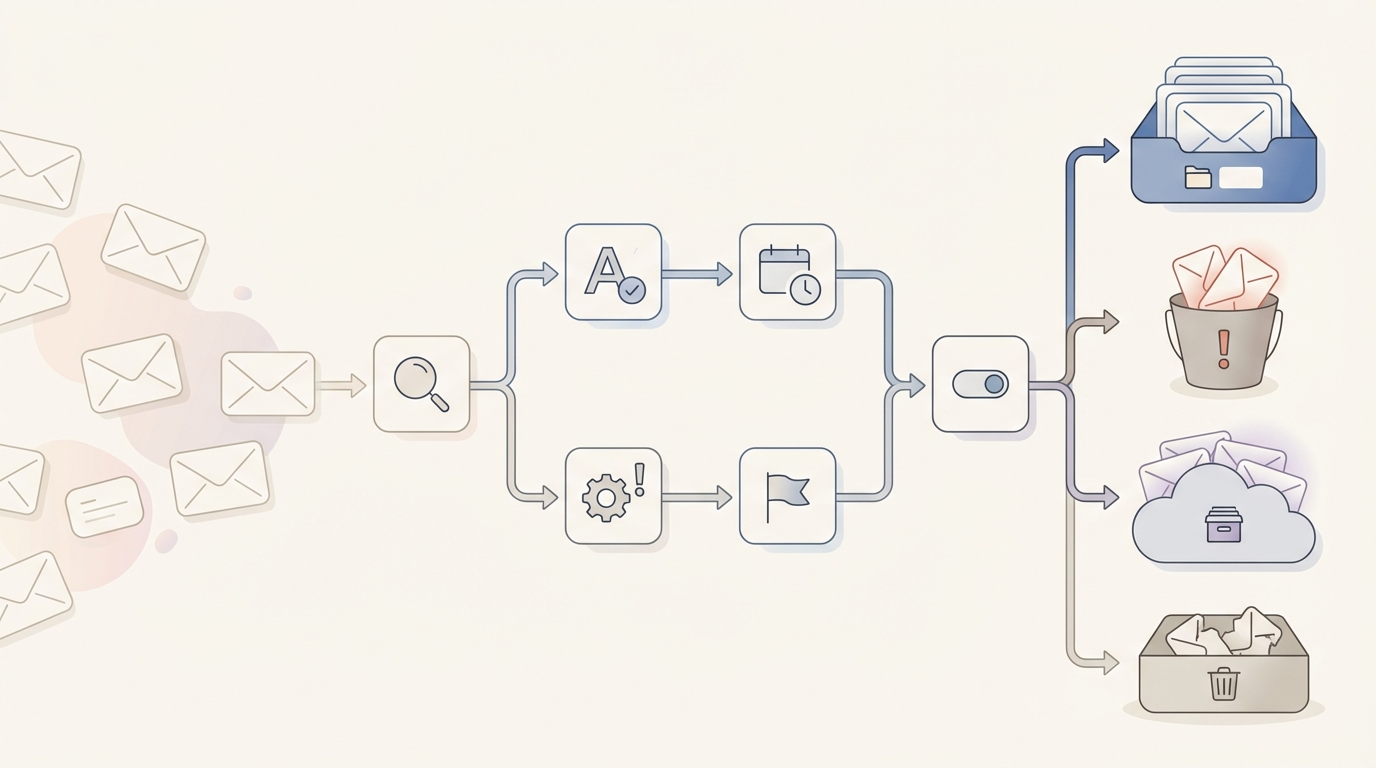
Rules work best when:
- The classification criteria are stable (same sender, same type of email, same label)
- The action is consistent (always archive, always label, always filter)
- The decision doesn't require reading the content beyond headers and sender
For solo founders and micro teams, getting this baseline right is step one. It removes the obvious noise and lets you focus attention on what matters.
Both Fyxer and Jace handle this layer. Fyxer positions itself around automatic sorting into categories and drafting replies in your tone. Jace uses AI labels and rules that you configure for persistent behavior. Either approach handles the basics of inbox organization.
Where rules break: when context changes
Rules fail when the meaning of an email can't be determined by sender, subject line, or static conditions.
Here's where it gets complicated:
Stakeholders change mid-thread. The client's CEO gets CC'd on message nine. Suddenly the priority of this thread changes. The rules you set up don't know that. The email still gets sorted the same way, but now it's a board-level decision, not an operational one.
New attachment versions appear. The contract in message six said net-30 payment terms. The contract in message eleven says net-60. A rules-based system doesn't read attachment content. It sorts both emails the same way. You're the one who has to notice the change.
Decisions become conditional. "If they accept the revised timeline, we can proceed with the original pricing." This sentence in message twelve changes everything about how you should respond. But to a rules-based system, this email looks like every other reply in the thread.
Ambiguity defies categorization. Is this email "To Respond" or "FYI"? The answer depends on context that exists outside this single message. The sender is asking a question, but it's actually rhetorical. Or they're making a statement, but it actually requires your approval. Rules can't parse this.
The core problem: same sender, same label, different meaning.
A rules-based system treats every email from a given sender the same way. But the difference between a routine update and an urgent decision often comes from what happened earlier in the thread, what's in an attachment, or what changed since the last message.
Rules automate actions based on conditions. They can't evaluate context that spans multiple messages, attachments, or evolving situations.
This is where most email productivity tools hit a wall. They sort well. They draft faster. But when you open a complex thread, you're still the one reconstructing what happened and figuring out what to do.
The agent model: prepare decisions (keep the human in control)
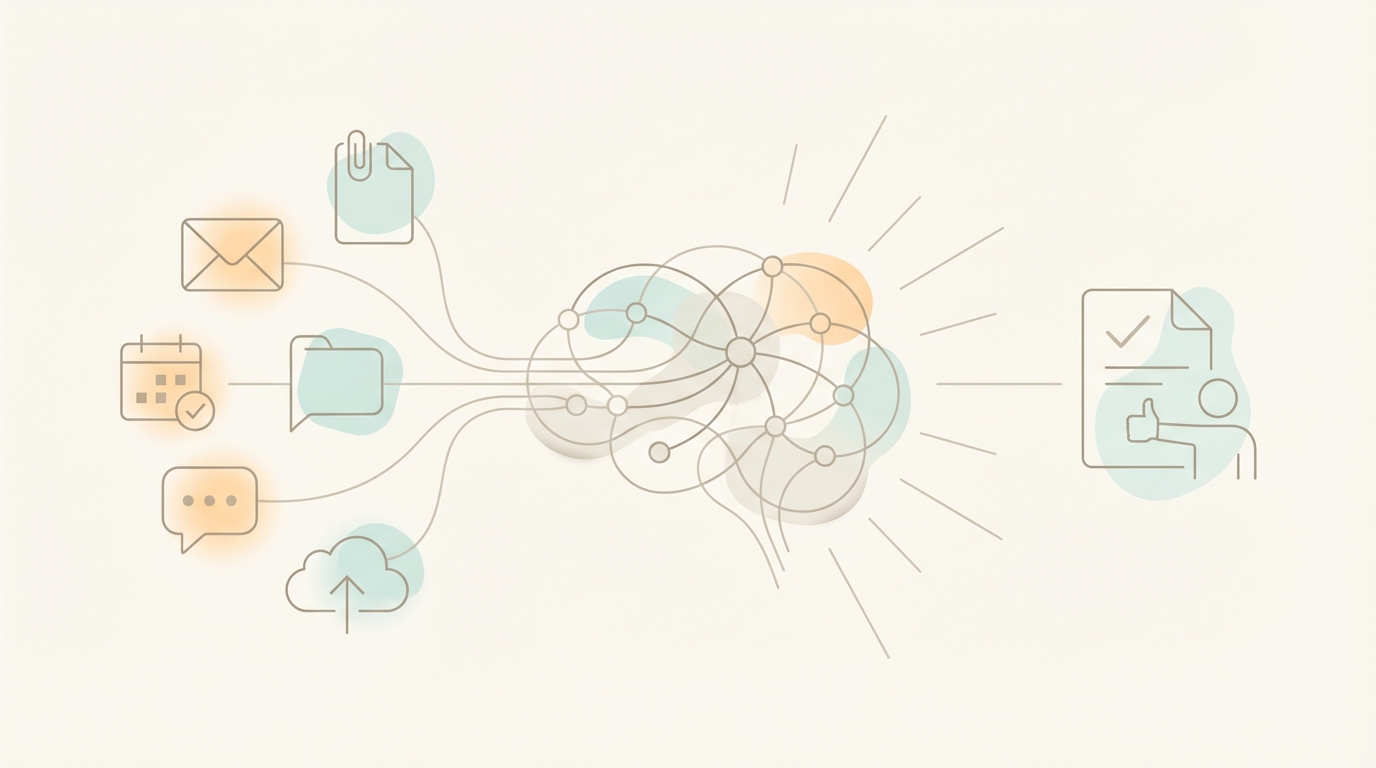
An email agent operates differently. Instead of sorting messages into buckets, it assembles context across the full thread and prepares a decision for your approval.
Here's what that means in practice:
Reads full threads, not just the latest message. When Jace processes an email, it reads the entire conversation history. Message one through message fourteen. It understands who said what, when agreements changed, and how the current state evolved.
Reads attachments for context. PDFs, documents, spreadsheets. Jace reads them and incorporates their content when preparing a draft. If the contract terms changed between versions, that information is part of the context.
Prepares drafts for approval. This is the critical distinction. Jace doesn't send emails on your behalf by default. It prepares a draft, shows you what it would say, and waits for your approval. Human-in-the-loop is the default behavior.
Uses AI labels and rules as persistent behavior. You configure once: "When an email is labeled 'Needs Reply,' prepare a draft response." From then on, Jace handles labeled emails according to your rules. It's proactive within the scope you define.
AI labels are smarter than folders or traditional rules because they understand intent and content, not just sender. A folder rule says "emails from @client.com go here." An AI label says "emails that require a decision before Friday get flagged, regardless of sender." The difference is semantic understanding versus pattern matching.
Creates follow-up drafts to close loops. If you label a thread "Waiting" because you're expecting a response, Jace can prepare a follow-up draft after a set time (e.g., 3 days). This helps you manage sales follow-up and pipeline risk without manual tracking.
Auto-send is opt-in, not default. Jace can send emails automatically, but only if you explicitly enable it per label with warnings. The default is always human review.
The difference isn't that one tool is "smarter" than the other. It's that one operates at the message level (sort, categorize, draft) and the other operates at the decision level (what happened, what it means, what you should do).
Comparison table
| Category | Rules-Based Layer | Decision System (Jace) |
|---|---|---|
| Operating model | Automates actions based on conditions (sender, subject, keywords) | Assembles context and prepares decisions for human approval |
| Context scope | Message-level: processes each email independently | Full-thread + attachments: reads entire conversation history and documents |
| Output | Sorted inbox, filtered messages, template-style drafts | Decision-ready draft with context summary, ready for approval |
| Follow-up handling | Manual tracking or basic reminders | Follow-up drafts triggered by rules (e.g., "Waiting" label after 3 days) |
| Human control | Varies by tool | Human-in-the-loop by default; auto-send opt-in per label with warnings |
| AI labels | Static rules based on sender/keywords | Semantic labels that understand intent and content |
| Multi-account | Typically single inbox focus | Up to 8 accounts on Pro |
| Integrations | Varies; often limited to email + calendar | Calendar (read/write), Slack (search + send), Notion (search), Drive/OneDrive (full file access) |
| Attachment reading | Generally does not read document content | Reads PDFs, docs, spreadsheets for context |
| Best for | High-volume, predictable inbox (newsletters, notifications) | Decision-heavy, attachment-rich, cross-thread context needs |
Same email, different outcome
Let's walk through the same scenario from section one with both approaches.
Flow A: Rules-based layer
You open your inbox. The 14-message thread is in your "To Respond" category. The tool correctly identified that someone is waiting for your reply.
You click the thread and start reading. Message one: project inquiry. Message two: your initial response. Message three: their follow-up questions. You skim faster. Message six has an attachment - you click it, wait for it to load, scan the PDF. Payment terms: net-30.
You continue reading. Message nine introduces a new stakeholder. Message eleven has another attachment. Different PDF. You open it. Payment terms are now net-60. When did that change? Who approved it?
You scroll back to find out. Message ten has the context, but it's buried in a paragraph about timeline concerns. You re-read it. Okay, so they requested the change. Did your team agree?
You check message twelve. Your sales lead acknowledged the timeline but didn't mention payment terms. Ambiguous.
Message thirteen has the conditional approval. "Pending clause 4.2 revision."
You now understand the thread. Elapsed time: twelve minutes.
The drafting tool offers to help you write a reply. It analyzes the last message and suggests a template-style response. The suggestion is polite but generic. It doesn't reference the payment term discrepancy or clause 4.2.
You write the reply yourself, manually referencing the key points. You add a note about confirming the net-60 terms. You attach a revised clause. You send.
Total time: eighteen minutes.
Flow B: Decision system (Jace)
You open your inbox. The 14-message thread is labeled "Needs Reply" based on your configured rules. Jace has already read the full thread and both PDF attachments.
A draft is waiting for your review.
The draft opens with acknowledgment of the conditional approval in message thirteen. It confirms the revised payment terms (net-60, as per the version 2 contract attached in message eleven). It addresses the clause 4.2 revision request, noting that you've attached a proposed revision. It CC's the new stakeholder introduced in message nine.
You read the draft. It's accurate. You adjust one phrase to match your tone. You approve and send.
Total time: four minutes.
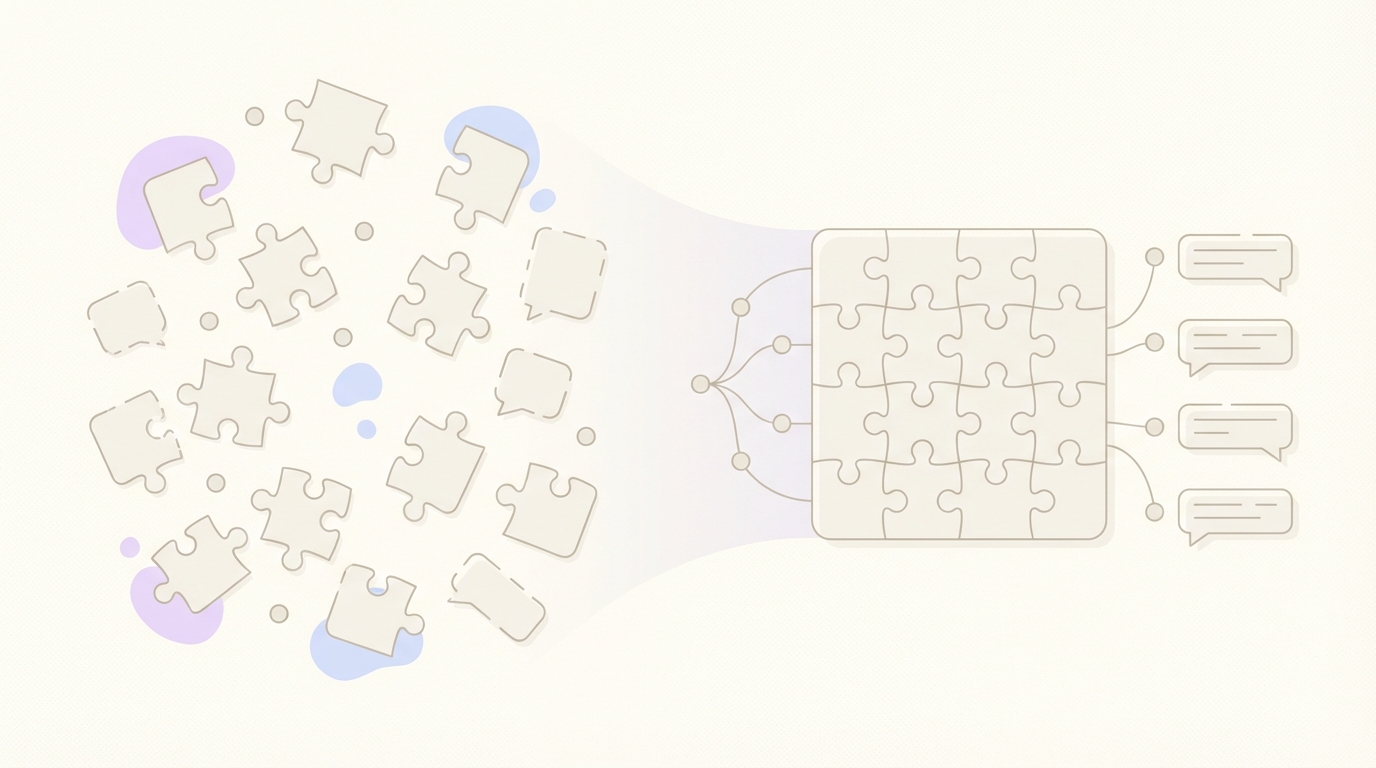
The difference:
- Time-to-decision: Minutes of focused review versus scattered attention over a longer session
- Missed follow-ups risk: Lower when the system tracks threads labeled "Waiting" and prepares follow-up drafts
- Cognitive load distribution: The agent handles context assembly; you handle decision approval
Neither approach is magic. Both require you to read and approve before sending. The difference is where the cognitive load sits.
Email templates vs context-aware drafts
Templates have their place. They work well for:
- Meeting confirmations with standard language
- Initial acknowledgment emails ("Thanks for reaching out, I'll review and respond by X")
- Recurring operational updates that follow a consistent format
- Standard replies to frequently asked questions
Templates fail when:
- The thread contains context that changes how you should respond
- Attachments include new information the template can't reference
- The recipient expects personalization beyond surface details
- Exceptions or edge cases require deviation from the standard response
The distinction isn't templates versus no templates. It's write-time assistance versus decision-time preparation.
A template helps you write faster once you know what to say. A context-aware draft helps you figure out what to say by showing you the assembled context and a proposed response.
Both Fyxer and Jace learn your tone from email history. The difference is scope. When the draft incorporates the full thread, attachments, and evolving context, it becomes decision preparation, not just writing assistance.
Inbox triage and prioritization: what actually works
Here's practical advice that works regardless of which tool you use:
Touch once, decide once. When you open an email, make a decision before you close it. Reply, forward, label for later, or archive. The worst pattern is opening an email, partially reading it, and closing it to "deal with later." That's double handling.
Keep your label system simple. Three to five labels maximum for active workflow management. Common patterns:
- Needs Reply (you need to respond)
- Waiting (you're waiting for someone else)
- Review (requires attention but not a reply)
More labels create more cognitive overhead without proportional benefit.
Close loops deliberately. "Waiting" emails are the biggest source of dropped balls. If you send an email expecting a response, label it immediately. Check that label daily. Follow up before things go stale.
Batch versus continuous. Continuous inbox monitoring fragments attention. Two to three dedicated email sessions per day works better for most people. Check, process, close. Repeat.
Unsubscribe aggressively. Every newsletter you don't read is a decision you have to make when it arrives. Reduce inbox volume at the source. This is basic email cleanup but often ignored.
These patterns work with any tool or no tool at all. The goal is reducing the number of times you touch each email while ensuring nothing falls through the cracks.
When a rules-based tool is enough
Let's be honest about when you don't need an agent model:
- Your inbox is mostly repetitive (newsletters, notifications, low-complexity requests)
- Decisions are simple and predictable (standard approvals, routine updates)
- You're comfortable doing context reconstruction manually
- You don't have attachment-heavy workflows
- Threads rarely exceed four or five messages
- You prefer minimal AI involvement in your communication
If most of your email fits predictable patterns, rules-based sorting and template-style drafting cover the need. You don't need an agent to process newsletters.
Fyxer positions itself well for this profile. Automatic sorting, spam filtering, and tone-matched drafts handle individual productivity needs. If your inbox is mostly quick replies and standard interactions, a rules-based layer may be all you need.
The question is volume and complexity. If you handle fifty emails a day and most are straightforward, rules-based automation scales efficiently. If you handle fifty emails a day and ten of them require reconstructing context across long threads with attachments, you're spending hours on context assembly that an agent could handle.
When you need Jace
Jace makes sense when your workflow exceeds what rules can handle. Here are the specific differentiators:
Cross-thread context matters. Deals, projects, relationships that span multiple conversations. You need AI that understands history across the full thread, not just the current message.
Attachment-heavy workflows. Contracts, proposals, reports, spreadsheets. Jace reads PDFs and documents, incorporating their content into drafts. If the decision lives in the attachment, not the email body, this matters.
Decision-heavy inbox. You're not just sorting messages - you're deciding what action to take on complex threads. Inbox triage alone isn't enough. You need prepared decisions, not just categories.
Follow-up management without risky auto-send. You need reminders and draft follow-ups for threads labeled "Waiting," but you don't want anything sent without your approval. Jace creates follow-up drafts based on rules you configure - still human-in-the-loop.
Integrations beyond email. This is a key differentiator. Jace connects to:
- Google Calendar (read and write): schedule meetings, check availability, reference upcoming events in drafts
- Slack (search and send): pull context from Slack conversations, send messages
- Notion (search): access your knowledge base and documentation
- Google Drive / OneDrive (browse, upload, download, read, write): access files, attach documents, reference shared materials
Context doesn't live only in email. Deals involve calendar availability. Projects involve Notion docs. Files live in Drive. Jace can pull from these sources when preparing a decision, reducing the tab-switching and manual context gathering.
Multi-account management. Jace Pro supports up to 8 email accounts. If you're a founder running multiple projects, or managing both personal and business email, or handling client accounts alongside your own - consolidated workflow matters. One interface, multiple inboxes, unified context.
You want AI to prepare decisions, not just sort messages. The difference between "here's your inbox organized" and "here's what happened, here's what it means, here's what you should probably do."
Compliance requirements. Jace is SOC2 Type 1 certified and CASA Tier 3 compliant. Security and data handling matter for business-critical communication.
The deciding factor is usually thread complexity and attachment volume. If your high-stakes communication lives in long threads with evolving documents and requires cross-tool context, agent-style decision preparation saves significant time.
FAQ
1. Does Jace send emails automatically?
No, by default. Drafts are prepared for your approval before anything is sent. Auto-send is opt-in per label and comes with explicit warnings. The default behavior is always human-in-the-loop.
2. Can Jace read attachments?
Yes. Jace reads PDFs, documents, and spreadsheets to include their context in drafts. This is critical for contract-heavy or proposal-heavy workflows where the decision lives in the attachment, not the email body.
3. Does Jace work with Outlook or just Gmail?
Both. Jace connects to Gmail and Outlook via OAuth. Drafts sync back into your native client, so you can review and send from the interface you already use.
4. What about follow-ups?
Jace creates follow-up drafts based on rules you configure. For example, if a thread is labeled "Waiting" for 3 days with no response, Jace can prepare a follow-up draft for your approval. This helps with sales follow-up and pipeline risk without risky automation.
5. How is this different from Fyxer?
Both Jace and Fyxer draft replies and keep humans in the loop by default. The key differences:
- Context scope: Jace reads full threads plus attachments to prepare decisions. It summarizes what happened and proposes what to do next.
- AI labels: Jace uses semantic labels that understand intent and content, not just sender patterns.
- Integrations: Jace connects to Calendar (read/write), Slack (search + send), Notion (search), and Drive/OneDrive (full file access). Context from outside email feeds into decision-making.
- Multi-account: Jace Pro supports up to 8 accounts. Manage multiple inboxes in one place.
- Follow-up drafts: Jace creates follow-up drafts on rules (e.g., "Waiting" after 3 days).
Fyxer positions itself around individual productivity with sorting and drafting. Jace is built for decision-heavy, cross-context workflows.
Conclusion: the bottom line
Rules help you automate actions. Jace helps you decide what action to take.
For solo founders and micro teams, email isn't just communication overhead. It's where decisions get made, where deals progress or stall, where projects move forward or drift. The cost of a missed follow-up or a misread thread isn't measured in minutes. It's measured in opportunities.
Rules-based automation handles the predictable. Agent-based decision support handles the complex. The question is which category most of your high-stakes email falls into.
CTA
Jace drafts replies for your approval. You review everything before it sends. Auto-send is available per label if you want it, but human-in-the-loop is the default.
If your inbox includes long threads, attachments, and decisions that require context - not just sorting - Jace handles that.
