A practical framework for founders to translate email context into calendar events without the scheduling ping-pong.
TL;DR
- Scheduling is a context problem, not just a timing problem.
- Jace reads thread history and attachments to identify constraints.
- Proposed times are generated based on your Google Calendar availability.
- Every calendar action is review-first; no invites are sent without approval.
- Multi-attendee and timezone support are handled within the draft flow.
- Founders maintain control by reviewing draft events before they go live.
- Works on top of Gmail and Outlook without replacing your existing workflow.
- High-touch candidate and prospect experiences are maintained through human-in-the-loop drafting.
The Real Problem
For a solo founder or micro-team lead, the "quick sync" is rarely quick. It starts with a vague request in a long thread. You have to dig through previous replies to see who needs to be there. You open a PDF attachment to check the agenda. You toggle between your inbox and Google Calendar, trying to spot a gap that works for three different timezones.
By the time you propose a slot, the recipient has filled their day. The "scheduling ping-pong" begins. Each message back and forth is a micro-distraction that pulls you away from deep work. The friction isn't just the time spent typing; it's the mental load of tracking hidden constraints across multiple tabs. You are not just looking for a white space on a grid; you are trying to reconcile the needs of a prospect, the availability of your technical co-founder, and the specific requirements buried in a vendor's contract.
This fragmentation leads to "calendar anxiety", the fear that by the time you've manually coordinated everyone, the opportunity has shifted or you've double-booked yourself because you missed a tentative commitment in a different thread. For a small team, this isn't just an administrative hurdle; it's a bottleneck that slows down sales cycles and hiring velocity.
The Thesis
Scheduling isn't finding a time; it's translating thread context into a safe, reviewable proposal.
What "good scheduling" looks like
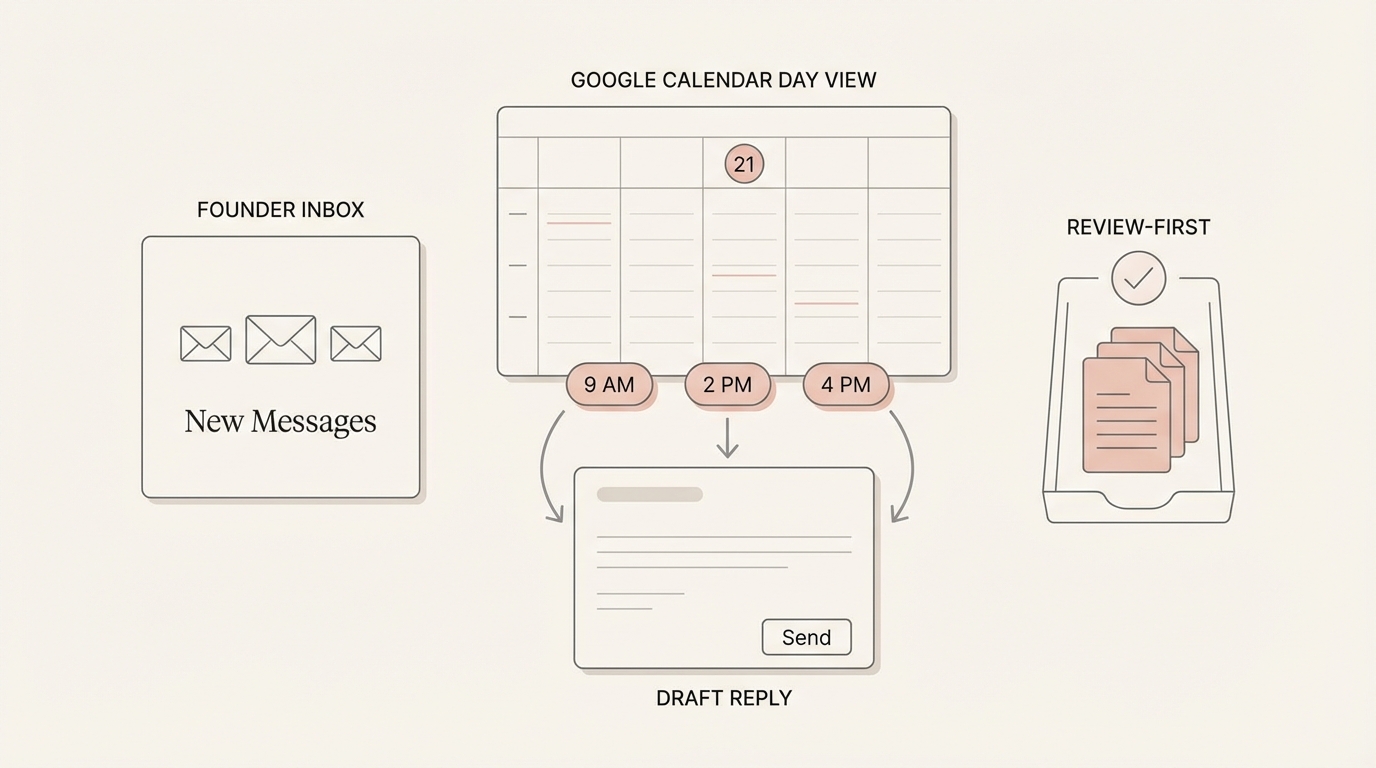
Effective scheduling requires more than a link. It requires a complete hand-off of information that respects the recipient's time and your own operational constraints.
- Capture constraints: Identify specific dates, times, or duration mentioned in the thread. If a prospect says "late next week," a good system knows that means Wednesday through Friday, not Monday morning.
- Propose 2–4 options: Give the recipient choice without overwhelming them. Providing a single time is too rigid; providing ten is a chore for them to parse.
- Confirm timezone: Never assume the recipient is in your local time. A "10 AM" meeting that turns out to be at 4 AM for the other party is a failed interaction.
- Confirm attendees: Ensure all stakeholders from the thread are included. If the CTO was CC'd on the last three emails, they likely need to be on the kickoff call.
- Confirm agenda/context: Attach the "why" to the "when" so the meeting is productive. A calendar invite without a description is just a placeholder; an invite with a summary of the thread is a roadmap.
- Keep it review-first: Always verify the draft before the invite hits an inbox. This ensures that the tone is correct and the details are precise.
How scheduling with Jace works
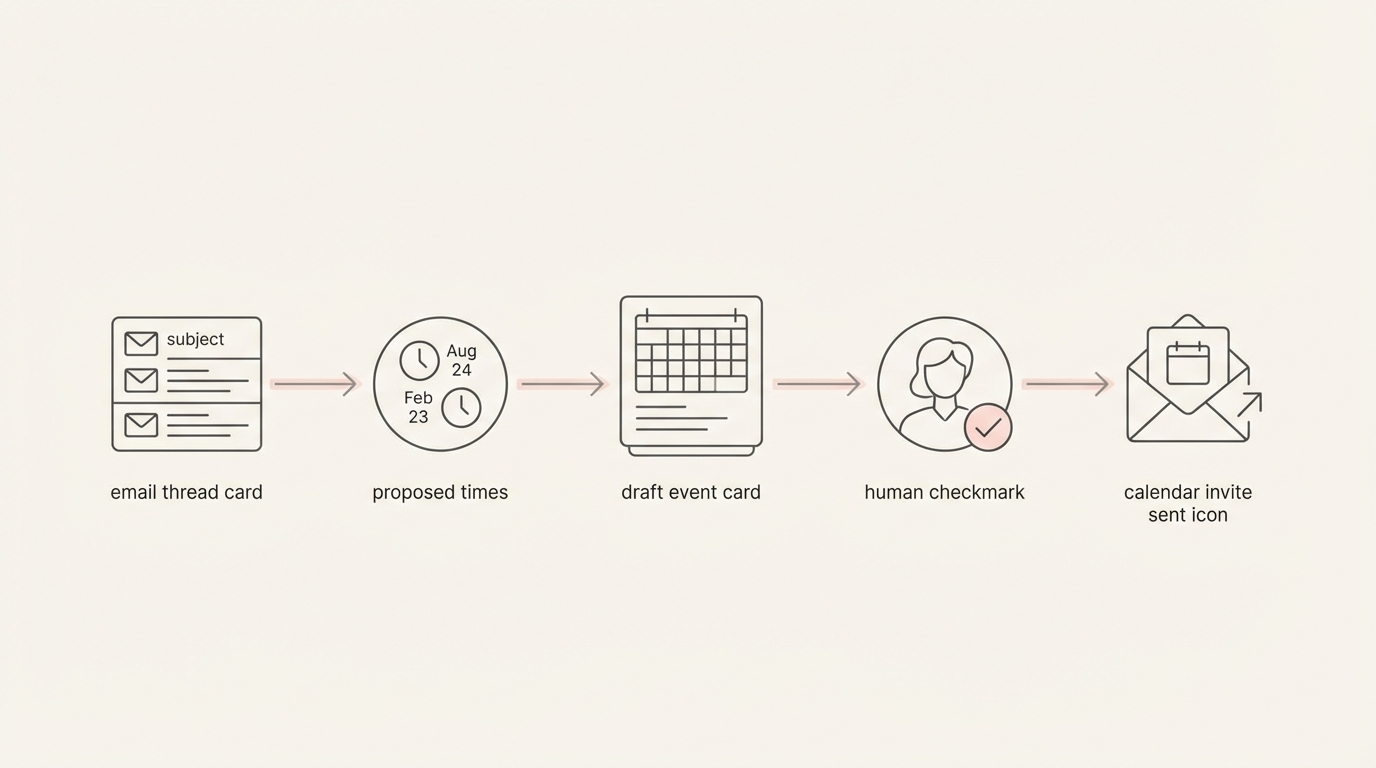
Jace treats your inbox and calendar as a single operational layer. It doesn't just look at your free/busy blocks; it looks at the conversation history to understand the intent behind the meeting.
- Context Retrieval: Jace reads the active thread, including quoted replies and attachments like PDFs or Word docs. It extracts constraints from the thread and attachments. If a vendor mentions a "45-minute walkthrough" in a PDF contract, Jace notes that duration.
- Availability Check: Jace checks your Google Calendar availability. You have full control over which calendars Jace can see, ensuring that personal blocks or tentative holds are respected.
- Proposal Generation: Jace suggests specific time slots directly in a draft reply. These aren't just random gaps; they are intelligent suggestions based on the constraints identified in the thread.
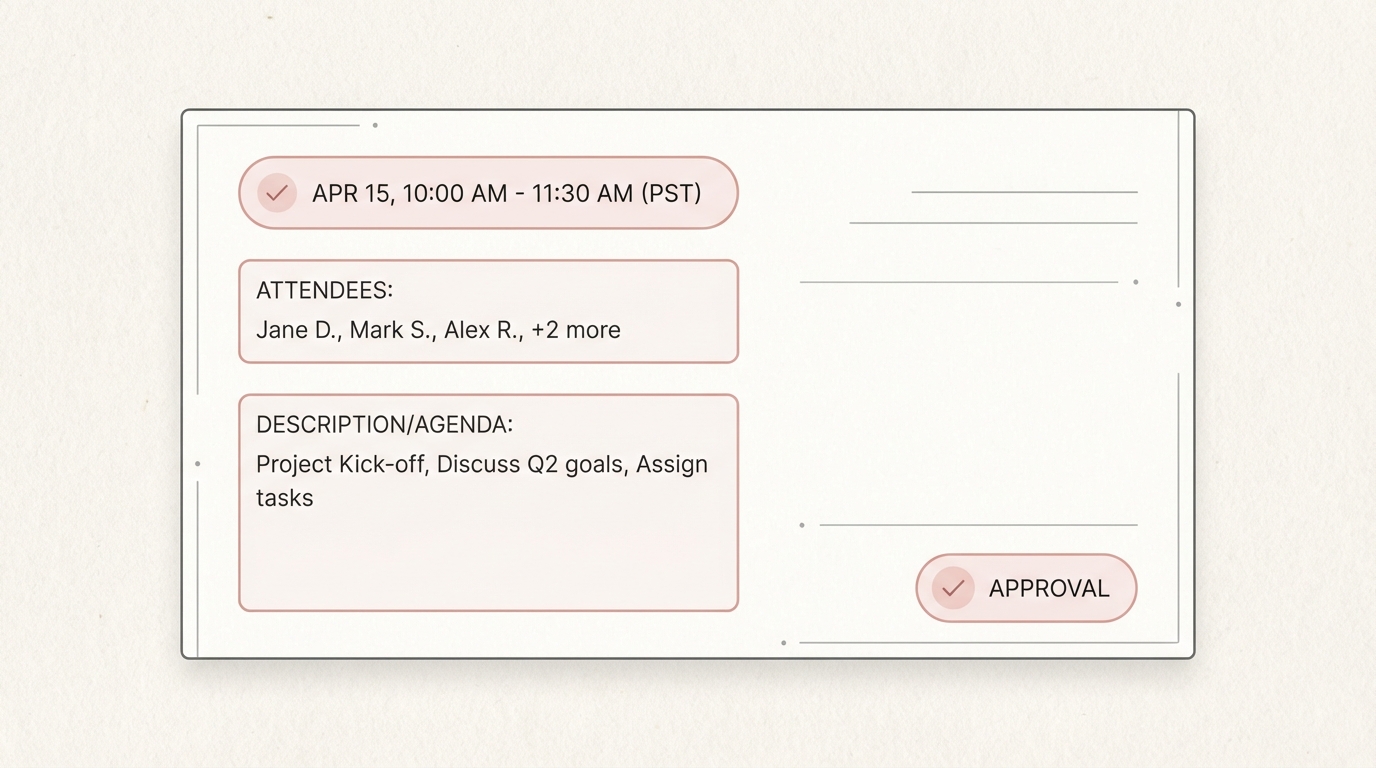
- Draft Event Creation: Simultaneously, Jace prepares a draft calendar event. This includes the title (often pulled from the email subject), the list of attendees (pulled from To/CC), and a description that summarizes the meeting's purpose based on the thread context.
- Human Approval: You review the draft email and the draft event in the Jace interface. You can tweak the times, add a personal note to the email, or adjust the attendee list. No invites are sent and no events are finalized until you click approve. This "review-first" approach ensures you are always in the driver's seat.
Copy/paste playbook
Here are several prompts you can use in Jace to handle common and complex scheduling scenarios:
- "Propose 3 slots for a 30-minute call next week in EST based on this thread. Make sure to include the project manager who is CC'd."
- "The sender sent a Calendly link, but I want to stay in control of my schedule. Propose 3 times from my 'Work' calendar instead and draft a polite reply explaining that these times work best for my team."
- "Draft a meeting for Friday afternoon with everyone on this thread. Check my availability and ensure the meeting description includes the three bullet points from the last email."
- "We need to reschedule the kickoff. Propose new times for late next week, update the draft event, and draft an email to the group apologizing for the change."
- "Create a draft event for the demo. Use the requirements mentioned in the attached PDF to fill out the agenda so the team knows what to prepare."
- "Find a time for a 1-hour vendor review on Tuesday morning. Create the draft event and a reply confirming the time, and mention that we'll be focusing on the pricing section of the contract."
- "I'm traveling next week. Propose times for a follow-up call in the recipient's timezone (PST) but ensure they fall within my working hours in GMT."
- "Check the thread for the candidate's availability and cross-reference it with my 'Interviews' calendar. Propose two options and draft the invite."
3 Founder Workflows
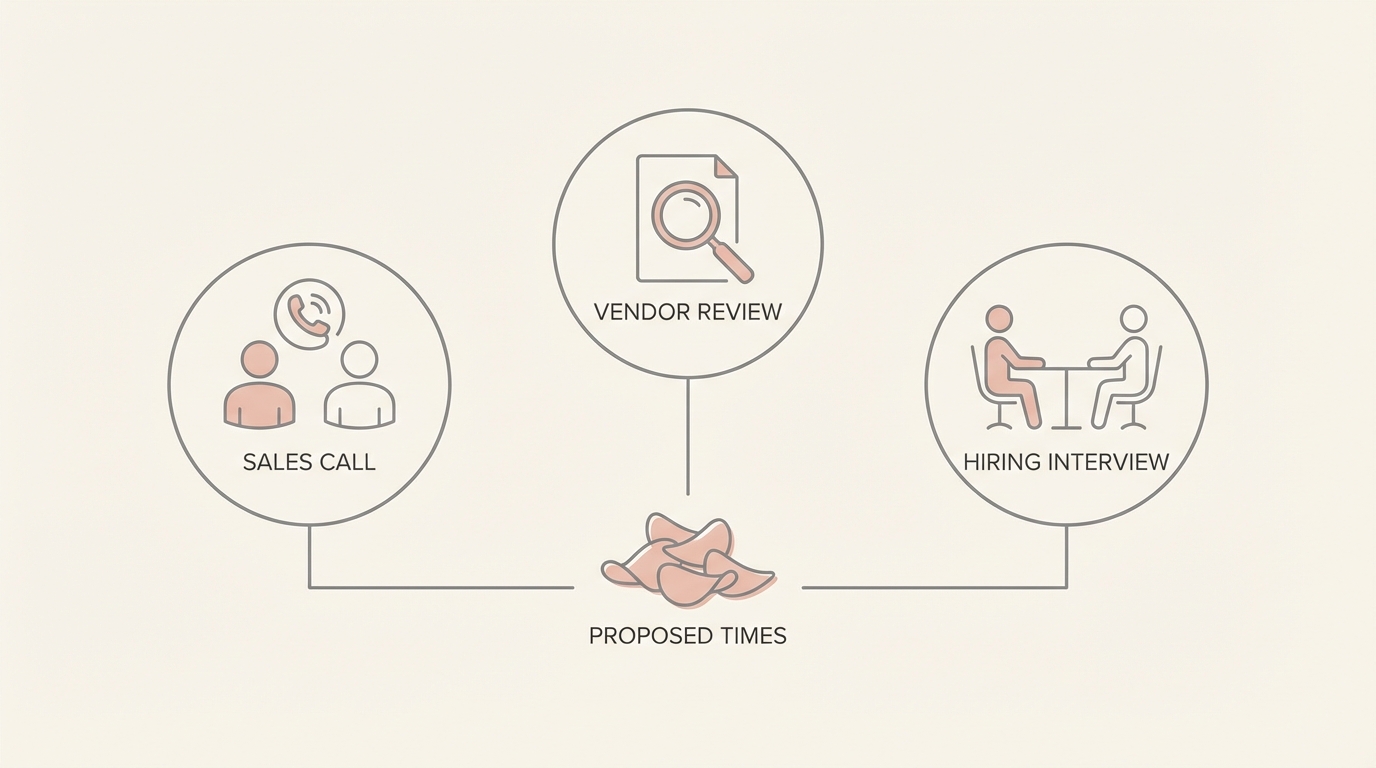
A) The Sales Thread: High-Stakes Coordination
The Moment of Failure: A prospect asks to chat "sometime next week." You have three stakeholders on your side, a sales lead, a technical founder, and a product manager. The prospect is in Singapore, while your team is split between New York and London. You spend twenty minutes opening three different calendars, trying to find a 45-minute window that doesn't require someone to wake up at 3 AM. By the time you send the options, the prospect has already booked another meeting.
The Moment of Leverage: You ask Jace to "find a time for the team and the prospect next week." Jace identifies the stakeholders from the CC line, checks the availability across all connected calendars, and calculates the timezone offset for Singapore. It proposes three slots that are "socially acceptable" for all parties and drafts a reply that clearly states the times in both EST and SGT.
The Result: You move from a 20-minute manual task to a 30-second review. The prospect receives a professional, clear proposal that makes it easy for them to say "yes." You maintain the high-touch feel of a personalized email without the administrative overhead.
B) The Vendor Thread: Context-Heavy Kickoffs
The Moment of Failure: A vendor sends a 15-page contract PDF and asks for a kickoff call to discuss "the outstanding items." You have to read the contract to identify which clauses are still under negotiation, then go to your calendar to find a slot, and finally type out an invite that explains what the call is actually about. Often, you just send a blank invite, leading to a disorganized meeting where half the time is spent figuring out the agenda.
The Moment of Leverage: Jace reads the contract attachment, identifies the sections marked "pending" or "for review," and drafts the calendar event with those specific sections listed in the description. It then finds a time on your calendar and prepares a reply to the vendor.
The Result: The meeting is set up with a clear, actionable agenda derived directly from the source document. You arrive at the call prepared, and the vendor knows exactly what to expect. This level of detail builds professional trust and ensures that your time, and theirs, is used efficiently.
C) The Hiring Thread: Candidate Experience at Scale
The Moment of Failure: A top-tier candidate needs to reschedule their final interview last minute. You're in back-to-back investor meetings and can't easily check your calendar to find a new slot. If you don't respond quickly, the candidate might feel undervalued or accept another offer. Manual rescheduling is a friction point that often leads to "hiring lag."
The Moment of Leverage: You ask Jace to "find a new time for the interview on Thursday" while you're between meetings. Jace looks at the "Interviews" calendar, finds the next available gap that doesn't conflict with your existing commitments, and prepares a warm, apologetic email to the candidate with the new proposed time.
The Result: The candidate receives a response within minutes, not hours. The scheduling friction is removed, and the candidate experience remains high-touch and professional. You stay in control of your hiring pipeline without letting administrative tasks derail your primary focus.
Common mistakes
- Mistake: Missing timezone: Proposing "10 AM" without specifying the zone is one of the most common ways to derail a meeting before it starts. It leads to missed calls, frustrated stakeholders, and a general sense of unprofessionalism. In a global work environment, assuming everyone is on your clock is a significant oversight. Instead: Always include the timezone in the proposal (e.g., "10 AM EST / 3 PM GMT") and verify it matches the recipient's location based on their email signature or previous thread context. Include timezone in the proposal; verify before approving.
- Mistake: Proposing too many slots: Sending a list of ten options might seem helpful, but it actually creates decision fatigue for the recipient. They have to check their own calendar against a long list, which increases the likelihood that they will put off the task until later. Instead: Limit proposals to 2–4 high-quality options that fit your preferred schedule. This makes the choice easy for the recipient and increases the "conversion rate" of your scheduling emails.
- Mistake: Not confirming attendees: Assuming only the sender needs to be there often results in key decision-makers being left out of the invite. This leads to the "let me check with my boss" follow-up, which necessitates a second meeting. Instead: Review the attendee list in the draft event to ensure all relevant CCs from the email thread are included. Jace proactively pulls these names into the draft, but a quick human check ensures no one is missed.
- Mistake: Skipping agenda/context: Empty calendar invites are often ignored or lead to unproductive meetings where the first ten minutes are spent "getting everyone up to speed." Without context, attendees can't prepare, and the meeting's value is diminished. Instead: Use the thread context to populate the event description. Include the main goal of the meeting and any specific documents that need to be reviewed beforehand. Jace can pull this information directly from the email body or attachments.
- Mistake: Approving invites without checking conflicts: Blindly approving a draft without a quick glance at your day can lead to double-booking or "meeting fatigue" where you have no time for deep work. Even the best AI needs a human to confirm that a proposed time actually fits their mental energy for the day. Instead: Use the Jace UI to verify the proposed time against your full calendar view before hitting send. This ensures that you aren't just "free" on paper, but actually available to engage in the meeting.
FAQ
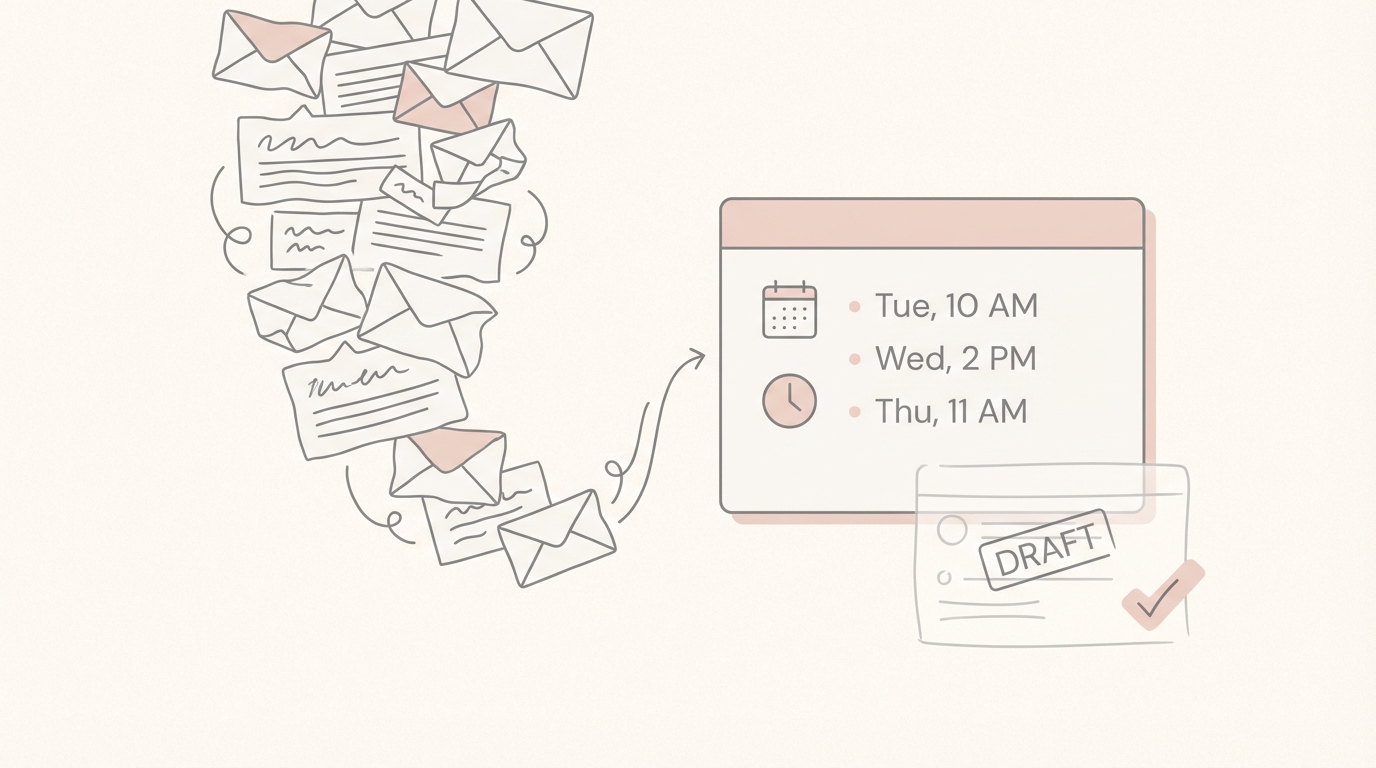
Does Jace schedule meetings automatically? No. Jace follows a strict review-first philosophy. It produces draft events and draft replies that appear in your Jace interface. You have the opportunity to review, edit, or reject any proposal before an invitation is sent to a recipient. This ensures you maintain total control over your professional interactions.
Where do draft events show up? Draft events appear within the Jace interface alongside the draft email reply. This allows you to see the "when" and the "what" in one place. Once you approve the action, the event is synced to your Google Calendar and the email is sent.
What calendars does it read/write? You choose exactly which calendars Jace has access to in your settings. You can connect multiple Google Calendars (e.g., Work, Personal, Team) for Jace to read availability, but you designate one primary calendar where Jace will create draft events. This prevents Jace from cluttering your personal calendar with work meetings.
Can it handle multiple attendees? Yes. Jace is designed for team coordination. It analyzes the "To" and "CC" fields of an email thread to identify potential attendees. When it creates a draft calendar event, it pre-fills the guest list with these individuals, saving you the manual effort of typing in email addresses.
How does it use thread context and attachments? Jace uses advanced language models to analyze the text of the email and supported attachments like PDFs and .docx files. It extracts constraints from the thread and attachments. This information is then used to filter your availability and populate the meeting description.
What should I verify before approving? While Jace does the heavy lifting, you should always do a final check of the date and time (ensuring the timezone is correct), the attendee list (to make sure no one was missed or added unnecessarily), and the meeting description (to ensure it reflects the current state of the conversation).
Control beats ping-pong. By moving from a manual search-and-type process to a review-first workflow, founders can reclaim the time lost to scheduling logistics. Jace ensures that every invite sent is accurate, contextual, and, most importantly, approved by you. This isn't just about saving minutes; it's about maintaining the focus required to build and scale your business.
