
How to Organize Your Inbox So Important Emails Surface Automatically
It is 7:00 AM on a Monday. You open your laptop, and before you can even take a sip of coffee, the weight of 142 unread messages hits you. Among them are high-stakes sales inquiries, urgent vendor invoices, a potential new hire's portfolio, and a dozen newsletters you never have time to read.
For a solo founder or a micro-team lead, the inbox is not just a communication tool; it is the primary operating system of the business. But when every message carries the same visual weight, the inbox becomes a source of decision fatigue rather than a driver of progress. You spend your most productive hours triaging, sorting, flagging, and moving things into folders, only to realize that the most important threads have still managed to slip through the cracks.
The problem isn't that you have too much email. The problem is that your inbox is treated as an archive when it should be a decision system.

TL;DR (At-a-glance)
- The Problem: Manual organization (folders/flags) fails at scale because it requires constant cognitive effort and manual upkeep.
- The Solution: Shift from an "archive" mindset to a "decision system" where important threads surface based on intent and context.
- The Mechanism: Jace uses a combination of labels, natural-language rules, and thread history to prepare review-ready drafts automatically.
- Review-First Posture: No emails are sent without your approval; Jace acts as a high-level assistant preparing work for your final sign-off.
- Who It's For: Founders and leads managing complex threads involving attachments, scheduling, and multi-step follow-ups.
An effective inbox must be a decision system that surfaces intent, not just a chronological archive of messages.
The Failure of Manual Organization
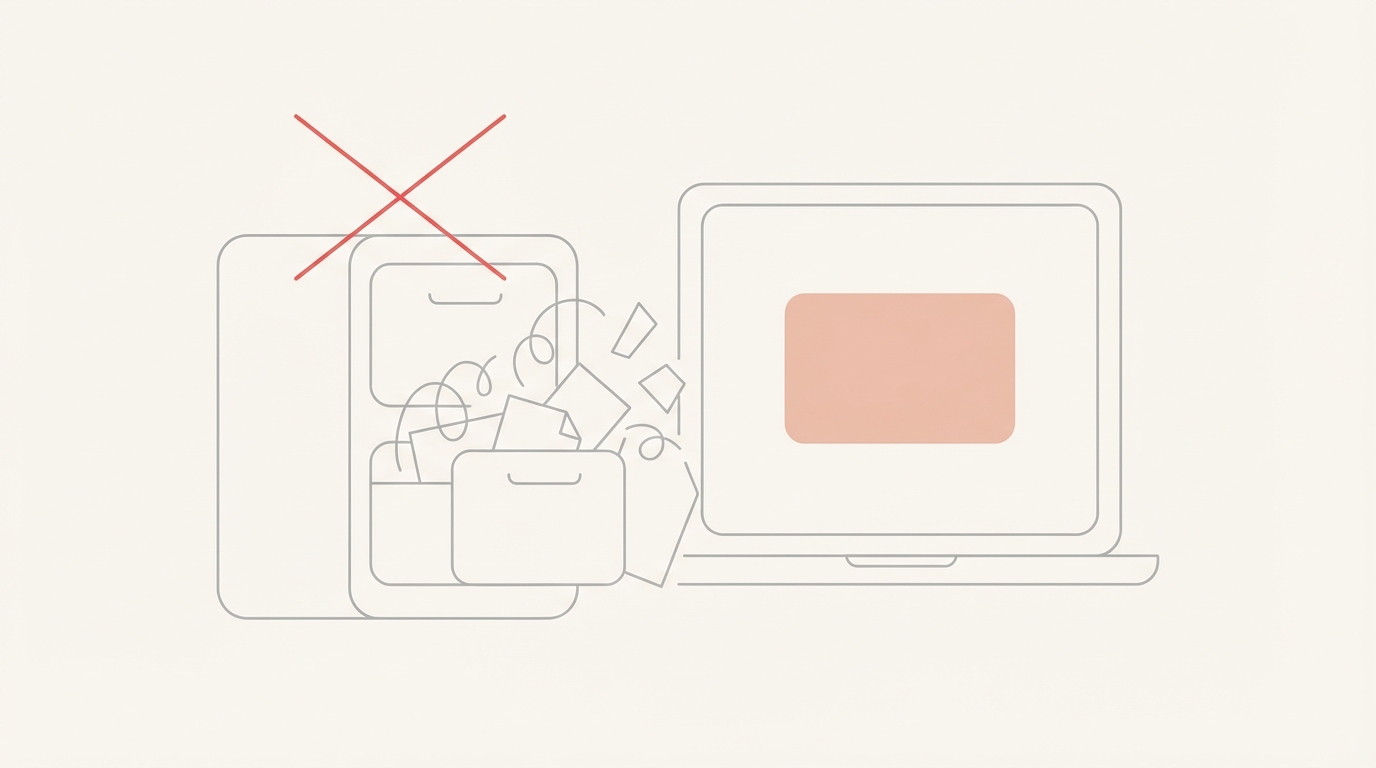
Most of us were taught to organize email using folders. We create a folder for "Invoices," one for "Hiring," and another for "Project X." In theory, this keeps the inbox clean. In practice, it creates a "black hole" effect.
The Cognitive Tax of Folders
Every time an email arrives, you have to make a manual decision: Where does this go? This constant micro-decision making leads to decision fatigue. By the time you've sorted your mail, you have less mental energy for the actual work described in those emails.
Operational Fragility
Folders are static. They don't know if a vendor has replied to your last question or if a lead is waiting for a pricing proposal. Once an email is moved to a folder, it is out of sight. If you forget to check that folder, the loop remains open. Manual organization breaks at scale because it relies on human memory, the very thing we are trying to protect.
The Framework: Inbox as a Decision System
To move past the folder trap, we need to treat the inbox as a system that processes information and prepares decisions. This system relies on four core principles:
- Intent over Location: It doesn't matter where an email is stored; it matters what needs to happen next.
- Contextual Awareness: A decision system understands the history of a thread, including attachments and previous replies.
- Proactive Drafting: The system should start the work (drafting a reply) before you even open the message.
- Human-in-the-Loop: Automation should handle the repetitive "heavy lifting" while leaving the final judgment to the human.
How Jace Surfaces What Matters
Jace works on top of your existing Gmail or Outlook account to turn these principles into a functional workflow. It doesn't replace your email client; it adds an intelligent layer of logic that works while you sleep.
1. Labels = Intent
Instead of folders, Jace uses labels to signal intent. When you apply a label like "Needs Reply" or "Waiting," you aren't just filing the email away. You are telling Jace, "This thread requires action." Any label can be configured to "Call Jace automatically," meaning the moment that label is applied, Jace begins analyzing the thread.
2. Rules = Consistent Decision Logic
Rules in Jace are written in natural language. You don't need to be a programmer to set them up. You can tell Jace, "When a client asks about pricing, draft a reply using the latest rate sheet from my attachments." These rules ensure that your decision logic is applied consistently across every thread, every time.
3. Context = Thread + History + Attachments
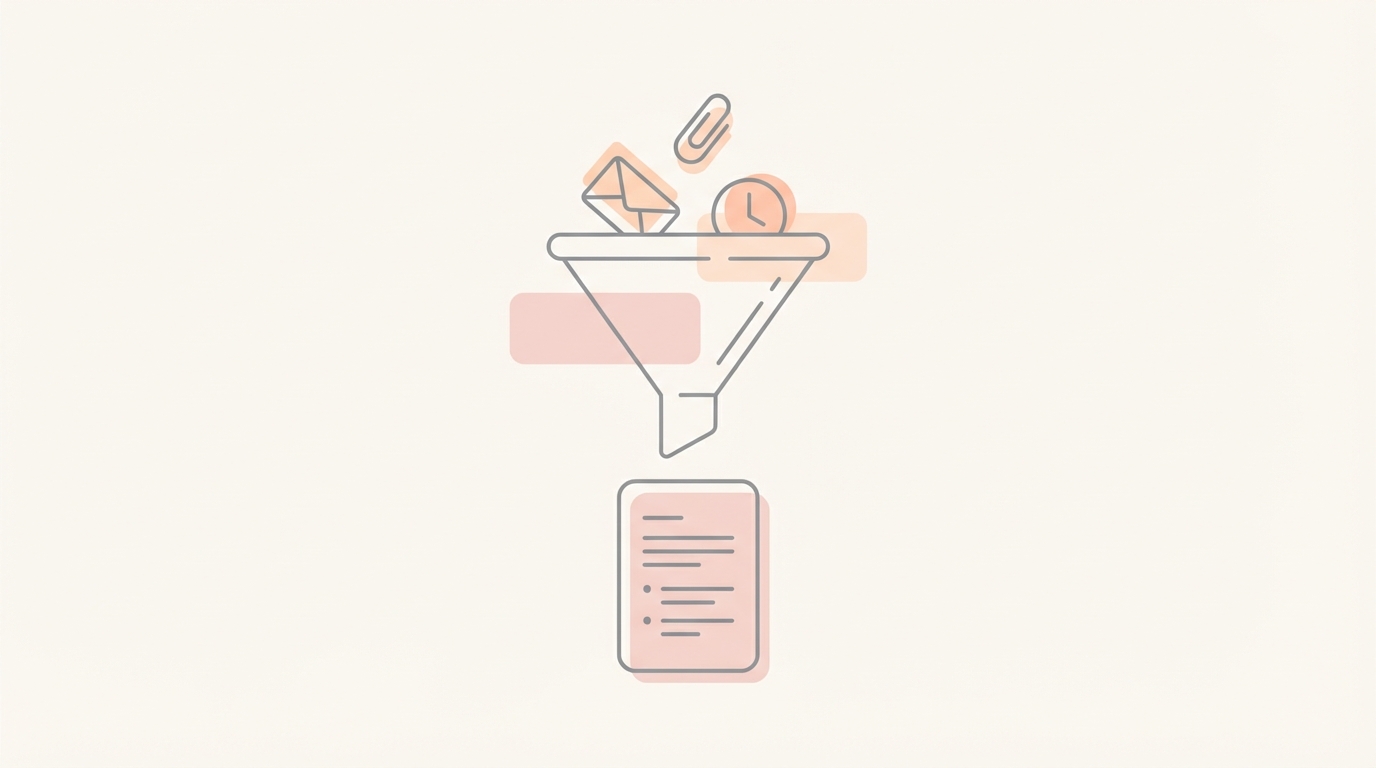
Jace doesn't just look at the latest message. It reads the full thread, including quoted replies, and can import up to three years of history to understand the relationship. It also reads attachments like PDFs and Word docs for context, ensuring that the drafts it prepares are grounded in the actual facts of the conversation.
4. Drafts = Work Already Started
The output of this system is a draft. When you open Jace, you aren't looking at a list of problems to solve; you are looking at a list of solutions to review. You can approve, edit, or discard every draft. This "draft-first" posture ensures you maintain total control while moving significantly faster.
Founder Workflows: From Failure to Leverage
Workflow 1: The High-Stakes Sales Lead
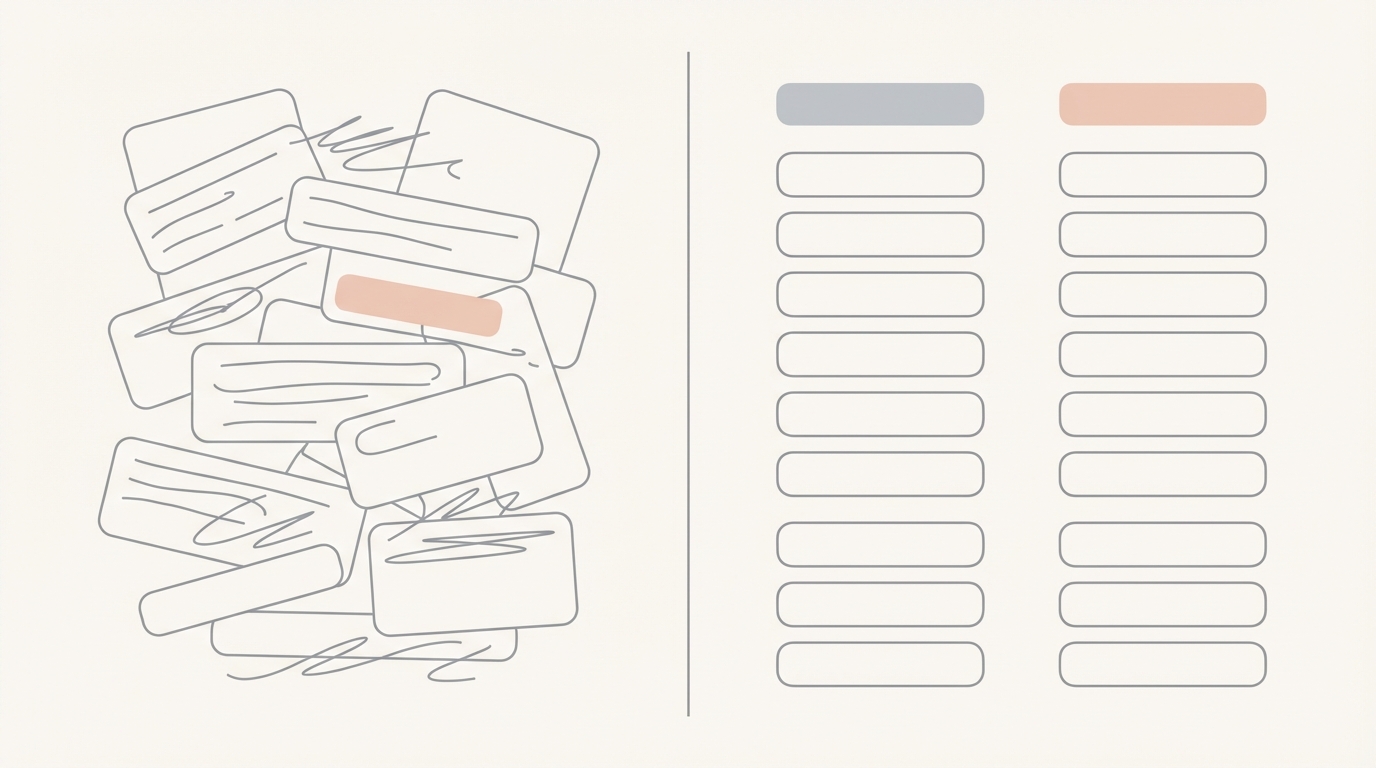
- Moment of Failure: A hot lead emails on a Friday afternoon. You see it, but you're heading out. By Monday morning, it's buried under 50 other emails.
- Moment of Leverage: You apply a "Sales" label. Jace sees the label, reads the lead's request, checks your calendar for availability, and drafts a reply with three possible meeting times.
- Trade-off: Jace might suggest a time that you've technically kept free but would prefer not to use for meetings.
- Limitation: You must verify the suggested times against your personal preferences before hitting send.
Workflow 2: The Vendor Invoice Chase
- Moment of Failure: You send an invoice to a vendor. They don't reply. You forget to follow up until three weeks later when your cash flow looks tight.
- Moment of Leverage: You apply the "Waiting" label to the sent email. If no reply arrives within 3 days, Jace automatically prepares a polite follow-up draft for your review.
- Trade-off: The follow-up might be prepared even if the vendor reached out via a different channel (like Slack).
- Limitation: Always check if the loop was closed elsewhere before approving the follow-up draft.
Workflow 3: The Complex Project Coordination
- Moment of Failure: A project thread grows to 20+ replies with multiple attachments. You lose track of the latest version of the contract.
- Moment of Leverage: Jace tracks the full history and reads the latest .docx attachment. When the partner asks for a summary of changes, Jace drafts a response based on the actual document content.
- Trade-off: Jace provides a summary based on text, but may not capture the "vibe" of a negotiation.
- Limitation: Review the summary to ensure the tone matches the current state of the relationship.

Common Mistakes in Inbox Management
Over-complicating Folder Structures Creating dozens of nested folders makes it harder to find things and increases the effort required to file new mail. Instead, use a few broad labels and rely on search and agent-driven surfacing.
Treating the Inbox as a To-Do List Leaving emails in the inbox as "reminders" creates visual clutter and anxiety. Instead, use labels to trigger drafts or follow-ups, then archive the thread.
Ignoring Thread History Replying to the latest message without reviewing the previous context leads to contradictions and errors. Instead, use an agent that reads the full thread and attachments to ensure consistency.
Manual Follow-Up Tracking Trying to remember who hasn't replied to you is a recipe for missed opportunities. Instead, use a "Waiting" label system to automate the "safety net" of follow-ups.
Defaulting to Auto-Send Relying on AI to send emails without review can lead to embarrassing mistakes and lost trust. Instead, maintain a review-first posture where every automated action starts as a draft.
Copy/Paste Rules for Your Inbox
You can add these natural-language rules to Jace to start surfacing important threads immediately:
- "When a thread is labeled 'Needs Reply', draft a response that matches my tone and addresses the sender's specific questions."
- "If an email contains an invoice or a request for payment, draft a reply acknowledging receipt and stating that I will review it shortly."
- "When someone asks for a meeting, check my Google Calendar for free slots next week and include them in the draft."
- "If a thread is labeled 'Waiting' and has no reply for 3 days, prepare a polite follow-up draft to check on the status."
- "For any email from a sender with a '.gov' or '.edu' domain, prioritize the thread and draft a professional response immediately."
- "When a thread involves a contract or legal document attachment, summarize the key points in the draft for my review."
Conclusion
The goal of inbox organization isn't to have zero emails; it's to have zero friction. By moving away from manual folders and toward a decision-based system, you free up the mental space needed to actually grow your business. Jace doesn't just sort your mail, it starts your work.
