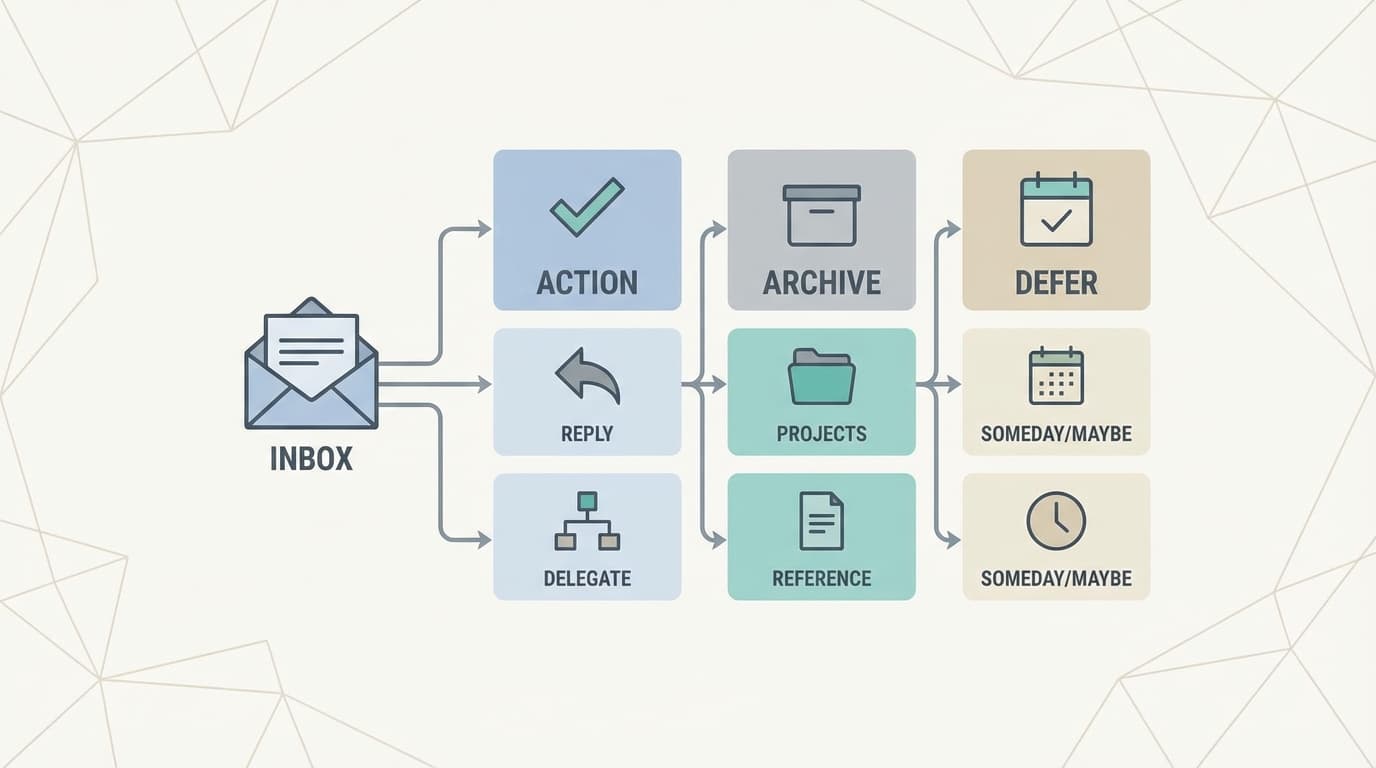
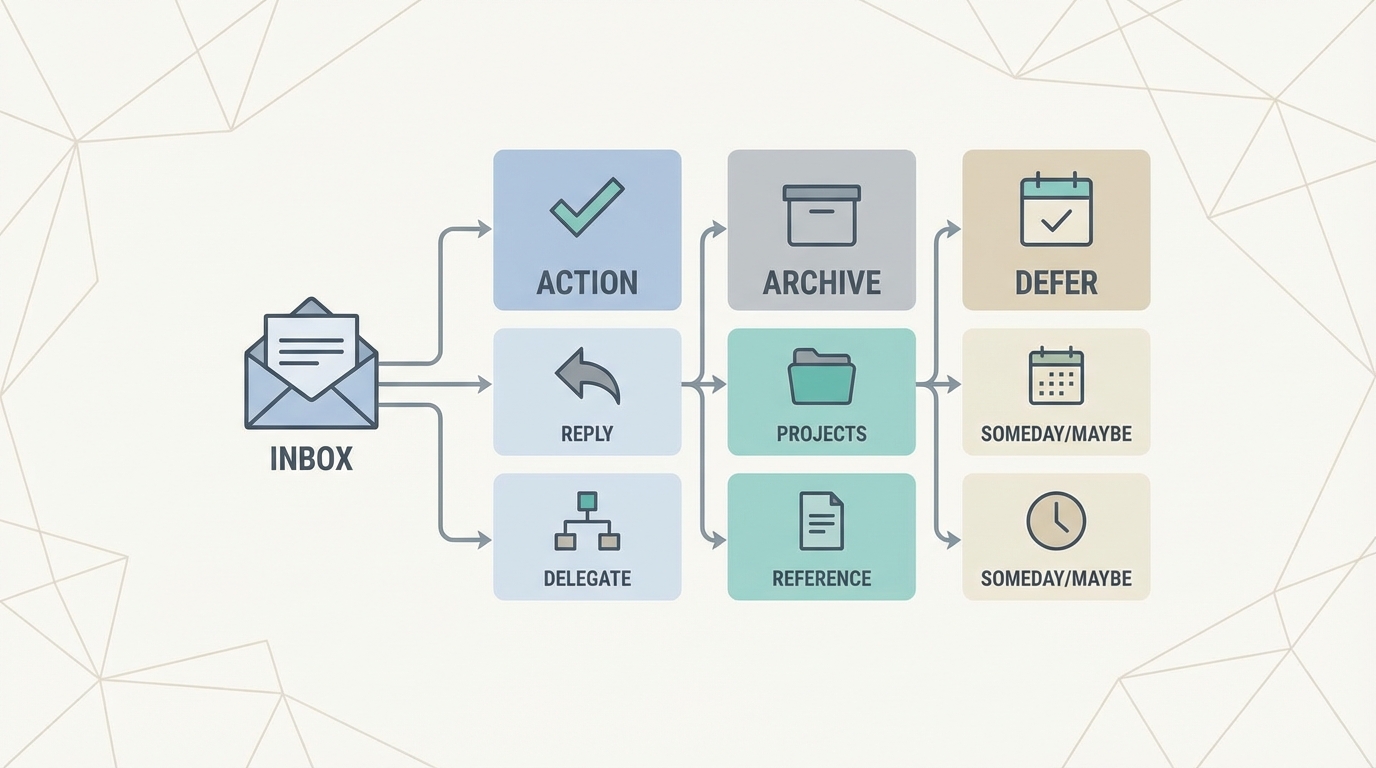
Clear the backlog by reducing decisions, not typing faster.
Returning from a vacation or a deep-work sprint to 300 unread emails is a specific kind of weight. It is not the volume of text that creates the burden; it is the volume of decisions. Every unread message represents a micro-choice: Do I reply? Do I archive? Do I need to check a document first?
Most people try to solve this by typing faster. They spend three days "catching up," only to find a new backlog has formed while they were buried in the old one. This is "Inbox Zero Theater", the act of moving things around without actually closing loops. You can get "caught up enough" in one afternoon. The goal isn't a pristine empty screen; it is the confidence that nothing important is neglected. This requires a system that separates sorting from doing.
The Psychology of the Backlog: Why We Freeze
Before diving into the mechanics, we must address why a backlog is so paralyzing. It isn't just the work; it's the open loops. Each unread email is a tiny cognitive leak. When you see "Re: Q4 Planning" from your boss, your brain immediately starts simulating the meeting, the missing data, and the potential conflict. Multiply that by 300, and you have a recipe for burnout before you've even typed "Hi."
The "Theater" of Inbox Zero involves moving these leaks into folders like "To Do" or "Waiting." But unless you've actually made a decision on the content, the leak remains. True triage is about closing the loop or scheduling its closure with such certainty that your brain can stop simulating it.
Common Backlog Archetypes
Not all backlogs are created equal. Identifying which one you're facing helps you choose the right intensity of triage.
- The Post-Vacation Pile: High volume, mostly noise, but with 3-5 "landmines" (urgent escalations) hidden in the middle.
- The Sprint Shadow: The emails you ignored while finishing a major project. These are usually high-context and require deep thought.
- The Slow Creep: The result of a month of "I'll get to that later." This is the hardest to clear because the context has grown cold.
- The CC-Storm: You were copied on a 50-email thread while away. You don't need to act, but you might need to know the outcome.
The 5-Step Triage Framework
To clear a backlog, you must treat your inbox like a triage center, not a storage unit.
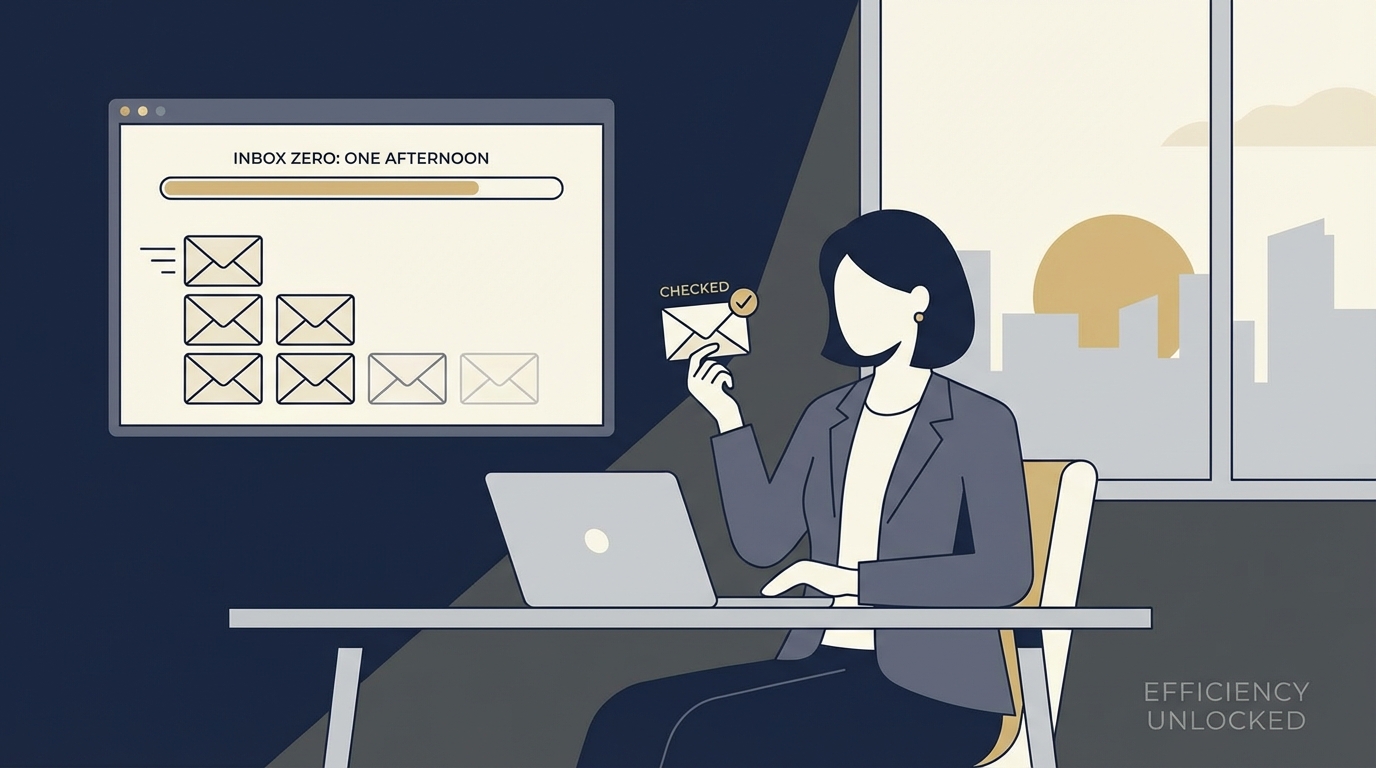
Five steps, clear timeboxes, no heroics.
1. Bulk Purge (10 Minutes)
The first step is removing the noise. Search for "unsubscribe," "notification," and "no-reply." Select all and archive. In most cases, if a newsletter was important, you would have seen it elsewhere. If an automated notification was critical, the sender would likely have reached out through another channel. Clearing the noise allows you to see the signals that actually require your attention.
Don't overthink this. If you haven't missed the "Weekly Industry Roundup" in the last three years, you won't miss this specific edition. Archive it. If it's a Jira or Slack notification, the source of truth is in those apps, not your email.
2. Dead-or-Alive Scan (20 Minutes)
Scan subject lines only. Do not open the emails. Archive anything older than 14 days that isn't from a key client or your direct supervisor. If a request was truly urgent, the sender has likely followed up. If they haven't, the window for a timely response has often passed. This isn't about being rude; it's about acknowledging that you cannot solve two-week-old problems while today's priorities are piling up.
For those "borderline" emails, the ones where you feel a twinge of guilt, remember that a late response is often worse than no response if it just restarts a dead thread. If you must, send a "Sorry I missed this, hope it worked out" message later, but for now, archive.
3. Quick Closes (45 Minutes)
Open only the emails that require a "yes," "no," or a simple date. If a reply takes less than 120 seconds, do it now.
Realistic 2-minute examples:
- "Re: invoice #1842" -> "Confirmed, I've passed this to accounting."
- "Can we move Thursday's sync to 3 PM?" -> "Yes, works for me. Updated the invite."
- "Did you get the final deck?" -> "Yes, looks great. No further notes."
- "Who is the lead on the Smith account?" -> "That's Sarah. CC'ing her here."
If it requires you to open a spreadsheet, call someone, or "think about it," it is NOT a quick close. Move it to the next step.
4. The Decision Matrix (90 Minutes)
For everything else, use a simple matrix to decide the next action. This is where you handle the "landmines" and the "Sprint Shadow" emails.
| Category | Action | Example |
|---|---|---|
| High Stakes / Urgent | Draft immediately | VIP client request, legal deadline, server outage |
| High Stakes / Not Urgent | Schedule for tomorrow | Strategic proposal review, quarterly planning |
| Low Stakes / Informational | Archive after reading | Project status update (FYI), general company news |
| Delegatable | Forward with context | "Can you handle this invoice?" or "Please update the CRM" |
5. Triage Plans by Time Available
Depending on how much time you have, your approach should change. You don't always need the full four hours.
- 60 Minutes: Focus on Steps 1, 2, and 3. You'll remove the noise and handle the easy wins. This is perfect for a Monday morning.
- 120 Minutes: Steps 1-4. You'll identify the high-priority items and ensure nothing is on fire.
- 240 Minutes: Full Triage + Deep Work. This is the "One Afternoon" clear-out where you actually close the loops.
Realistic Scenarios: The Post-Vacation Reality
Let's look at how this applies to real-world scenarios you might find in your backlog:
- The Vendor Invoice: You find an invoice from three weeks ago. Instead of panicking, you check the thread. If it's already been handled by a colleague, archive. If not, forward to finance with a "Please prioritize" note.
- The Customer Escalation: A client was unhappy while you were away. Check the most recent email in the thread first. Often, a teammate has already smoothed things over. If not, this goes into "High Stakes / Urgent."
- The Calendar Reschedule: Someone asked to move a meeting that has already happened. Archive. There is no value in replying to a request for a past event.
- The Internal FYI: A 20-person thread about the new office coffee machine. Archive. If the coffee changes, you'll find out when you walk into the kitchen.
When NOT to Respond
One of the biggest contributors to a backlog is the "politeness reply." We feel the need to say "Thanks!" or "Got it!" to everything. In a backlog situation, this is a mistake. Every "Thanks!" you send is a potential "You're welcome!" back into your inbox.
Do not respond if:
- The information is purely FYI and no action was requested.
- You are the 10th person on a CC chain and the primary actors have already reached a conclusion.
- The request is so old that it is no longer relevant (e.g., "Are you coming to the lunch today?" from last Tuesday).
- A simple "Like" or "React" on a different platform (Slack/Teams) would suffice.
Edge Cases and Realistic Constraints
Not every email fits a perfect category. Legal or compliance threads often require checking multiple documents before a "quick" reply is possible. In these cases, the goal is to move the email out of the inbox and into a "Review" folder with a specific deadline.
For VIP clients, the rule of "archive if older than 14 days" does not apply. These require a proactive "I'm back and reviewing this now" message to maintain the relationship, even if the full answer takes another day.
Time zones also play a role. If you are clearing your backlog at 4 PM in New York, your London colleagues are asleep. Sending 50 emails now means you'll wake up to 50 replies tomorrow. Consider using "Schedule Send" to stagger your responses and prevent a fresh backlog from forming immediately.
How Jace Fits Into the Triage
Jace is designed to handle context gathering and drafting, keeping you in the loop without the manual labor.
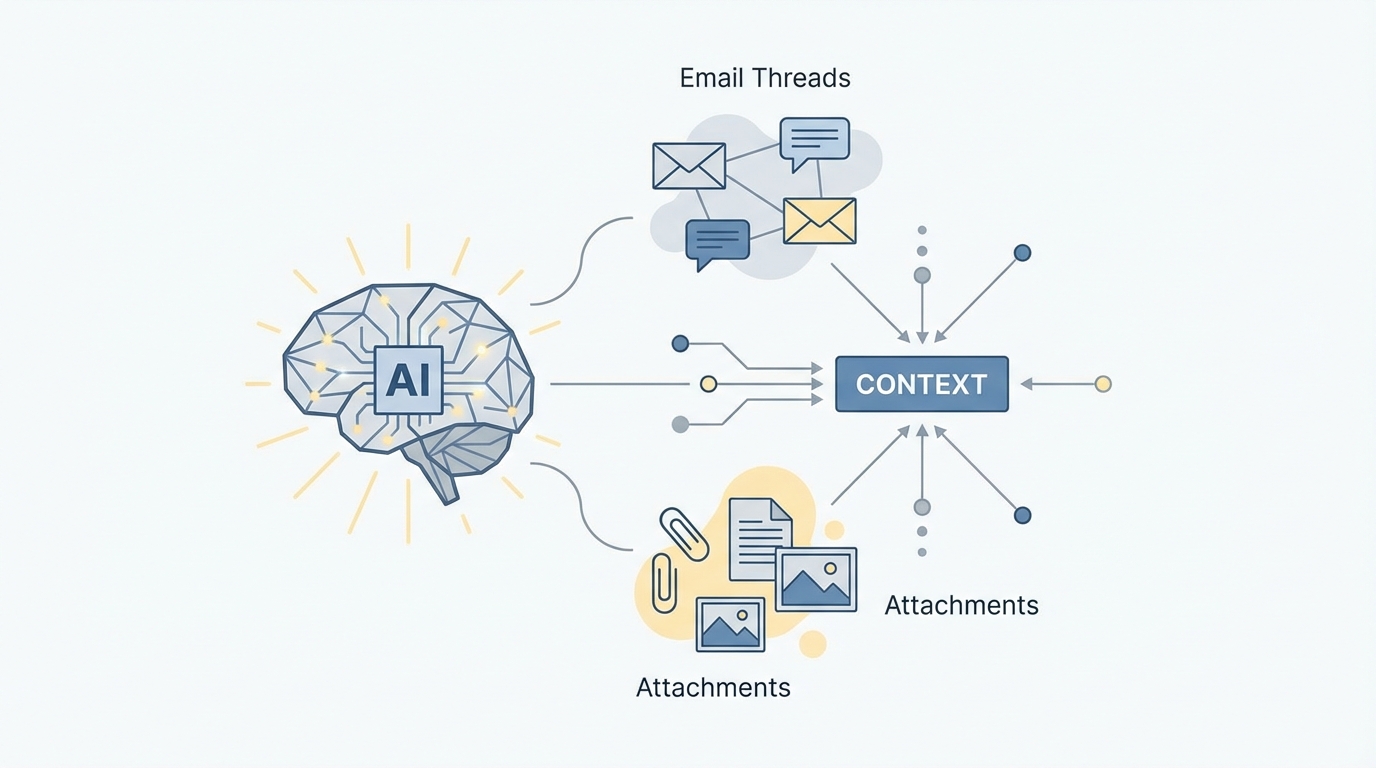
Threads + attachments → decision-ready drafts (with human approval).
Context-Aware Drafting
Instead of opening every thread to remember where a project left off, Jace reads the full thread history and any attached PDFs or spreadsheets. It then prepares a draft that reflects the conversation context.
For example, if a client asks about a specific project milestone, Jace finds the relevant attachment in the thread history and drafts a response referencing the dates and deliverables. You review the draft, verify the specifics, and send. This turns a 10-minute research task into a 30-second review task.
Smart Rules and Labels
You can set persistent rules for Jace to follow. If you want all invoices from a specific vendor to be labeled "Finance" and a draft reply created for your review, you set that rule once. When matching emails arrive, Jace prepares the drafts. You remain the final decision-maker, approving the content before anything is sent. This ensures that even while you are away, the "Quick Closes" are being prepared for your return.
Common Mistakes to Avoid
- The "Read and Mark Unread" Loop: This is the fastest way to burn mental energy. If you open it, decide on it. If you can't decide, move it to a "To Decide" folder, but don't leave it in the inbox.
- Over-Organizing: You don't need 50 folders. You need a "Search" bar and a "Done" button. The time spent filing emails into "Project X / Subfolder Y / Invoices" is time you could have spent actually working.
- Waiting for Perfection: A 90% correct reply sent today is better than a 100% perfect reply sent next week. In a backlog, momentum is more important than perfection.
What to Do Next Week to Prevent Relapse
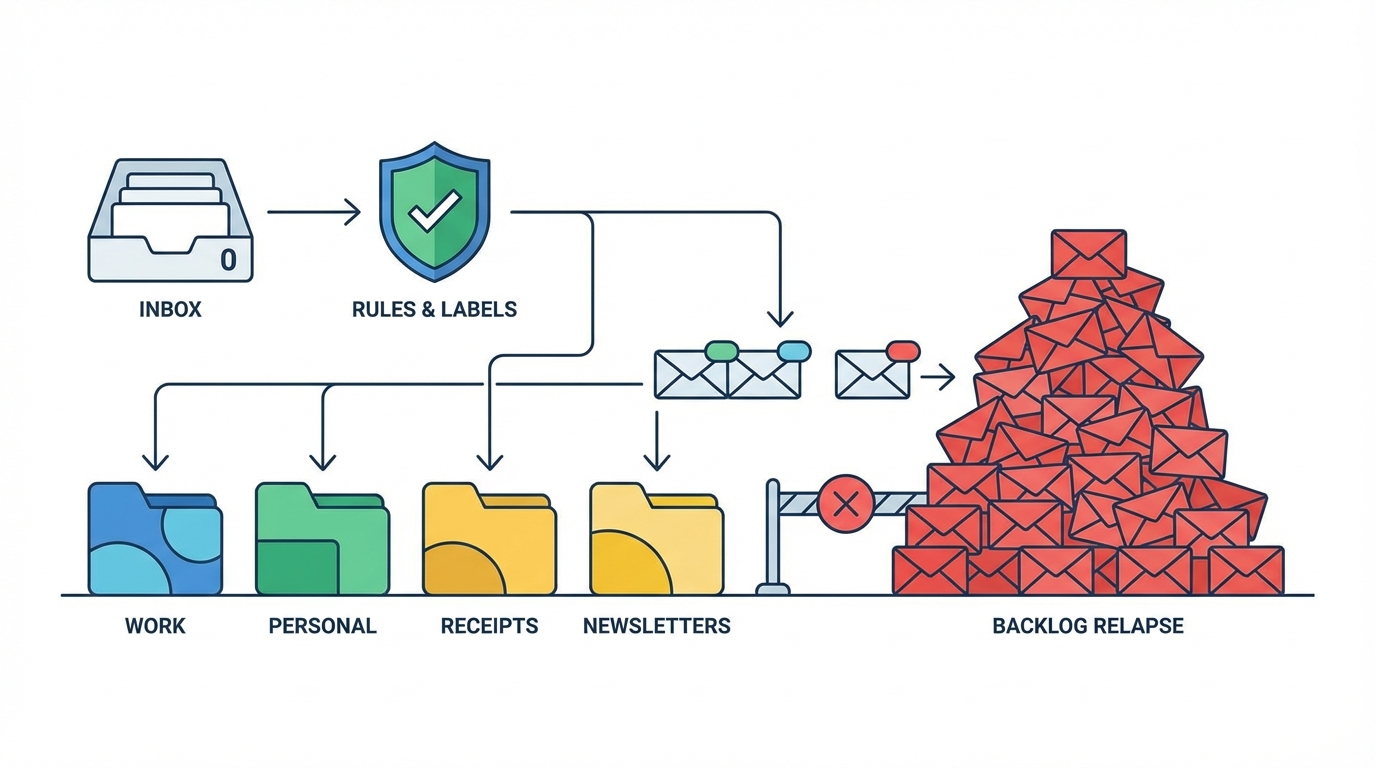
Labels become lightweight triggers for consistent follow-ups.
To keep the backlog from returning, spend the last 15 minutes of every Friday running Step 1 (Bulk Purge). Set up Jace rules for your most frequent "Quick Close" scenarios so that when you open your inbox on Monday, you are reviewing drafts rather than staring at blank screens.
The goal of email management isn't to spend more time in your inbox; it's to spend less. By separating the decision from the action and leveraging Jace to handle the context gathering, you can clear 300 emails in an afternoon and keep it that way.
The key to a sustainable inbox isn't working harder; it's building a system that works while you aren't.
