You just finished a discovery call with a qualified prospect. Strong fit, clear pain, budget confirmed. You promised to send a recap with next steps by end of day. You open your inbox and see 23 unread messages. Three of them are deals from last week that went silent. You meant to follow up. The recap goes out. You label the thread mentally as "important" and tell yourself you'll check back Friday if they don't reply.
Friday arrives. You don't check back. The thread dies.
This is not a time management problem. It is a follow-up control problem. And it kills more deals than bad discovery, weak positioning, or slow response times combined.
The Deal-Death Pattern in Email
Deals stall in predictable ways. Momentum from the call, good intent on both sides, and then silence. Not rejection. Just entropy.
Here are the five most common stall points:
- Vague commitments without dates: "Let's circle back next week" becomes "I'll reach out when I have bandwidth" becomes ghost mode.
- Missing ownership after multi-stakeholder threads: Six people on the email, zero clarity on who decides or who acts next.
- Follow-ups that depend on memory: You intend to nudge in three days. Three days pass. You remember on day seven. The window closed on day four.
- Context loss in long threads: Twelve messages deep, three attachments, two pricing versions, one buried objection you forgot to address in your last reply.
- No mechanism to surface stalled threads: You don't have a system to know what is waiting on you versus what is waiting on them versus what died two weeks ago.
Speed does not fix these problems. You can reply in 90 seconds and still lose the deal if you never follow up, if your next step is ambiguous, or if you ask a question that was already answered in message six.
Why Speed-First AI Doesn't Save Deals
Most email AI tools focus on one thing: help you write faster. Draft a reply in three seconds instead of three minutes. Summarize a thread so you can skim it in ten seconds instead of two minutes.
This is useful. It is also insufficient.
Writing faster means you can process more threads in less time. But it does not:
- Prevent you from forgetting to follow up three days later when they don't reply.
- Remind you that the prospect already said their fiscal year starts in July, so your "end of quarter" urgency makes no sense.
- Catch that you are about to send a generic "just checking in" email that adds zero value.
- Track that you promised to loop in your Head of Engineering and never did.
- Surface the thread that has been waiting on their procurement team for 11 days with no movement.
Speed-first AI helps you respond. It does not help you close loops. And deals die in the loops, not in the first reply.
The Sales Follow-Up Control Framework
Pipeline control in email requires five things. Not a CRM replacement. Not a new client. A discipline.
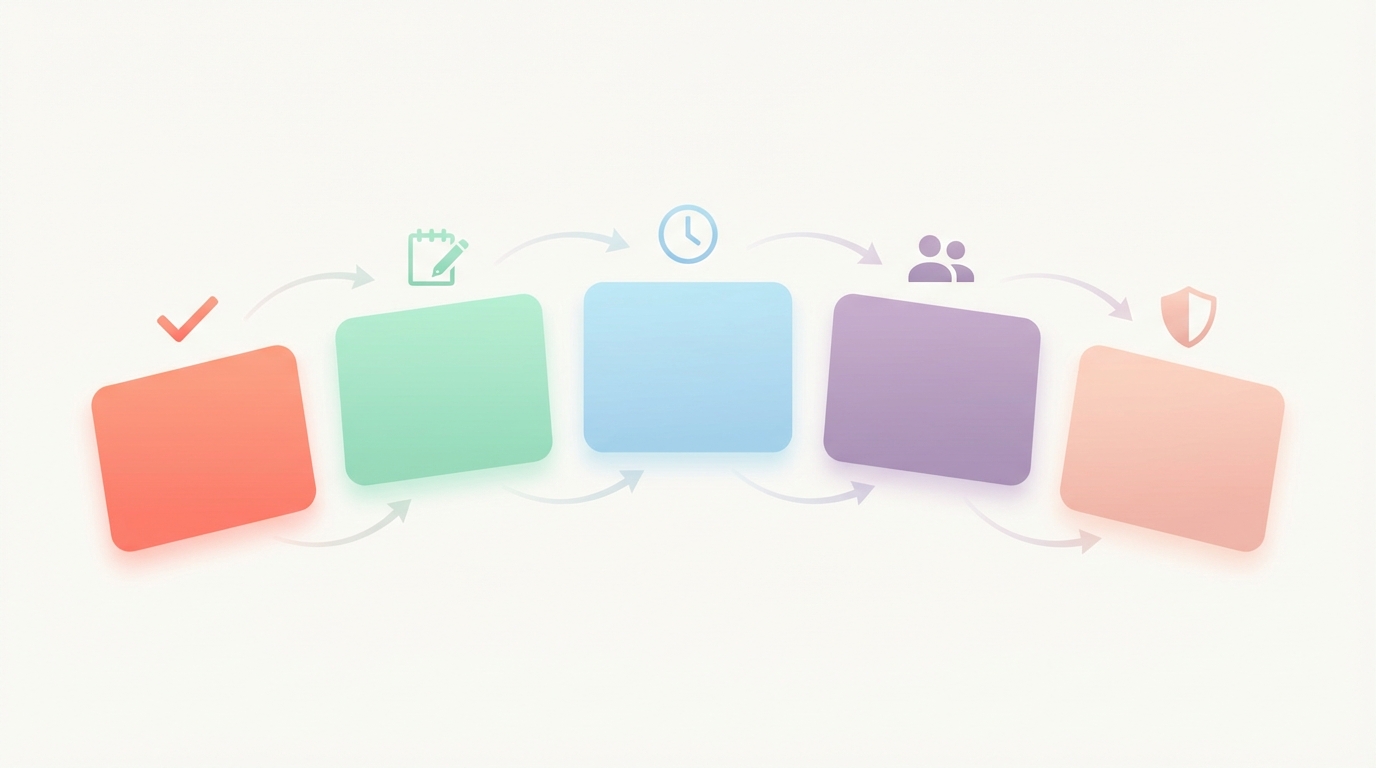
Make Next Steps Unmistakable
Every outbound email should end with clarity on what happens next and when. Not "Let me know your thoughts." Not "Looking forward to hearing from you." Concrete, dated, owned.
Your checklist:
- State the specific action you want from them (reply, review, decide, intro).
- Include a date or timeframe ("by Friday" or "before month-end").
- If the action is on your side, commit to a date and honor it.
- If multiple next steps exist, number them and assign owners.
- Test: If someone else read your email cold, would they know exactly what to do next?
Capture Commitments While They're Fresh
Promises made on calls evaporate if you don't write them down immediately. The prospect said they would intro you to their VP of Ops. You said you would send case studies from their vertical. These commitments are deal-critical. If you don't document them in the thread, you will forget or misremember.
Your checklist:
- Send a recap email within two hours of the call, not "later this week."
- Include what they committed to and what you committed to, with dates.
- Attach or reference anything promised during the call (deck, pricing, one-pager).
- Use your recap as the single source of truth for the next step.
- If they correct something in your recap, update your notes immediately.
Close Loops on a Schedule (Not on Memory)
Human memory is not a follow-up system. You will forget. The question is whether you have a safety net that drafts the follow-up even when you forget to do it manually.
Your checklist:
- After sending a high-stakes email, mark it for follow-up tracking (label, flag, or system trigger).
- Set a follow-up interval based on context (3 days for fast-moving deals, 7 days for procurement loops).
- Review a list of pending follow-ups at least twice per week.
- When the follow-up window closes with no reply, send a value-forward nudge, not "just checking in."
- If still no reply after two nudges, move the thread to a low-priority review list and focus on live deals.
Keep Thread Context and Stakeholders Visible
Deals often involve multiple people, multiple versions of documents, and evolving terms. If you lose track of who said what or which pricing you sent, you waste their time and damage credibility.
Your checklist:
- Before replying, skim the full thread to catch commitments, objections, or promises.
- Check attachments: are you working from the latest version?
- Confirm stakeholders: did someone new get added mid-thread? Do they need context?
- Avoid asking questions that were already answered three emails ago.
- If the thread is long and messy, send a clean reset email summarizing the current state and next steps.
Protect Trust With Review-First Approval
Automated sending without human review is fast. It is also dangerous. One wrong recipient, one incorrect number, one misread tone, and you lose the deal or worse, damage the relationship.
Your checklist:
- Review every sales email before it goes out, even if AI drafted it.
- Check recipients (to, cc, bcc) carefully. Are you accidentally "reply all" bombing 40 people?
- Verify numbers, dates, and proper nouns. AI does not know your Q2 starts in April or that their company name has a hyphen.
- Read the draft out loud or imagine the recipient reading it. Does it sound like you, or like a bot?
- If something feels off, rewrite it. Speed is not worth sending a mediocre email.
What This Looks Like With Jace
An inbox agent is not a writing assistant. It is a workflow layer that operates on top of your existing email client (Gmail or Outlook) and prepares drafts, tracks follow-ups, and keeps context available when you need it.
Here is how sales leaders use it to prevent deals from dying:
After a sales email or post-call recap, label the thread "Waiting." This tells the system that you are waiting on a reply and want a safety net. If no reply arrives within three days, a follow-up draft appears in your review queue. You approve it, edit it, or discard it. Nothing sends automatically unless you explicitly enable auto-send for that specific label (opt-in only).
Use the "Needs Reply" label for inbound questions, objections, or contract threads. When a prospect asks a pricing question or raises an objection, label it "Needs Reply" and a decision-ready draft appears in your queue. The draft pulls full thread context, references prior commitments, and formats the response to match your rules (more on that below). You review and send.
Create Rules to standardize your sales communication. Rules are natural language instructions that shape how drafts are written. For example: "All sales recaps must include: Summary of what we discussed, Decisions made, Next steps with dates and owners, Open questions. Keep it under 200 words. Use bullet points. End with a single clear ask." Once you set a rule, every draft follows it. You can update or delete rules anytime.
Leverage full thread history and attachments. The system reads the entire thread, including quoted replies, and imports up to three years of prior email history with that contact. It also reads text-based PDFs, Word docs, images, and text files attached to the thread. This means it can reference the pricing you sent last month, the objection they raised in message four, or the stakeholder they mentioned two calls ago. You avoid repeating questions and keep continuity.
Use draft calendar events to reduce meeting ping-pong. When a prospect says "Let's schedule a follow-up call," you can draft both a calendar invite and a reply in one step. The invite is review-first (nothing sends until you approve). You can propose three time slots, include timezone conversions, and add a Google Meet link. Once approved, the invite goes out with the email.
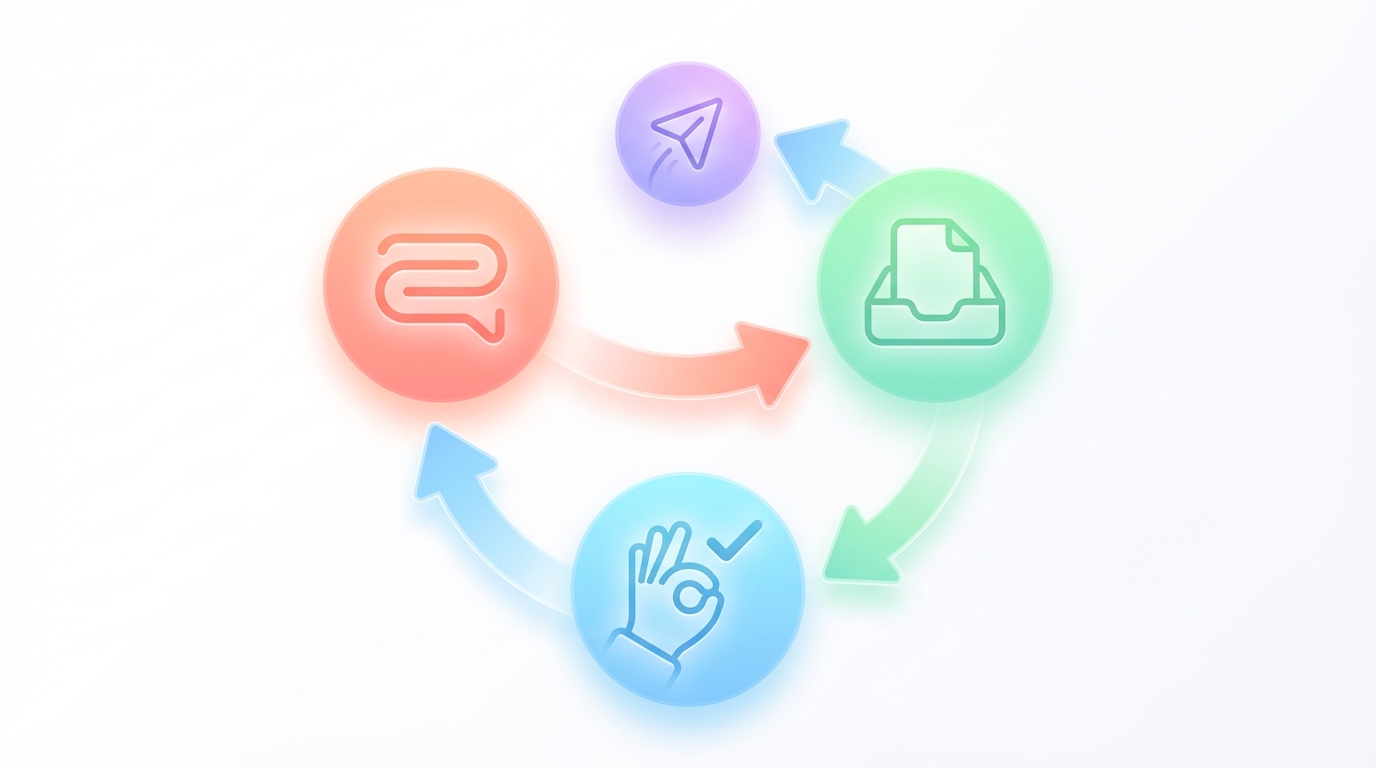
The result: deals do not die from forgetting to follow up. They do not die from losing context. They do not die from vague next steps. You still decide what to send and when to send it. You just do not rely on memory to surface what needs attention.
A Simple Inbox Operating System for Pipeline
Sales leaders who maintain pipeline control in email follow a lightweight routine. It does not require inbox zero. It requires discipline on two things: labeling and reviewing.
Two daily email blocks:
- Morning block (20-30 minutes): Process overnight replies, label new threads ("Needs Reply" for inbound questions, "Waiting" for sent emails you want tracked).
- Afternoon block (15-20 minutes): Review and approve drafts, send follow-ups, clear anything that can be handled in under two minutes.
Label discipline:
- "Needs Reply" goes on anything inbound that requires a thoughtful response or decision.
- "Waiting" goes on any outbound email where you are waiting on them (proposals, recaps, follow-ups after calls).
- Archive or label as "FYI" anything that does not need action (confirmations, receipts, low-priority updates).
Review-first approval habit:
- Do not send any draft without reading it fully. Check recipients, verify numbers, confirm tone.
- If a draft is 80% right, edit it. If it is 50% right, rewrite it. Speed is not worth sending a mediocre email.
- Set a personal rule: no sales email goes out after 7 PM or before 7 AM in the recipient's timezone unless it is time-sensitive.
Weekly sweep for stalled threads:
- Friday afternoon (or Monday morning): review threads labeled "Waiting" that have been silent for more than seven days.
- Decide: send one final nudge, move to a "long-term nurture" label, or close the loop and move on.
- Do not let dead deals clutter your active pipeline. If they are not responding after two follow-ups, they are not a deal right now.
Common Mistakes That Kill Follow-Ups
Even with a system, bad habits kill deals. Here are seven mistakes and how to fix them.
Mistake: Writing follow-ups that are too long. Instead: Keep follow-ups under 100 words. One question or one value point. Not a wall of text.
Mistake: No deadline or date in your ask. Instead: Always include a date. "Can you confirm by Friday?" or "Let me know by end of week."
Mistake: Asking multiple questions in one email. Instead: One question per email. If you must ask two, number them and make them yes/no or multiple choice.
Mistake: Not confirming stakeholders before sending. Instead: Before sending anything sensitive (pricing, contracts, terms), confirm who should be on the email.
Mistake: Sending before reviewing recipients and numbers. Instead: Read the "To" and "CC" fields out loud. Check every number, date, and proper noun. One mistake kills trust.
Mistake: Using "just checking in" as your follow-up. Instead: Add value. Share a case study, a relevant article, a specific question. If you have nothing valuable to say, wait.
Mistake: Not tracking what you promised. Instead: After every call or email where you make a commitment, write it down in the thread immediately. You will forget otherwise.
FAQs
How do I stop deals from going cold in email? Mark outbound threads for follow-up tracking (label them or use a system trigger). Set a three-day follow-up window. If no reply, send a value-forward nudge. If still no reply after two attempts, move the thread to a low-priority list and focus on live deals.
What's the best follow-up cadence without being annoying? Three days after the first email, seven days after the second. If still no reply, one final nudge after another week, then stop. Exception: if they gave you a specific timeline ("we will decide by month-end"), follow up the day after that date.
How do I write follow-ups that get replies? Keep them under 100 words. Ask one specific question or share one specific piece of value (case study, article, insight). Avoid "just checking in." End with a single clear ask and a date.
How do I avoid losing context in long threads? Before replying, skim the full thread. Check what was already discussed, what was promised, which version of pricing or terms you sent. If the thread is too long and messy, send a reset email summarizing current state and next steps.
Can this work with Gmail and Outlook without switching clients? Yes. Inbox agents like Jace operate on top of your existing email client. You still use Gmail or Outlook. The agent prepares drafts and tracks follow-ups in a separate review interface. You approve and send from the interface or directly from your email client using a Chrome extension.
What should I verify before sending an AI-assisted sales email? Check recipients (to, cc, bcc). Verify all numbers, dates, and proper nouns. Read the draft out loud to confirm tone. Make sure the next step is clear and dated. If anything feels off, rewrite it. Never send a draft you would not have written yourself.
Stop Letting Deals Die in Your Inbox
Deals do not die from slow responses. They die from missed follow-ups, vague commitments, and lost context. Speed-first AI helps you write faster. An inbox agent helps you close loops, track commitments, and protect pipeline control without switching tools or clients.
If you manage deals through email and want a system that prevents threads from going cold, try Jace at jace.ai.
