How Managers Keep Teams Aligned Through Email (Without Slack Chaos)
TL;DR
- Email hides decisions, commitments, and blockers across long threads and multiple stakeholders
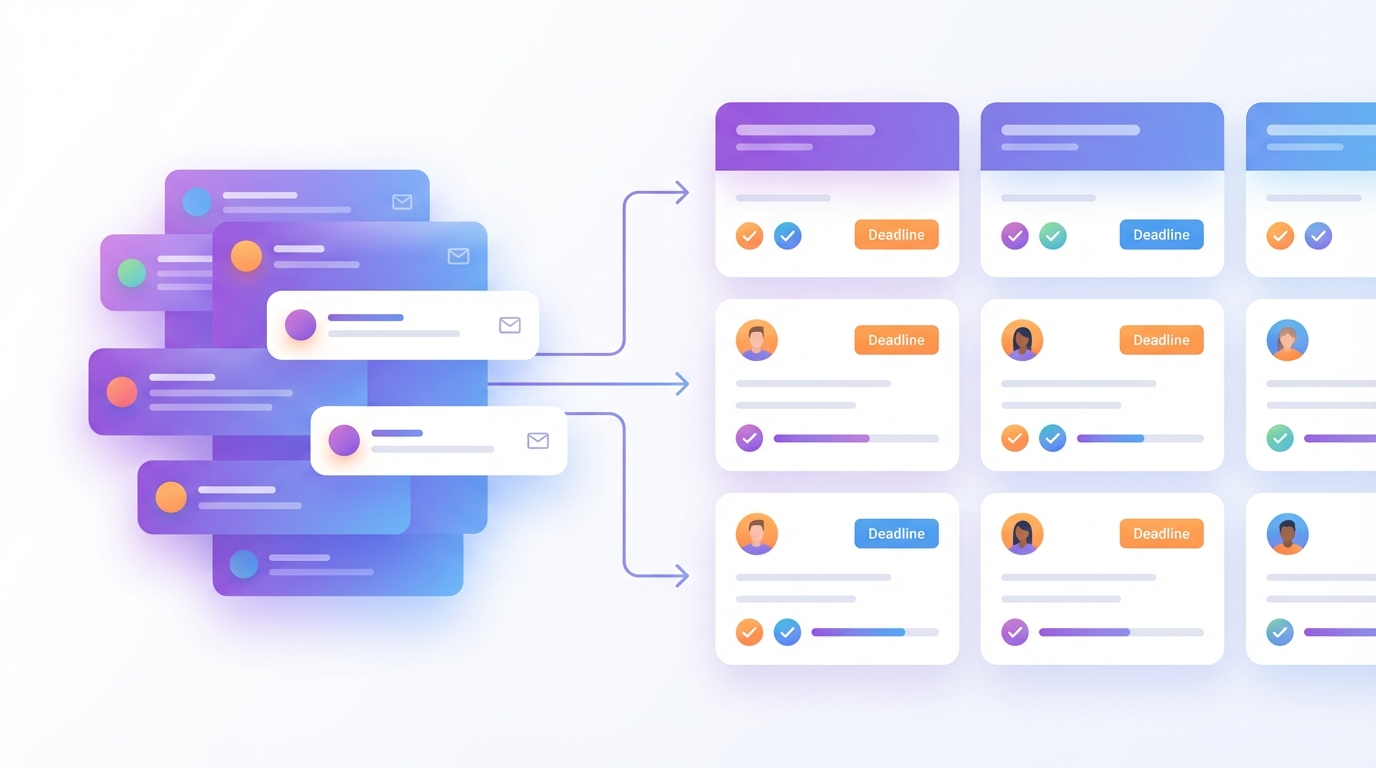
- Managers need three things: what was decided, who owns it, and what's still open
- A review-first workflow turns threads into decision-ready drafts without auto-sending
- Use actionable templates to extract owners, deadlines, and risks from any thread
- Team alignment improves when email produces decisions, not drift
The Alignment Failure Mode: What Email Hides
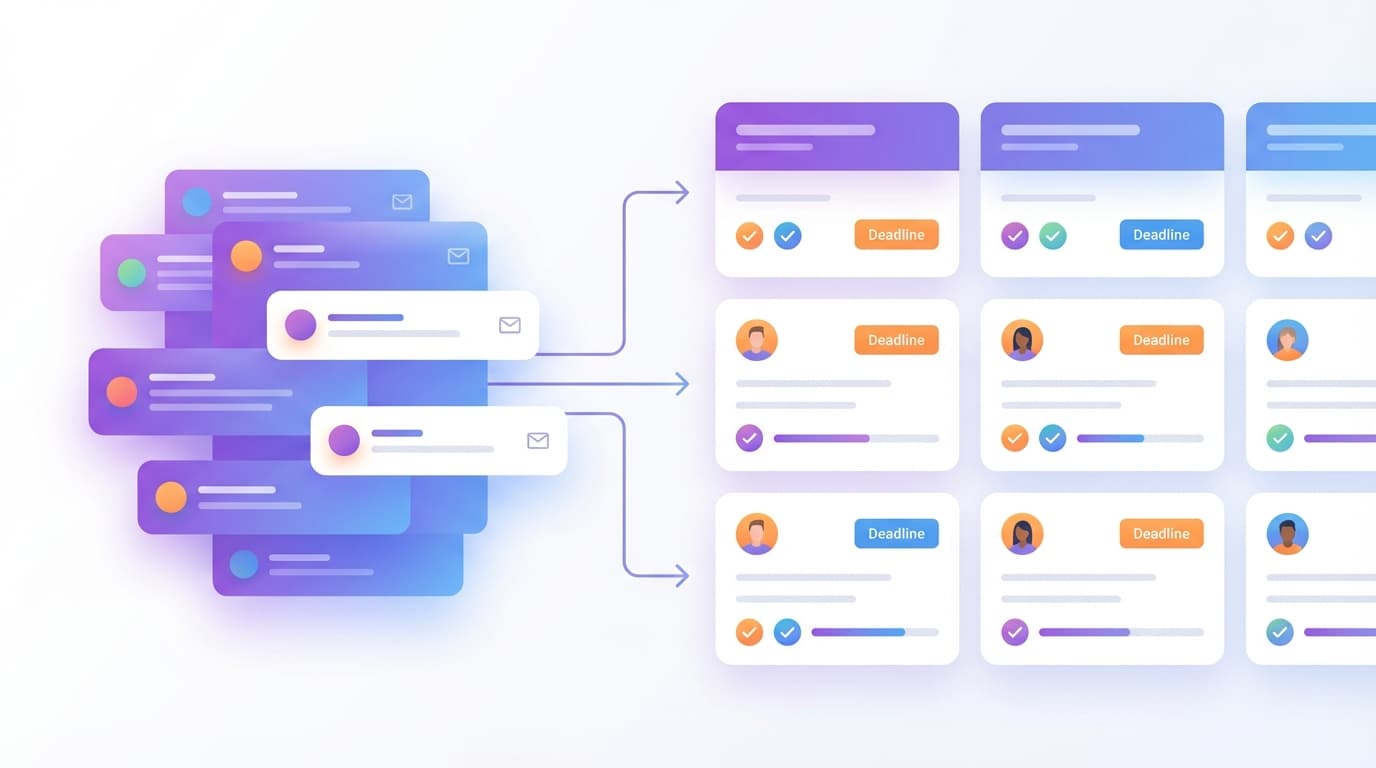
You sent a project kickoff email to six people on Monday. By Friday, the thread has seventeen replies. Engineering asked a clarifying question in reply four. Finance flagged a budget concern in reply nine. The designer CC'd a stakeholder in reply twelve who asked something already answered in reply three. Now someone replies with "Sounds good, let's move forward."
What decision was made? Who owns the next step? What is the actual deadline?
This is the alignment failure mode. The thread contains the information, but it is buried under fragmented replies, vague language, and silent assumptions. You know a decision happened, but you can't extract it cleanly. You know someone needs to act, but ownership is implied, not stated. You know there is a timeline, but "next week" appeared three times in three different contexts.
For managers coordinating work across multiple stakeholders, this is not a communication problem. It is a decision-extraction problem. The inbox is not failing because people are unclear; it is failing because email threads are structurally bad at surfacing what matters. Commitments hide between pleasantries. Blockers appear as offhand remarks. Accountability dissolves into "we'll circle back."
Most managers solve this by re-reading threads, reconstructing timelines, and manually writing recap emails. That works at small scale. At fifteen threads per day, it becomes the bottleneck.

The Three Things Managers Actually Need From Email
When you manage through email, you are not managing messages. You are managing a fragmented database of commitments. The challenge is not reading faster; it is extracting the signal that drives work forward.
Decisions (what was agreed)
A decision is not the same as consensus. "Sounds good" is not a decision. "We will ship version 2.0 with reduced scope by March 15" is a decision. Managers need to know what was locked in, not what was discussed.
Email threads obscure decisions because they are chronological, not hierarchical. The final decision often appears midway through a thread, revised later, then confirmed obliquely in someone's sign-off. If you cannot extract the decision in one sentence, it is not captured.
Commitments (who promised what)
"Someone should look into that" is not a commitment. "Alex will send revised pricing by Tuesday COB" is a commitment. Managers need to know who owns what, with enough specificity that accountability is clear.
Email creates false ownership. When five people are CC'd and you write "Can someone handle this?", everyone assumes someone else will. When you write "Let's get this done," no one knows who "this" refers to. Commitments require names and deadlines, or they evaporate.
Follow-Ups (what's still open)
Most alignment failures happen in the silence. You sent a proposal. No response. You confirmed a meeting time. No calendar invite. You asked for a file. Nothing.
These are open loops. Individually, they are small. Collectively, they create the mental burden of email management for managers. You are not just coordinating work; you are remembering what did not happen. A follow-up is not nagging; it is closing a loop that should not have stayed open.
The Manager Playbook: Decisions, Owners, Deadlines
Here is a step-by-step framework you can run daily or weekly to extract alignment from email threads without rereading everything twice.
Step 1: Identify high-stakes threads
Not every email needs extraction. You are looking for threads that involve:
- Multiple stakeholders (three or more people, especially cross-functional)
- Commitments with consequences (budgets, timelines, contracts, hires)
- Decisions that affect other work (dependencies, scope changes, approvals)
If the thread is purely informational or has a single action item already clear, skip it. Save the framework for threads where misalignment has real cost.
Step 2: Read for decisions, not chronology
Do not re-read the thread from the top. Instead, scan for decision language:
- "We will..."
- "Approved"
- "Confirmed"
- "Final version"
- "Locked in"
If you see vague language like "Sounds good," "Let's aim for," or "Probably," flag it. Those are not decisions; they are discussion. If a thread ends without clear decision language, that is a risk.
Step 3: Extract commitments with owners and deadlines
Go back through the thread and pull out every sentence that assigns work. Look for:
- A person's name (or role, if the person is clear from context)
- A verb (send, review, approve, deliver, schedule)
- A deadline or time reference (Tuesday, EOD, next week, before the meeting)
Write these as "Owner: Action by Deadline." If any of those three elements is missing, the commitment is weak.
Step 4: Identify open loops and risks
Look for anything that was asked but not answered:
- Questions left unaddressed
- Files or links promised but not sent
- Meeting times mentioned but not scheduled
- Approvals needed but not given
These are your follow-up candidates. If the thread is older than three days and a loop is still open, it is at risk of being forgotten.
Step 5: Turn extraction into a reviewable draft
Do not write the recap email from scratch. Use a template (see below) and fill in the extracted pieces. The goal is to produce a draft that you can review, edit, and send in under two minutes. The work is the extraction, not the writing.
Risk Hotspots Checklist:
When reviewing a thread, check for these high-risk details:
- Dates (confirm actual calendar dates, not "next Tuesday")
- Amounts (budget, pricing, headcount)
- Recipients and CC list (is the right stakeholder looped in?)
- Commitments without owners (vague "we should" language)
- Attachments mentioned but not attached
Review-First Workflow: Turning Threads Into Decision-Ready Drafts
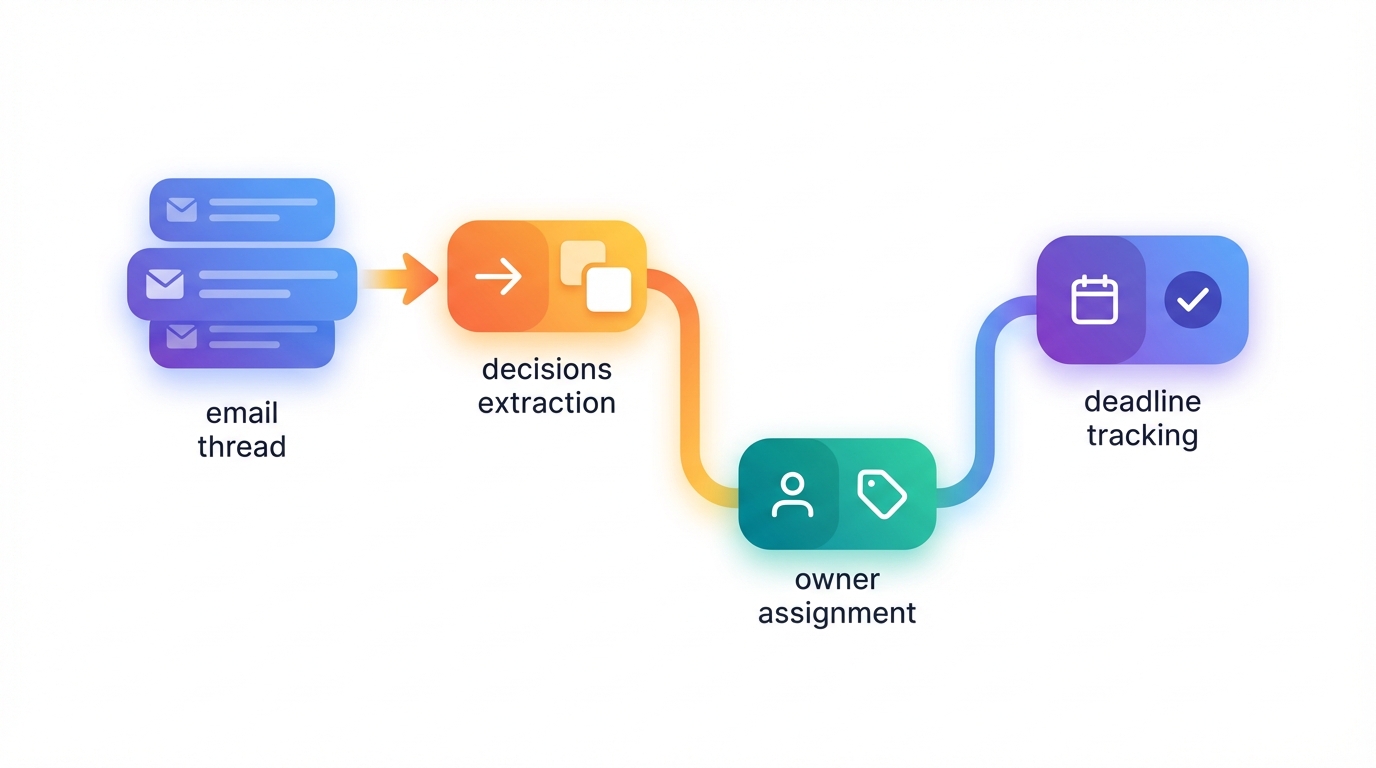
The default posture is review-first. That means any summary, follow-up, or action extracted from a thread is produced as a draft for your approval. Nothing sends automatically unless you explicitly choose otherwise.
This matters for managers because high-stakes threads require judgment. A follow-up to a vendor needs different tone than a nudge to your own team. A recap to a senior stakeholder needs tighter language than an internal update. The system produces the structure; you apply the context.
How It Works
When you apply a label like "Needs Reply" to a thread, Jace reads the full thread (including quoted replies and attachments like PDFs or Word docs) and produces a draft email. That draft appears in your Jace inbox, not in your sent folder. You review it, edit as needed, and approve. Only then does it send.
The same applies to summaries. If you ask for an actionable thread summary, you get back a structured breakdown: decisions, open questions, action items. You can copy it into a task tracker, forward it to your team, or file it for your own reference. It is draft-quality, meaning you verify key details (names, dates, amounts) before acting.
Control and Accountability
Managers coordinate across teams, budgets, and timelines. A misfired email or a misread commitment has real cost. Review-first workflow ensures you stay in control:
- You see the draft before it sends
- You can edit tone, add context, or remove a recipient
- You can discard the draft if the situation changed
- You approve when you are ready, not when the system decides
This is not automation for the sake of speed. It is structured decision-making that removes the blank-page problem without removing your judgment.
Templates You Can Copy
Use these templates as starting points. Fill in the bracketed sections with extracted details from the thread.
Template 1: Actionable Thread Summary
Subject: [Thread topic] — Decisions & Next Steps

Decisions:
- [What was agreed, with enough specificity to be actionable]

Action Items:
- [Owner]: [Action] by [Deadline]
- [Owner]: [Action] by [Deadline]

Open Questions:
- [Anything asked but not answered]
- [Any dependency or blocker flagged but not resolved]

Risks:
- [Highlight any commitment without a clear owner or deadline]
When to use it: After a multi-stakeholder thread where decisions were made but scattered across replies.
Template 2: Follow-Up Nudge
Subject: Re: [Original subject]

Hi [Name],

Following up on [specific commitment or question from the thread].

[Restate the ask clearly in one sentence: "Did you get a chance to send the updated file?" or "Can you confirm the meeting time?"]

Let me know by [specific day] so we can keep this moving.

Thanks,
[Your name]
When to use it: When someone committed to an action but has not followed through, or when a question was asked but not answered.
Template 3: Manager Recap to Stakeholder
Subject: [Project name] — Status Update

Hi [Stakeholder name],

Quick update on [project or thread]:

Status:
- [One sentence on where things stand]

Next Steps:
- [Owner] will [action] by [deadline]
- [Owner] will [action] by [deadline]

Risks:
- [Flag anything that could block progress or needs stakeholder input]

Let me know if you need anything adjusted.

[Your name]
When to use it: When a senior stakeholder is CC'd on a long thread and needs a clean summary without rereading seventeen replies.
Common Mistakes That Break Alignment
Mistake 1: Treating "Sounds good" as a decision
The problem: Vague agreement language leaves everyone with a different understanding of what was decided.
Instead do this: Write one sentence that states the decision explicitly. "We will launch version 2.0 with reduced scope by March 15" is a decision. "Sounds good, let's move forward" is not.
Mistake 2: Assigning work without naming an owner
The problem: "Someone should look into this" creates false ownership. Everyone assumes someone else will handle it.
Instead do this: Name a person and a deadline. "Alex, can you send revised pricing by Tuesday COB?" is clear. "Can someone handle pricing?" is not.
Mistake 3: Leaving open loops without follow-up
The problem: Sent emails become mental inventory. You remember what you are waiting for, but the other person forgot.
Instead do this: Apply a "Waiting" label to threads where you sent a commitment-heavy email and need a response. After three days of silence, draft a follow-up nudge. Close the loop.
Mistake 4: Using meeting notes as a substitute for email recap
The problem: Meeting notes live in a separate tool. Email threads continue without the context. Stakeholders who were not in the meeting do not have the decisions.
Instead do this: Send a recap email immediately after the meeting. Copy the decisions, owners, and deadlines directly into the thread. Email becomes the decision log, not a secondary reference.
Mistake 5: Re-reading threads from the top every time
The problem: Chronological reading is slow and hides the signal. You spend more time reconstructing than deciding.
Instead do this: Scan for decision language, extract commitments, and use a template to structure the output. Let the system read the full thread; you focus on the review.
FAQs
How do you extract action items from email threads?
Read for commitment language: a person's name, a verb (send, review, approve), and a deadline. Write these as "Owner: Action by Deadline." If any element is missing, the commitment is weak and needs clarification.
How do you keep accountability in email?
Name owners explicitly. "Alex will send revised pricing by Tuesday COB" creates accountability. "We should look into pricing" does not. Use follow-ups to close open loops when someone does not deliver.
How do you avoid losing follow-ups?
Apply a "Waiting" label to threads where you sent a commitment-heavy email and need a response. After three days of silence, draft a follow-up nudge. This removes the mental burden of remembering what has not happened.
Do you need to change Gmail or Outlook?
No. Jace works on top of Gmail and Outlook. It reads threads, produces drafts, and syncs with your existing inbox. You do not need to migrate, change clients, or train your team on a new tool.
Can you automatically send follow-ups?
By default, no. Jace produces drafts for review. You approve before anything sends. You can configure specific labels to auto-draft follow-ups after a set number of days, but even then, the follow-up is a draft you review first.
What if the thread has attachments?
Jace reads PDFs, Word docs, images, and text files as context. If a contract or pricing sheet is attached, it is included in the thread summary. You do not need to open the file separately to know what it says.
How do you handle threads with 10+ people CC'd?
Focus on decisions, commitments, and risks. Ignore the noise. Use the "Decisions / Action Items / Open Questions" template to extract only what matters. If the thread is too noisy, consider starting a new thread with a tighter recipient list.
What is the difference between a decision log and email?
A decision log is a structured artifact you maintain separately. Email is the source. Use email to capture decisions in real time, then copy them into your log if you need a centralized reference. Do not rely on email search as your decision archive.
How do you summarize email threads without re-reading everything?
Use a system that reads the full thread (including quoted replies) and produces a structured summary. Review the summary, verify key details (names, dates, amounts), and use it as your reference. The reading is automated; the verification is yours.
Can you turn email into tasks automatically?
Jace produces draft-quality summaries with action items, owners, and deadlines. You can copy those into your task tracker or forward them to your team. It is not automatic task creation; it is structured extraction you control.
What if someone changes a commitment midway through the thread?
Read for the most recent decision. If a commitment was revised, the latest statement overrides earlier ones. If the revision is buried, flag it in your recap email to confirm everyone is aligned on the final version.
How do you keep teams aligned when using both email and Slack?
Use email for decisions, commitments, and anything that needs a record. Use Slack for quick questions and real-time coordination. Recap Slack decisions in email so they do not disappear in the chat scroll. Email should be the source of truth for project updates via email.
A Simple Rule: Email Should Produce Decisions, Not Drift
If your inbox is a place where information arrives but decisions disappear, alignment will always be fragile. The goal is not to read email faster; it is to turn threads into decisions, commitments, and follow-ups that drive work forward.
Managers who treat email as a decision system, not a communication channel, spend less time reconstructing context and more time coordinating real work. The playbook is simple: extract what was decided, who owns it, and what is still open. Use templates to structure the output. Review before you send. Close the loops.
If you want to see how a review-first workflow helps you keep teams aligned without Slack chaos, try Jace at jace.ai.
