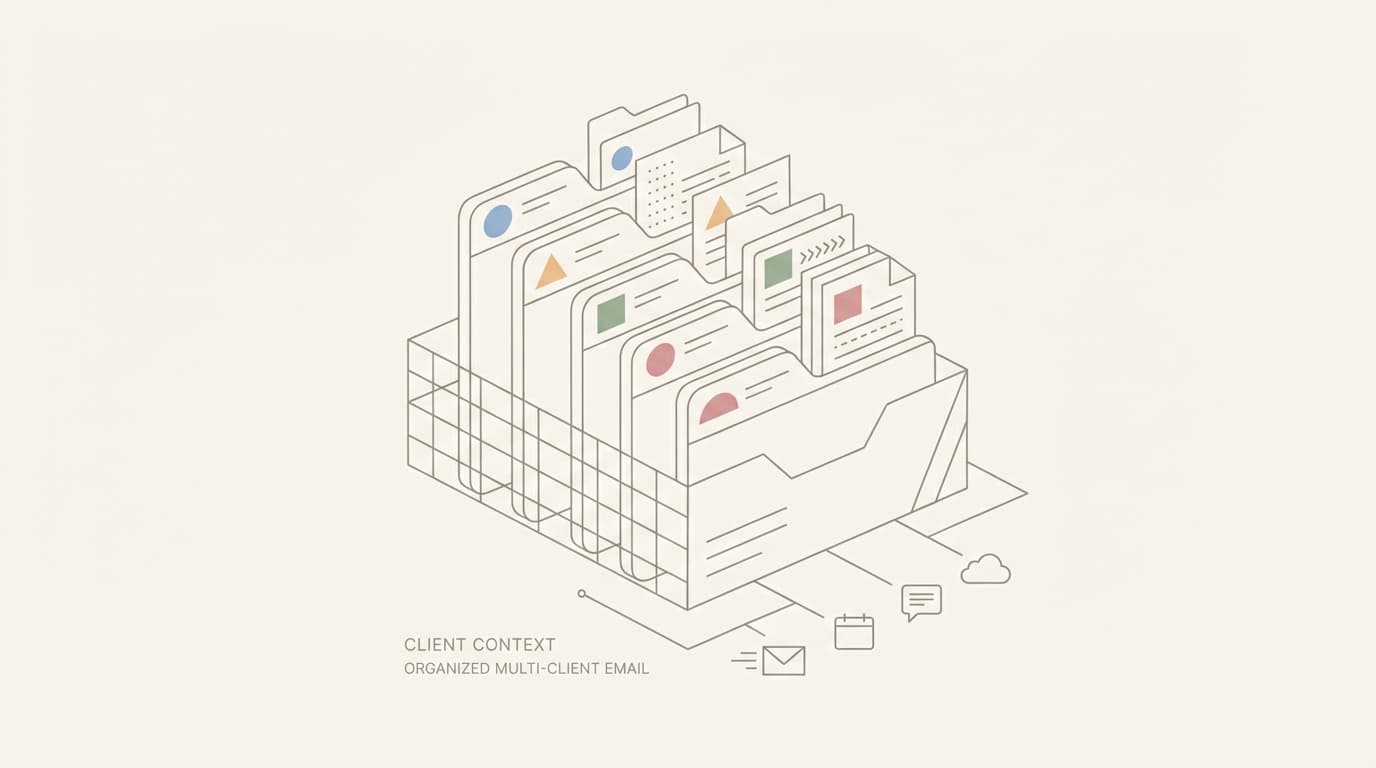
One inbox, twenty clients, zero room for mistakes. Here's how consultants and agencies separate client context to avoid costly errors and scale service delivery.
TL;DR
- Client work fails when context bleeds between threads: wrong attachments, wrong tone, wrong decisions referenced
- A review-first workflow creates a control boundary before every send, catching recipient and attachment errors
- Client labels and rules build a "context box" per thread so you see relevant history, files, and decisions before replying
- Batch processing Needs Reply by client prevents mental context switching that causes tone and detail mistakes
- Draft approval for calendar invites stops double-booking and timezone errors across client schedules
- Template-driven replies (Status, Decisions, Risks, Next Step, Question) keep communication consistent and auditable
- Missed follow-ups cost retainers; systematic waiting-on tracking per client prevents silent drop-offs
The Real Failure Modes of Multi-Client Inbox Work
A consultant managing twelve active clients sends 40-60 emails per day. The problems accumulate quietly:
Wrong recipient. You draft a candid status update for Client A's stakeholder, but the autocomplete suggests Client B's similar name. You send it. Client B now knows about Client A's timeline slip.
Wrong attachment. Client C asks for the revised proposal. You attach the file. It's Client D's proposal with their pricing and scope. Client C forwards it to their procurement team before you notice.
Wrong timeline. Client E references "the deliverable we discussed for next week." You vaguely remember the conversation but can't locate the thread. You agree. Two days later you find the original email: the deliverable is due in three days, not seven, and requires input you haven't gathered.
Wrong tone. You're responding to a terse email from Client F, a direct stakeholder who prefers bullet points. But you just came from a warm, detailed thread with Client G. Your reply to F is three paragraphs of context they didn't ask for. They reply: "Just answer the question."
Missed follow-up. You tell Client H you'll send the report Friday. Friday arrives. You're in back-to-back calls with Clients I, J, and K. Client H doesn't chase you; they quietly lose confidence. You remember on Monday.
Lost decision history. Client L's project pivots mid-stream. Three weeks later they reference the "original approach we agreed on." You have no timestamped record. The discussion happened across five fragmented threads with different subject lines.
These aren't edge cases. They're the operating conditions of every consultant inbox.
A Simple Framework for Client Separation
The fix is structural, not motivational. You need three layers:
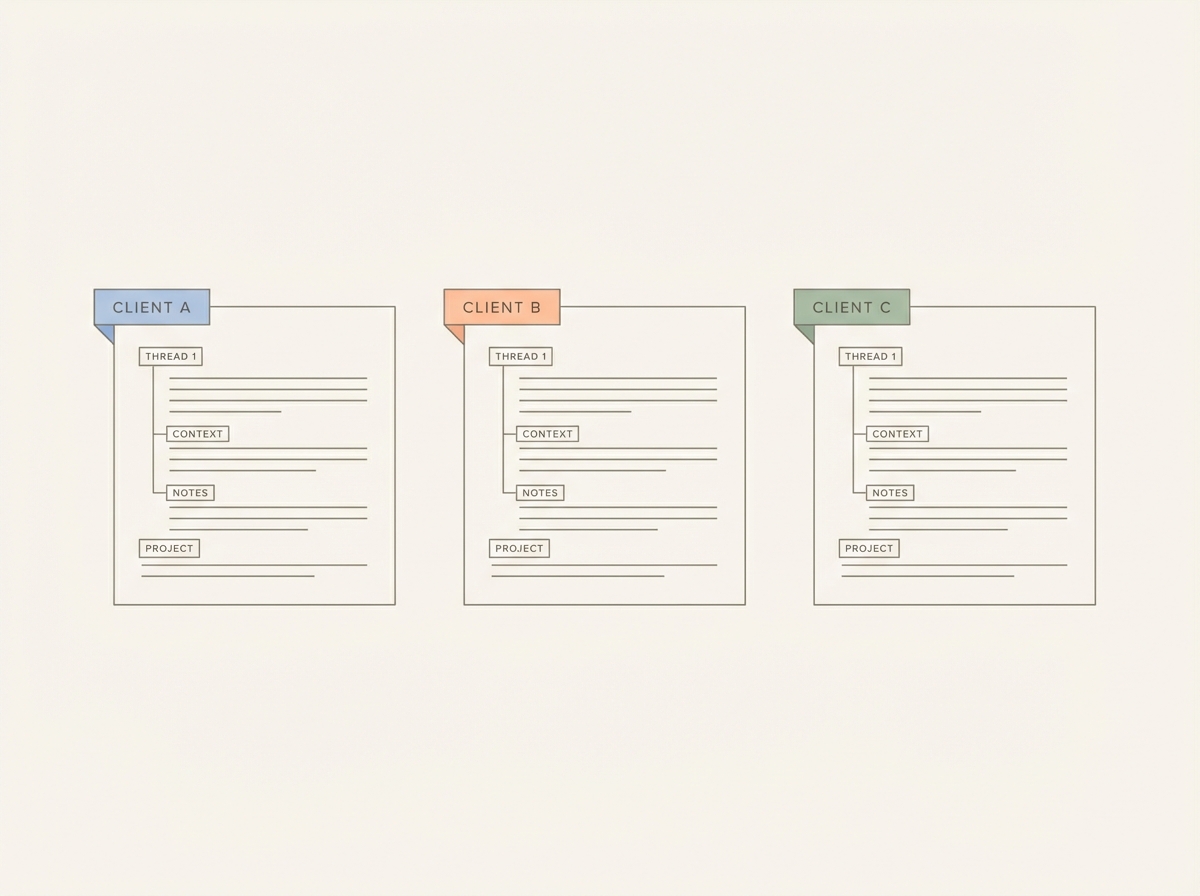
Layer 1: Client labels. Every thread gets tagged: Client Name or Client Project Code. This is the search boundary. When you're about to reply, you filter to that label and see only that client's threads.
Layer 2: Client-specific rules. Rules auto-populate context. Example: for Client M, a rule states "Reference the SOW dated Jan 15 for scope questions" and "CC [internal PM name] on all milestone updates." When you draft a reply to Client M, the rule surfaces this before you send.
Layer 3: Review-first drafts. Every reply sits in a draft state. You see the recipient list, the attachments, the subject line, and the body together before it goes. This is the control gate.
The combination creates a "client context box." Before replying, you:
- Pull up all threads with that client label
- Check the client-specific rule for standing instructions
- Review the draft with attachments and recipients visible
This takes 20 seconds. It prevents the six failure modes above.
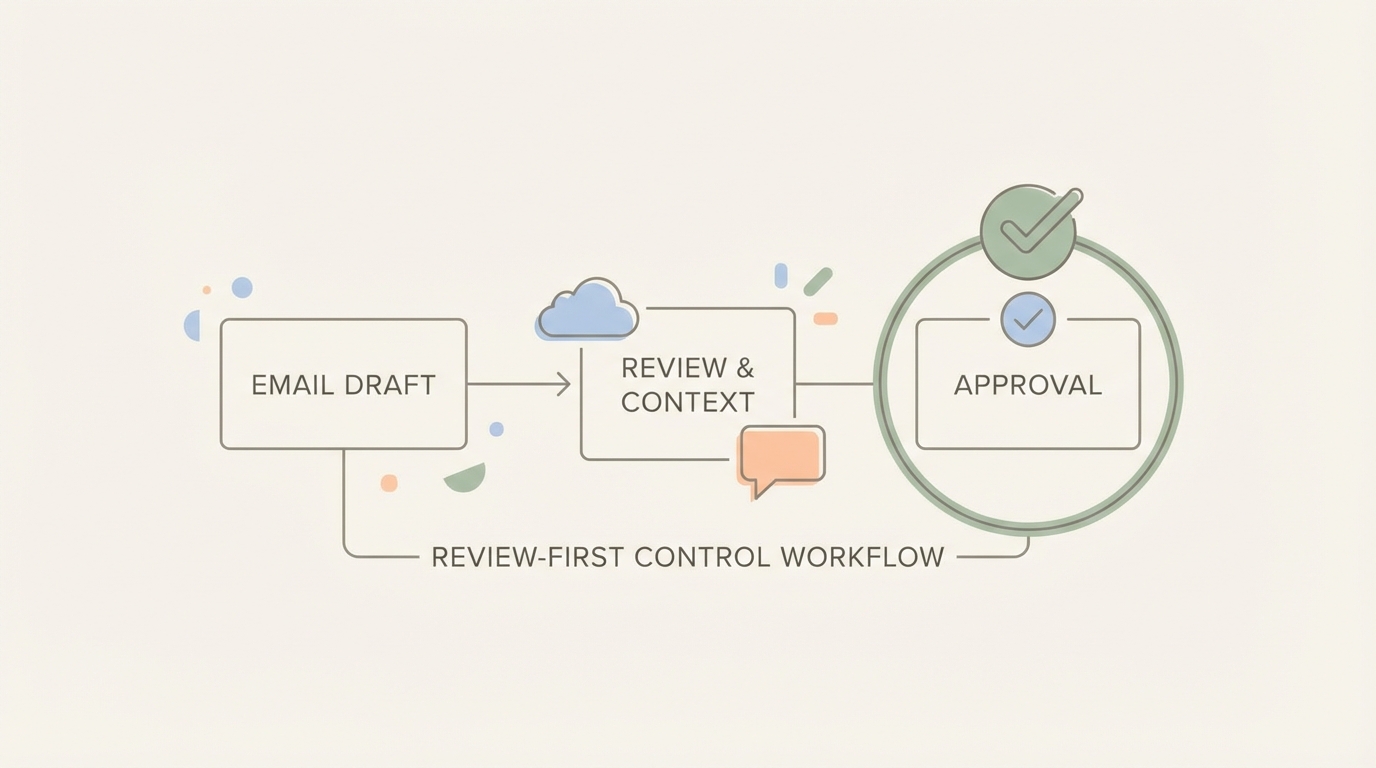
The Operational Workflow
Here's how consultants run this day-to-day:
Intake Triage Routine
Morning review: scan all new emails, apply client labels immediately. Unlabeled emails are either new business (prospects) or internal. Label them. The inbox at 9 AM should have zero unlabeled threads.
Assign status:
- Needs Reply: requires a substantive response
- Waiting: you're waiting on the client or a third party
- FYI: archived, no action needed
This takes 10 minutes and sets the day's scope.
Needs Reply Batching for Drafting
Group Needs Reply threads by client. Draft all Client A replies in one sitting, then move to Client B. This prevents the mental whiplash of jumping between Client A's compliance questions and Client B's creative brainstorm.
When drafting, the system shows:
- Recent threads with this client (last 10)
- Attachments exchanged in the last 30 days
- Open calendar holds with this client
- Any client rule prompts
You draft the reply. It sits in the draft tray. You move to the next thread. At the end of the batch, you review all drafts for Client A together, checking tone consistency and ensuring no detail contradicts an earlier thread. Then you send the batch.
Waiting Follow-Up Discipline for Each Client Thread
Every time you send "waiting on you" to a client, the thread gets labeled Waiting with a follow-up date. You review Waiting threads daily, filtered by client.
Client N hasn't replied in four days. You set a three-day follow-up when you sent the request. Today is day four. You draft the nudge: "Checking in on [specific ask]."
Without this discipline, Waiting threads sit silent until the client escalates or the project stalls.
Calendar Scheduling Safety for Client Calls with Draft Approval
Client O requests a call next Tuesday at 2 PM. You check your calendar. It looks clear. You draft the invite. Before it sends, you see:
- You already have a 1:30 PM call with Client P that often runs over
- Client O is in a different timezone; 2 PM your time is 8 PM theirs
- The last three calls with Client O included [specific colleague]; they're not on this invite
You adjust before sending. This prevents the scrambling "can we reschedule" email an hour before the call.
A Decision-Ready Template for Agencies
Use this structure for client updates and status replies. It keeps communication scannable and creates an audit trail:
Status: [One sentence on current state]
Decisions: [Bullets: what was decided, by whom, when]
Risks: [Bullets: what could delay or block progress]
Next Step: [Single action with owner and date]
One Closing Question: [Specific question that unblocks the next step]
Example:
Status: Draft presentation complete, awaiting your review.
Decisions:
- Scope limited to three case studies (your call 2/10)
- Presentation date moved to 2/24 (email 2/12)
Risks:
- Case study C data still pending from your finance team
Next Step: You review draft by 2/19, I incorporate feedback by 2/21.
One Closing Question: Should we add a contingency slide in case Case Study C data doesn't arrive in time?
This format works for delivery updates, scope clarifications, and milestone check-ins. It's consistent across clients, which makes it easier to write under pressure and easier for clients to parse quickly.
Three Realistic Scenarios
Scenario 1: Active Sales Prospect Client
Context: You're in late-stage conversations with Prospect Q. They've asked for a revised proposal, pricing clarification, and a reference call with an existing client. You're also talking to Prospect R, who has a similar company name.
Where context gets lost:
- Prospect Q emails you from two different addresses (personal and work); threads fragment
- Pricing discussed over three separate threads with different subject lines
- Reference call requires coordinating your Client S (the reference) and Prospect Q's VP
The workflow prevents it:
- All threads with Prospect Q get labeled "Prospect Q" regardless of subject line
- Your client rule for Prospect Q states: "Pricing: $18K base + $3K per module, quoted 2/8"
- When Prospect Q's VP requests the reference call, you draft the calendar invite. The system flags that Client S (the reference) has blocked Fridays. You propose Tuesday or Thursday instead
- Before sending the revised proposal, you review the draft. Attachment: "Proposal_ProspectQ_v3.pdf." Recipient: Prospect Q work email (verified). CC: your internal sales lead (per rule). You send.
Outcome: Prospect Q receives consistent answers across all threads. The reference call schedules cleanly. No pricing confusion.
Scenario 2: Delivery Client with Scope Creep and Attachments
Context: Client T is mid-project. Scope has expanded twice. You've exchanged 40+ emails and 15 attachments (wireframes, feedback docs, revised specs). They email: "Can you send the version we agreed on before the pivot?"
Where context gets lost:
- "The version we agreed on" could mean three different files from three different dates
- Subject line has changed twice; threads are split
- You can't remember which pivot they mean (there were two)
The workflow prevents it:
- All threads labeled "Client T - Project Atlas"
- You filter to that label, see all threads, sort by date
- Attachment list shows all files exchanged: you spot "Wireframe_v2_PrePivot_Jan22.pdf"
- You draft the reply: "Attaching the Jan 22 wireframe, which reflects scope before Pivot 1 (Jan 28 call). Let me know if you meant a different version."
- Before sending, you review the draft. Attachment: correct file. Recipient: Client T primary contact. You send.
Outcome: Client T gets the right file with context. No second round of "actually I meant the other version."
Scenario 3: Retainer Client with Recurring Reporting and Scheduling
Context: Client U pays a monthly retainer. You deliver a report on the 5th of each month and hold a review call on the 10th. This month you're managing four other active clients with overlapping deadlines.
Where context gets lost:
- The 5th arrives; you're in deep work for Client V. You forget to send Client U's report.
- Client U doesn't chase you (they assume you'll deliver). You remember on the 8th.
- The standing call on the 10th conflicts with a new client pitch. You forget to reschedule.
The workflow prevents it:
- Client rule for Client U: "Monthly report due 5th, call on 10th, contact: [name]"
- On the 3rd, the system flags upcoming Client U deliverables in your Needs Reply and Waiting review
- You draft the report email on the 4th. It sits in drafts. You send it on the 5th.
- On the 6th, you check your calendar for the week. The 10th call with Client U overlaps with the new pitch. You draft a reschedule request to Client U: "Can we move our 10th call to the 11th at 3 PM?" You check Client U's recent availability (they've accepted 3 PM slots before). You send.
Outcome: Report delivers on time. Call reschedules proactively. Client U sees you as reliable.
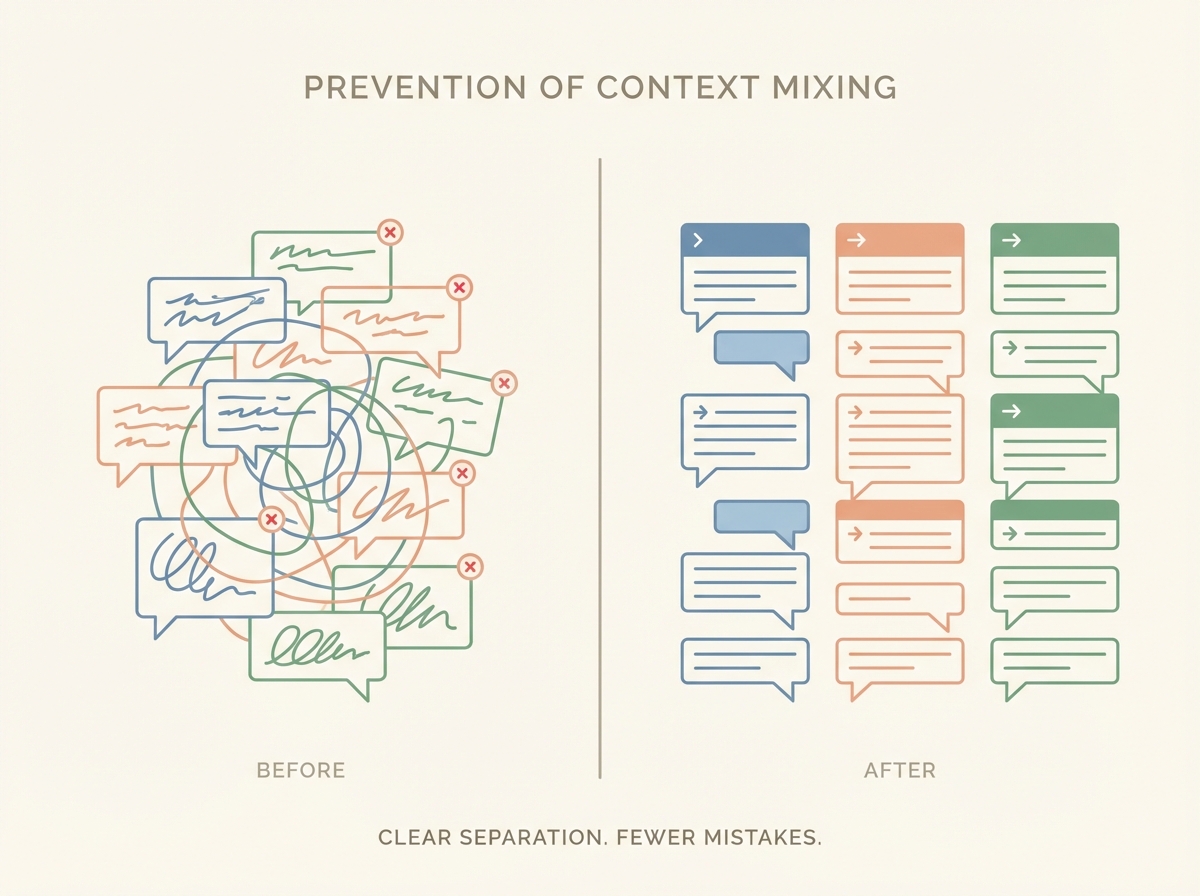
Common Mistakes and How to Prevent Them
Mistake 1: Autocomplete sends to the wrong client.
Prevention: Review every draft recipient list before sending. If you're replying to Client W, check that Client X (similar name) isn't in To or CC. The draft review step makes this a forced check.
Mistake 2: Attaching the wrong file.
Prevention: Name files with client codes: "ClientW_Proposal_v2.pdf" not "Proposal_v2.pdf." When you draft the reply, the attachment list shows the full filename. You catch "ClientX_Proposal_v2.pdf" before sending to Client W.
Mistake 3: Forgetting to CC the right internal stakeholder.
Prevention: Client rules specify standing CCs. "For Client Y, always CC [internal PM]." The system prompts you when drafting a Client Y reply if the PM isn't in CC.
Mistake 4: Sending before the client-specific detail is correct.
Prevention: Batch drafting by client. Draft all Client Z replies, then review them together for internal consistency. If Reply 1 says "deliverable on Friday" and Reply 3 references "next Monday's deliverable," you spot the contradiction before sending.
Mistake 5: Losing track of what you're waiting on per client.
Prevention: Label threads Waiting when you send the ball to the client's court. Daily Waiting review filtered by client. If Client AA hasn't replied in the expected window, you draft the follow-up nudge that day.
Mistake 6: Tone mismatch across clients.
Prevention: When drafting, see recent sent emails to that client in the context panel. If your last three emails to Client BB were brief bullets, your new draft should match. If Client CC prefers detailed explanations, adjust accordingly. The visible pattern guides tone.
FAQ
Q: I manage 20 clients. Do I really need a separate label for each one?
Yes. Labels are the search and filter boundary. Without them, you're scrolling through a mixed inbox hoping you remember all relevant threads. That's where mistakes happen. Set up labels once; use them forever.
Q: What if a client emails from multiple addresses or uses different subject lines?
Label all threads with that client manually during daily triage. The label unifies them. When you filter to Client DD, you see every thread regardless of subject line or sender address.
Q: How do I handle emails that involve multiple clients?
Rare, but it happens. Apply both client labels. When replying, filter to both labels to see relevant context from each. Be explicit in the reply: "Looping in Client EE and Client FF on this." The draft review step ensures both clients are actually in the recipient list.
Q: Isn't draft review slow? I need to move fast.
Draft review takes 10-20 seconds per email. Fixing a wrong-recipient email takes an hour (apology email, damage control, trust repair). Resending the correct attachment after sending the wrong one wastes 30 minutes and looks sloppy. The review step is faster than the mistakes it prevents.
Q: How do client-specific rules work if clients have different needs?
Each client gets a tailored rule. Client GG's rule might say "Always reference SOW dated Jan 5, CC [internal PM], they prefer bullet points." Client HH's rule might say "Detailed explanations, no CC needed, monthly report due 15th." You write the rules once based on each client relationship; the system surfaces them when drafting.
Q: What about clients I haven't heard from in a while?
Use Waiting follow-ups and date-based filters. If Client II went silent three weeks ago and you're waiting on their input, your Waiting review flags it. You decide whether to nudge or let it sit. Either way, it's a conscious decision, not an accidental drop.
Q: Can I still use this workflow if I'm juggling multiple email accounts for different client groups?
Yes. Apply the same structure within each account: labels, rules, draft review, Waiting tracking. If you consolidate accounts into one inbox (many email systems allow this), the workflow scales even better because you have one unified triage and review routine.
Q: What if I'm already using a CRM for client tracking?
CRMs track deals and project milestones. This workflow addresses the operational layer: daily email execution. They complement each other. Your CRM says "Client JJ deal closes Q1." Your inbox workflow ensures that when Client JJ emails you on Tuesday, you don't attach Client KK's file by mistake.
Conclusion
Multi-client consulting fails quietly. One wrong attachment, one missed follow-up, one mis-scheduled call. Clients don't usually complain; they just renew less often or refer you less enthusiastically.
The fix isn't working harder. It's adding a control layer: client labels to separate context, rules to encode standing instructions, and draft review to catch mistakes before they become apologies.
Jace gives you that layer. One inbox, any number of clients, zero room for the errors that cost trust.
