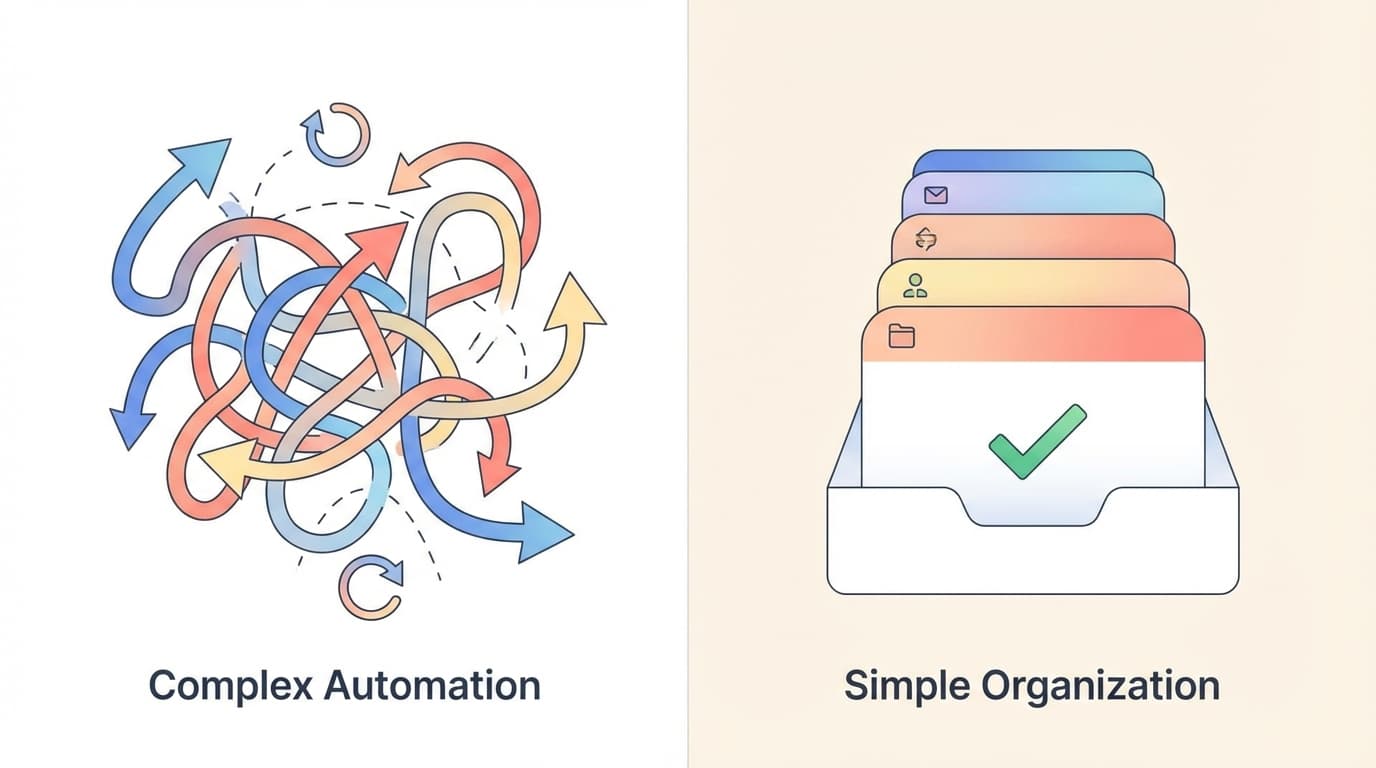
Automation Builders vs an Inbox Agent
Why Designing Workflows Is the Wrong Starting Point
It started as a two-hour project. A founder wanted to automate sales follow-ups. The logic seemed simple: if no reply in three days, send a nudge. If still nothing after a week, escalate to a different template.
Three months later, the workflow had seventeen conditional branches. It misfired when a prospect replied to an older thread. It sent a follow-up to someone who had already signed. The retry logic created duplicates. And when the original builder left the company, nobody knew which Zap or scenario owned which piece.
The founder spent more time babysitting the automation than the follow-ups would have taken manually.
This is not an edge case. This is what happens when you treat email as a pipeline instead of a conversation.
TL;DR
Workflow builders turn email automation into an engineering project. You design triggers, map conditions, handle exceptions, and maintain the system indefinitely. The result is often brittle: it works until context shifts, then fails silently or loudly.
An inbox agent takes a different approach. Instead of building workflows, you configure labels and rules. The agent reads your threads, drafts responses, and waits for your approval before anything sends. You stay in control without designing logic trees.
The trade-off is real: you review more. But you also catch mistakes before they reach a client, a vendor, or a board member.
For founders and operators who have inherited broken automations, this model removes the maintenance tax entirely.
The Hidden Cost of Workflow Builders
Every automation project starts optimistic. You map the happy path. Trigger fires, action executes, outcome achieved.
Then reality arrives.
Edge cases multiply. A client replies with "Thanks" and nothing else. Is that a close signal or a pause? The workflow cannot tell, so it sends the next step anyway. Now you look robotic, or worse, inattentive.
Retry logic creates noise. A webhook fails. The automation retries. The external service was just slow, so now the action runs twice. Duplicate calendar invites. Duplicate Slack messages. Duplicate emails asking for the same document.
Conditional branches compound. First you add one exception. Then another. Then a branch for a specific client. Then a branch for a specific template. Six months later, the workflow diagram looks like a subway map, and nobody remembers why the third condition exists.
Ownership drifts. The person who built it leaves. The documentation is sparse. The new hire is told "don't touch it, it mostly works." Mostly.
Monitoring becomes a job. You check run logs. You scan for failures. You field complaints when something slips through. The automation was supposed to save time. Instead, it demands attention.
This is the maintenance tax. It compounds quietly until the automation costs more than it saves.
Why Email Automation Breaks First
Email is uniquely hostile to rigid automation.
Thread context matters. A single thread can span weeks, involve five stakeholders, and shift topics mid-conversation. Workflow builders typically see the last message. They miss the history that explains why a certain response is appropriate or inappropriate.
Attachments carry decisions. A vendor sends a revised contract as a PDF. A client attaches a scope change. The automation does not read the document. It triggers based on keywords in the body, missing the actual substance.
Stakeholders change. Someone gets CC'd mid-thread. Someone else drops off. The automation does not notice. It sends a follow-up to the wrong person, or worse, excludes someone who needed to stay informed.
Timelines shift. A deal slips by two weeks. A project pauses. The automation does not know. It sends a "checking in" email the day after the client said they need more time. Now you look like you did not read their message.
Tone cannot be templated. A frustrated client requires a different response than an enthusiastic one. Workflow builders use the same template for both. The result feels generic at best, tone-deaf at worst.
These are not hypothetical failures. They happen constantly in organizations that automate email without accounting for its conversational nature.
The Inbox Agent Model
An inbox agent operates differently. Instead of building workflows, you define outcomes. The agent handles the execution, but the decision stays with you.
Here is the core concept: the agent reads your threads, understands context, and prepares decision-ready drafts. You review and approve. Only then does the email send.
This inverts the automation model. Workflow builders execute first and hope the logic was right. An inbox agent proposes first and lets you confirm.
Decision-ready drafts mean you are not starting from scratch. The agent has already read the thread, referenced relevant history, and written a response that fits the conversation. Your job is to review, edit if needed, and approve.
Review as the control boundary means nothing happens without your explicit confirmation. The agent can prepare ten drafts. None of them reach the recipient until you say so.
This model accepts a trade-off: you spend time reviewing. But that time is dramatically less than writing from scratch, and dramatically safer than trusting a workflow to get it right.
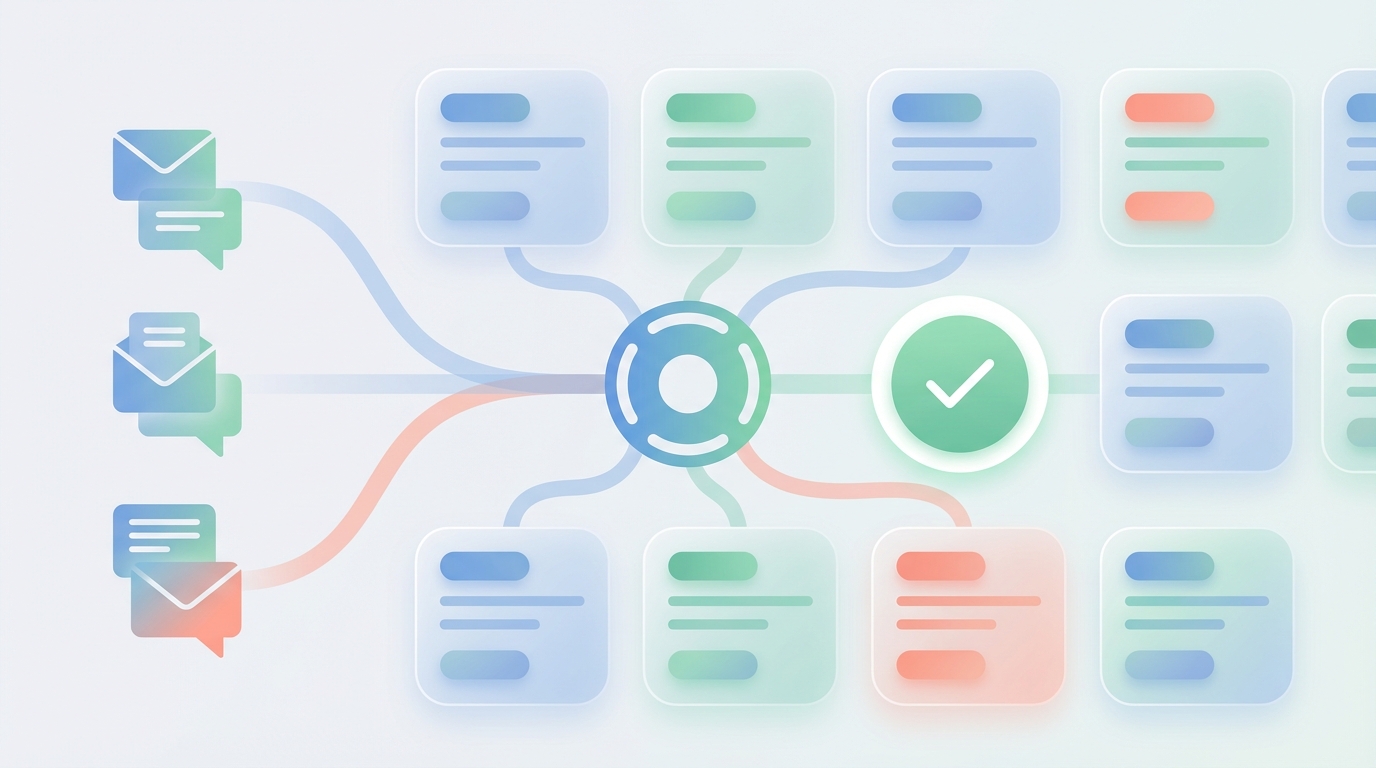
Label Triggers as a Simpler Control Surface
Workflow builders require you to define logic: if this, then that, unless this other thing, in which case do something else.
Labels are simpler. They describe states, not procedures.
Needs Reply marks threads waiting for your response. The agent sees this label and prepares a draft. You did not build a workflow. You just flagged an email.
Waiting marks threads where you are waiting on someone else. If three days pass without a reply, the agent drafts a follow-up. Again, no workflow. Just a label and a behavior.
This is a fundamentally different control surface. Instead of designing automation logic, you describe what you care about. The agent figures out how to help.
Labels also stay readable. Six months from now, you can look at your inbox and understand what is happening. "Needs Reply" means what it says. Compare that to parsing a seventeen-branch automation diagram.
The limitation is that labels are not infinitely flexible. You cannot build arbitrary multi-step sequences. But most email work does not need arbitrary sequences. It needs follow-ups, reminders, and drafts. Labels handle that cleanly.
A Review-First Safety Boundary
The most common fear with email automation is sending something wrong. Wrong recipient. Wrong tone. Wrong information. Wrong timing.
Workflow builders address this with testing and conditions. You try to anticipate every scenario. You add checks. You hope.
A review-first model addresses it structurally. Nothing sends without approval.
This applies to emails and calendar actions alike. The agent can draft a meeting invite, propose a time, and prepare the event. But the invite only goes out when you approve it.
For teams that need speed, there is an opt-in auto-send option per label. You can allow low-stakes emails to send automatically while keeping high-stakes threads on manual review. But this is not the default. The default is human in the loop.
The psychological shift matters. With workflow automation, you worry about what might go wrong. With review-first, you see exactly what will happen before it happens. The anxiety lifts.
Three Founder Scenarios
Scenario 1: Sales Follow-Up Loop Closure
The workflow-builder problem: You build an automation to follow up with prospects who go quiet. The logic seems simple until a prospect replies to a different thread, or replies with a vague "let me check internally," or replies after you already sent the follow-up. The automation does not detect these edge cases. You look pushy or disorganized.
The inbox agent approach: You label the thread "Waiting." After three days without a reply, the agent drafts a follow-up. You review the draft, see that the prospect actually did reply in a separate thread, and discard it. Or you see the draft is perfect and approve it. Either way, you caught the context the automation would have missed.
The trade-off: You have to check the draft. It takes thirty seconds. But those thirty seconds prevent the embarrassing "sorry, I already replied" response from the prospect.
Scenario 2: Vendor Invoice and Contract Thread
The workflow-builder problem: A vendor sends an invoice with an attached PDF. Your automation triggers a "received, will process" reply. But the PDF contains a pricing change you did not agree to. The automation already sent the acknowledgment. Now you have to backtrack.
The inbox agent approach: The agent reads the thread and the attachment. It drafts a reply that references the specific pricing discrepancy. You review, confirm the numbers, and approve. The vendor receives a response that addresses the actual issue, not a generic template.
The trade-off: The agent does not negotiate for you. You still need to decide how to respond to the pricing change. But at least you see it before anything sends.
Scenario 3: Scheduling a Call Without Ping-Pong
The workflow-builder problem: You try to automate scheduling. The automation proposes times. The recipient suggests different times. The automation cannot reconcile. You end up in manual back-and-forth anyway, except now there is also an automation sending outdated suggestions.
The inbox agent approach: The agent checks your calendar, identifies open slots, and drafts a reply with options. It also drafts a calendar event for your review. You approve the email and the event together. If the recipient counters, you see it and adjust. No orphaned automation trying to schedule something you already handled.
The trade-off: You still review the scheduling email. But the draft already has your actual availability, not a template with placeholder times.
How to Start Without an Automation Project
You do not need a project plan. You need thirty minutes.
First ten minutes: Labels. Create or enable labels that describe your inbox states. "Needs Reply" for threads awaiting your response. "Waiting" for threads awaiting someone else. These are your triggers.
Next ten minutes: Two rules. Write two natural language rules that shape how the agent drafts. Example: "For sales threads, keep follow-ups brief and reference the last concrete next step." Example: "For vendor threads, always confirm pricing and timeline before agreeing to anything." Rules guide behavior. They do not build workflows.
Final ten minutes: One routine. Pick a time each day to review drafts. Morning works for most people. The agent prepares overnight. You review in one batch. Approve, edit, or discard. Done.
That is it. No diagram. No conditional branches. No monitoring dashboard. Just labels, rules, and a review habit.
Common Mistakes
1. Over-automating before understanding the problem. You build a complex workflow for a process you do not fully understand yet. The automation encodes your incomplete assumptions. Instead: Start with labels and review. Let patterns emerge. Automate later, if ever.
2. Skipping review to save time. You enable auto-send for everything because review "takes too long." Then something wrong goes out. Instead: Keep review on for high-stakes threads. The time cost is real but small compared to the recovery cost.
3. Creating too many labels. You end up with fifteen labels, half of which overlap. The system becomes confusing. Instead: Start with two or three labels. Add more only when you have a clear, distinct use case.
4. Writing vague rules. Your rule says "be professional." That does not help the agent draft anything specific. Instead: Write rules that describe concrete behavior. "For investor threads, always include a specific next step and a timeline."
5. Expecting the agent to make decisions. You want the agent to decide whether to follow up or let a thread die. The agent prepares drafts. You decide. Instead: Treat the agent as a writer, not a strategist. Review is where your judgment applies.
6. Ignoring the Waiting label. You label threads "Waiting" but never review the follow-up drafts. The label becomes meaningless. Instead: Build the review habit. Check Waiting threads every two or three days. The agent already has drafts ready.
FAQ
Q: Can workflow builders handle email if I add enough conditions? In theory, yes. In practice, the conditions multiply faster than you can maintain them. Email context is too dynamic for static logic trees. Most teams eventually abandon or simplify their email automations.
Q: What if I need to send emails automatically without review? Review-first does not mean review-only. You can enable auto-send for specific labels where the stakes are low. But the default keeps you in control.
Q: How is an inbox agent different from a chatbot or prompt-driven assistant? Chatbots wait for you to ask. An inbox agent monitors your inbox, reads threads proactively, and prepares drafts based on labels and rules. You do not prompt it each time. It works in the background.
Q: What happens if the agent drafts something wrong? You see it before it sends. Edit or discard. The review step is the safety boundary. Nothing reaches the recipient without your approval.
Q: Can I use this on top of my existing email client? Yes. Jace works on top of Gmail and Outlook. It does not replace your client. It adds a layer that handles drafting and review.
Q: How much email history does the agent see? Up to three years, prioritizing recent and important threads. The agent reads full threads including quoted replies, so it understands context even in long conversations.
Q: What about attachments? The agent reads text-based PDFs, Word documents, images, and text files. It references attachment content when drafting replies.
Q: Is this just for founders? Founders, operators, team leads, anyone managing high-volume email where mistakes are costly. If you have tried automation projects and ended up maintaining them instead of benefiting from them, this model is worth considering.

CTA
If designing workflows has not solved your email problem, try a review-first approach. Jace prepares drafts, you approve what sends. No automation project required.
